
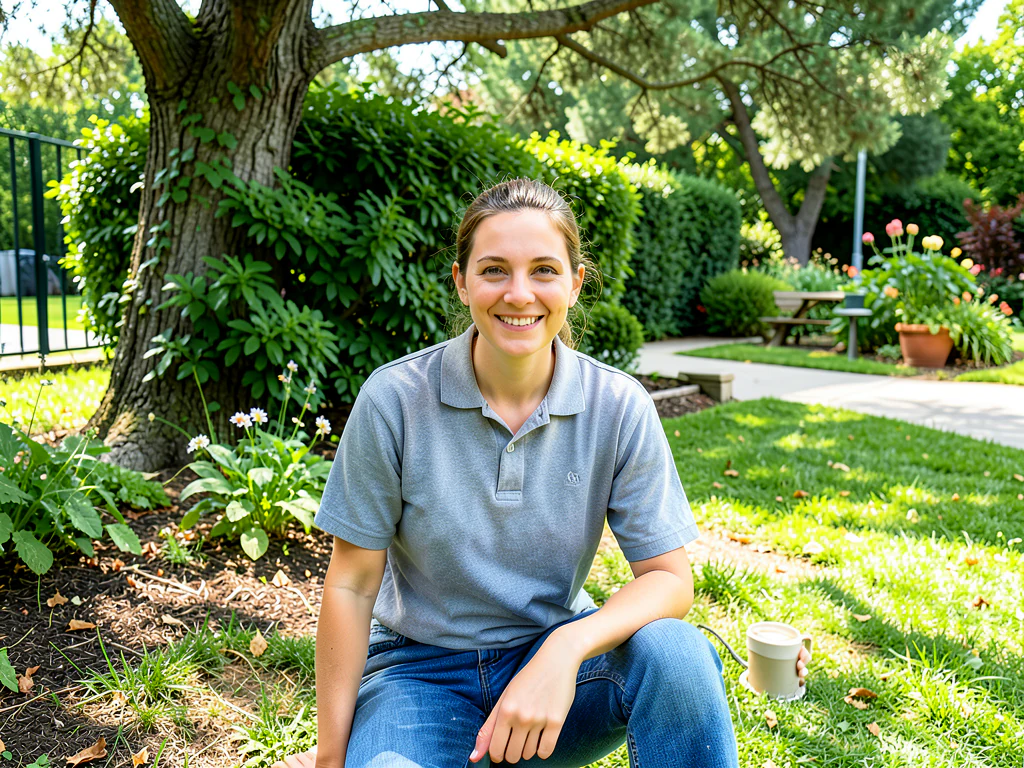

精准 AI 图片编辑
AI 图片编辑器:编辑、替换、扩图和重新布置
专为精准、高质量编辑打造 · AI 结果可能不同
描述想要的结果,让自动编辑区域检测完成整场景修改。只有精确放置、物体替换或可选细化时才需使用画笔。
- 一个流程,多种专注编辑模式
- 自动完成场景布置、清理、天空和背景处理
- 扩图与宽高比转换会精确复制预处理后的原始画面
选择图片
支持 JPG、PNG、WebP、HEIC 及其他格式。此工具的上传上限为:Free 套餐 20 MB,Premium 及以上套餐 50 MB。
Purpose-built AI editors
Choose a focused image-editing workflow
Every workflow uses the same protected editing engine, with task-specific controls, prompts, and guidance.

水印去除
上传照片,自动检测覆盖内容的位置并修复对应区域。
Open workflow
AI 人像换背景
选择与人像光线相符的场景,然后检查主体边缘。
Open workflow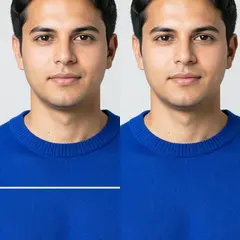
修复照片损伤
用细画笔覆盖每条裂痕及其浅色边缘。较大面积的缺失请选用“撕裂区域”。
Open workflow
AI图像扩展器
选择目标宽高比,可选描述缺失场景,再围绕原照片生成更大的构图。
Open workflow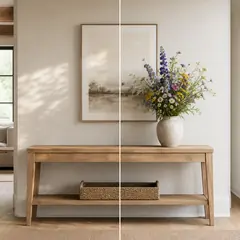
AI生成填充
涂出选区,描述替换内容,并在下载前检查结果。
Open workflow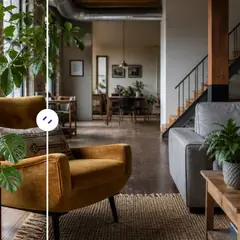
AI 对象移除器
描述物体及其位置,自动生成清理后的场景,或手动细化区域。
Open workflow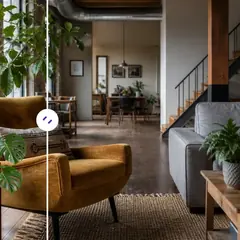
AI对象替换器
标记物体,并描述要用什么替换。下载前请检查替换结果及周边区域。
Open workflow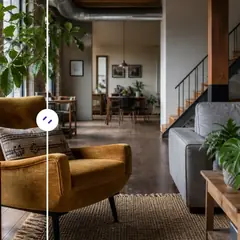
使用 AI 将对象添加到照片中
选择空白区域,描述物体,在所选空间内生成。
Open workflow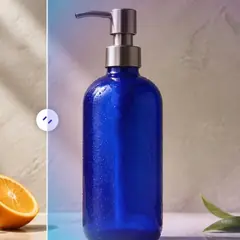
AI背景变换器
选择场景预设或描述全新环境,主体会被自动分离。
Open workflow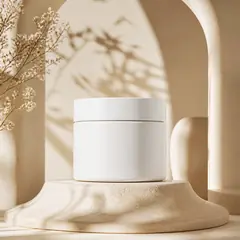
AI产品背景生成器
选择场景设置,为产品生成周围环境。使用前请检查产品边缘和细节。
Open workflow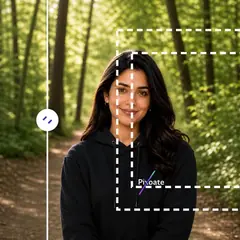
AI 裁剪图像
选择更宽裕的画面比例,在当前裁剪范围外重建合理空间。
Open workflow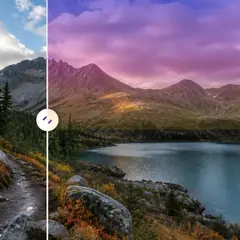
AI天空替换
选择天空预设,或描述想要的天空氛围。
Open workflow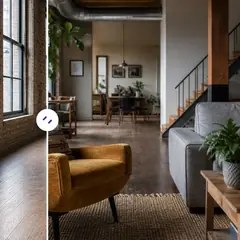
人工智能房间舞台
选择房间风格,调整指令,自动生成完整布置概念。仅在需要时细化可编辑区域。
Open workflow
AI产品场景生成器
选择生活或营销场景,围绕商品生成对应画面。
Open workflow
虚拟舞台人工智能
选择房间用途和风格,自动生成完整挂牌展示概念。特殊布局仍可手动细化。
Open workflow
人工智能房地产照片编辑器
选择房产任务预设:自动流程无需涂选,位置敏感的编辑会要求精确选区。
Open workflow使用 人工智能图像编辑器 可以做什么
在开始之前查看主要功能。
- 将照片扩展为方形、纵向或横向布局
- 用新描述的内容填充绘制区域
- 删除或替换照片中选定的对象
- 更改天空、背景、天气或场景样式
- 在保留其建筑风格的同时布置空房间
- 将产品照片放入工作室或生活场景中
- 保护绘制的本地编辑之外的原始像素
设置参考
5 个设置
人工智能图像编辑器 的可用控件。
编辑
- 编辑类型下拉框
- 选择集中的编辑工作流程,以便一致地处理图像、提示、可选选择和输出形状。选项: 去除水印划痕修复基于文本的编辑生成填充魔术橡皮擦对象替换器背景更换器产品背景人工智能拓展取消裁剪图像风景转肖像纵向转横向天空更换房间布置产品场景专业爆头
- 描述编辑内容文字输入
- 用最多 1000 个字符描述视觉变化;对象移除、替换和场景更改需要它,而扩展可以在没有额外指示的情况下运行。
选择
- 选择画笔大小滑块范围: 16–160px · 默认: 64px
- 生成填充和对象替换需要绘制区域。自动清理、背景、天空和暂存模式仅通过手动调整区域来暴露相同的画笔;手动选择之外的像素将从准备好的源中恢复。
输出
- 扩大纵横比预设
- 选择新的画布形状以扩展和取消裁剪工作流程,同时保留生成框架内的原始图像。选项: 方形 1:1肖像 4:5故事9:16宽屏 16:9肖像 3:4风景 4:3
- 要求人工智能保留受试者身份和产品详细信息开/关
- 要求编辑保留主要主题的形状、身份、徽标、标签和可读文本,除非您的指示明确更改它们。
免费使用 · 无需注册 · 无水印上传过程全程加密传输已根据我们的数据保留政策移除























