
水印工具

为图片添加水印 — 免费

用文字或徽标水印保护你的照片——调节不透明度、位置和平铺,然后以完整质量下载。

  • 文字或徽标水印,可平铺或单个放置
  • 控制不透明度、大小和位置
  • 免费 · 无需注册 · 文件自动删除

JPG、PNG、WEBP 等 · 最大 50 MB

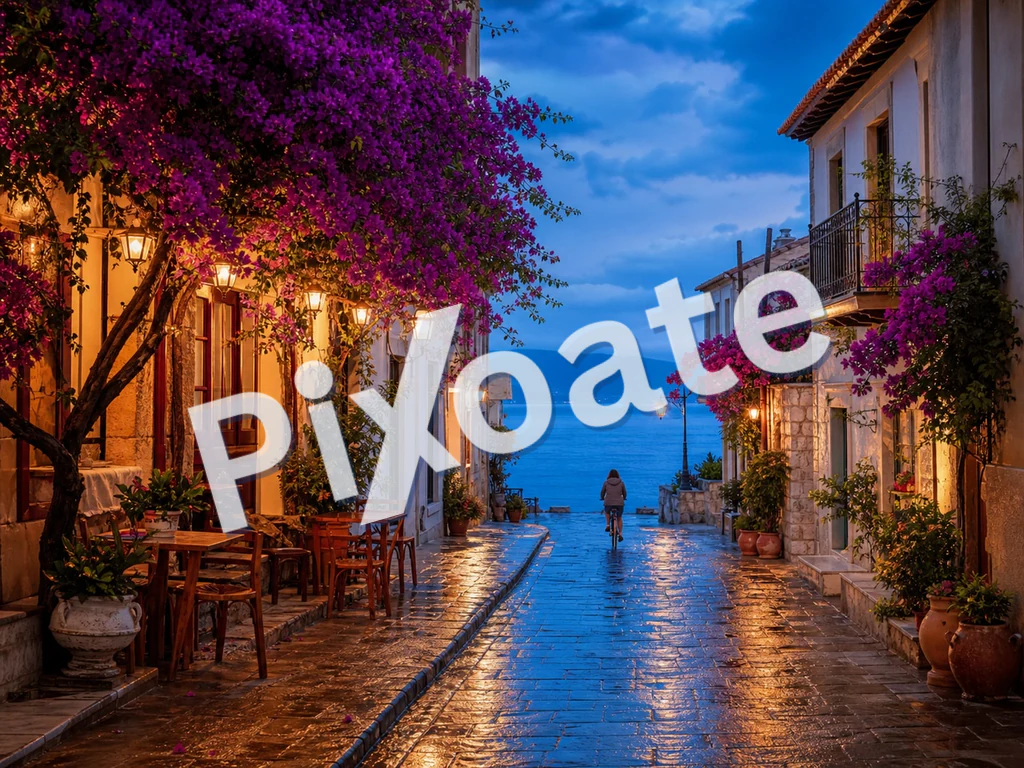
© PIXOATE© PIXOATE© PIXOATE© PIXOATE© PIXOATE© PIXOATE© PIXOATE© PIXOATE© PIXOATE© PIXOATE© PIXOATE© PIXOATE© PIXOATE© PIXOATE© PIXOATE© PIXOATE© PIXOATE© PIXOATE© PIXOATE© PIXOATE© PIXOATE© PIXOATE© PIXOATE© PIXOATE
Watermark added

拖入一张或多张图片以添加水印

文件在处理后自动删除通过 HTTPS 安全处理

Frequently Asked Questions

拖入一张或多张图片,切换到「文字」标签,输入你的水印文字(©、™、品牌名称等),并实时调整字体、颜色、位置、不透明度、缩放和旋转。预览会随着你的调整而更新;满意后,单张图片点击「下载」,批量则点击「全部下载(ZIP)」。

usage

Yes — drop or select dozens of images and the same watermark settings are applied to every one. Output is packaged as a single ZIP so you can save it once and unzip into your delivery folder. Your images are uploaded to our secure server to composite the final watermark and are automatically deleted afterward; we never keep or share them.

features

两种都可行——文字水印设置更快、易于辨认;徽标水印能强化品牌识别,在作品集场景中显得更专业。对于客户相册,将低透明度的徽标斜向铺满照片,可防止他人免费下载、损害你的授权收入。

tips

可从九种位置预设(四角、边缘、中心)中选择,或选择「平铺(重复)」用水印的重复图案覆盖整张图片。平铺模式是最强的防盗选择——任何想使用该图片的人都必须从每个区域移除水印。

features

选择一种对比色(深色场景用白色,浅色场景用黑色),或使用 30-40% 不透明度的中性灰,在两种场景下都清晰可辨。不透明度滑块以 5% 为步进,从 5% 到 100% 可调,方便你在可见性与美观度之间找到合适的平衡。

tips

PNG 输入保持为 PNG(无损);JPG 输入则以 92% 的画质重新编码,对于几乎所有摄影作品而言,肉眼都无法与原图区分。处理过程中会去除 EXIF 元数据——在公开分享时有助于保护隐私。

quality

Yes. The on-screen overlay you see while adjusting sliders is only a browser approximation; the final watermark is composited on our secure servers for pixel-accurate, full-resolution output, and the file is deleted automatically afterward. We never keep or share your images — but if you need a strict never-uploaded guarantee for confidential imagery, use a desktop watermarking tool that runs fully offline.

privacy

是的——加水印免费使用,并配有充裕的每日额度,我们绝不会在你的输出中添加自己的标识。一次性批量为多张图片加水印(例如将整本婚礼相册打包成一个 ZIP)是 Premium 功能。

pricing

不是。这是一款水印添加工具,而非去除工具。它会把你自己的文字或徽标水印添加到你拥有的照片上;它不会擦除或抹掉图片中已有的水印。

features

The Font dropdown offers six typefaces — system-ui, Arial, Georgia, Courier New, Impact and Times New Roman — covering clean sans-serif, classic serif and bold display looks. The separate Bold checkbox thickens whichever font you pick, which helps small watermark text stay legible at low opacity or small scale.

features

The Scale slider runs from 2% to 40% of the image and sets how large the text or logo renders regardless of the photo's resolution, so the same setting looks consistent across a batch of differently-sized images. Use 8-15% for a discreet corner mark and 25%+ for a bold, hard-to-crop-out logo watermark.

features

The Rotation slider swings from -90° to 90° and angles your text or logo diagonally across the photo instead of sitting flat. A 30-45° rotation is a common anti-theft trick because it makes the watermark harder to crop out cleanly while still reading naturally left-to-right.

tips

Yes — the Quick text row offers one-click presets including the current year copyright symbol, CONFIDENTIAL, DRAFT, SAMPLE, DO NOT COPY and PREVIEW. Clicking one instantly fills the watermark text field, which you can still edit afterward if you need a variation.

usage

For a subtle brand mark, use Bottom-right position, 10-15% scale, 30-40% opacity and a color that contrasts gently with your typical backgrounds. For strong anti-theft protection, switch Position to Tile, raise opacity to 40-50%, set rotation to around 30-45° and increase scale slightly — this covers the whole frame so no single crop can remove it.

tips

Upload a PNG with a transparent background for the cleanest logo watermark — a logo with a solid white or colored background will render as an opaque block sitting on top of the photo instead of blending in. JPG logos work too, but only if you're fine showing that background color over every photo. Switch to the Logo tab and use the 'Upload logo' file picker; the live preview updates immediately so you can check the look before applying it.

features

The on-screen preview is an approximate overlay so it can update instantly as you drag sliders; the actual watermark is composited on the server using precise pixel positioning for each image's exact resolution. Position, scale, rotation and opacity all carry over exactly, but minor differences in font rendering or edge anti-aliasing can appear between the browser preview and the final render. If you're watermarking mixed-size images in a batch, check the downloaded ZIP rather than judging the whole set from a single file's preview.

technical

Every photo you add is uploaded to our backend, which composites the text or logo watermark at full resolution and returns a processed file (or a ZIP for a batch) for you to download — it is not rendered entirely client-side with canvas and JSZip. Files are still handled securely and auto-deleted after processing, the same as every other tool on the site; only the live on-screen preview you see while dragging sliders runs locally, as an approximation of the final server-rendered result.

privacy

How Watermark Image helps you get it done

Real problems it solves every day — for businesses, creators, and everyday tasks. Find the use case that fits you and start in seconds.

Photography

摄影师作品集保护

为客户预览相册添加淡淡的版权水印,让客户能看到作品,同时即使作品被盗用转发也仍会标注你的署名。一次上传即可批量处理整组拍摄,打包下载后交付客户。

For E-commerce

电商产品品牌打造

为每张产品照片打上你的店铺 Logo 或 URL,这样当顾客截图分享时,你的品牌也随图片一起传播。平铺模式覆盖每个区域,实现最大化曝光。

Real Estate

房源信息

为每张房源照片添加中介品牌标识,这样即使图片被抓取并转发到第三方网站,中介署名也能得到保留。在角落添加标志水印是这种场景下最常见的做法。

Events

会议与活动报道

拍摄活动的摄影师在向参与者和赞助商分享前,为图库中的每张照片打上活动标志。既能带动社交互动,又能防止未经授权的商业使用。

For Business

图库照片预发布

向图库代理机构或授权平台投稿时,「PROOF」或「SAMPLE」水印可防止在审核期间被免费使用。作品被采用后再移除水印即可。

Marketing

批量社交媒体帖子

在排期前,为整个文件夹的社交媒体图片统一添加品牌水印。省去每条贴文都要在 Canva 手动处理的麻烦。

Education

Course & Ebook Screenshot Protection

Instructors watermark lesson screenshots and slide exports with a tiled 'CONFIDENTIAL' or course-name mark so paid course content can't be freely reshared outside the platform.

Legal

案卷与证据照片盖章

Stamp scanned evidence or inspection photos with a case reference and a rotated 'CONFIDENTIAL' watermark using Tile position, making unauthorized redistribution of sensitive documents obvious.

Publishing

Museum & Archive Digital Collection Credit Lines

Stamp high-resolution scans of artwork, manuscripts or artifacts with an institution credit line before publishing them online, so the collection stays publicly viewable while every reused image still carries proper attribution.






















