
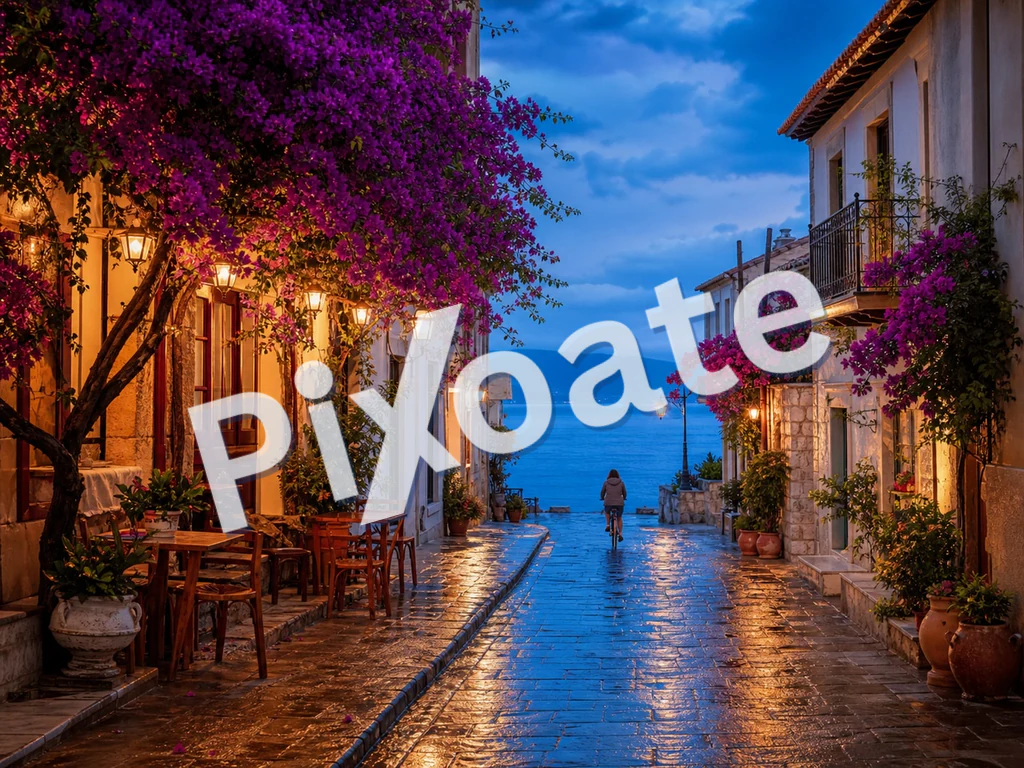
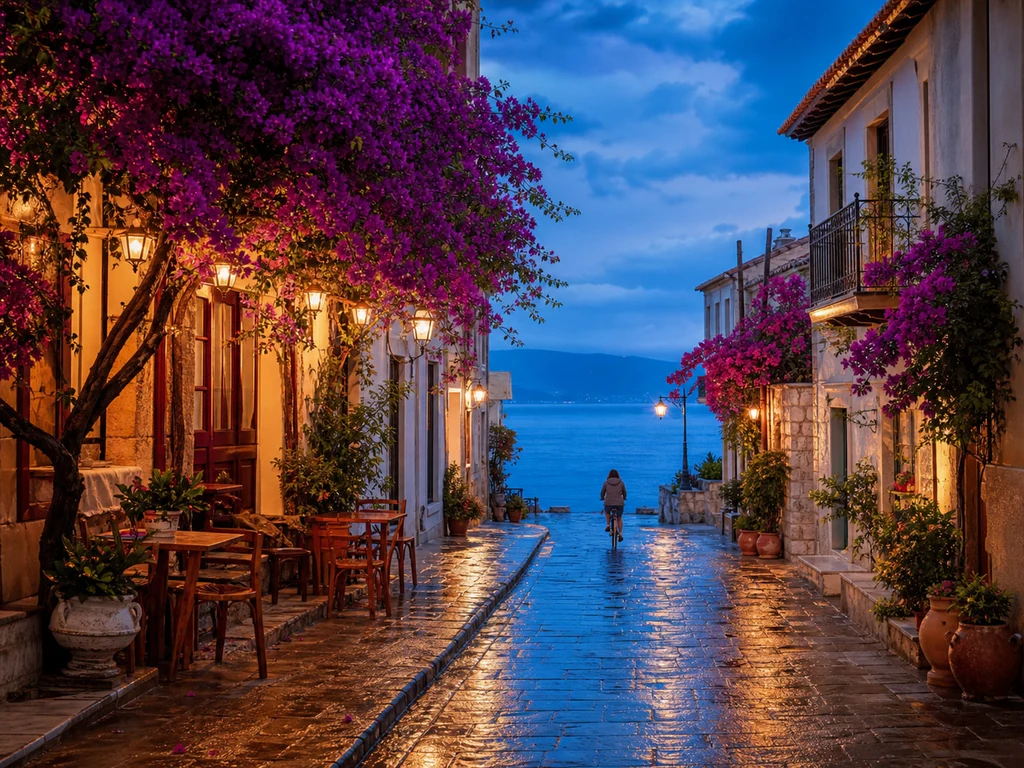
صورة العلامة المائية عبر الإنترنت - أضف نصًا أو شعارًا علامة مائية مجانًا
JPG، PNG، WEBP والمزيد
ترسل البراهين وتعود إليك مُعاد نشرها بدون اسمك عليها. قم بوضع علامة مائية على كل صورة باستخدام النص أو الشعار الخاص بك قبل أن تترك يديك.
- ختم اسمك أو شعارك على الأدلة قبل إرسالها
- علامات مائية نصية أو شعارية، مقسمة على الصورة أو توضع مرة واحدة
- اضبط درجة العتامة والحجم والموضع بحيث تحمي اللقطة دون إتلافها
ألقِ صورتك، ضعي رسالتكِ أو شعاركِ و تحميل نسخة مميّزة
ما يمكنك فعله باستخدام علامة مائية على الصورة
قم بمراجعة القدرات الرئيسية قبل البدء.
- أضف علامة مائية على صورك
- ضع شعارك عبر صور المنتج
- حماية الصور من إعادة استخدامها بدون ائتمان
- الموقع والتناوب واستعادة العلامة المائية
- وضع ظلم لعلامات الماء من أجل تضخيم
- وشم الكثير من الصور في آن واحد و تحميل ZIP
مرجع الإعدادات
11 إعدادًا
عناصر التحكم المتاحة لـ علامة مائية على الصورة.
علامة مائية
- علامة مائيةالإعدادات الجاهزة
- يبدّل العلامة المائية بين نص مكتوب وصورة شعار مرفوعة؛ وتتغيّر عناصر التحكّم أدناه لتناسب النوع المختار.الخيارات: نصالشعار
- نص سريعالإعدادات الجاهزة
- عبارات جاهزة بنقرة واحدة مثل سطر حقوق النشر أو «سري» أو «مسودة»، تملأ حقل نص العلامة المائية فورًا وتبقى قابلة للتحرير.الخيارات: © 2026© Pixoateسريمسودةعينةممنوع النسخمعاينة
- نص العلامة المائيةمدخلات نصية
- النص الدقيق الذي يُطبع على كل صورة؛ اكتب عبارتك الخاصة أو ابدأ من نص جاهز وعدّله.
- الخطهبوط
- نوع الخط المستخدم للعلامة المائية النصية، من خط أنيق بلا زوائد إلى خط كلاسيكي بزوائد وأنماط عرض عريضة؛ اختر خطًا يظل مقروءًا في الأحجام الصغيرة.الخيارات: system-uiArialGeorgiaCourier NewImpactTimes New Roman
- عريضتشغيل / إيقاف
- يُثخّن نص العلامة المائية ليبقى مقروءًا حتى عند العتامة المنخفضة أو الحجم الصغير.
- اللونمختار كولور
- يحدّد لون العلامة المائية النصية عبر أداة اختيار كاملة أو عيّنات ألوان جاهزة بضغطة واحدة؛ اختر درجة تتباين مع صورك.الخيارات: #ffffff#000000#dc2626#16a34a#1e40af#4387f4#eab308
- ارفع الشعار (يفضّل PNG بخلفية شفافة)مدخلات الملف
- صورة ثانوية تُستخدم كعلامة مائية عند اختيار تبويب «الشعار»؛ وملف PNG شفاف يمتزج بأنظف شكل فوق صورك.
الموضع
- الموضعالإعدادات الجاهزة
- يضع العلامة المائية في أحد تسعة مواضع على الصورة، أو يكررها كالبلاط عبر الإطار كله لحماية أقوى من النسخ.الخيارات: أعلى اليسارأعلىأعلى اليمينيساروسطيمينأسفل اليسارأسفلأسفل اليمينبلاط
- التدويرالمنزلقيتراوح: -90–90° · افتراضي: 0°
- يميل العلامة المائية حتى 90 درجة في أي من الاتجاهين؛ والميل القُطري يُقرأ بشكل طبيعي ويصعب قصّه من الصورة.
النمط
- الشفافيةالمنزلقيتراوح: 5–100% · افتراضي: 50%
- درجة وضوح العلامة المائية، من 5% خافتة إلى تعتيم كامل؛ وتُبقي القيم المنخفضة الصورة ظاهرة بوضوح تحتها.
- التحجيمالمنزلقيتراوح: 2–40% · افتراضي: 18%
- حجم العلامة المائية كنسبة مئوية من كل صورة، بحيث تبقى نسبتها متسقة عبر صور بأحجام مختلفة داخل الدفعة الواحدة.
الأدوات ذات الصلة بـ علامة مائية على الصورة
أدوات للخطوات التالية الشائعة بعد علامة مائية على الصورة.

PDF والمستندات
علامة مائية على PDF
أضف نصًا مثل سري أو مسودة عبر صفحات PDF بخط ولون وعتامة وزاوية قابلة للتعديل.
جرّبه الآن
الإبداع والتصميم
إضافة نص إلى الصورة
أضف نصًا منسقًا بخطوط وألوان ومخططات تفصيلية مخصصة إلى تنسيقات الصور المدعومة، ثم قم بتنزيل الصورة المعدلة.
جرّبه الآن
تحرير الصور والأدوات المساعدة
ضغط الصورة إلى KB
قم بضغط ملفات JPG أو PNG أو WebP بالحجم المختار مثل 20 كيلو بايت أو 50 كيلو بايت أو 100 كيلو بايت، ثم قم بمراجعة النتيجة.
جرّبه الآنالأسئلة الشائعة
كيف تساعدك علامة مائية على الصورة على إنجاز مهمتك
فهو يحل المشكلات الحقيقية كل يوم، للشركات والمبدعين والمهام اليومية. ابحث عن حالة الاستخدام التي تناسبك وابدأ.
حماية معرض المصور
أضف علامة مائية خفيفة لحقوق النشر إلى معاينات معرض العميل ليتمكن العملاء من رؤية العمل بينما تظل النسخ المسروقة والمعاد نشرها تنسب الفضل إليك. عالج جلسة التصوير بأكملها برفعة واحدة، ونزّلها بصيغة ZIP، وأرسلها إلى العميل.
العلامة التجارية لمنتجات التجارة الإلكترونية
اختم كل صورة منتج بشعار متجرك أو رابط URL، حتى عندما يلتقط المتسوقون لقطة شاشة ويشاركونها، تنتقل علامتك التجارية مع الصورة. يغطي الوضع المتكرر كل جزء لتحقيق أوسع انتشار.
إعلانات العقارات
أضف علامة تجارية متسقة للوكالة إلى قائمة الصور قبل نشرها. شعار زاوية صغير يبقي الخاصية مرئية أثناء تحديد المصدر.
تغطية المؤتمرات والفعاليات
يضع المصوّر الذي يغطّي فعالية شعار الفعالية على كل صورة في المعرض قبل مشاركتها مع الحضور والرعاة. يعزّز التفاعل الاجتماعي ويحمي من الاستخدام التجاري غير المصرّح به.
الإصدار المسبق لصور المخزون
عند تقديم الأعمال إلى وكالات الصور المخزّنة أو منصات الترخيص، تمنع العلامة المائية "PROOF" أو "SAMPLE" الاستخدام المجاني خلال فترة المراجعة. أزِل العلامة المائية عن الأعمال المقبولة.
منشورات مجمّعة لوسائل التواصل الاجتماعي
طبّق علامة مائية متسقة لعلامتك التجارية على مجلد من صور التواصل الاجتماعي قبل جدولتها. يوفّر عليك المرور اليدوي على Canva لكل منشور على حدة.
حماية لقطات شاشة الدورات والكتب الإلكترونية
يضيف المدرّسون علامة مائية إلى لقطات شاشة الدروس وصادرات الشرائح بعلامة 'CONFIDENTIAL' متكررة أو باسم الدورة بحيث لا يمكن إعادة مشاركة محتوى الدورة المدفوع بحرية خارج المنصة.
ختم صور ملفات القضايا والأدلّة
اطبع على الأدلة الممسوحة أو صور الفحص مرجع القضية وعلامة مائية مدوّرة بكلمة 'CONFIDENTIAL' باستخدام وضع التبليط (Tile)، بحيث يصبح إعادة توزيع المستندات الحساسة دون إذن أمرًا واضحًا للعيان.
أسطر حقوق المجموعات الرقمية للمتاحف والأرشيف
اطبع سطر نسب المؤسسة على المسوحات عالية الدقة للأعمال الفنية أو المخطوطات أو القطع الأثرية قبل نشرها عبر الإنترنت، ليبقى المجموعة متاحة للعرض العام بينما تحمل كل صورة يُعاد استخدامها الإسناد الصحيح.
أدلة هذه الأداة
شاهد كل تحويل عند اكتماله
تعبر كل صورة خط المقارنة من دون تعديل وتظهر في الجهة الأخرى مكتملة.























