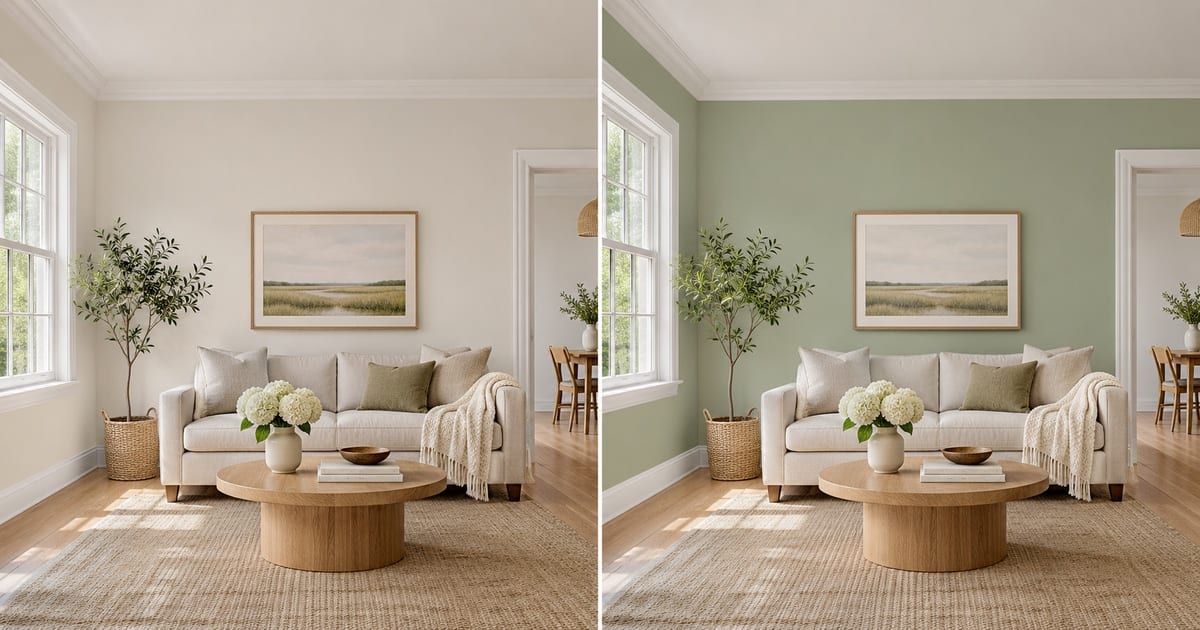
Prøv vægfarver i dit rum
Generativt output kan variere; gennemgå hele resultatet før udgivelse
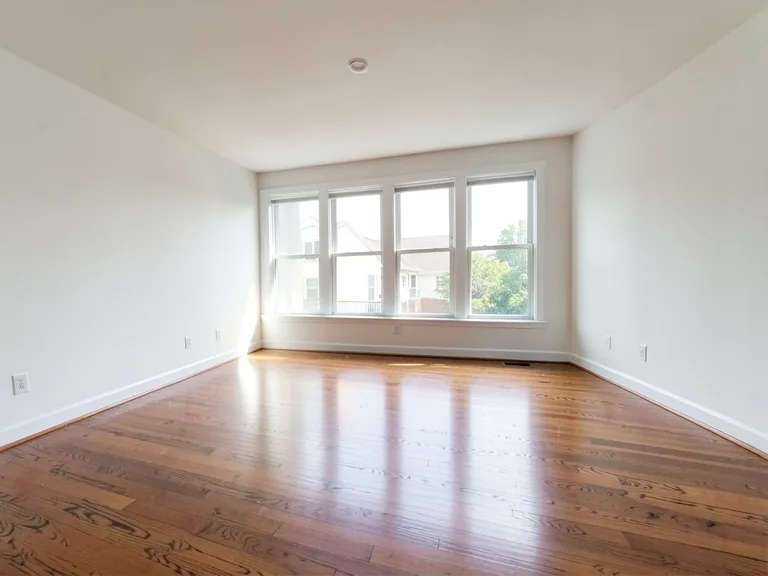
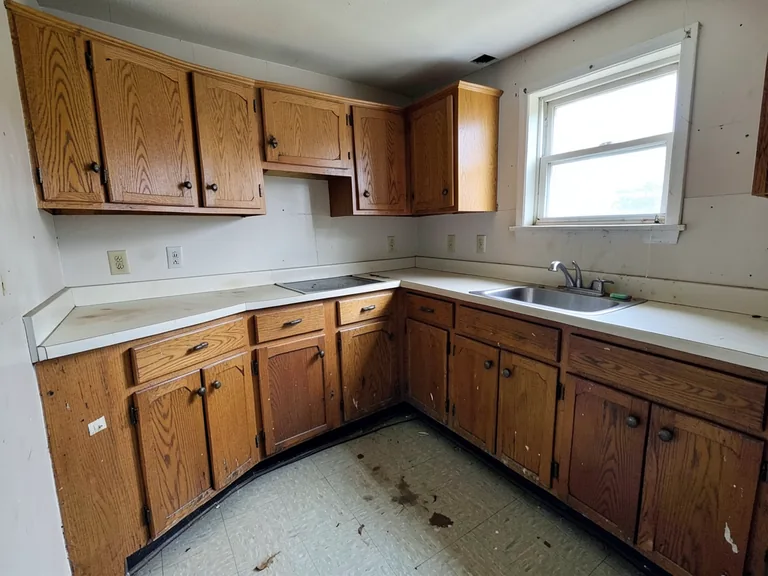
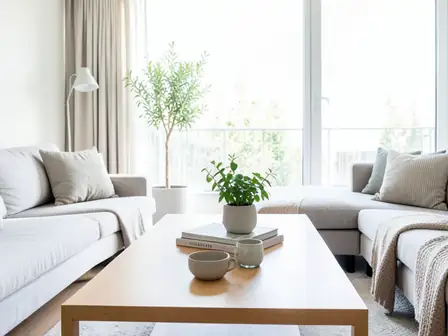
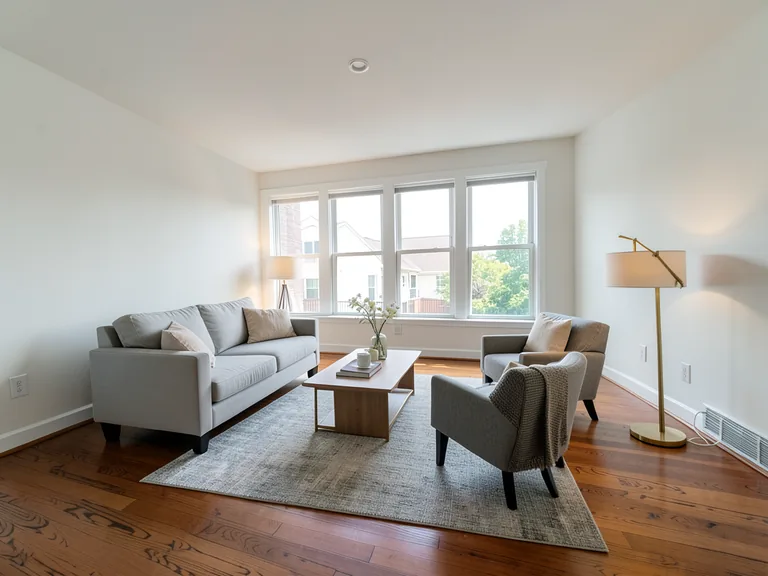
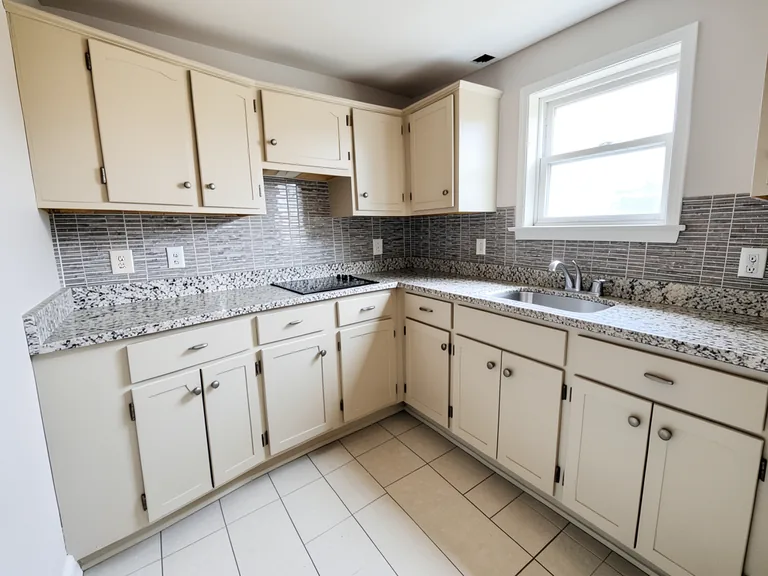
A swatch the size of a postcard tells you very little. It looks different at noon and at night, and a color that felt calm on a screen can turn heavy once it covers four walls. This visualizer repaints a photo of your own room, so you judge the color against your floor, your furniture and your window light, and keep the trim, ceiling and doors exactly as they are. Pick a color, add an accent wall or white trim with one tap, and compare versions before you open a single tin.
- Prepared Interior Paint Visualizer direction
- Redigerbar prompt
- Fuld gennemgang af resultatet påkrævet
Choose a source image for Interior Paint Visualizer
JPG, PNG, WebP, HEIC og andre understøttede formater. For dette værktøj gælder: Free op til 20 MB, Premium og højere abonnementer op til 50 MB.
Konfigurer til Prøv vægfarver i dit rum
Forberedte indstillinger
- Udgangspunkt
- Upload ét kildebillede
- Siden åbner i det rigtige redigeringsforløb; upload er det eneste nødvendige opsætningstrin.
- Forberedt arbejdsgang
- Prepared Interior Paint Visualizer workflow
- Interior Paint Visualizer opens with the Interior Paint Visualizer direction preselected, so there is no need to find the operation manually.
- Outputformat
- Samme som det uploadede billede
- Resultatet bevarer formatet på det billede, du uploader.
- Gennemgå regel
- Gennemgå hele det genererede resultat før brug
- Genererede billeder kan variere; brugeren godkender altid det endelige resultat, før filen hentes.
Anvendelser, der passer bedst
- Compare three wall colors on one photo before buying paint
- Show a landlord, partner or client the repainted room
- Try an accent wall or two-tone finish without committing
Ofte stillede spørgsmål
- Will the color in the picture match the paint in the tin?
- Not exactly, and no visualizer can promise that. Photos and screens shift color, and your light changes it again. The picture shows how a hue sits with your floor, furniture and daylight, which is what settles most decisions. Confirm the final choice with a sample on the wall at morning, noon and evening.
- Does it repaint only the walls?
- The instruction asks for the walls only, keeping the ceiling, trim, doors, windows and furniture as they are. Look along the edges where a wall meets a curtain, a picture frame or a shelf, and if anything bled, run it again with a short note about that spot.
- Can I try an accent wall, white trim or a two-tone wall?
- Yes. Under "Add to your result" you can tap an accent wall, crisp white trim, a painted ceiling or a two-tone finish, and it is combined with the color you chose and anything you type in the custom instructions box.
- Which photo gives the most believable result?
- A daylight photo with the walls fully in the frame, taken straight on, with no strong color cast from curtains or a bright window. Turn off warm lamps if you can, so the AI sees the true wall color to start from.
Hvad du kan gøre med AI-editor til ejendomsfotos
Gennemgå de vigtigste funktioner, før du begynder.
- Stage komplet rum automatically til disclosed concepts
- Tilføj selected TVs, væg farver, eller landscaping precisely
- Fjern described cables, bins, signs, og distracting clutter
- Udskift skies og opret realistisk twilight exteriors
- Refine automatic rediger områder manually når needed
Indstillingsreference
5 indstillinger
Tilgængelige kontroller til AI-editor til ejendomsfotos.
Opgaver
- RedigeringstypeRullemenu
- Vælg den ønskede redigering. Instruktioner, markeringsværktøjer og outputindstillinger tilpasses den valgte type.Indstillinger: Tekstbaseret redigeringGenerativ udfyldningMagisk viskelæderUdskiftning af himmelRumindretning
- Forudindstillinger med ét trykForudindstillinger
- Vælg en ready-made retning med én tap; generation uses den selected preset automatically.Indstillinger: Tilføj møblerTilføj TVMal vægge varm hvidTwilight himmelUdskift himmelFjern clutterOpfrisk landscaping
- Custom instruktioner (optional)Tekstinput
- Beskriv den ønskede ændring, relevante materialer, belysning, perspektiv og de detaljer, der skal forblive uændrede.
Markering
- Markeringspenslens størrelseSkyderRækkevidde: 4–160px · Standard: 32px
- Angiv den penselbredde used til markér den præcis tilføj, udfyld, eller replacement område påkrævet før generation.
Resultat
- Ask AI til bevar motiv identity og produkt detaljerTil/fra
- Tilføjer en udtrykkelig instruktion om at bevare hovedmotivet, formen, brandingen, etiketterne og læsbar tekst, medmindre anmodningen ændrer dem.
Relaterede værktøjer til Prøv vægfarver i dit rum
Værktøjer til almindelige næste trin efter Prøv vægfarver i dit rum.
virtuel indretning & Property
Virtuel boligindretning med AI
Indret tomme rum virtuelt med AI-møbler til boligannoncer. Skab idéer til stue, soveværelse, kontor, spisestue og luksusindretning.
Prøv det nu
virtuel indretning & Property
AI-rumindretning
Indret tomme eller ældre rum med AI-møbler og dekoration. Skab stuer, soveværelser, kontorer, spisestuer og idéer til indretningsstile.
Prøv det nu
Foto Enhancement
AI-fotoforbedring
Juster støj, skarphed, farve og skala i én forbedringsworkflow, og sammenlign derefter resultatet med originalen.
Prøv det nuVejledninger til dette værktøj
- How to Prepare Real Estate Listing Photos in Bulk for an AgencyOrganize bulk real estate photo editing with Pixoate. Keep properties, room sequences and concept images clear across an agency's listing workflow.
- How to Remove Temporary Clutter from Real Estate Photos with AIRemove temporary clutter from real estate photos with Pixoate. Review cables and stray objects while preserving the property's actual condition.
Watch hver transformation land
Hver foto crosses den slash untouched og comes out den anden side finished.