
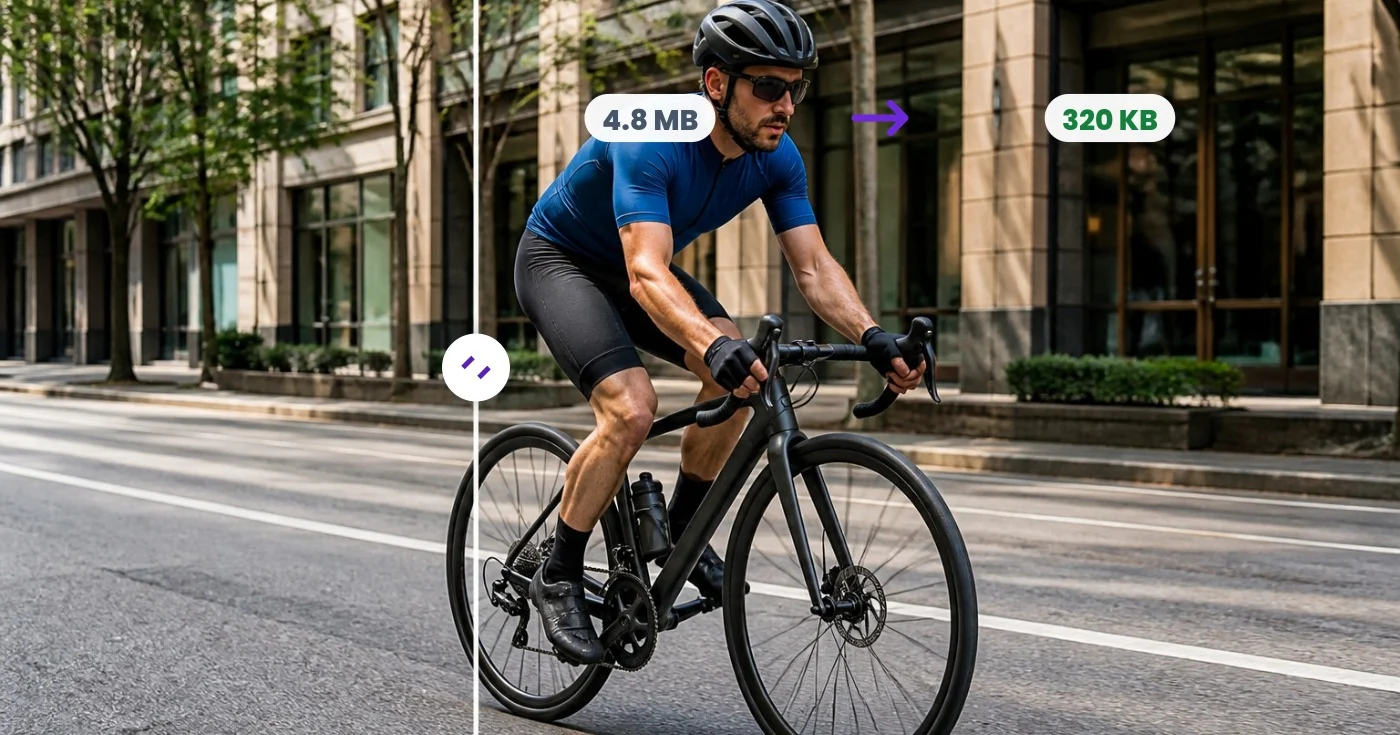
Compresseur GIF - Réduisez les fichiers sans interrompre l'animation
Compressez un GIF animé en réduisant les couleurs, en optimisant les images ou en le mettant à l'échelle. Comparez les tailles de fichiers tout en gardant la boucle et le timing intacts, ou compressez par lots avec Premium.
Déposez un GIF — découvrez instantanément la version allégée
GIF only · Free up to 30 MB, Premium 50 MB
Ce que vous pouvez faire avec Compresseur de GIF
Passez en revue les principales fonctionnalités avant de commencer.
- Réduisez le poids de vos GIF animés pour un chargement plus rapide
- Réduisez le nombre de couleurs pour alléger vos GIF
- Comparez instantanément la taille avant et après
- Conservez l'animation, la boucle et le rythme des images
- Réduisez vos GIF pour économiser encore plus d'espace
- Ajustez la compression avec perte entre poids et qualité
Référence des paramètres
5 paramètres
Contrôles disponibles pour Compresseur de GIF.
- Mode de traitementPréréglages
- Traitez un élément à la fois ou passez au mode par lots Premium pour appliquer les mêmes réglages à plusieurs éléments. Les types d’entrée disponibles dépendent de l’outil.Possibilités: Un seul GIFLot
Paramètres
- CouleursCurseurPlage: 2–256 · Par défaut: 128
- Définit le nombre de couleurs que le GIF compressé conserve dans sa palette ; moins de couleurs signifie un fichier plus léger, mais des valeurs très basses peuvent provoquer des bandes visibles.
- Effort de compressionCurseurPlage: 1–10 · Par défaut: 7
- Contrôle l'effort fourni par l'encodeur pour gagner de la place ; un effort plus élevé donne généralement un fichier plus léger, mais le traitement est plus long.
- Niveau de compression avec perteCurseurPlage: 0–32 · Par défaut: 0
- Permet de réutiliser les légères différences de pixels entre les images, ce qui allège considérablement les animations chargées ; laissez sur 0 (affiché comme désactivé) pour ignorer cette optimisation supplémentaire.
- ÉchelleCurseurPlage: 10–100% · Par défaut: 100%
- Redimensionne le GIF à un pourcentage de ses dimensions d'origine en pixels ; descendre sous 100 % réduit fortement le poids du fichier, en plus de la réduction du nombre de couleurs.
Outils associés pour Compresseur de GIF
Outils pour les prochaines étapes courantes après Compresseur de GIF.
Retouche photo et utilitaires
Redimensionneur de GIF
Redimensionnez un GIF animé en pourcentage ou en pixels exacts tout en préservant chaque image, la boucle et son timing.
Essayez maintenantRetouche photo et utilitaires
Recadreur de GIF
Recadrez un GIF animé en pixels exacts, appliquez la même région à chaque image et préservez la boucle et le timing.
Essayez maintenant
Création et design
Créateur de GIF
Animez des images ordonnées, ou découpez et échantillonnez un clip vidéo en jusqu'à 50 images, puis réglez la vitesse et la qualité.
Essayez maintenantFoire aux questions
Comment Compresseur de GIF vous aide à mener à bien vos tâches
De vrais problèmes qu'il résout chaque jour, pour les entreprises, les créateurs et les tâches quotidiennes. Trouvez le cas d’utilisation qui vous convient et lancez-vous.
Respectez les limites de téléversement de Discord et Slack
Les plateformes de messagerie limitent la taille des fichiers pour les utilisateurs gratuits. Réduisez le nombre de couleurs et ajoutez une légère compression avec perte pour faire passer un GIF de réaction sous la limite, sans altérer visiblement sa lecture.
Accélérez les pages web qui intègrent des GIFs
Un GIF de plusieurs mégaoctets peut à lui seul plomber le temps de chargement d'une page. Le compresser — souvent de plus de moitié — améliore les Core Web Vitals et l'expérience mobile tout en conservant la même animation.
Envoyez des GIFs par e-mail et messageries
Les pièces jointes des e-mails et les applications de messagerie rejettent ou redimensionnent souvent les fichiers volumineux. Compressez d'abord le GIF pour qu'il s'envoie rapidement et s'affiche correctement sur l'appareil du destinataire.
Réduisez le poids des bannières marketing et des démos produit
Les bannières animées et les courtes démos produit en GIF sont souvent soumises à une limite de poids par les régies publicitaires et les marketplaces. Ajustez le nombre de couleurs et l'échelle jusqu'à ce que le fichier respecte les spécifications.
Voyez chaque transformation prendre forme
Chaque photo franchit la séparation intacte et ressort finalisée.























