
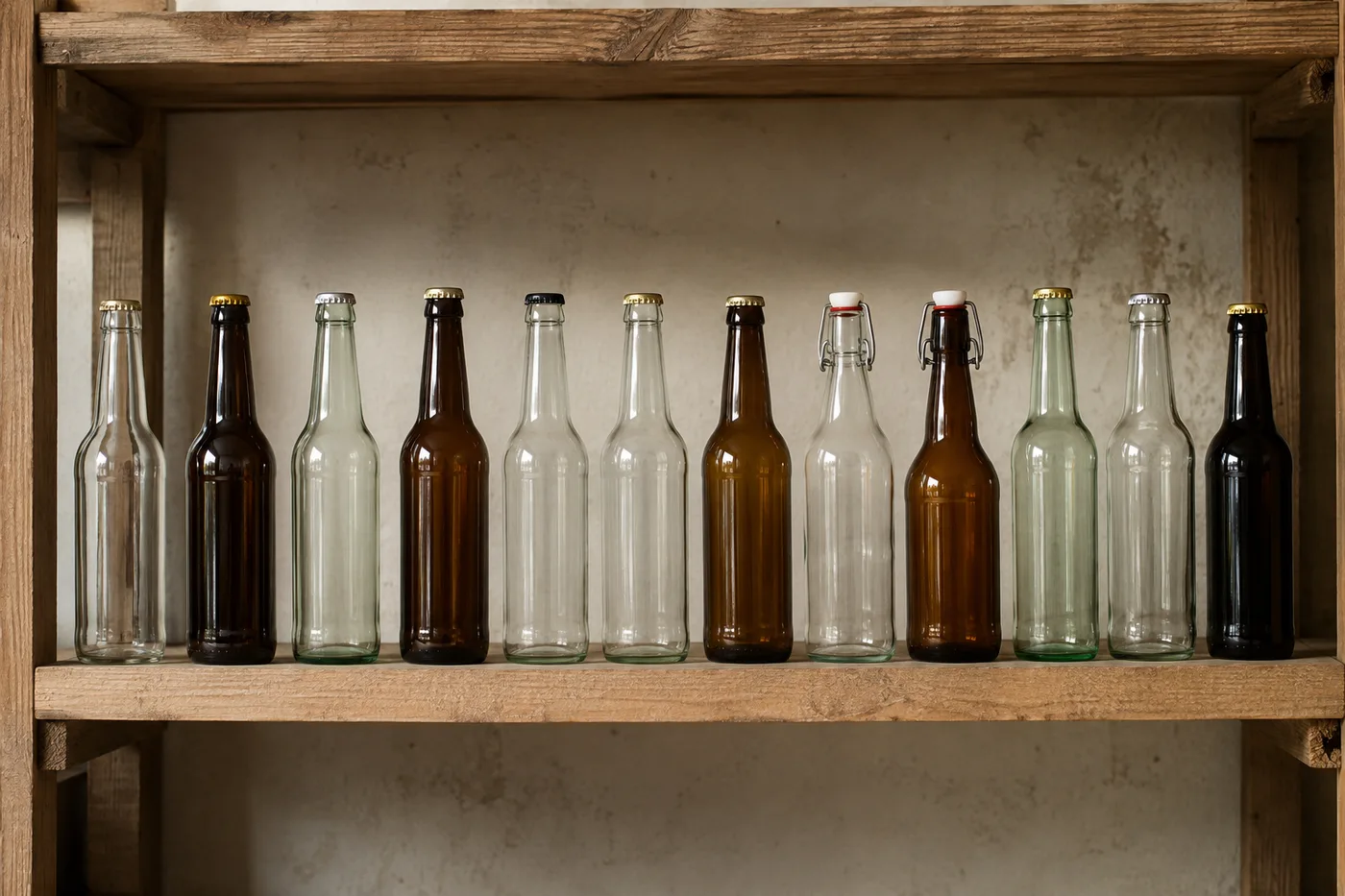
Compter les bouteilles sur une photo — Compteur de bouteilles AI
Fonctionne avec JPG, PNG, WEBP · Gratuit jusqu'à 20 MB, Premium 50 MO
Photograph the shelf, crate or cold room, upload the photo and review the tally markers against the photo. Built for stock-takes in shops, bars and beverage distribution.
- Vérifiez la photo, puis comptez les bouteilles visibles
- Upload a photo and get an automatic count
- Review the markers to catch bottles counted twice or missed
- Utilisation gratuite · Aucune inscription requise · Sans filigrane
Importer une image
Conseils pour un comptage précis
• Utilisez une photo uniformément éclairée où le bouteilles apparaît entièrement dans le cadre
• Keep your bottles visible and avoid overlapping items
• Les points et la carte de densité affichent les détections retenues — vérifiez et corrigez le décompte
À propos de Compteur de bouteilles
The bottle counter counts visible bottles from your photo and marks detections for review. Counting starts automatically once the photo and item are ready. Visibility, overlap and similar-looking items can affect the total. Built for shops, bars, beverage distributors and stockrooms.
Comment ça marche
1. Photographiez votre bouteilles
2. Upload your photo to count bottles automatically
3. Review the markers and correct the tally if needed
4. Ajoutez à la feuille de pointage et exportez votre comptage en CSV
Idéal pour
• Inventaires en boutique et au bar
• Livraisons de distributeurs de boissons
• Contrôles en chambre froide et en entrepôt
• Comptage des retours et des emballages vides
Ce que vous pouvez faire avec Compteur de bouteilles
Passez en revue les principales fonctionnalités avant de commencer.
- Comptez les bouteilles en rayon, en casier et en chambre froide
- Comptez le stock pour l'inventaire du bar et des boissons
- Vérifiez chaque repère de bouteille comptée avant d'utiliser le total
- Contrôlez de nombreuses photos en une seule session groupée
- Gardez un total cumulé sur des lots nommés
- Ignorez les minuscules fausses détections pour un comptage plus propre
Référence des paramètres
14 paramètres
Contrôles disponibles pour Compteur de bouteilles.
Importer
- Photo unique / Audit en massePréréglages
- Choisissez un décompte d’une seule photo ou un audit groupé Premium. Examinez chaque résultat.Possibilités: Photo uniqueAudit en masse
Nombre
- Marqueurs inclusCurseurPlage: 0–1 · Par défaut: 0.21
- Commence à 21 % ; faites glisser vers Afficher davantage pour inclure les marqueurs moins prononcés, ou vers Uniquement les plus forts pour les masquer.
- Style de superpositionPréréglages
- Choisissez des points, une carte thermique, les deux ou un aperçu clair.Possibilités: Les deuxPointsChaleurAucun
Avancé
- Superposition du résultatListe déroulante
- Choose how count markers appear in the on-screen preview; the download keeps its own markers.Possibilités: Points + carte de chaleurPoints seulementCarte thermique uniquement
Pointage
- Ajouter au pointageEn un clic
- Add this count to the tally sheet under the name of the object that was counted. Signed-in accounts add finished counts automatically unless that is turned off under Account settings; in bulk mode every photo also has its own Add to tally button.
- ÉtiquetteSaisie de texte
- Rename a tally row. Edits and removals wait until you choose Save changes, so you can fix several rows at once.
- NombreChamp numérique
- Correct a row's count; totals, the chart and exports follow once the change is saved.
- Save changesEn un clic
- Apply every edited or removed tally row in one step, or choose Discard changes to leave the sheet as it was.
Chart
- By objectPréréglages
- The chart is the same in every counting tool and covers the tallies of all of them. By object draws a separate line chart for each tally name, such as pipes and people. By tool draws a chart for each counting tool.Possibilités: By objectBy tool
- PériodePréréglages
- Choose how far back the chart looks. Days without a count appear as zero.Possibilités: 7 days30 days90 days12 months
History
- Counting setupGalerie
- Keep comparable counts together. A first setup is created for you, so the first count can be saved straight away.
- Observed atSaisie de texte
- The date and time of the count, shown as a date and a time field.
- RemarquesSaisie de texte
- Starts with every detected object and its count, one per line, such as Pipes - 11. Edit it before saving.
- Save countEn un clic
- Save the count to your account history. Open a saved count later to correct it or download its source photo.
Outils associés pour Compteur de bouteilles
Outils pour les prochaines étapes courantes après Compteur de bouteilles.

Comptage & Inventory
Compteur d'objets
Estimez le nombre d’objets sur une photo. Vérifiez et corrigez les repères numérotés avant d’utiliser le résultat.
Essayez maintenant
Comptage & Inventory
Compteur d'objets en direct
Dirigez votre téléphone vers des éléments séparés et entièrement visibles et examinez les marqueurs du détecteur à mesure que le décompte se met à jour en temps réel.
Essayez maintenant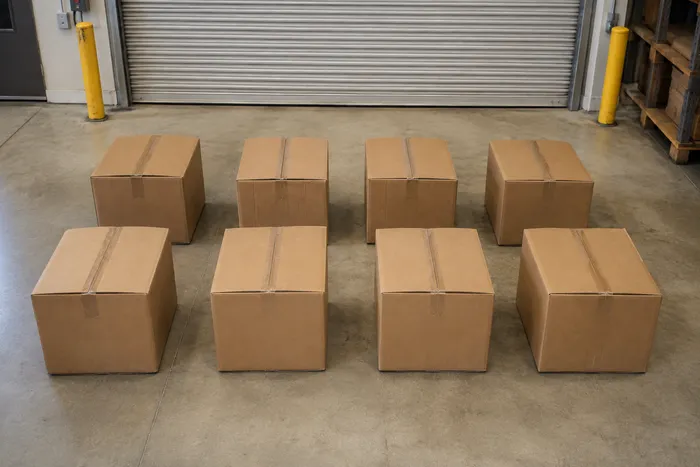
Comptage & Inventory
Compteur de boîtes et cartons
Comptez les boîtes sur les palettes, dans les piles ou dans les camions à partir d'une seule photo, avec les détections comptées marquées pour vérification.
Essayez maintenantFoire aux questions
Comment Compteur de bouteilles vous aide à mener à bien vos tâches
De vrais problèmes qu'il résout chaque jour, pour les entreprises, les créateurs et les tâches quotidiennes. Trouvez le cas d’utilisation qui vous convient et lancez-vous.
Vérifier une livraison par rapport à la FACTURE
Photographiez la palette ou les caisses pour une ébauche assistée par IA, puis vérifiez la livraison physique, corrigez le total et suivez la procédure de réception habituelle avant de signer. Ne vous fiez pas à la seule image.
Faites l'inventaire d'un bar depuis votre téléphone
Photographiez chaque étagère et chaque rangée de chambre froide avec l'appareil de votre téléphone, ajoutez chaque prise à la feuille de comptage, et exportez l'inventaire complet sous forme de CSV ou de rapport PDF à votre image pour le responsable.
Auditer plusieurs entrepôts en une seule séance
Ouvrir Audit par lot pour run Distinct objets mode sur chaque shelf photo, puis vérifier chaque résultat avant en utilisant le grand total.
Isoler un seul produit sur une étagère mixte
Pour un brand ou SKU, mark un complet bouteille dans le Exemples réglage avant comptage, puis vérifier chaque repère pour similar-looking produits avant en utilisant le total.
Partager un comptage vérifié avec votre équipe
Après avoir vérifié et corrigé les repères par rapport au stock physique, enregistrez le décompte et copiez un lien d'équipe en lecture seule afin qu'un responsable puisse contrôler le résultat. À elle seule, l'image partagée ne prouve pas la quantité.
Compter les bouteilles vides consignées pour le remboursement des consignes
Photographiez une caisse ou un chariot de bouteilles vides pour un total provisoire, puis vérifiez-le et corrigez-le physiquement avant de régler un remboursement de consigne ou un échange.
Voyez chaque transformation prendre forme
Chaque photo franchit la séparation intacte et ressort finalisée.























