
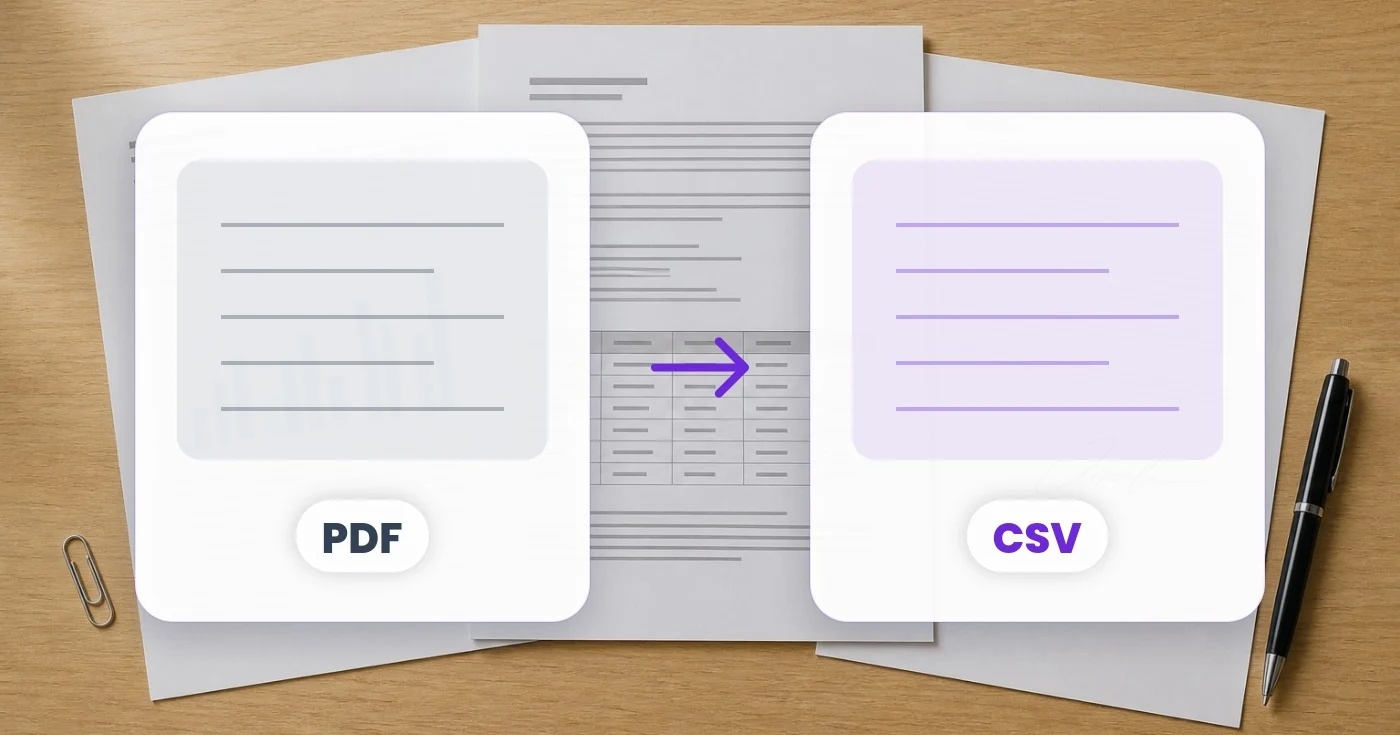
Konverter PDF ke CSV — Ekstrak Tabel PDF ke CSV Gratis
Skip manual re-entry. The largest table in your PDF opens in an editable grid and downloads as one clean CSV, ready to import into Excel, Sheets or your database.
Unggah PDF
Drop a PDF — get a clean CSV of its largest table
PDF · gratis hingga 20MB, Premium hingga 50MB
Apa yang dapat Anda lakukan dengan PDF ke CSV
Tinjau kemampuan utama sebelum Anda mulai.
- Ekstrak setiap tabel dari PDF ke CSV
- Dapatkan file CSV siap impor dalam satu zip
- Pindahkan data PDF ke database atau CRM Anda
- Ubah daftar harga PDF menjadi baris CSV yang bersih
- Siapkan data tabel untuk spreadsheet dan skrip
Referensi pengaturan
1 pengaturan
Kontrol yang tersedia untuk PDF ke CSV.
- Mode pemrosesanPreset
- Proses satu masukan atau beralih ke mode massal Premium untuk memproses beberapa masukan dengan pengaturan yang sama. Jenis masukan yang tersedia bergantung pada alat.Opsi: Berkas tunggalMassal
Alat terkait untuk PDF ke CSV
Alat untuk langkah umum selanjutnya setelah PDF ke CSV.
PDF & Dokumen
PDF ke Excel
Ekstrak tabel PDF yang dikenali ke dalam file Excel yang dapat disunting. Tinjau baris dan kolom setelah konversi.
Coba sekarang
OCR & Ekstraksi Data
Gambar ke CSV
Ekstrak tabel dari tangkapan layar atau foto dan unduh baris dan kolom yang dikenali sebagai CSV.
Coba sekarang
Alat Developer
Tabel ke JSON / SQL
Ubah tabel CSV, TSV, dibatasi pipa, atau penurunan harga menjadi pernyataan JSON, JSONL, atau SQL INSERT di browser Anda.
Coba sekarangPertanyaan yang Sering Diajukan
Bagaimana PDF ke CSV membantu Anda menyelesaikannya
Masalah nyata yang dipecahkannya setiap hari — untuk bisnis, kreator, dan tugas sehari-hari. Temukan kasus penggunaan yang cocok untuk Anda dan mulailah.
Impor CRM Massal dari Laporan
Tim sales-ops mengonversi daftar prospek PDF dari pameran dagang dan webinar menjadi CSV untuk impor sekali klik ke Salesforce, HubSpot, atau Pipedrive — tanpa perlu memasukkan data secara manual.
Menyusun Daftar Pemasaran dari Direktori
Konversi direktori industri PDF, daftar alumni, dan daftar keanggotaan asosiasi menjadi daftar email CSV yang siap untuk kampanye Mailchimp, Klaviyo, atau HubSpot.
Daftar Peserta Konferensi
Pemasar acara mengonversi daftar hadir PDF dari acara sebelumnya menjadi CSV sehingga mereka dapat menjangkau kembali peserta lama dengan email, retargeting, dan audiens look-alike.
Rekonsiliasi Akuntansi
Pembukuan mengubah rekening koran bank dan kartu kredit dalam format PDF menjadi CSV untuk diimpor satu klik ke QuickBooks, Xero, Wave, atau FreshBooks — menghemat berjam-jam input transaksi manual.
Pipeline ETL Inventaris
Tim operasional mengonversi umpan inventaris PDF dari pemasok menjadi file CSV yang masuk ke pipeline ETL malam hari untuk manajemen gudang dan sinkronisasi stok e-commerce.
Impor Data Perangkat Lunak Pajak
Konversi formulir 1099, pernyataan W-2, dan dokumen pajak triwulanan dari PDF ke CSV untuk impor langsung ke TurboTax, H&R Block, atau perangkat lunak akuntan Anda.
Impor Katalog E-Commerce
Konversi katalog produk PDF dari pemasok menjadi berkas CSV yang diformat untuk impor produk massal Shopify, WooCommerce, BigCommerce, atau Magento.
Analisis Survei di Alat BI
Tim peneliti mengonversi hasil survei berformat PDF menjadi CSV yang siap untuk dashboard Tableau, Power BI, Looker, atau Google Data Studio.
Ubah PDF Data Terbuka Menjadi CSV Siap Analisis
Lembaga publik sering menerbitkan anggaran, hasil pemilu, dan tabel sensus hanya dalam bentuk PDF. Konversi menjadi CSV agar jurnalis, peneliti, dan pengembang civic-tech dapat menganalisis angka di Python, R, atau spreadsheet alih-alih mengetik ulang setiap baris.
Masukkan Catatan Properti ke Basis Data Hukum
Ubah pindaian daftar perkara pengadilan, daftar pajak properti, atau indeks arsip menjadi baris CSV yang langsung masuk ke sistem manajemen perkara hukum atau spreadsheet penelusuran sertifikat, alih-alih mengetik ulang setiap catatan.
Digitalkan Lembar Kehadiran dan Nilai Sekolah
Ubah pindaian daftar hadir atau lembar nilai menjadi CSV sehingga admin sekolah dapat menggabungkannya ke dalam sistem informasi siswa alih-alih memasukkan ulang secara manual di akhir semester.
Lacak EOB Asuransi dan Laporan Tagihan Medis
Pasien dan kantor penagihan medis kecil mengonversi pernyataan PDF Explanation-of-Benefits dan tagihan penyedia terperinci menjadi CSV untuk melacak berapa yang dibayar asuransi dibandingkan yang masih terutang, serta menangkap kesalahan penagihan dari berbagai penyedia dan kunjungan dalam satu spreadsheet.
Panduan untuk alat ini
Saksikan setiap transformasi selesai
Setiap foto crosses the slash untouched and comes out the other side finished.























