
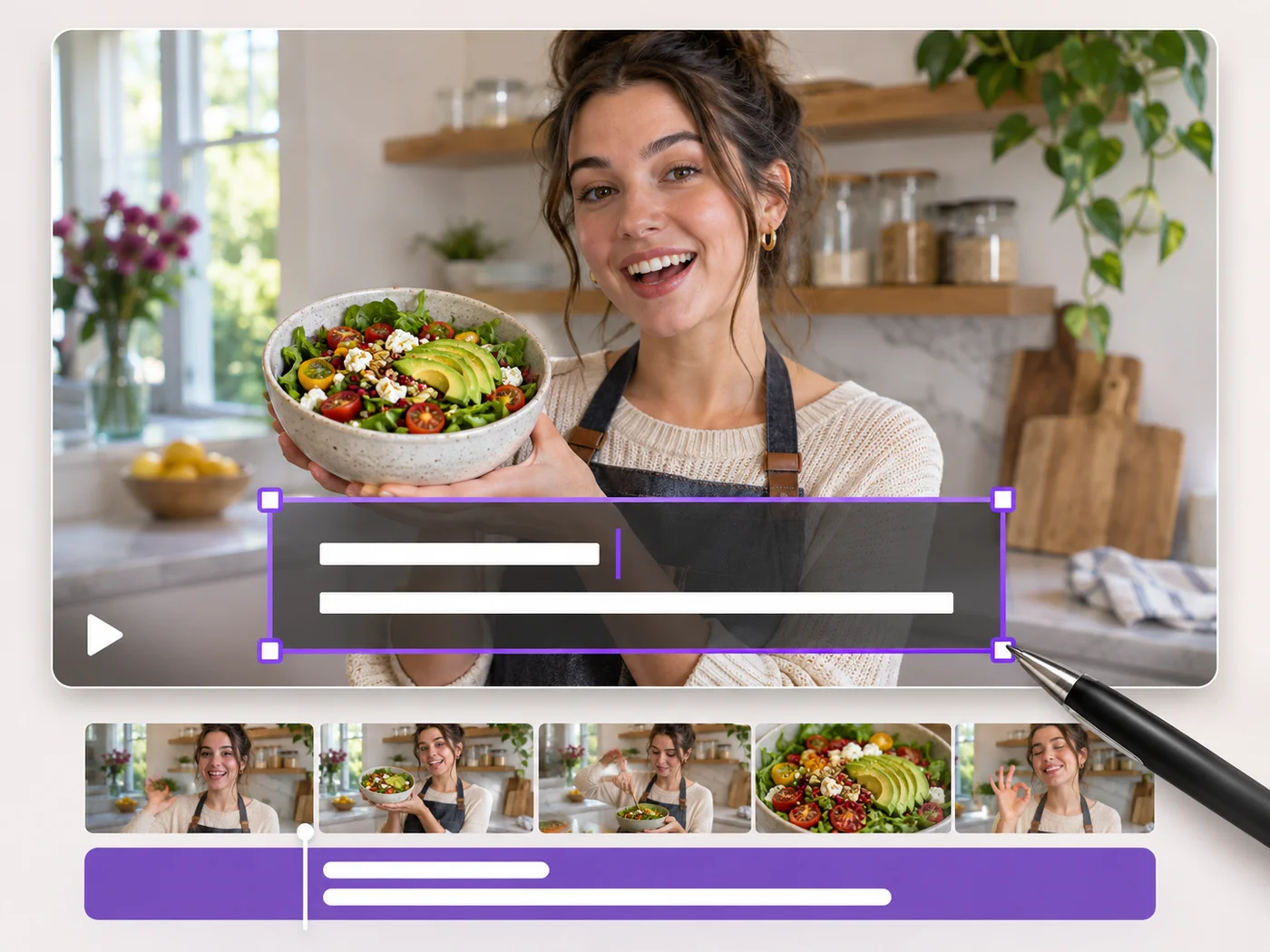
Illustrative preview
Add Text to Video — Titles, Captions and Labels
MP4, MOV, WebM · Free short clips at web size · No watermark
Write on your video in many fonts, with colors, outlines and backgrounds. Drag the text where you want it and see it on the video before you export.
- Many fonts, colors, outlines and backgrounds
- Drag and resize text right on the video
- Text stays on screen for the whole video
Upload your video
MP4, MOV, WebM · Checking your upload limit…
Files are uploaded for processing. Uploads and finished videos are automatically deleted within 24 hours.
How to add text to a video
- Upload your video.
- Type your text and choose a font, size and color.
- Drag the text into place on the video.
- Press Add text to video and download your MP4.
Titles and labels that stay readable
Add a title to a clip, label a product, or put your handle on a video. An outline or a background behind the text keeps it readable over busy footage.
Questions about this tool
Can I add more than one text to a video?
Yes. Press Add text for each new title or label, and style each one separately.
How long does the text stay on screen?
The text shows for the whole exported video. Trim the video in the same step if you want a shorter clip.
Can I add text to a portrait video?
Yes. Text works on portrait, landscape and square videos and keeps its place on the picture.
Is adding text to a video free?
Yes, with no watermark. Free exports are short clips at web size; paid plans export longer videos in Full HD and accept larger uploads.
Strumenti correlati per Aggiungi testo al video
Strumenti per i passaggi successivi comuni dopo Aggiungi testo al video.
Strumenti video
Effetti video
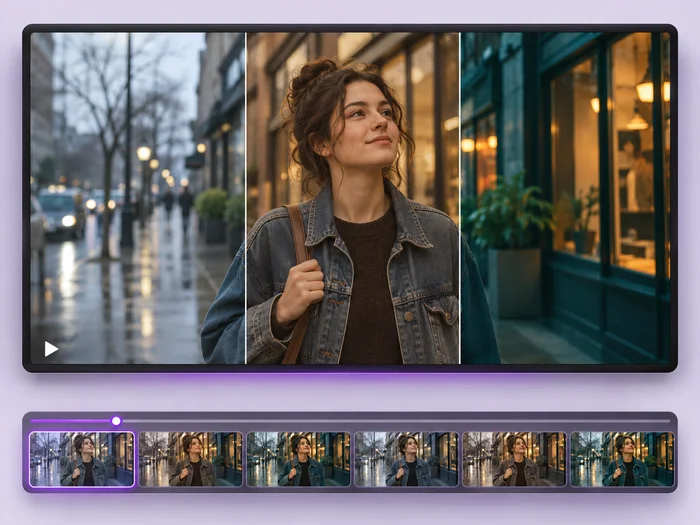
Give a video a new look: color filters, brightness and contrast, blur, speed changes and fade in or out. See every change live before you export.
Provalo ora
Strumenti video
Editor video
Make every common edit in one go: cut, crop, rotate, flip, add text and effects, change speed, then resize or compress. Preview it all before you export.
Provalo ora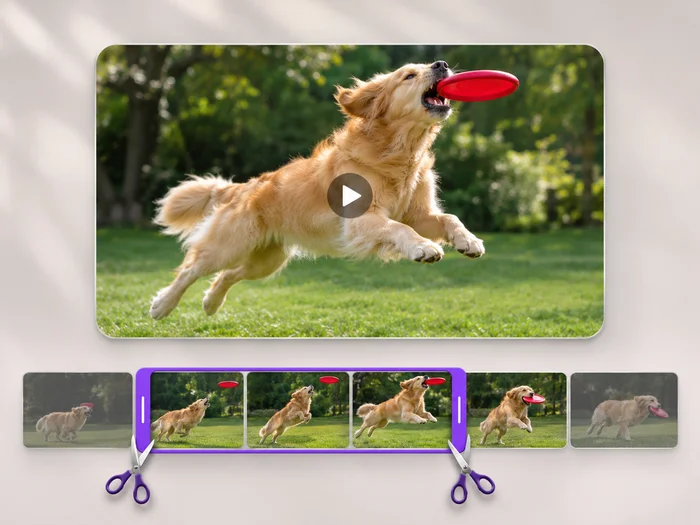
Strumenti video
Taglio video
Cut the start, the end or a section from the middle of your video. Preview the exact part you keep, then download an MP4 without a watermark.
Provalo oraGuarda ogni trasformazione applicarsi
Ogni foto attraversa la barra senza modifiche e ne esce dall'altro lato già completata.
 Miglioramento dell'intelligenza artificiale
 Arredamento virtuale
 Bellezza naturale
 Ritratti professionali con IA
 Flash diretto usa e getta
 Foto per inserzioni Amazon
 Riilluminazione autentica dell'ora d'oro
 Ristrutturazione della cucina
 Rifocalizzazione Intelligente
 Pubblicità di prodotti
 Acquerello
 Rimozione sfondo











