
Kleurkiezer en kleurenwiel
Kleurharmonieën
Kleurkiezer uit afbeelding — Ontvang HEX- en RGB-kleurcodes
Selecteer een pixel om HEX-, RGB- en HSL-waarden te lezen, of exporteer een dominant palet als JSON- of CSS-variabelen.
Zet een afbeelding neer: klik op een pixel voor de code of extraheer het volledige palet
PNG, JPG, WEBP, GIF
Wat u kunt doen met Kleurkiezer
Bekijk de belangrijkste mogelijkheden voordat u begint.
- Kies een kleur uit een foto als HEX, RGB of HSL
- Haal het dominante kleurenpalet uit een afbeelding
- Haal merkkleuren uit een screenshot of logo
- Kopieer kleurcodes voor uw ontwerpen
- Exporteer het palet als JSON- of CSS-variabelen
- Bouw een kleurenschema op basis van een referentiefoto
Referentie instellingen
9 instellingen
Beschikbare besturingselementen voor Kleurkiezer.
- VerwerkingsmodusVoorinstellingen
- Verwerk één invoer of schakel over naar de batchmodus van Premium om meerdere invoeren met dezelfde instellingen te verwerken. Welke invoertypen beschikbaar zijn, hangt af van het hulpmiddel.Opties: Enkele afbeeldingPartij
Kleurkiezer en kleurenwiel
- WillekeurigEén klik
- Springt met één klik naar een nieuwe willekeurige kleur voor snelle inspiratie; de HEX-, RGB- en HSL-waarden en de harmoniepaletten worden meteen mee bijgewerkt.
- Verzadiging en helderheidSchuifregelaarBereik: 0–100%
- Sleep de markering over het vierkant om te bepalen hoe levendig de kleur is (van links naar rechts) en hoe licht of donker (van boven naar beneden).
- KleurtoonSchuifregelaarBereik: 0–360 · Standaard: 211
- Schuif over de regenboogbalk om de basiskleur te kiezen: van rood via geel, groen, blauw en magenta weer terug naar rood.
- HEXTekstinvoer
- Typ of plak een willekeurige kleurwaarde — een HEX-code, rgb()- of hsl()-notatie, of een CSS-kleurnaam — om meteen naar die exacte kleur te springen.
- RGBNummerinvoerBereik: 0–255
- Stel het rode, groene en blauwe kanaal afzonderlijk in van 0 tot 255 wanneer je een exacte RGB-waarde uit een ontwerpspecificatie moet nabootsen.
- HSLNummerinvoerBereik: 0–360
- Stel tint (0–360) plus verzadiging en lichtheid (0–100) als getallen in — handig om een kleur lichter of gedekter te maken zonder de tint te wijzigen.
Dominant palet
- FormaatDropdownmenu
- Bepaalt hoeveel dominante kleuren uit de geüploade afbeelding worden gehaald (standaard 8); kies een klein aantal voor een strak merkpalet of een groot aantal om accenttinten naar boven te halen.Opties: 58101624
- Gekozen kleurKleurkiezer
- Klik of tik ergens op de geüploade foto om precies die pixel te bemonsteren; elke keuze voegt een staal toe met HEX-, RGB- en HSL-waarden, die je afzonderlijk of allemaal tegelijk kunt verwijderen.
Gerelateerde tools voor Kleurkiezer
Hulpmiddelen voor algemene volgende stappen na Kleurkiezer.
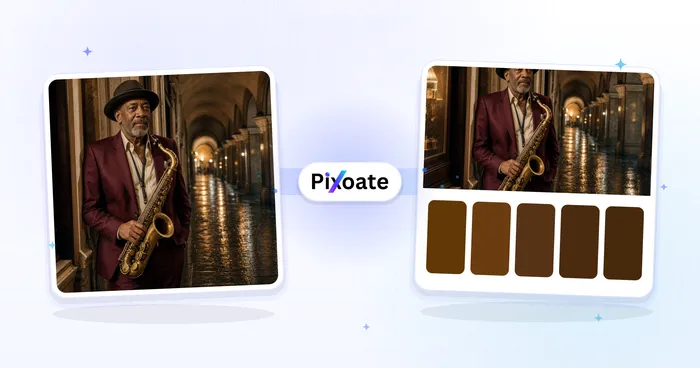
Creatief en ontwerp
Kleurenpaletgenerator
Genereer 3 tot 8 kleurenpaletten met harmoniemodi, vergrendel en deel kleuren en exporteer vervolgens PNG-, CSS-variabelen of JSON.
Probeer het nu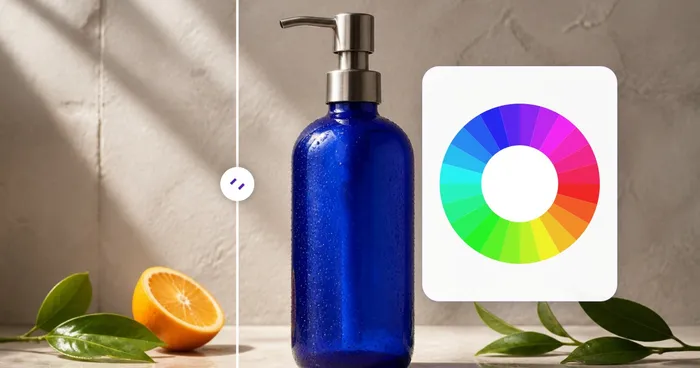
Creatief en ontwerp
Kleurenwiel
Gebruik een interactief kleurenwiel om complementaire, analoge, triadische, tetradische en vierkante harmonieën te vinden met kopieerbare HEX-codes.
Probeer het nu
Creatief en ontwerp
Kleurbetekenissen
Ontdek kleurbetekenissen, psychologie, symboliek, culturele context, merkvoorbeelden en voorgestelde combinaties voor elke HEX-waarde.
Probeer het nuVeelgestelde vragen
Hoe Kleurkiezer je helpt de klus te klaren
Echte problemen die het elke dag oplost – voor bedrijven, makers en alledaagse taken. Vind de use case die bij u past en begin.
Audit van merkidentiteit
Haal de exacte HEX-waarden uit een bestaand logo of marketingmateriaal om ze in je stijlgids te zetten. Match de merkkleuren van concurrenten voor een positioneringsdeck of pitch.
Kleurenpaletten samenstellen voor webdesign
Haal de dominante kleuren uit een foto of moodboard, exporteer ze als CSS-variabelen en plaats ze in je stylesheet. De ideale 5 tot 8 kleuren dekken primair, accent en neutrale tinten als basis voor een volledig designsysteem.
Productvermeldingen voor e-commerce
Stem de achtergrondkleuren van productfoto's af op het thema van je webwinkel. Kies de dominante accentkleur uit een sneaker- of jurkfoto en gebruik die als uitgelichte kleur in de productvermelding.
Interieur- & mode-inspiratie
Fotografeer een kamer of outfit die je mooi vindt en haal het kleurenpalet eruit. Gebruik het om verf, stoffen of accessoires te kiezen die het bestaande schema aanvullen — zo zet je visuele inspiratie om in bruikbare kleurstalen.
Datavisualisatieschema's
Genereer een categorisch palet van 10-16 kleuren afgeleid van een afbeelding die je wilt oproepen (bijv. een aquarel voor een zachte grafiek, een zonsondergang voor warm-naar-koel-verlopen). Beter dan generieke kleuren kiezen.
Werkstromen voor game- en UI-assets
Haal het geïndexeerde kleurenpalet uit sprite-art of UI-mockups om te gebruiken in een pixelart-tool of game-engine. De JSON-export van het palet integreert met Aseprite, Photoshop en de meeste asset-pipelines.
WCAG-contrastcontroles voordat je live gaat
Stel een tekst- en achtergrondkleurcombinatie in de losstaande Kleurkiezer & Kleurenwiel af en lees direct hun contrastverhouding ten opzichte van wit en zwart af, zodat je een AA/AAA-toegankelijkheidsprobleem opvangt voordat het in productie komt.
Aangepaste verf- en drukkleuren nauwkeurig afstemmen
Sla de foto helemaal over — typ een exacte HEX-, RGB- of HSL-waarde, of versleep de verzadigings-/tintregelaars, om een specifiek verfmengsel, steunkleur of huisstijltint vast te leggen, en bekijk vervolgens de dichtstbijzijnde benoemde kleur voor eenvoudige communicatie met een leverancier.
Meervoudige kleurstalenborden vanaf één foto
Klik op meerdere plekken in één referentiefoto — een lucht, een jurk, een bloem — om een zorgvuldig samengestelde meerkleurige stalenset te bouwen in plaats van te vertrouwen op het automatisch geëxtraheerde dominante palet, en exporteer deze vervolgens als JSON of CSS voor een moodboard voor een klant.
Directe harmonieuze merkkleursets
Voer een HEX-code voor het merk in om complementaire, triadische en gesplitste complementaire stalen te berekenen voor beoordeling in een sociale sjabloon of advertentiepalet.
Een design-token-palet uit een screenshot van een concurrent halen
Upload een screenshot van de website of app van een concurrent in plaats van een foto, en de extractor voor het dominante palet haalt de exacte achtergrond-, accent- en tekstkleuren eruit als HEX-codes die je als CSS-variabelen kunt exporteren — een snelle manier om een kleurenschema te reverse-engineeren voor een ontwerp of pitchdeck.
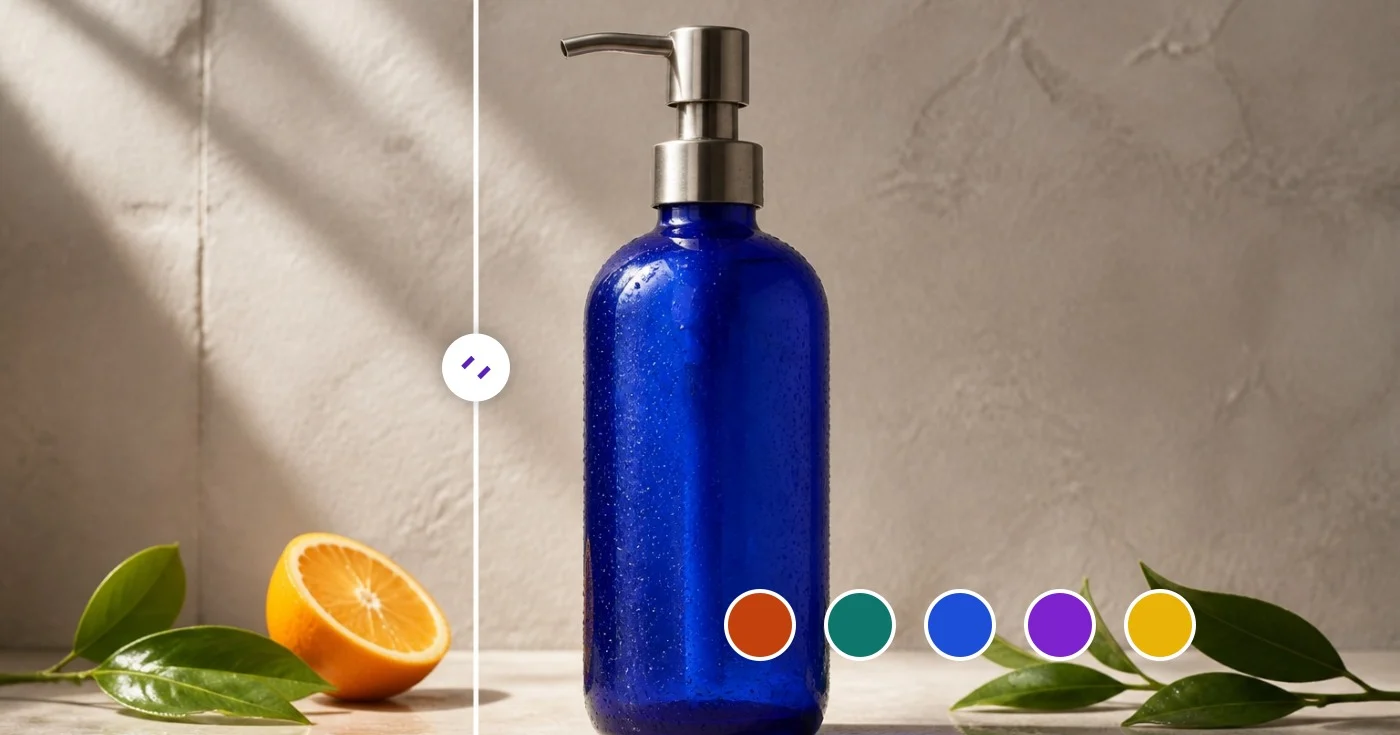
Bekijk each transformation land
Every foto crosses the slash untouched and comes out the other side finished.























