
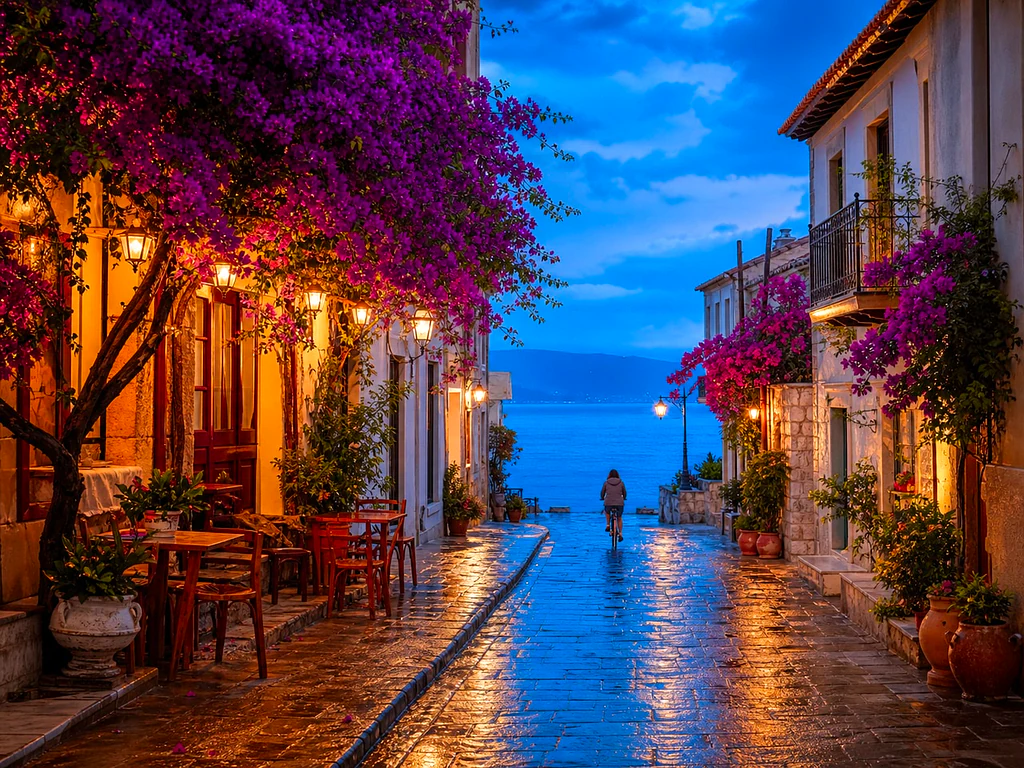
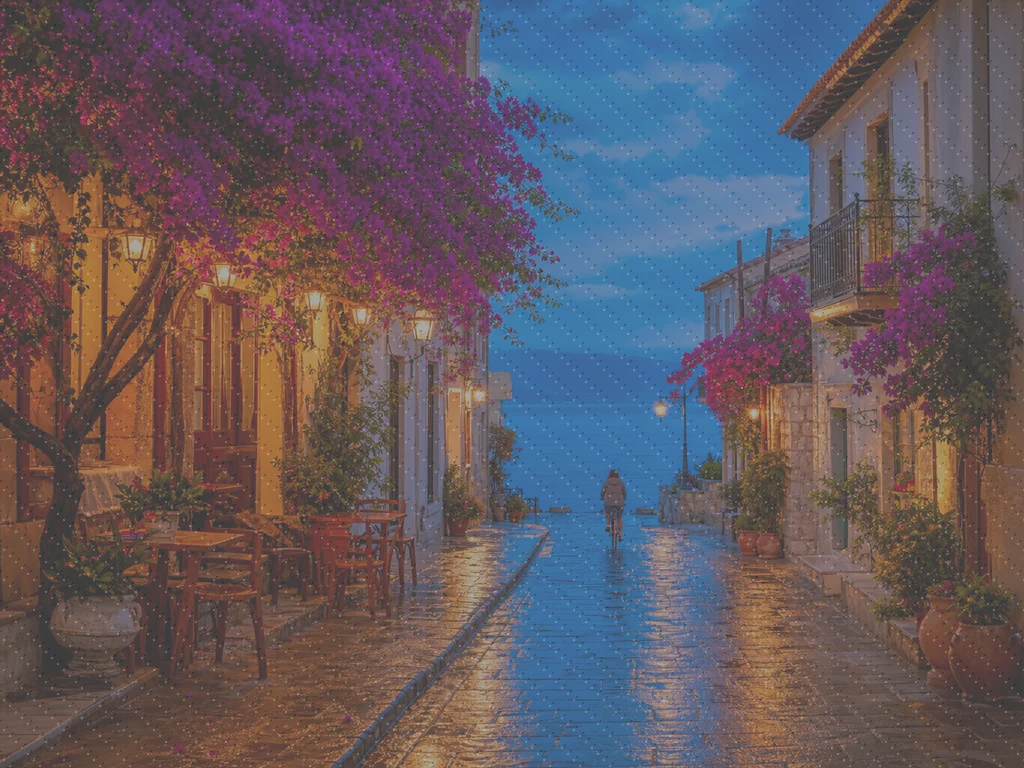
AI Photo Enhancer — Gratis AI Image Enhancer online
Werkt met JPG, PNG, WEBP
De foto is donker, korrelig of enigszins onscherp en het is het enige exemplaar dat bestaat. Verbeter het met één klik en vergelijk voordat u het bewaart.
- One click: denoise, sharpen, auto color and a 2x boost for small photos
- Ideaal voor oude, donkere, korrelige of licht onscherpe foto's
- Red het enige exemplaar dat je hebt van een foto die ertoe doet
Laat een saaie of onscherpe foto vallen en krijg een scherpe, levendige versie terug
Tips voor het beste resultaat
• Een subtiele sterkte oogt het natuurlijkst op portretten
• Gebruik sterkere instellingen bij donkere of korrelige foto's
• Begin met het grootste origineel dat u heeft; een reeds gecomprimeerde kopie beperkt wat kan worden hersteld
Over de AI Fotoverbeteraar
Our photo enhancer combines several fixes into one click: noise reduction, edge-aware sharpening, automatic brightness, contrast and color correction, and a 2x enlargement for small photos. It turns dull, dark or low-res phone photos into crisp, vivid images without any manual editing.
Hoe het werkt
1. Upload je foto
2. The enhancer denoises, sharpens and fixes color
3. Pas de sterkte naar wens aan
4. Download het verbeterde resultaat
Perfect voor
• Doffe of vlak ogende telefoonfoto's
• Donkere, slecht belichte en korrelige opnamen
• Oude afbeeldingen of afbeeldingen met lage resolutie
• Product-, advertentie- en socialmediafoto's
Wat u kunt doen met AI Fotoverbeteraar
Bekijk de belangrijkste mogelijkheden voordat u begint.
- Red een foto als er geen kans meer is op een nieuwe opname
- Verwijder ruis en korrel uit donkere opnamen
- Verscherp onscherpe of zachte telefoonfoto's
- Herstel doffe verlichting en egale kleuren
- Zet foto's met een lage resolutie om in scherpe, levendige beelden
- Bepaal hoe sterk de verbetering eruit ziet
Referentie instellingen
2 instellingen
Beschikbare besturingselementen voor AI Fotoverbeteraar.
- VerwerkingsmodusVoorinstellingen
- Verwerk één invoer of schakel over naar de batchmodus van Premium om meerdere invoeren met dezelfde instellingen te verwerken. Welke invoertypen beschikbaar zijn, hangt af van het hulpmiddel.Opties: Enkele afbeeldingPartij
Aanpassen
- VerbeteringssterkteSchuifregelaarBereik: 0–1 · Standaard: 0.7
- Schaalt de hele opschoning met één klik (ruisonderdrukking, verscherping, automatische kleur en detailverbetering) van Subtiel naar Sterk - houd deze laag voor natuurlijke portretten, verhoog deze voor donkere of korrelige foto's.
Gerelateerde tools voor AI Fotoverbeteraar
Hulpmiddelen voor algemene volgende stappen na AI Fotoverbeteraar.

Fotoverbetering
AI-afbeeldingsvergroter
Schaal een afbeelding op met 2×, 3× of 4× en bekijk het verbeterde resultaat voordat u deze downloadt.
Probeer het nu
Portret- en portretstudio
Oneffenhedenverwijderaar
Verminder zichtbare vlekken, vlekken en donkere vlekken en bekijk tegelijkertijd het effect op de omringende huidtextuur.
Probeer het nu
Portret- en portretstudio
Gezicht verfraaien
Pas instelbare huidvereffening en tooncorrectie toe terwijl u gezichtsdetails en randen bekijkt.
Probeer het nuVeelgestelde vragen
Hoe AI Fotoverbeteraar je helpt de klus te klaren
Echte problemen die het elke dag oplost – voor bedrijven, makers en alledaagse taken. Vind de use case die bij u past en begin.
Verbeter gescande familiefoto's
Zet de schuifregelaar Verbeteringssterkte richting Sterk bij gescande of vervaagde oude familiefoto's om ruis weg te werken en detail te herstellen dat verloren is gegaan door ouderdom, lage resolutie of een goedkope originele scan.
Verscherp productfoto's vóór het plaatsen
Voer productfoto's door met de instelling Subtiele sterkte om kleine zachtheid van de telefooncamera en dofheid van kleuren op te ruimen zonder oververwerking, zodat vermeldingen er accuraat en betrouwbaar uitzien.
Ruis Verwijderen uit Evenement- en Concertfoto's bij Weinig Licht
Donkere, korrelige foto's van concerten, feesten of schemerige locaties worden in één klik ontruist, opgehelderd en verscherpt — zet de sterkte richting Sterk voor de meest dramatische ruisopschoning.
Woningadvertentiefoto's oppoetsen
Met één klik ruis verwijderen, verscherpen en kleurcorrectie worden platte of vage telefoonfoto's binnen en buiten omgezet in scherpere, uitnodigendere lijstafbeeldingen zonder een volledige workflow voor fotobewerking.
Scans en screenshots voorbereiden voor documenten
Omdat het werkt als een algemene beeldverbeteraar, niet alleen voor foto's, kun je er gescande documenten, whiteboardfoto's of screenshots doorheen halen om tekst te verscherpen en compressie-artefacten op te schonen voordat je deelt of archiveert.
Handleidingen voor dit hulpmiddel
- How to Improve Shopify Product Images in Bulk for Better ListingsImprove Shopify product images in bulk with Pixoate. Review backgrounds, detail, resolution and file size to create a clearer, more consistent catalogue.
- How to Improve Etsy Product Photos for Handmade and Custom ItemsImprove Etsy photos of handmade and custom products with Pixoate. Show texture, finishing and personalisation clearly without changing the real item.
Bekijk each transformation land
Every foto crosses the slash untouched and comes out the other side finished.























