
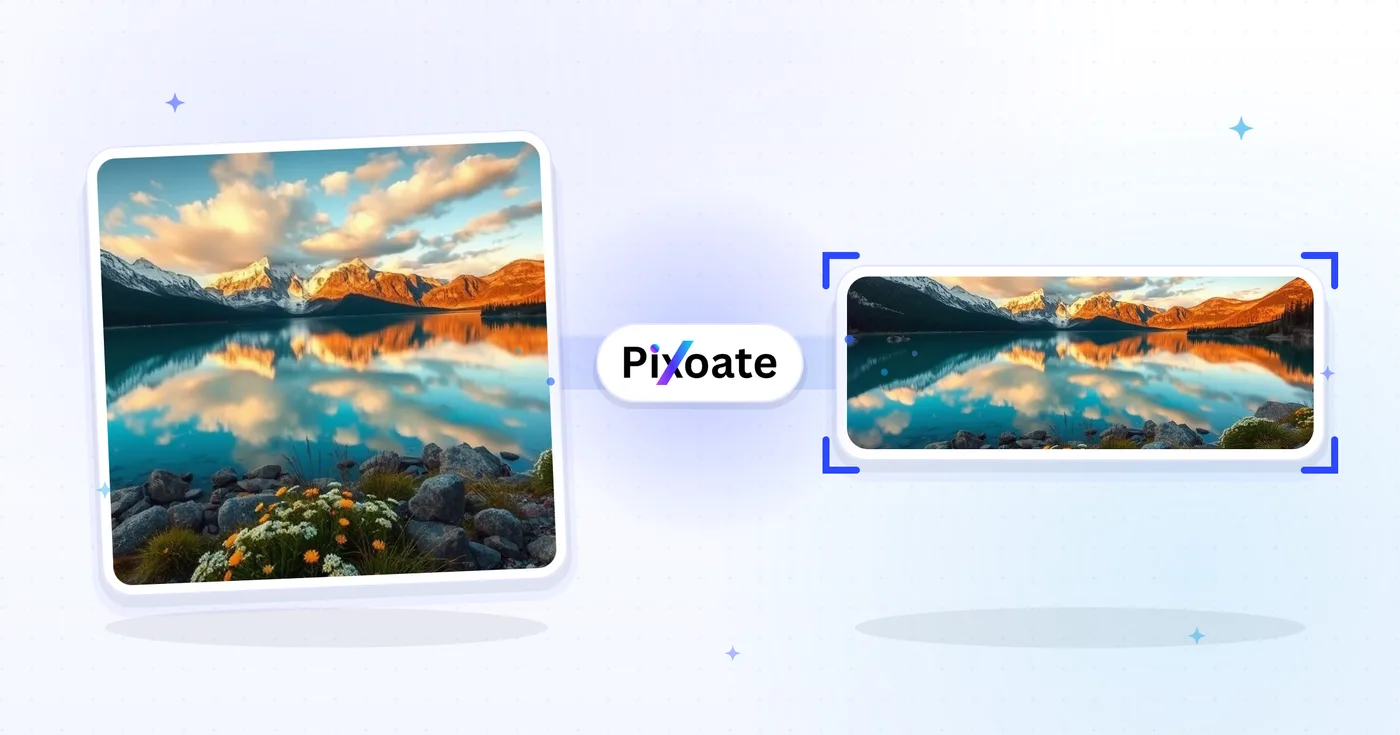
LinkedIn Foto Formaat wijzigenr — Profile 400×400 and Banner 1584×396
Pas het formaat van een foto aan voor je LinkedIn-profielfoto (400×400) of banner (1584×396), of kies een logo, bericht of artikelvoorinstelling, positioneer de afbeelding en download de geselecteerde afmetingen.
Zet een afbeelding neer: kies een banner-, profiel- of berichtgrootte
LinkedIn-afbeeldingformaten
Kies uit de vermelde persoonlijke omslag-, bedrijfsomslag- en berichtvoorinstellingen en selecteer vervolgens hoe de afbeelding op het doelcanvas past. Platformvereisten kunnen veranderen, dus bevestig de huidige LinkedIn-richtlijnen voordat u publiceert.
Wat u kunt doen met LinkedIn-afbeeldingverkleiner
Bekijk de belangrijkste mogelijkheden voordat u begint.
- Verklein foto's naar een LinkedIn-banner van 1584×396
- Formaatafbeeldingen voor profielfoto's en bedrijfslogo's
- Pas illustraties aan aan de kopteksten van LinkedIn-berichten en artikelen
- Bekijk een voorbeeld van de veilige zone voordat u exporteert
- Vul lege randen met een gekozen achtergrondkleur
- Exporteer als JPG, PNG of WebP in uw kwaliteit
Referentie instellingen
8 instellingen
Beschikbare besturingselementen voor LinkedIn-afbeeldingverkleiner.
- VerwerkingsmodusVoorinstellingen
- Verwerk één invoer of schakel over naar de batchmodus van Premium om meerdere invoeren met dezelfde instellingen te verwerken. Welke invoertypen beschikbaar zijn, hangt af van het hulpmiddel.Opties: Enkele afbeeldingPartij
Formaat
- LinkedIn-formatenVoorinstellingen
- Kies de LinkedIn-plaatsing waarnaar je uploadt; de exacte pixelafmetingen voor die plek (bijvoorbeeld 1584×396 voor een persoonlijke banner, 1200×627 voor een postafbeelding) worden automatisch toegepast.Opties: Persoonlijk spandoekBedrijfsspandoekProfielfotoBedrijfslogoVierkant logoAfbeelding plaatsenArtikelomslagEvenement dekking
Uitvoer
- PassendVoorinstellingen
- Choose how the photo fills the target size: Cover crops to fill edge-to-edge, Contain keeps the whole image with padded space. To force the exact size instead, untick Maintain aspect ratio; that may distort.Opties: OmslagPassend maken
- AchtergrondKleurkiezer
- Stelt de vulkleur in voor de lege ruimte rond een afbeelding met de pasmodus Contain; standaard LinkedIn-blauw, maar het kan elke merkkleur zijn. Verborgen bij PNG, dat die ruimte transparant houdt.
- FormaatDropdownmenu
- Kiest het uitvoerbestandstype: JPG voor foto's, PNG voor transparantie, WEBP of AVIF voor kleinere bestanden als je de afbeelding zelf host.Opties: JPGPNGWEBPAVIF
- KwaliteitSchuifregelaarBereik: 40–100% · Standaard: 92%
- Bepaalt de compressie voor JPG-, WEBP- en AVIF-uitvoer; hoger houdt tekst en logo's scherper, lager verkleint het bestand. Wordt niet getoond voor PNG, dat altijd lossless is.
Voorbeeld
- Veilige zone tonenAan / Uit
- Verschijnt bij de voorinstelling Profielfoto: legt de ronde uitsnede die LinkedIn daadwerkelijk toont eroverheen en dimt de vierkante hoeken die wegvallen, zodat je je gezicht of logo binnen de cirkel houdt.
Uitbreiden met AI
- Achtergrond uitbreiden met AIEén klik
- Zet de scène met AI voort in het gekozen formaat en behoud daarbij de voorbereide bronfoto. Gratis downloads zijn op webformaat. Premium of credits ontgrendelen de volledige resolutie. Bij ondersteunde verhoudingen moet de beeldverhouding behouden blijven. In Batch wordt elke afbeelding in de wachtrij uitgebreid en geleverd in het formaat en bestandstype dat je hebt gekozen.
Gerelateerde tools voor LinkedIn-afbeeldingverkleiner
Hulpmiddelen voor algemene volgende stappen na LinkedIn-afbeeldingverkleiner.

Sociaal publiceren
Facebook aanpassen
Pas het formaat van afbeeldingen aan voor de vermelde Facebook-omslag-, profiel- en berichtafmetingen met besturingselementen voor passen en vullen.
Probeer het nu
Sociaal publiceren
Afbeeldingen vergroten/verkleinen voor X / Twitter
Pas het formaat van afbeeldingen aan voor de vermelde X-koptekst-, profiel-, bericht-, kaart- en advertentieafmetingen.
Probeer het nu
Zakelijke generatoren
Visitekaartjesmaker
Kies een lay-out voor een visitekaartje, stel de inhoud en kleuren in en download een 10-up A4 PDF om af te drukken.
Probeer het nuVeelgestelde vragen
Hoe LinkedIn-afbeeldingverkleiner je helpt de klus te klaren
Echte problemen die het elke dag oplost – voor bedrijven, makers en alledaagse taken. Vind de use case die bij u past en begin.
Banners voor persoonlijk merk en sollicitaties
Werkzoekenden en personal-brandbouwers maken LinkedIn-banners die hun kopregel, doelsector en huidige beschikbaarheid versterken — het eerste wat een recruiter ziet
Profielbanners voor oprichters en leidinggevenden
Start-upoprichters, CEO's en bestuurders publiceren banners die het bedrijfslogo, de huidige productlancering en investeerderserkenning tonen voor zichtbaarheid bij belanghebbenden
Hero-banners voor bedrijfspagina's
Marketingteams ontwerpen omslagfoto's voor bedrijfspagina's met de nieuwste productscreenshot, klantlogo's en Glassdoor-onderscheidingen om profielbezoeken om te zetten in volgers en sollicitanten
Banners voor congressprekers en auteurs
Verwissel een spreker- of podcastbanner voor het huidige seizoen zonder de lay-out elke keer opnieuw te hoeven maken
Banners voor recruiters en hiring managers
Recruiters plaatsen banners met openstaande vacatures, employer-brandvoordelen en teamfoto's om profielweergaven om te zetten in sollicitaties en binnenkomende DM's van kandidaten
Banners voor sales en business development
BDR's, accountmanagers en salesleiders gebruiken de banner om de meerwaarde van hun product, klantlogo's uit casestudy's en een duidelijke call-to-action voor prospects in de schijnwerpers te zetten
Bijsnijdveilige LinkedIn-profielfoto's
Kies de Profielfoto-preset en schakel de veilige-zone-overlay in om precies te zien welke hoeken de cirkelvormige uitsnede van LinkedIn wegsnijdt, zodat gezichten en logo's nooit worden afgekapt nadat je publiceert.
Coverafbeeldingen voor webinars en meetups
Gebruik het preset Evenementomslag (1776×444) met de Bevatten-passing en een merkkleurachtergrond zodat je webinardatum, sprekernaam en logo volledig zichtbaar blijven in plaats van te worden bijgesneden door LinkedIn's evenementbijsnijding.
Eén logo, elke LinkedIn-plaatsing
Exporteer hetzelfde merkteken via de voorinstellingen Bedrijfslogo (300×300) en Vierkant logo (60×60) met een bijpassende achtergrondkleur, en bekijk vervolgens elk formaat in LinkedIn.
Optie – Fast-Loading LinkedIn Graphics
Exporteer post- en artikelcover-afbeeldingsformaten als WebP of AVIF op 85%+ kwaliteit wanneer je de afbeelding zelf host, zodat de laadtijden snel blijven zonder scherpteverlies op tekst of logo's.
Bekijk each transformation land
Every foto crosses the slash untouched and comes out the other side finished.























