
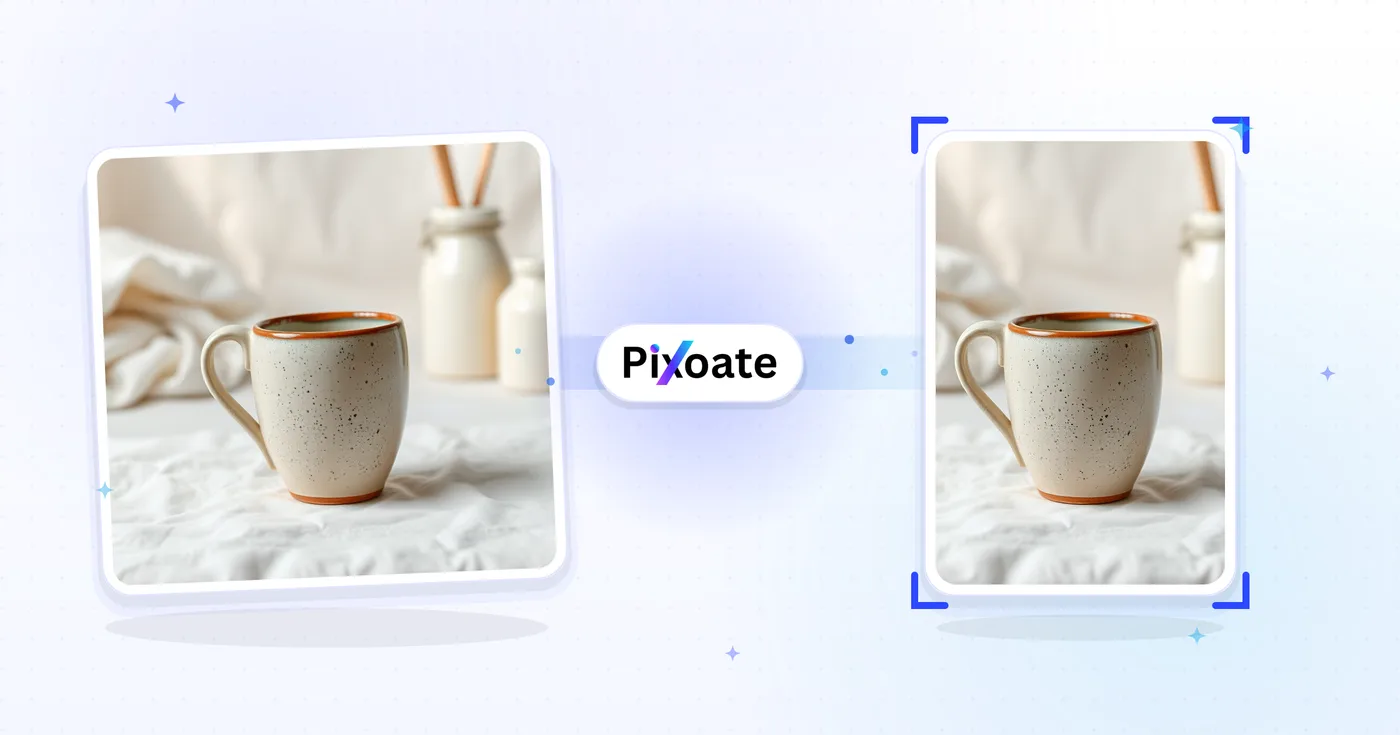
Pinterest Pin Resizer — Pas het formaat van een afbeelding aan voor Pinterest-pins
Standaard 2:3-pins, lange pins, vierkanten, verhaalpins, profielafbeeldingen en bordomslagen - de exacte maten waar Pinterest de voorkeur aan geeft.
Zet een afbeelding neer - kies uw pin-formaat
Pinterest-pin-formaten
Pinterest geeft de voorkeur aan pins in staande oriëntatie. De aanbevolen beeldverhouding is 2:3 (1000×1500) — hogere pins worden in de feed afgekapt en lagere krijgen minder schermruimte. Lange pins (tot 2,1:1) zien vaak de beste betrokkenheid wanneer het ontwerp verticaal lezen ondersteunt. Story-pins gebruiken verticale video/afbeelding in 9:16. Deze tool past elke afbeelding aan tot exact het pixelformaat dat elke plaatsing nodig heeft.
Wat u kunt doen met Pinterest-pin-formaatwijziger
Bekijk de belangrijkste mogelijkheden voordat u begint.
- Pas het formaat van afbeeldingen aan naar de standaard Pinterest-pin van 2:3
- Maak lange pins, vierkante pins en verhaalpins
- Maatafbeeldingen voor profiel- en boardcovers
- Controleer de veilige zone, zodat niets belangrijks wordt bijgesneden
- Voeg een achtergrond toe om afbeeldingen met afwijkende verhoudingen op te vullen
- Downloaden in JPG, PNG of WebP
Referentie instellingen
8 instellingen
Beschikbare besturingselementen voor Pinterest-pin-formaatwijziger.
- VerwerkingsmodusVoorinstellingen
- Verwerk één invoer of schakel over naar de batchmodus van Premium om meerdere invoeren met dezelfde instellingen te verwerken. Welke invoertypen beschikbaar zijn, hangt af van het hulpmiddel.Opties: Enkele afbeeldingPartij
Formaat
- Pinterest-formatenVoorinstellingen
- Kiest de Pinterest-plaatsing waarvoor je het formaat aanpast; elke voorinstelling past exacte pixelafmetingen toe, bijvoorbeeld standaardpin 1000×1500 (2:3), storypin 1080×1920, bordomslag 600×600.Opties: Standaard speldVierkante speldLange speldVerhaalpinVideopin (vierkant)ProfielfotoProfielafdekkingBordafdekking
Uitvoer
- PassendVoorinstellingen
- Controls how your image fills the pin size: Cover crops the edges and Contain fits the whole image with padding. Untick Maintain aspect ratio to fill the size exactly, which can distort proportions.Opties: OmslagPassend maken
- AchtergrondKleurkiezer
- Stelt de vulkleur in voor de opvulling die in de modus Contain rond je afbeelding wordt toegevoegd; standaard Pinterest-rood en verborgen bij PNG-uitvoer, die de opvulling transparant houdt.
- FormaatDropdownmenu
- Bepaalt het uitvoerbestandstype: JPG voor fotografische pins, PNG voor scherpe tekst of transparantie, WEBP of AVIF voor kleinere bestanden bij vergelijkbare kwaliteit.Opties: JPGPNGWEBPAVIF
- KwaliteitSchuifregelaarBereik: 40–100% · Standaard: 92%
- Stelt de compressiekwaliteit in voor JPG-, WEBP- of AVIF-uitvoer — hogere waarden ogen scherper maar geven grotere bestanden; verborgen wanneer PNG is geselecteerd.
Voorbeeld
- Veilige zone tonenAan / Uit
- Toont of verbergt een ronde uitsnedehulplijn over het voorbeeld bij de preset Profielfoto, zodat je gezichten en logo's binnen de cirkel houdt die Pinterest daadwerkelijk toont.
Uitbreiden met AI
- Achtergrond uitbreiden met AIEén klik
- Zet de scène met AI voort in het gekozen formaat en behoud daarbij de voorbereide bronfoto. Gratis downloads zijn op webformaat. Premium of credits ontgrendelen de volledige resolutie. Bij ondersteunde verhoudingen moet de beeldverhouding behouden blijven. In Batch wordt elke afbeelding in de wachtrij uitgebreid en geleverd in het formaat en bestandstype dat je hebt gekozen.
Gerelateerde tools voor Pinterest-pin-formaatwijziger
Hulpmiddelen voor algemene volgende stappen na Pinterest-pin-formaatwijziger.

Sociaal publiceren
Instagram-formaat aanpassen
Pas indien nodig een volledige foto aan de afmetingen van Instagram aan met behulp van vervaagde of effen kleuropvulling.
Probeer het nu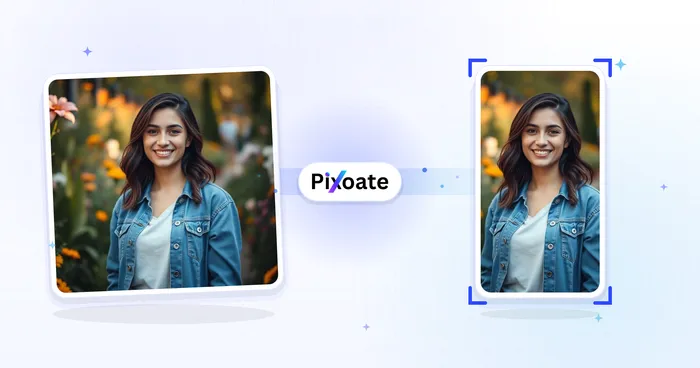
Sociaal publiceren
TikTok omslag-verkleiner
Pas het formaat van afbeeldingen aan voor de vermelde TikTok-omslag-, carrousel-, profiel- en miniatuurafmetingen, inclusief 1080×1920.
Probeer het nu
Foto Bewerking & Hulpprogramma's
Afbeelding comprimeren naar KB
Comprimeer JPG-, PNG- of WebP-bestanden naar een gekozen grootte, zoals 20 KB, 50 KB of 100 KB, en bekijk vervolgens het resultaat.
Probeer het nuVeelgestelde vragen
Hoe Pinterest-pin-formaatwijziger je helpt de klus te klaren
Echte problemen die het elke dag oplost – voor bedrijven, makers en alledaagse taken. Vind de use case die bij u past en begin.
Pins voor het promoten van blogposts en artikelen
Bloggers, contentmarketeers en SEO-teams passen hero-afbeeldingen en quote-graphics aan naar verticale pins van 1000 × 1500 om vanaf Pinterest verkeer naar uitgebreide artikelen en listicles te sturen
Pins voor recept- en foodbloggers
Foodbloggers en receptenmakers ontwerpen hoge verticale pins (1000 × 1500) van afgewerkte gerechten met tekstoverlay om Pinterest-opslagen binnen te halen en verkeer naar receptenwebsites te stimuleren
Inspiratieborden voor bruiloften en evenementen
Weddingplanners, bruiden en evenementontwerpers maken pins met een aangepast formaat voor Pinterest-moodboards met locaties, jurken, decors en kleurenpaletten van echte bruiloften van klanten
Pins voor Etsy- & handgemaakte producten
Etsy-verkopers en makers van handgemaakte producten passen het formaat van lifestyle-productfoto's aan naar Pinterest-pinafmetingen om verkeer naar hun shop te genereren via Pinterest-zoekopdrachten en categoriebrowsing
Pins voor woningrenovatie & interieurontwerp
Interieurontwerpers, doe-het-zelfbloggers en renovatieaccounts publiceren hoge voor/na-pins voor keuken-, badkamer- en volledige woningmetamorfoses die repins opleveren
Pins met mode-outfits en stijlinspiratie
Pas het formaat van foto's van volledige outfit aan aan geselecteerde Pinterest-pinafmetingen voor stijl en portfolio-inhoud
Gebrande profiel- & bordomslagsets
Gebruik de presets Bordomslag (600×600) en Profielomslag (800×450) met de Bevatten-passing en een bijpassende merk-hex-achtergrondkleur om een heel Pinterest-bedrijfsprofiel een consistente, verzorgde uitstraling te geven.
Uitgebreide instructie- en infographic-pins
De voorinstelling Lange pin (tot 2.1:1, 1000×2100) geeft stapsgewijze tutorials, receptkaarten en meerstaps-infographics de extra verticale ruimte die standaardpins niet kunnen bevatten, wat Pinterest beloont met sterkere betrokkenheid.
Idea Pin- en vierkante videothumbnails
Pas videocovers aan naar de voorinstelling Storypin (1080×1920) of Vierkante videopin (1080×1080) zodat ideapins en videocontent zonder bijsnijden of letterboxing in de Pinterest-app worden weergegeven.
Cirkelveilige Profielfoto's voor Bedrijfspagina's
Kies de Profielfoto-preset en houd de veilige-zone-overlay aan om te bevestigen dat je logo of portretfoto gecentreerd blijft binnen de cirkelvormige uitsnede die Pinterest op elke profielfoto toepast.
E-commerce productpins voor Shopify- & Etsy-verkopers
Pas productfoto's aan naar de voorinstelling Standaardpin (1000×1500) of Vierkante pin (1000×1000) met Contain-passing en een witte of merkkleurige achtergrond zodat elke productpin er consistent en catalogusklaar uitziet wanneer deze teruglinkt naar een Shopify- of Etsy-advertentie.
Bekijk each transformation land
Every foto crosses the slash untouched and comes out the other side finished.























