
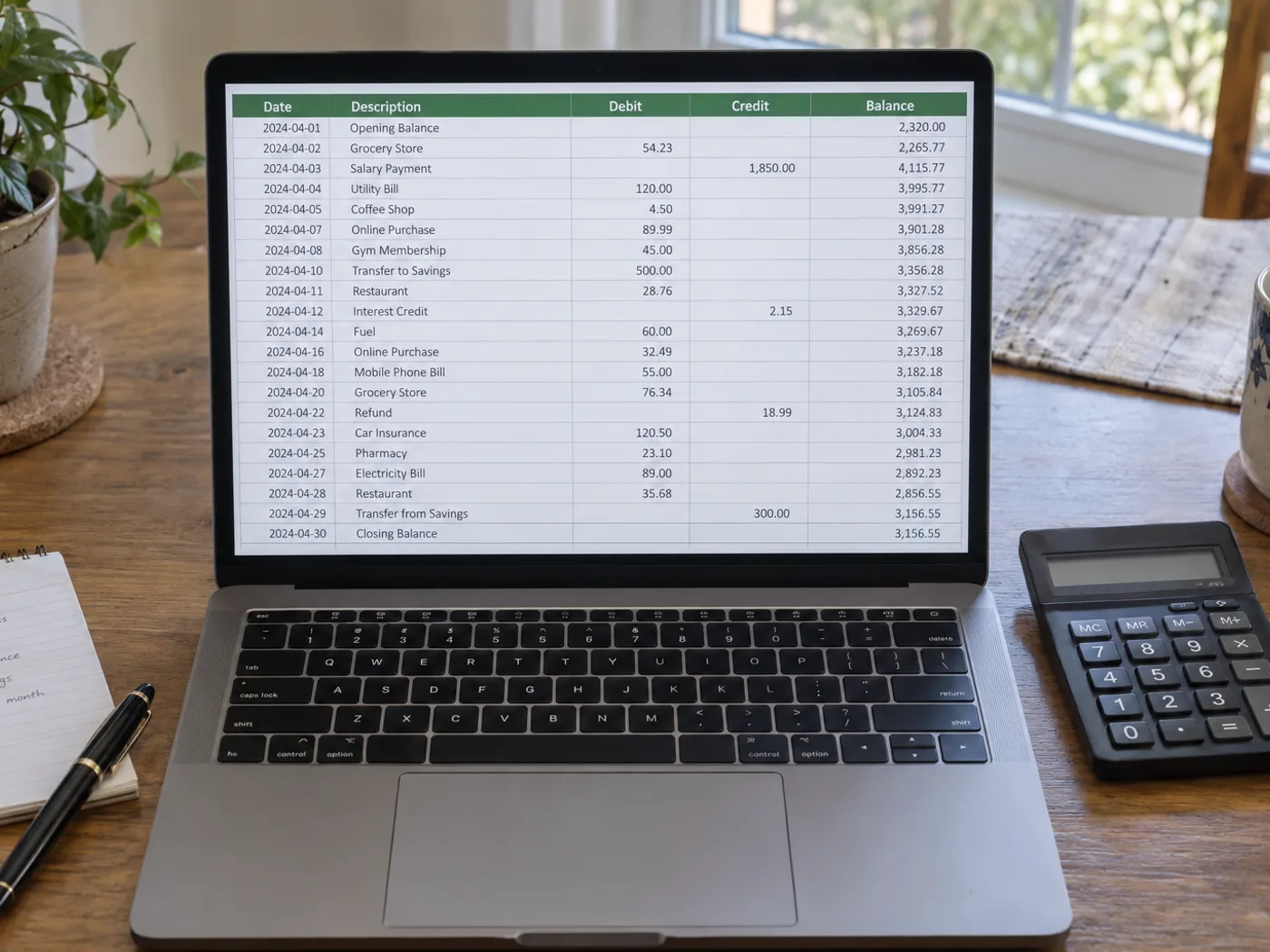
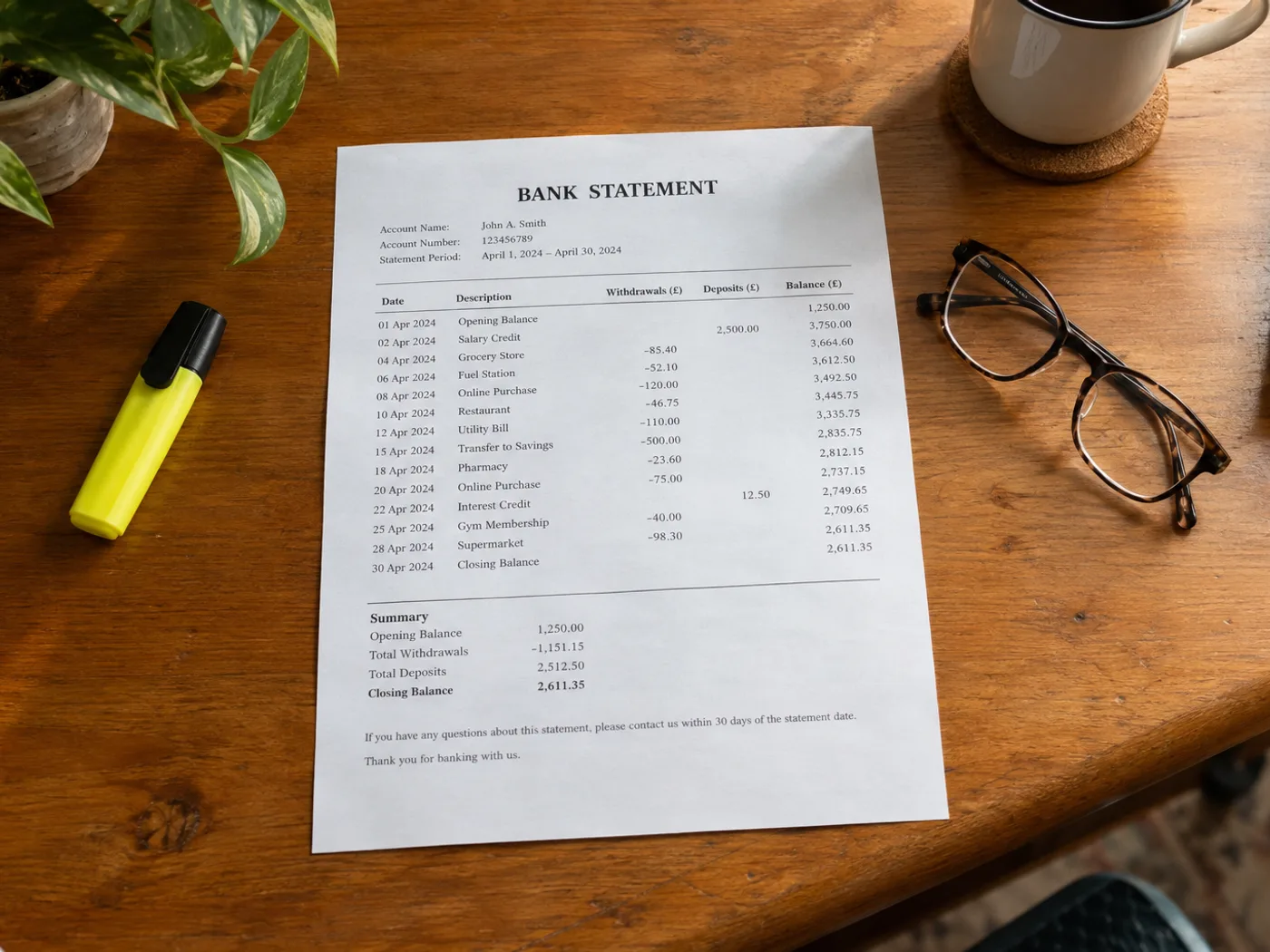
展示贴近实际使用的源文档,以及“图片转 Excel”处理后的实际文档状态或输出文件。
之后
之前
图片转 Excel

Bank Statement to Excel — Review Image Transactions

Extract a bank statement image into Excel transaction rows. Check dates, debit signs, references and balances against the source before using the XLSX.

  • Personal transaction categorization
  • Comparing statement entries with a ledger

Choose a statement image showing complete transaction rows

上传您的表格图像

Choose a statement image showing complete transaction rows

All image formats (JPG, PNG, WEBP, HEIC, TIFF…)

Check statement transactions without manually entering every row

Read the transaction table from a bank statement photograph or scan image into Excel for manual reconciliation. Verify debit and credit columns, date order and running balances; a readable spreadsheet is not proof that the transcription is correct.

Personal transaction categorization

Prepare reviewed rows before adding your own budget categories. Confirm whether each amount is an incoming or outgoing payment.

Comparing statement entries with a ledger

Use the extracted references and amounts as a starting point for a manual match against records you already maintain.

Verify signs and dates before reconciling the worksheet

  1. Select a statement image with transaction headings and the relevant balance context.
  2. Verify every date, amount sign and reference; watch for descriptions wrapping onto another line.
  3. Export the corrected workbook and reconcile it against the original statement.

Bank access, debit signs and balance-checking limits

Does this connect to my bank to retrieve transactions?
No. It processes the statement image you upload and does not request bank login credentials or access your bank account.
How do I check debit and credit signs in the Excel result?
Compare the source column headings and any minus signs or parentheses. Confirm the direction of each transaction before applying your own formulas.
Can I upload my bank’s PDF statement on this page?
Use PDF to Excel for an existing PDF. This image workflow is for photographed, scanned-image or screenshotted statement tables.
Will the converter certify that the statement balances?
No. OCR can misread amounts or omit rows. Reconcile totals independently and retain the original statement for reference.
免费使用 · 无需注册 · 无水印上传过程全程加密传输已根据我们的数据保留政策移除

观看每一个转变土地

每张照片都原封不动地穿过斜线,并在另一边完成。






















