
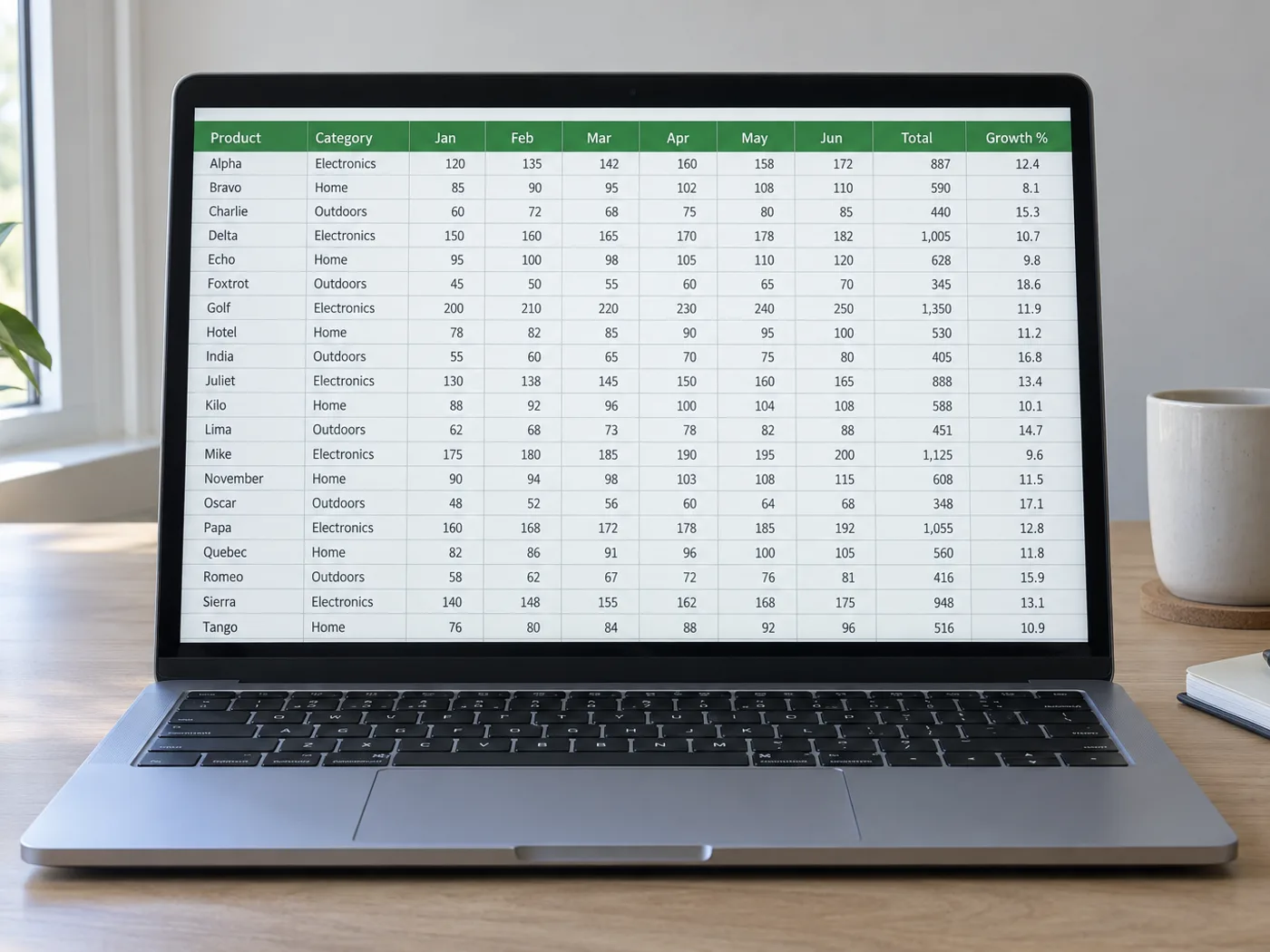
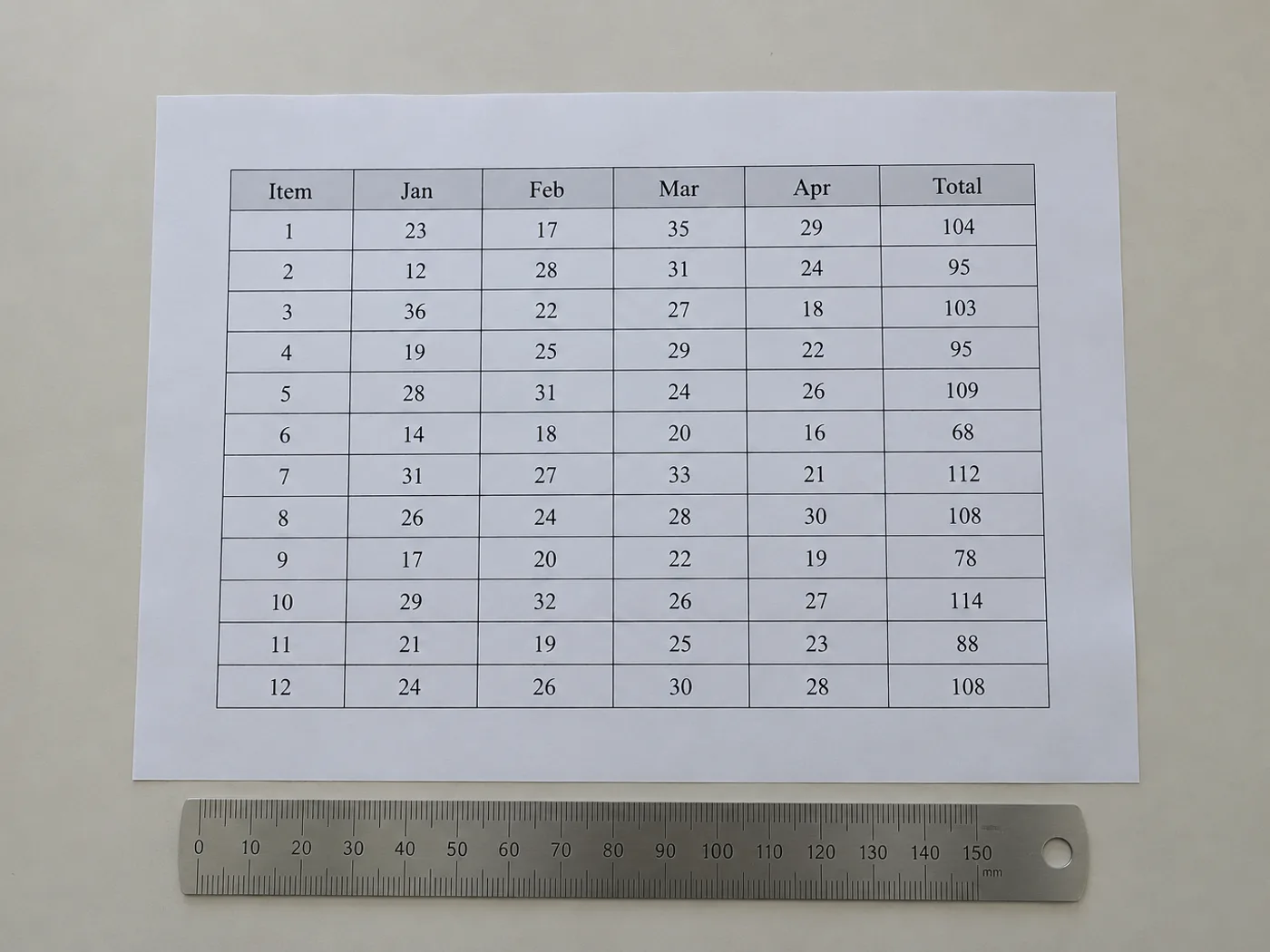
展示贴近实际使用的源文档,以及“图片转 Excel”处理后的实际文档状态或输出文件。
之后
之前
图片转 Excel

表格图像转 Excel — 重建行和列

Upload one clearly bounded table image with its column headings

Read a photographed or scanned table into an Excel worksheet. Review borderless columns, merged headings and missing rows before saving editable XLSX.

  • Published reference tables
  • Tables without drawn gridlines

上传您的表格图像

Upload one clearly bounded table image with its column headings

All image formats (JPG, PNG, WEBP, HEIC, TIFF…)

没有源工作簿的表格,也需要可用的单元格

Recover a table's visible cell contents when all you have is an image. The review grid lets you correct the detected structure before export, which is especially useful for borderless columns and headings spanning more than one field.

Published reference tables

Prepare an editable copy of a report table for your own calculations while retaining the original source and unit labels.

Tables without drawn gridlines

Check whether whitespace-aligned values have landed in the right columns before using them as spreadsheet data.

Rebuild the table structure before using its numbers

  1. 裁剪至一张表格,并保留解读数值所需的标题或单位。
  2. 将检测到的列和行与图片进行对比,修正缺失或多出的网格内容。
  3. 导出已审核的单元格,并在 Excel 中还原所有演示文稿专用格式。

Borderless columns, merged headers and missing rows

表格图片需要显示网格线,才能提取到 Excel 吗?
清晰的对齐方式也可能表示分栏。无边框布局需要更仔细地检查,因为换行文字和不均匀的间距可能会使检测到的边界发生偏移。
Will merged headings remain merged in Excel?
不要依赖完全准确的版式还原。请检查提取出的表头,并在 Excel 中根据表格含义合并或拆分单元格。
What if a table image contains footnotes?
Keep footnotes available as context, but remove any that enter the data grid as false rows. Preserve their meaning in a separate note when needed.
导出 XLSX 前,如何修复缺失的行?
Use the editable review grid to add or correct rows, then compare the row count with the image before downloading the workbook.
免费使用 · 无需注册 · 无水印上传过程全程加密传输已根据我们的数据保留政策移除

观看每一个转变土地

每张照片都原封不动地穿过斜线,并在另一边完成。






















