
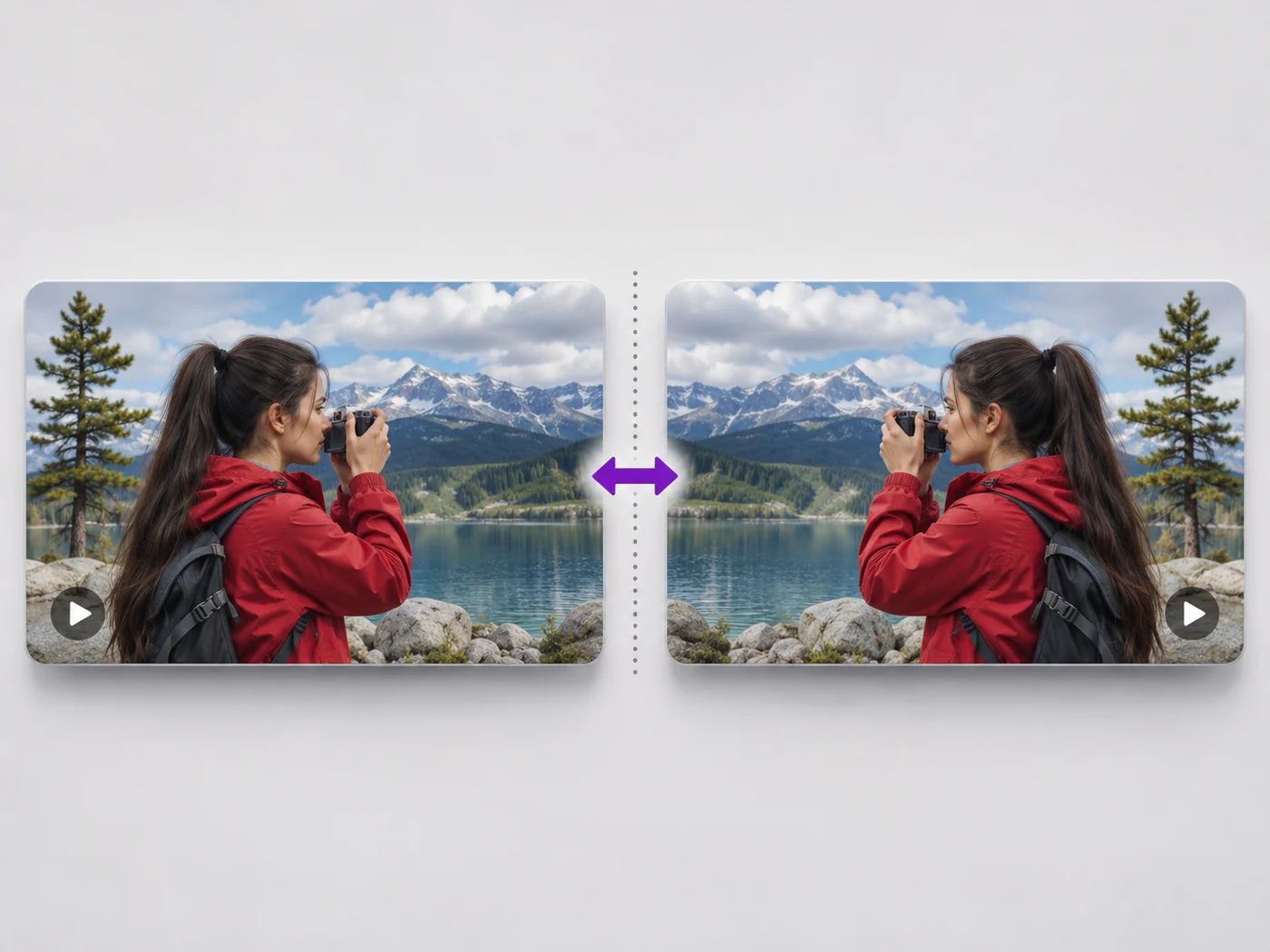
Illustrative preview
Flip Video Online — Mirror Video Left to Right
MP4, MOV, WebM · Free short clips at web size · No watermark
Undo the mirror effect of a front camera, or flip a video upside down. See the flipped video before you download it.
- Mirror left to right in one click
- Flip upside down, or both
- Text and logos read the right way again
Upload your video
MP4, MOV, WebM · Checking your upload limit…
Files are uploaded for processing. Uploads and finished videos are automatically deleted within 24 hours.
How to flip a video
- Upload your video.
- Choose Mirror, Flip upside down, or both.
- Play it to check.
- Press Flip video and download your MP4.
Undo a mirrored selfie video
Front cameras often save videos mirrored, so text on a shirt or sign reads backwards. Mirroring the video turns it the right way round. Flipping is different from rotating: it reverses the picture instead of turning it.
Questions about this tool
What is the difference between flipping and rotating a video?
Flipping mirrors the picture, like a reflection. Rotating turns it a quarter or half turn. Use Rotate video to fix a sideways video.
How do I mirror a selfie video?
Upload it, keep Mirror (flip left to right) ticked and press Flip video.
Is the sound affected?
No. Flipping changes only the picture; the sound plays as before.
Is the video flipper free?
Yes, with no watermark. Free exports are short clips at web size; paid plans export longer videos in Full HD and accept larger uploads.
Herramientas relacionadas para Reflejo de vídeo
Herramientas para los siguientes pasos comunes después de Reflejo de vídeo.
Herramientas de vídeo
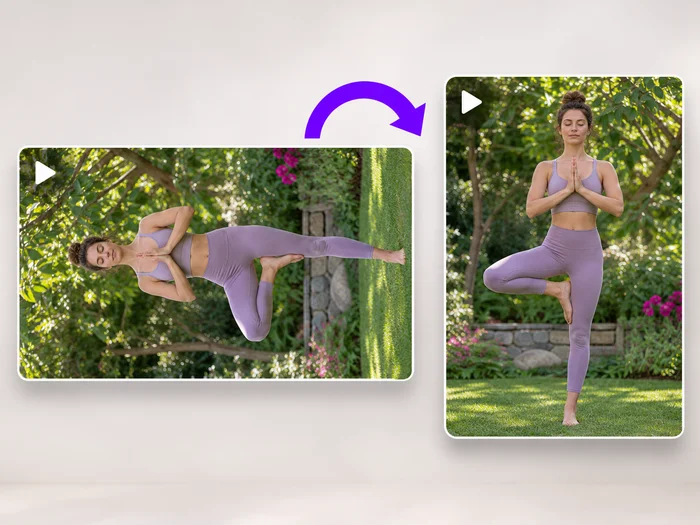
Rotación de vídeo
Turn a video 90 degrees left or right, or 180 degrees, so it plays the right way up on every phone and computer.
Pruébalo ahora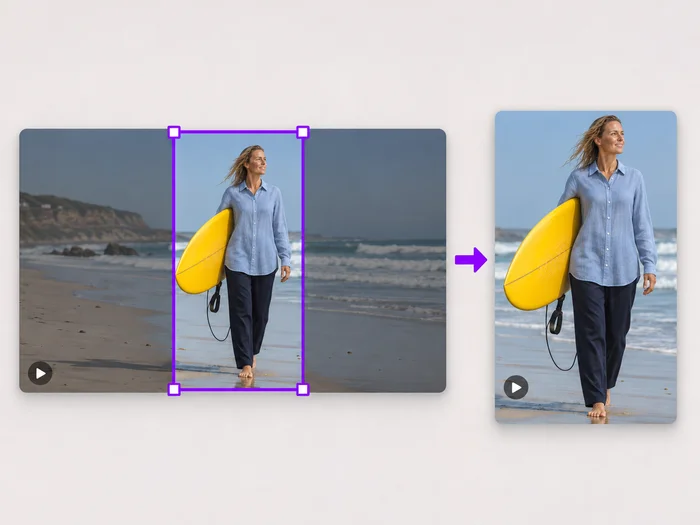
Herramientas de vídeo
Recorte del encuadre de vídeo
Drag a box over your video to cut away edges, black bars or anything in the background. Lock it to square, vertical or wide for social posts.
Pruébalo ahora
Herramientas de vídeo
Editor de vídeo
Make every common edit in one go: cut, crop, rotate, flip, add text and effects, change speed, then resize or compress. Preview it all before you export.
Pruébalo ahoraVe cada transformación en acción
Cada foto cruza el separador sin cambios y sale terminada al otro lado.























