
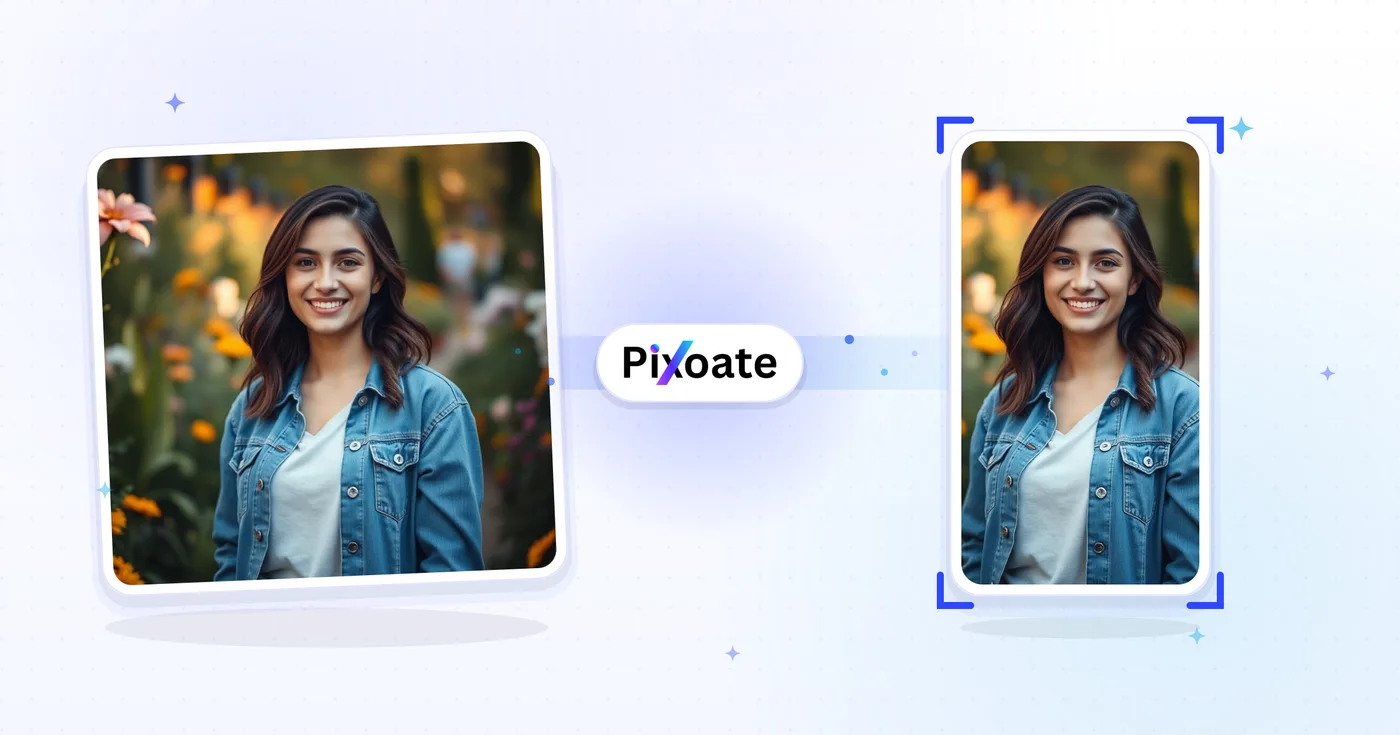
TikTok Cover Resizer: cambiar el tamaño de una imagen para TikTok 1080×1920
Portadas de 9:16 (1080×1920), fotos en carrusel, imágenes de perfil y miniaturas: tamaños exactos de TikTok sin conjeturas.
Suelta una imagen — elige portada, carrusel o perfil
Tamaños de imagen de TikTok
TikTok está pensado en torno al contenido vertical 9:16. Las portadas de vídeo deben subirse a 1080×1920: cualquier cosa más corta queda con bandas laterales y cualquier cosa más ancha se recorta. Las fotos de perfil son cuadradas (mínimo 200×200). Los carruseles de fotos siguen el mismo marco 9:16 que el vídeo. Esta herramienta redimensiona cualquier imagen al tamaño exacto en píxeles que necesita cada ubicación.
Lo que puedes hacer con Redimensionador de portadas de TikTok
Revise las capacidades principales antes de comenzar.
- Redimensiona portadas de vídeo al 9:16 de TikTok (1080×1920)
- Ajusta el tamaño de tus imágenes para el carrusel de fotos de TikTok
- Recorta fotos de perfil y miniaturas limpias
- Previsualiza la zona segura para que los textos se lean bien
- Añade márgenes o rellena los bordes con un color de fondo
- Guarda en JPG, PNG o WebP
Referencia de configuración
8 ajustes
Controles disponibles para Redimensionador de portadas de TikTok.
- Modo de procesamientoAjustes predefinidos
- Procesa una entrada o cambia al modo por lotes de Premium para aplicar los mismos ajustes a varias entradas. Los tipos de entrada disponibles dependen de la herramienta.Opciones: Una sola imagenPor lotes
Tamaño
- Tamaños de TikTokAjustes predefinidos
- Elige el espacio exacto de TikTok para el que redimensionar, desde la portada de vídeo de 1080×1920 hasta la foto de perfil de 200×200, para que el resultado tenga el tamaño en píxeles que necesita ese espacio.Opciones: Vídeo / PortadaCarrusel de fotosFoto de perfilVídeo de perfilMiniaturaMiniatura cuadrada
Resultado
- AjustarAjustes predefinidos
- Chooses how the image fills the frame: Cover fills and crops overflow, Contain fits the whole image with background bars. Untick Maintain aspect ratio to force exact dimensions, which may distort.Opciones: PortadaAjustar
- FondoSelector de color
- Define el color de relleno situado detrás de las bandas cuando el ajuste Contener deja espacio vacío (negro de forma predeterminada en esta herramienta); se oculta al seleccionar el formato PNG, porque la salida PNG mantiene esas zonas transparentes.
- FormatoDesplegable
- Selecciona el tipo de archivo de descarga: JPG para portadas fotográficas, PNG para texto nítido o transparencia, WEBP o AVIF para archivos modernos más ligeros.Opciones: JPGPNGWEBPAVIF
- CalidadControl deslizanteRango: 40–100% · Predeterminado: 92%
- Controla la compresión de los archivos JPG, WEBP y AVIF — los valores más altos se ven más nítidos, pero generan archivos más grandes — y se oculta en PNG, que siempre es sin pérdidas.
Vista previa
- Mostrar zona seguraActivado / Desactivado
- Muestra u oculta sobre la vista previa una guía circular (activada de forma predeterminada) que marca el área que TikTok muestra realmente; solo aparece en los ajustes cuadrados Foto de perfil y Vídeo de perfil.
Ampliación con IA
- Ampliar el fondo con IAUn clic
- Prolonga la escena hasta el tamaño elegido con IA sin perder la foto de origen preparada. Las descargas gratuitas son en tamaño web. Premium o los créditos desbloquean la resolución completa. Las proporciones compatibles exigen mantener la relación de aspecto. En Lote, cada imagen de la cola se amplía y se entrega con el tamaño y el formato que elegiste.
Herramientas relacionadas para Redimensionador de portadas de TikTok
Herramientas para los siguientes pasos comunes después de Redimensionador de portadas de TikTok.

Publicación en redes sociales
Redimensionar para Instagram
Ajuste una foto completa a las dimensiones de Instagram usando relleno borroso o de color sólido cuando sea necesario.
Pruébalo ahora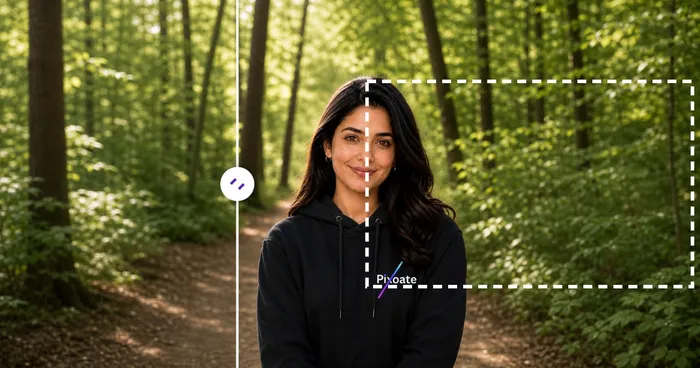
Publicación en redes sociales
Descargador de miniaturas de YouTube
Pega la URL o el ID de un vídeo de YouTube para ver y descargar sus miniaturas disponibles.
Pruébalo ahora
Publicación en redes sociales
Redimensionador de pines de Pinterest
Cambie el tamaño de las imágenes para los pines, perfiles y dimensiones de la cubierta del tablero de Pinterest enumerados, incluidos los ajustes preestablecidos 2:3 y cuadrados.
Pruébalo ahoraPreguntas frecuentes
Cómo Redimensionador de portadas de TikTok te ayuda a lograrlo
Problemas reales que resuelve todos los días: para empresas, creadores y tareas cotidianas. Encuentre el caso de uso que más le convenga y comience.
Branding de portadas de vídeo para creadores
Los creadores de TikTok diseñan portadas de vídeo coherentes, con las mismas fuentes, colores y titulares, para que su cuadrícula de perfil se vea como una marca cuidada y no como miniaturas al azar
Portadas de marcas de restaurantes y alimentación
Los restaurantes, cafeterías y marcas de alimentación redimensionan su fotografía gastronómica principal a las dimensiones de portada de TikTok para animar a sus seguidores a ver vídeos de platos y visitar el enlace del menú en la biografía
Portadas de tutoriales de belleza y cuidado de la piel
Los creadores de belleza y las marcas de cuidado de la piel diseñan portadas de tutoriales de antes y después con las dimensiones correctas de TikTok para maximizar el CTR mientras se desplazan por el feed Para ti
Portadas de vídeos de fitness y entrenamiento
Los creadores de fitness, los entrenadores y las marcas de ejercicio en casa diseñan portadas de TikTok con los títulos de los entrenamientos, su duración y su nivel de dificultad para que los usuarios sepan a qué se van a comprometer
Portadas de demostración de productos de comercio electrónico
Cambiar el tamaño de la portada de un producto a las dimensiones de TikTok para que la Tienda TikTok y los anuncios in-feed dejen de recortarla
Portadas de vídeos educativos y tutoriales
Creadores de edutech, profesores de idiomas y educadores de plataformas de aprendizaje diseñan portadas claras para TikTok con el título de la lección y la idea clave visibles antes incluso de que el usuario pulse reproducir
Portadas para lanzamientos musicales y clips de pódcast
Los músicos y podcasters exportan una imagen de Vídeo/Portada (1080x1920) que anuncia un nuevo sencillo o episodio, y luego usan el carrusel de fotos para diapositivas que adelantan la lista de temas, todo recortado al mismo encuadre 9:16.
Portadas de reels de recorridos por inmuebles
Los agentes inmobiliarios redimensionan las fotos de los anuncios al preajuste Vídeo/Portada de TikTok con el ajuste Contener para que una toma gran angular del salón no se recorte, manteniendo toda la estancia visible antes de que se reproduzca el vídeo del recorrido.
Portadas de lanzamiento de funciones SaaS
Los responsables de marketing de producto usan el ajuste Contener con un color de fondo de marca para encajar una captura de pantalla de escritorio completa dentro del marco 9:16 sin recortar la interfaz, para clips de anuncios de funciones y demostraciones.
Carruseles de resumen de conferencias y eventos
Los organizadores de eventos usan el preajuste de Carrusel de fotos para redimensionar un conjunto de fotos de sesiones en una publicación tipo pase de diapositivas 9:16 uniforme que resume una conferencia o encuentro para los asistentes que se lo perdieron.
Portadas de vídeo de productos de TikTok Shop
Los vendedores de TikTok Shop redimensionan la fotografía de producto al marco de Vídeo/Portada para publicaciones de vídeo con compra directa y usan el Carrusel de fotos para mostrar productos desde varios ángulos, manteniendo las portadas de vídeo de la tienda nativas del feed vertical de TikTok en lugar de que parezcan una foto de comercio electrónico recortada.
Ve cada transformación en acción
Cada foto cruza el separador sin cambios y sale terminada al otro lado.























