画像比較スライダー - ビフォー/アフター画像比較ツール

2枚の画像をドロップし、スライダーをドラッグして違いを確認します。横向き・縦向きの向き、左右の入れ替えに対応し、並べた合成画像をPNGとして書き出せます。

ビフォー

「ビフォー」画像をドロップ

ビフォー・アフターの「アフター」

「アフター」画像をドロップ

ファイルは処理後に自動削除されますHTTPSで安全に処理

画像比較は完了しましたか?次はこちらもお試しください

画像比較と相性の良い厳選ツール。ファイルを失うことなく作業を続けられます。

すべてのツールを見る
ISO 100f/2.81/250sGPS ⌖

EXIFビューア&リムーバー

あらゆる写真に隠れたEXIF、GPS、IPTC、XMPのメタデータを検査したり、すべてのメタデータを削除したプライバシー保護済みのコピーをダウンロードしたりできます。

今すぐ試す

画像オーバーレイ

ドラッグでの位置調整とブレンドコントロールを使って、ある画像を別の画像の上に重ね合わせ。目を引く合成画像を作成できます。

今すぐ試す
5MB0.4MB

画像をKB単位で圧縮

JPG、PNG、WebP などを、目に見える品質を損なうことなく目標サイズちょうどに圧縮できます——20KB、50KB、100KB、お好みの KB まで自由自在。複数の画像をまとめて一括圧縮でき、しかも無料です。

今すぐ試す

画像をリサイズ

JPG、PNG、GIF、WebP、SVGの画像を正確な幅と高さにリサイズしたり、パーセントで拡大縮小したりできます。1枚のリサイズはもちろん、複数枚を一括でリサイズしてZIPにまとめてダウンロードも可能。ライブプレビュー付きで、縦横比と画質を維持します。無料・登録不要・透かしなし。

今すぐ試す

写真フィルター・エフェクト

23種類以上のプロ仕様の効果で写真を変身させましょう。芸術的なスタイル、ビンテージフィルター、モダンな効果、特別な変換が揃っています。

今すぐ試す

画像を切り抜き

JPG、PNG、WebP、GIF、SVG の画像を、ライブプレビューでリアルタイムにトリミングできます。ピクセル単位の正確な指定や、お好みの縦横比でのトリミングも可能。無料、登録不要、ウォーターマークなしです。

今すぐ試す

Frequently Asked Questions

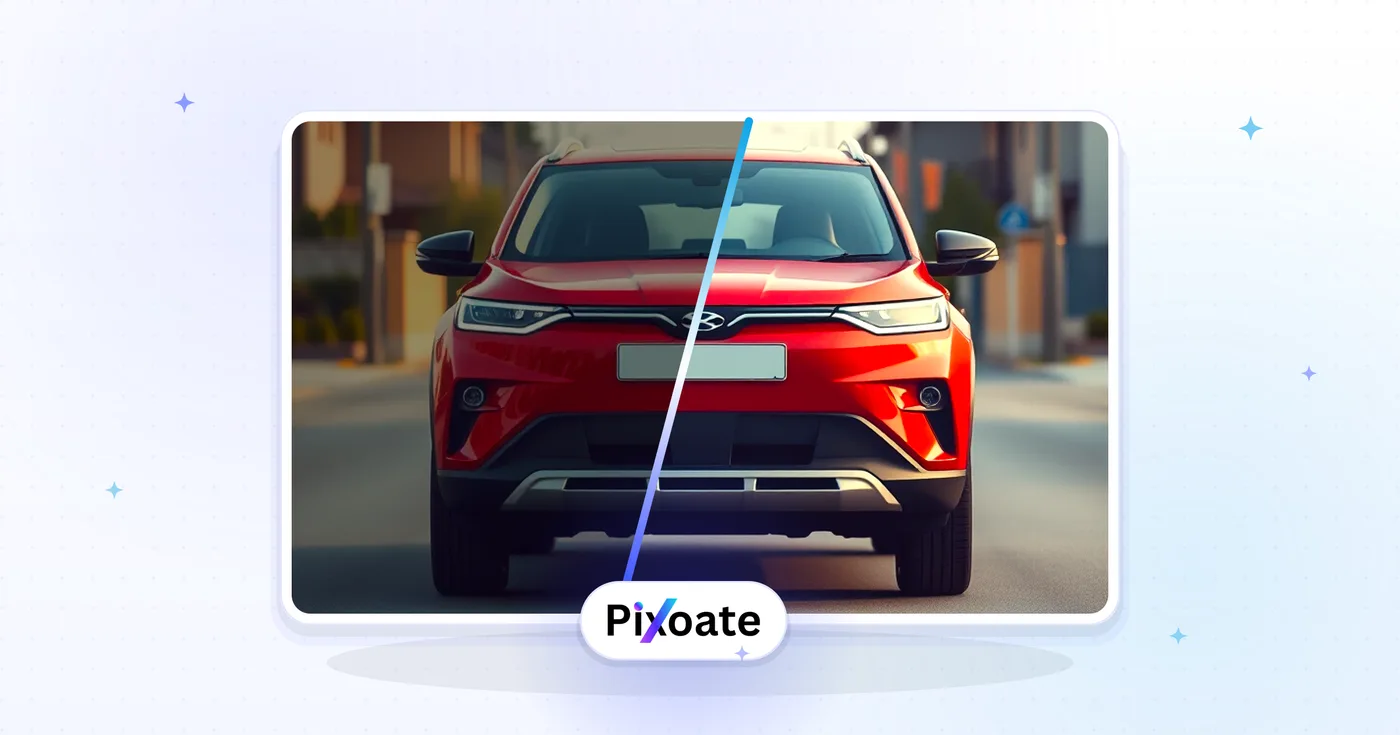
同じ寸法の画像を2枚アップロードすると、ツールがドラッグ可能なハンドルでそれらを重ね合わせます。左にスライドするとビフォーの画像が、右にスライドするとアフターの画像が現れます——編集、レタッチ、ダイエット、リフォーム、デザインの改善、AI生成の結果などを見せるのに最適です。

usage

はい。スライダーをMP4またはアニメーションGIFとして書き出せば、スワイプが自動でループ再生されます。ハンドルをドラッグできないInstagram、TikTok、X、LinkedInの投稿に最適です。フレームレートと再生時間は設定できます。

features

スライダーはピクセル単位で比較するため、理想的にはそうすべきです。サイズが異なる場合、ツールが2枚目の画像を1枚目に合わせて自動で切り抜くか拡大縮小し、アスペクト比を保ったまま正確な比較ができるようにします。

technical

JPEG、PNG、WebP、GIF、HEICのすべてに対応しています。書き出される動画は互換性を最大限に高めるためH.264 MP4を使用し、GIF書き出しはSNSでのすばやい共有に十分なほどファイルサイズを小さく抑えます。

compatibility

The side-by-side comparison preview happens in your browser, but exporting the composite uploads both images to our secure server so the final file can be rendered; they are deleted automatically afterward and never shared or used to train models. For strictly confidential material where no upload is acceptable, capture a screenshot of the on-screen preview instead of using Export.

privacy

はい。生成されたHTMLスニペットをコピーして、WordPress、Webflow、Squarespace、Shopify、あるいは任意の静的サイトに貼り付けるだけです。この埋め込みコードは依存関係がなく、モバイル対応で、外部のJavaScriptライブラリなしで動作します。

web

Use the Orientation control in the Compare panel to toggle between Horizontal (left-right swipe, best for landscape photos and side-by-side layouts) and Vertical (top-bottom swipe, better for tall portrait shots or before/after height comparisons like renovations or growth photos).

features

Split % sets where the divider line sits between the before and after image, from 0 (all after visible) to 100 (all before visible) — it defaults to 50 for an even split. Move it toward one side if you want more of a specific image visible in the exported composite, for example 70 to emphasize the "after" result.

usage

Click the Swap button in the Compare panel to instantly exchange the before and after images without re-uploading — handy if you dropped them in the wrong order or want to flip the reveal direction for a different visual effect.

usage

For a full-room renovation, Vertical orientation at a 50% split works well since it lets viewers compare top-to-bottom detail like flooring and ceiling changes. For side-by-side furniture or color changes, Horizontal orientation at a 40–60% split (favoring whichever image has the more striking result) tends to draw the eye most effectively.

tips

How Image Compare helps you get it done

Real problems it solves every day — for businesses, creators, and everyday tasks. Find the use case that fits you and start in seconds.

For Creators

ビフォー/アフターの写真編集ショーケース

フォトグラファー、レタッチャー、Lightroomアーティストは、ドラッグできるスライダーでレタッチのビフォーアフターをポートフォリオのクライアントに見せ、その編集が料金に見合う価値があったことを証明します

For Creators

AI画像生成の比較

DALL-E、Midjourney、Stable Diffusion、Fluxの出力結果を、元のプロンプトや参照画像と比較して、プロンプトエンジニアリングやモデルごとの品質の違いを示せます

For Business

リノベーション・住宅改修のビフォーアフター公開

施工業者や建築家、インテリアデザイナーが、キッチンやバスルーム、部屋全体のリフォームのビフォーアフタースライダーを、InstagramやTikTok、プロジェクトのポートフォリオサイトで紹介します

Social Media

フィットネス・ダイエットのビフォーアフター

パーソナルトレーナー、コーチ、フィットネスクリエイターは、新規クライアントを獲得するために、30日間・90日間・1年間の変化を見せるスライダーをInstagram Reels、TikTok、YouTubeに公開します

For Business

製品デザインの反復と A/B テスト

製品デザイナー、UX チーム、マーケティング責任者は、Figma のレビュー、マーケティング資料、ステークホルダー向けプレゼンでデザイン案を横並びで比較し、より速く意思決定を行います

For Creators

修復・保存のビフォーアフター

美術修復家、ビンテージカーのディテイラー、写真修復の専門家は、ビフォーアフターのスライダーを見せることで、手間のかかる作業と価格に見合う価値を視覚的に示せます

Real Estate

Real Estate Staging & Listing Comparisons

Show a room before virtual staging or a full flip renovation next to the after in listing photos and social posts — use Vertical orientation for tall room shots so buyers see floor-to-ceiling changes at a glance.

For Developers

Software UI Redesign Changelogs

Product and engineering teams compare an app's old interface against the redesigned one in release notes and internal design reviews, using the Split % slider to control exactly how much of each version is visible in the exported screenshot.

Personal Use

Skincare & Dental Treatment Progress

Dermatology clinics, orthodontists and skincare brands document treatment results with a clean before/after composite for patient consultations and clinic marketing — comparison and export happen entirely in-browser.

Education

Science & Classroom Demonstrations

Teachers export a before/after composite of a plant's growth, a chemistry reaction or an erosion experiment for a lesson slide or handout, switching orientation to match whichever axis the change happened along.