
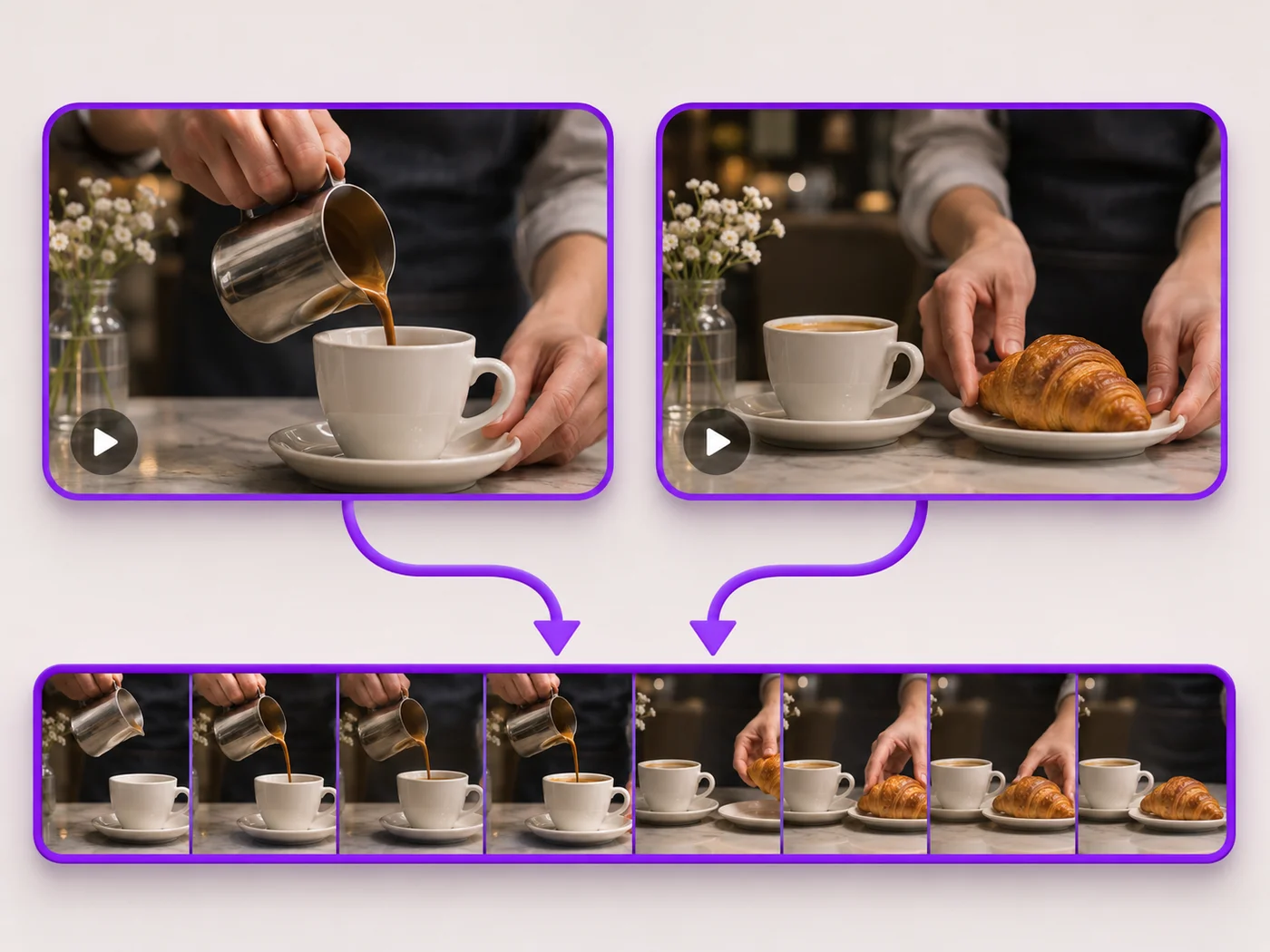
Illustrative preview
Merge Videos Online — Combine Clips into One Video
MP4, MOV, WebM · Free short clips at web size · No watermark
Join clips into one MP4 in the order you choose. Clips of different shapes are fitted onto one frame, so nothing is stretched.
- Put clips in any order before you merge
- Portrait and landscape clips fit one frame
- Keep the sound, or remove it in one click
Upload your clips
MP4, MOV, WebM · Checking your upload limit…
Files are uploaded for processing. Uploads and finished videos are automatically deleted within 24 hours.
How to merge videos
- Upload two or more clips.
- Move clips up or down to set the order.
- Choose a bar color and whether to keep the sound.
- Press Merge videos and download one MP4.
複数のクリップを1本の動画に
Combine highlights, join recordings that stopped and started, or put an intro in front of your main clip. Every clip is fitted to the shape of the first clip so nothing is stretched, and clips without sound stay in sync.
Questions about this tool
Can I merge videos for free?
Yes, with no watermark. Free merges short clips into one video at web size; paid plans merge more clips at once, longer videos and Full HD.
Can I merge portrait and landscape videos?
Yes. The merged video takes the shape of the first clip, and the other clips are fitted inside it with bars in the color you choose, so nothing is stretched or cut off.
Can I change the order of the clips?
Yes. Use the up and down arrows next to each clip. The clips play in the order shown.
Which formats can I merge?
You can mix MP4, MOV and WebM clips. The merged video downloads as one MP4.
動画結合 の関連ツール
動画結合 の後の一般的な次のステップのためのツール。
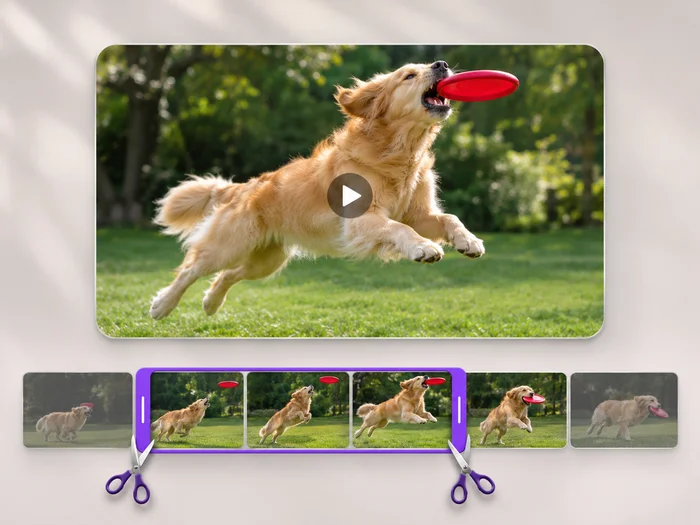
動画ツール
動画の長さをカット
Cut the start, the end or a section from the middle of your video. Preview the exact part you keep, then download an MP4 without a watermark.
今すぐ試す
動画ツール
動画エディター
Make every common edit in one go: cut, crop, rotate, flip, add text and effects, change speed, then resize or compress. Preview it all before you export.
今すぐ試す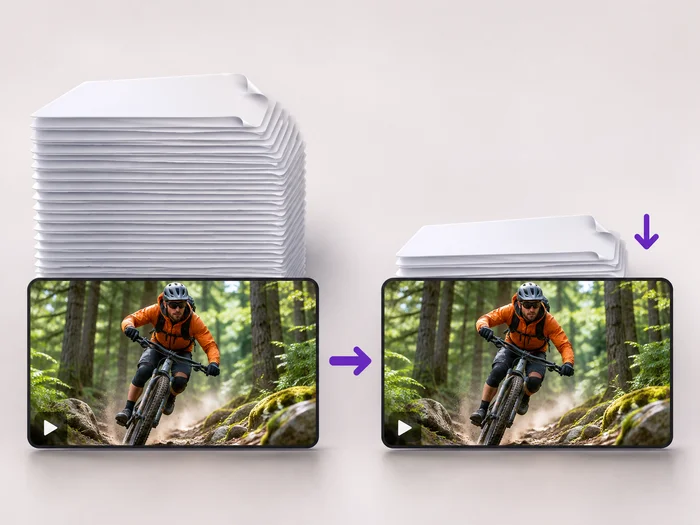
動画ツール
動画圧縮
Make a video file smaller so it fits email, chat and upload limits. Choose how much to shrink it and keep the picture sharp.
今すぐ試す変換結果を一つずつ確認
すべての写真はスラッシュをそのまま通過し、反対側が完成して出てきます。























