
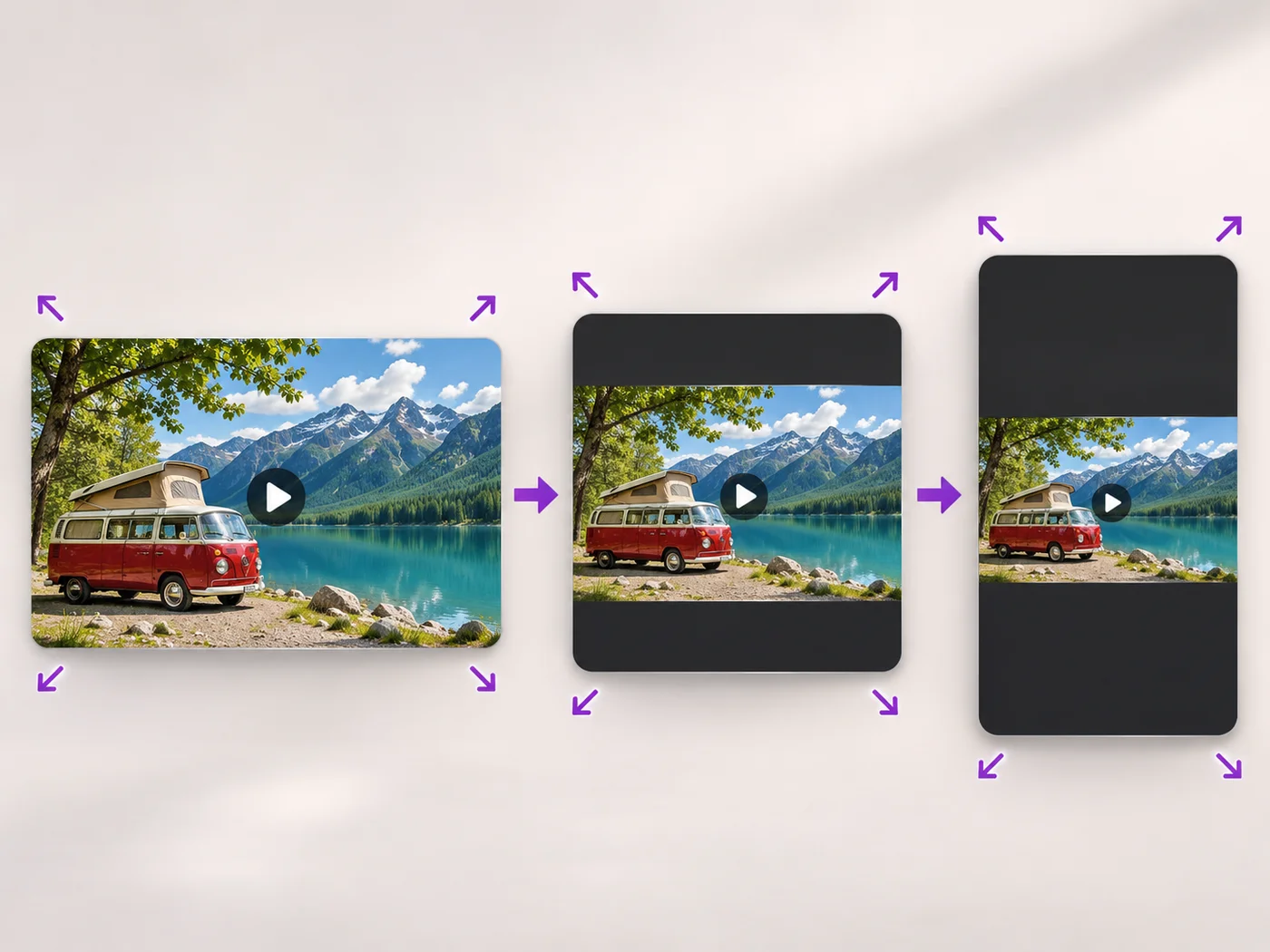
Illustrative preview
Resize Video Online — Change Video Size or Shape
MP4, MOV, WebM · Free short clips at web size · No watermark
Scale a video down to a smaller size, or set an exact width and height and choose whether to add bars, fill the frame or stretch.
- Quick sizes from extra small to Full HD
- Exact width and height for any site
- Keep the whole video with bars, fill the frame or stretch
Upload your video
MP4, MOV, WebM · Checking your upload limit…
Files are uploaded for processing. Uploads and finished videos are automatically deleted within 24 hours.
How to resize a video
- Upload your video.
- Pick a size, or choose Custom size and enter a width and height.
- For a custom size, choose how the video fits the new shape.
- Press Resize video and download your MP4.
The right size for every place you post
Smaller videos upload faster and fit size limits, and some sites ask for an exact width and height. For vertical, square and landscape social formats with backgrounds, use the portrait and landscape video converter.
Questions about this tool
How do I make a video smaller?
Choose Small or Extra small under Output size and press Resize video. For a smaller file at the same size, use the video compressor.
Can I change the aspect ratio of a video?
Yes. Choose Custom size, enter the new width and height, and pick Keep the whole video to add bars, Fill the frame to crop the edges, or Stretch.
Can I make a video bigger than the original?
Free exports are at web size and paid plans export up to Full HD. Making a small video larger does not add detail.
Is the video resizer free?
Yes, with no watermark. Free exports are short clips at web size; paid plans export longer videos in Full HD and accept larger uploads.
動画サイズ変更 の関連ツール
動画サイズ変更 の後の一般的な次のステップのためのツール。
SNS公開
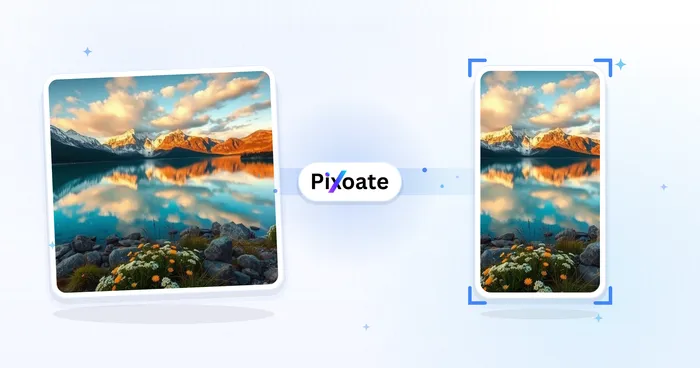
縦向き・横向き動画変換ツール
Convert videos between portrait, landscape, square, and custom sizes. Keep the whole frame, crop, add backgrounds, and download MP4 free without a watermark.
今すぐ試す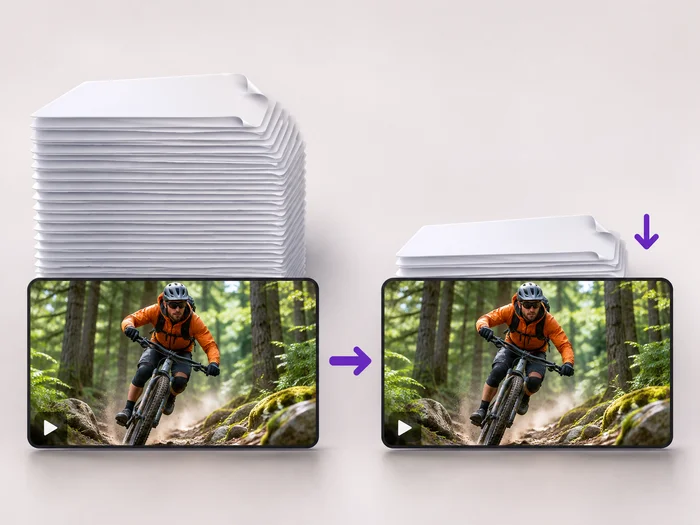
動画ツール
動画圧縮
Make a video file smaller so it fits email, chat and upload limits. Choose how much to shrink it and keep the picture sharp.
今すぐ試す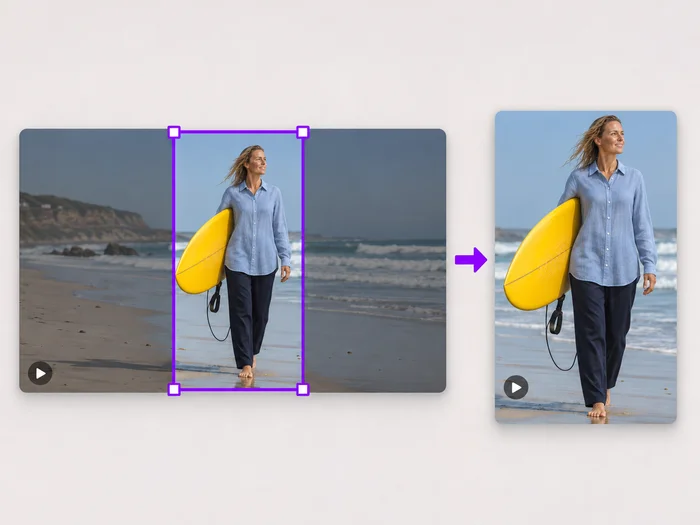
動画ツール
動画の画面切り抜き
Drag a box over your video to cut away edges, black bars or anything in the background. Lock it to square, vertical or wide for social posts.
今すぐ試す変換結果を一つずつ確認
すべての写真はスラッシュをそのまま通過し、反対側が完成して出てきます。























