
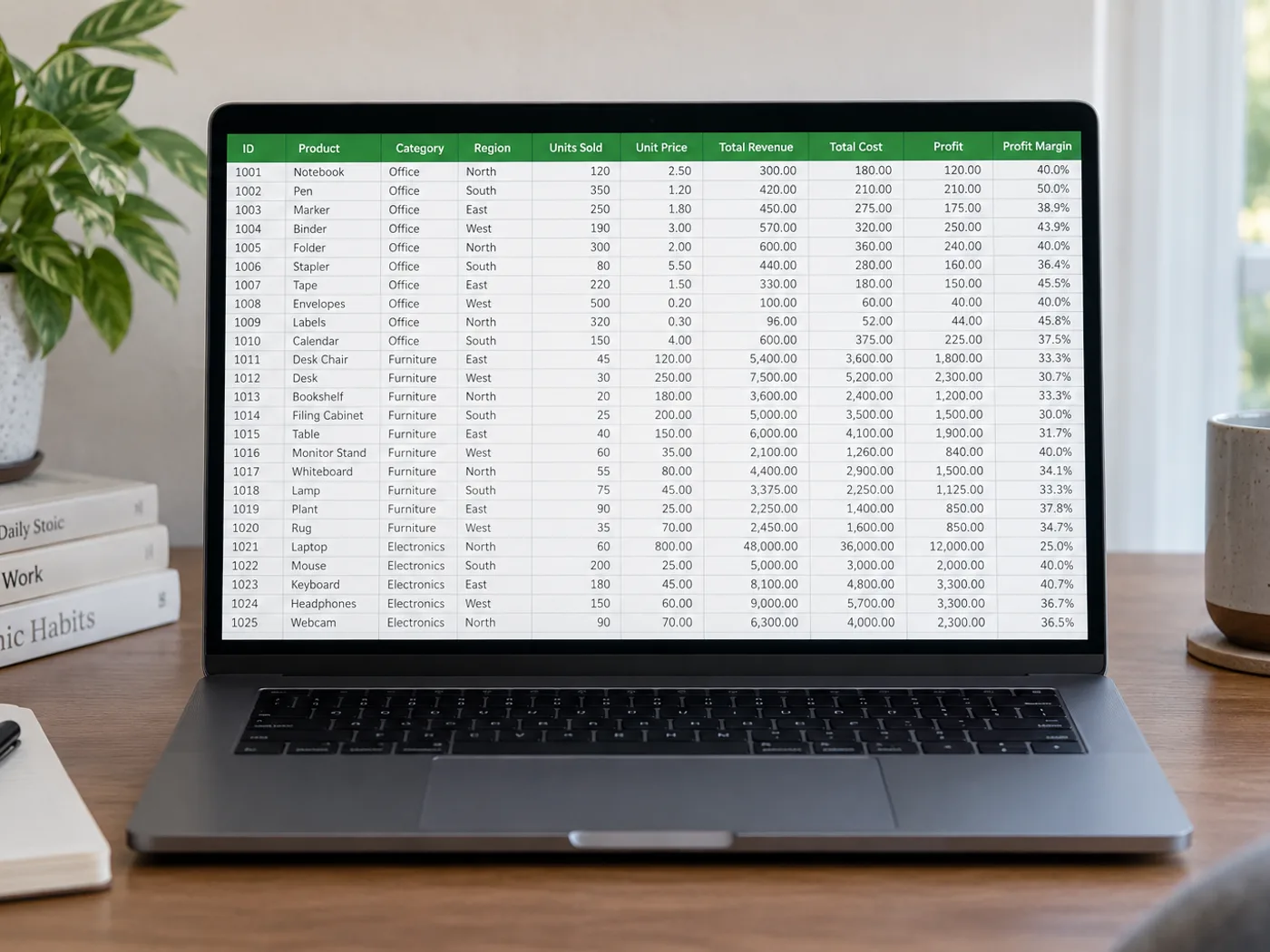
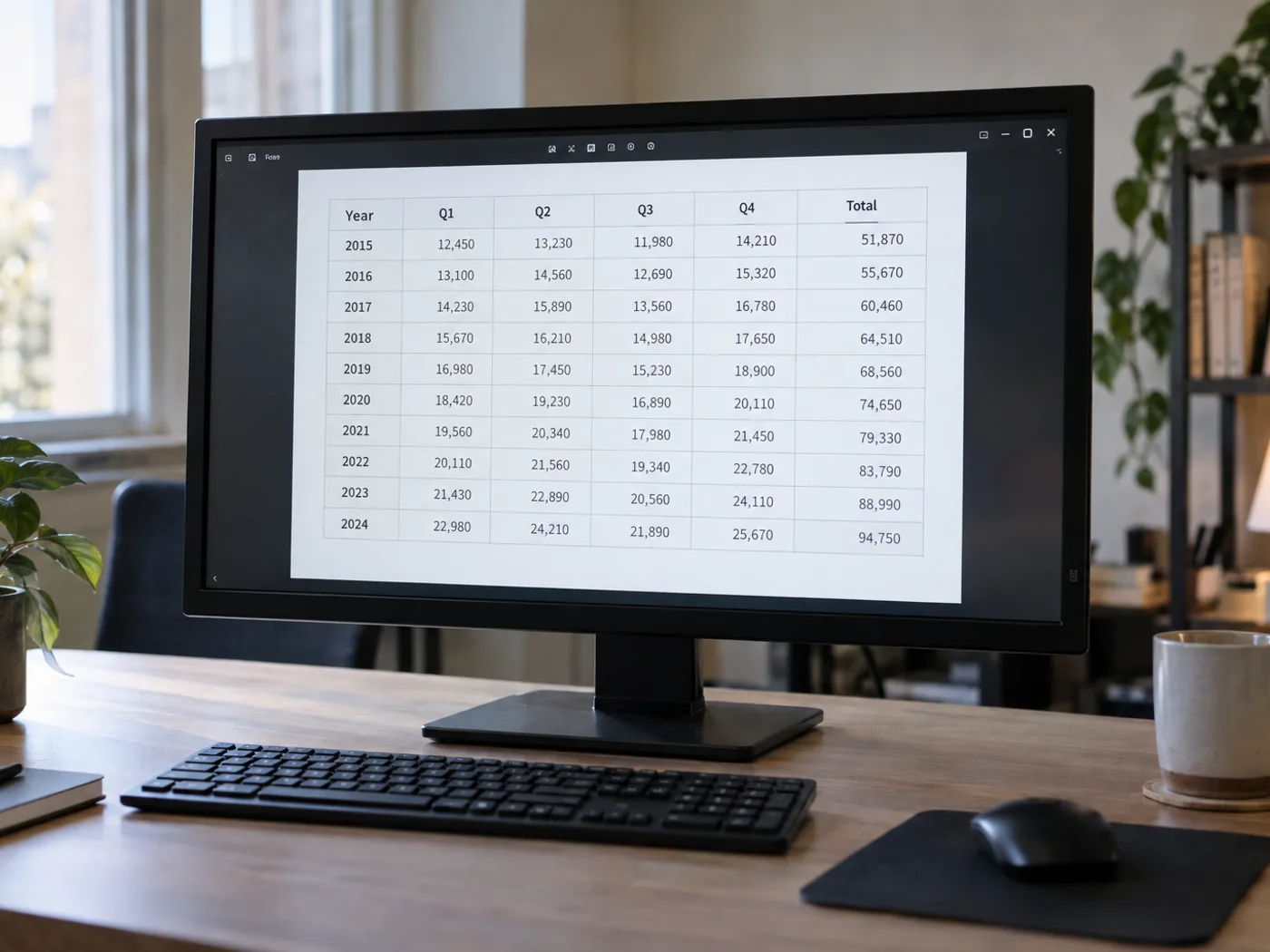
Twoja tabela PNG jest czytelna, ale jej komórki nadal są częścią obrazu
Eksport do PNG często zachowuje ostre litery w tabeli, ale jej komórki nadal są pikselami. Wczytaj zapisaną tabelę PNG do arkusza i sprawdź wyodrębnione kolumny, zanim otworzysz go w programie Excel, by sortować, filtrować lub dalej porządkować dane.
Tabele z raportów wyeksportowane do PNG
Odtwórz widoczne dane z raportu załączonego wyłącznie jako obraz, gdy autor nie udostępnił źródłowego skoroszytu.
Tabele referencyjne z identyfikatorami produktów
Przenieś nazwy i kody do arkusza, sprawdzając zera wiodące oraz kombinacje liter i cyfr przed połączeniem ich z istniejącymi rekordami.
Odzyskaj komórki arkusza z oryginalnego PNG
- Zapisz PNG w oryginalnych wymiarach zamiast powiększać małą miniaturę.
- Odczytaj tabelę i sprawdź wąskie kolumny, nagłówki w kilku wierszach oraz pola identyfikatorów.
- Edytuj błędnie odczytane komórki, wyeksportuj plik XLSX i sprawdź format identyfikatorów po otwarciu w Excelu.
Obsługa przezroczystych plików PNG, wykresów i zer wiodących
- Czy przed wyodrębnieniem komórek Excela przekonwertować PNG na JPG?
- Nie. Prześlij PNG bezpośrednio. Konwersja do JPG może wprowadzić artefakty kompresji wokół małych znaków, nie dodając żadnych informacji.
- Co jeśli moja tabela w PNG ma przezroczyste tło?
- Tekst musi wyraźnie odcinać się od tła. Jeśli podgląd jest trudny do odczytania, przed wyodrębnieniem tekstu przygotuj kopię z kontrastowym tłem.
- Czy plik PNG zawierający wykres zostaje zamieniony w arkusz danych?
- Ta strona służy do odczytywania widocznych komórek tabeli. Linia lub słupek na wykresie nie dostarcza oryginalnej serii danych; jeśli to możliwe, użyj tabeli źródłowej.
- Jak obsługiwać w arkuszu kody takie jak 00127?
- Porównaj wyodrębniony kod z plikiem PNG i sprawdź jego format komórki w Excelu. Traktuj identyfikatory jako tekst, gdy początkowe zera mają znaczenie.


























