
Проверьте операции в выписке без ручного ввода каждой строки
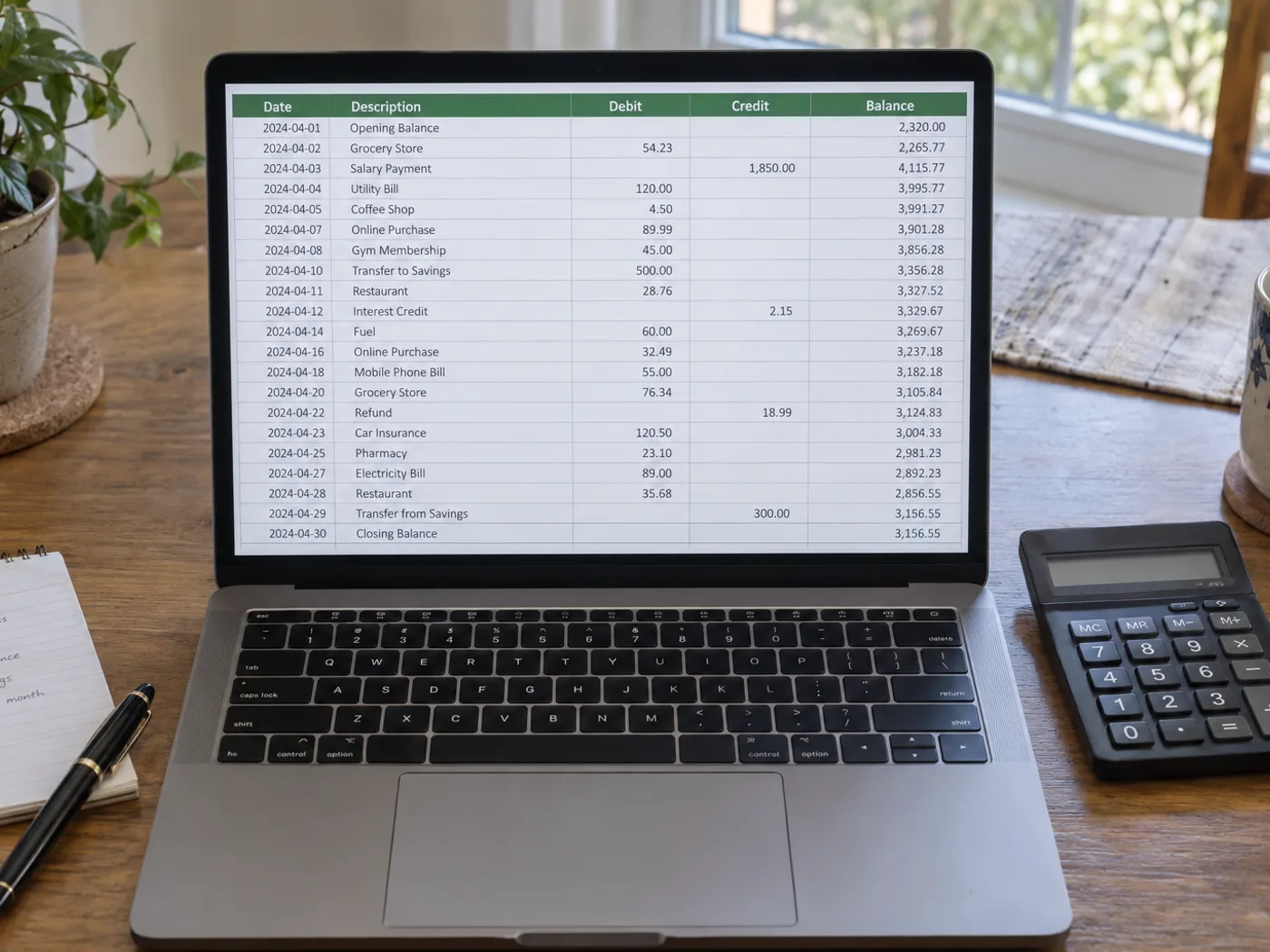
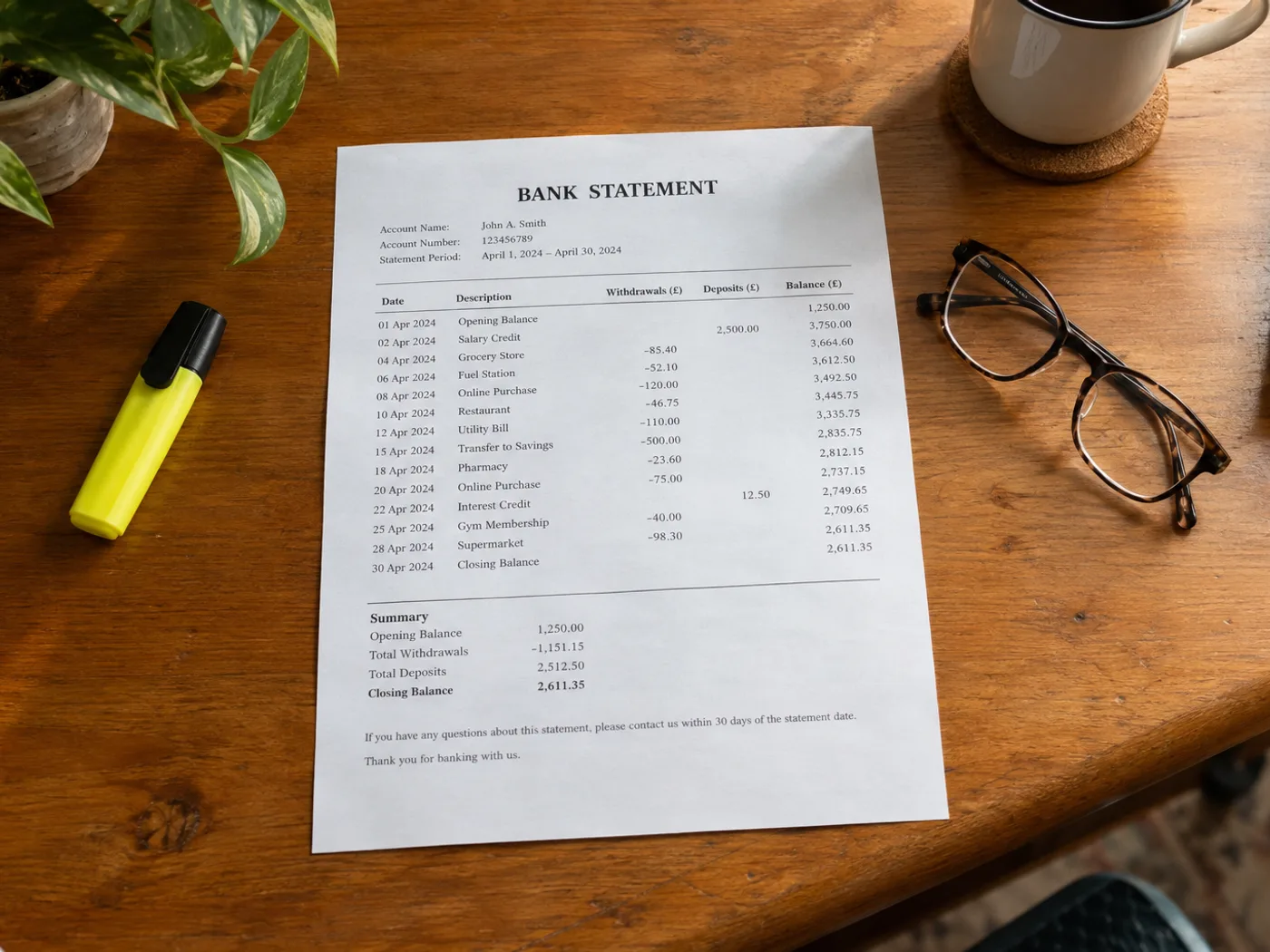
Перенесите таблицу операций с фотографии или скана банковской выписки в Excel для ручной сверки. Проверьте столбцы списаний и зачислений, порядок дат и текущие остатки: удобная для чтения таблица ещё не означает, что данные распознаны верно.
Категоризация личных финансовых операций
Подготовьте проверенные строки, прежде чем добавлять собственные категории бюджета. Уточните, какая сумма обозначает поступление, а какая — списание.
Сравнение записей в выписке с бухгалтерской книгой
Используйте извлечённые номера документов и суммы как отправную точку для ручной сверки с данными Вашего учёта.
Проверьте знаки и даты перед сверкой данных в таблице
- Выберите изображение выписки с заголовками операций и данными об остатке, необходимыми для их понимания.
- Проверьте каждую дату, знак перед суммой и номер документа; следите, не переносятся ли описания на следующую строку.
- Экспортируйте исправленную книгу и сверьте её с исходной выпиской.
Доступ к банку, признаки списаний и ограничения проверки баланса
- Подключается ли этот инструмент к моему банку для получения данных об операциях?
- Нет. Инструмент обрабатывает загруженное изображение выписки, не запрашивает данные для входа в банк и не получает доступ к Вашему банковскому счёту.
- Как проверить обозначения дебета и кредита в результате Excel?
- Сравните заголовки столбцов в исходных данных, а также знаки минус и скобки. Перед применением собственных формул убедитесь в направлении каждой операции.
- Могу ли я загрузить на этой странице PDF-выписку из своего банка?
- Для готового PDF используйте конвертер PDF в Excel. Этот инструмент предназначен для таблиц из выписок на фотографиях, сканах и скриншотах.
- Подтвердит ли конвертер, что суммы в выписке сходятся?
- Нет. OCR может ошибиться в суммах или пропустить строки. Сверьте итоги отдельно и сохраните оригинал выписки для проверки.


























