
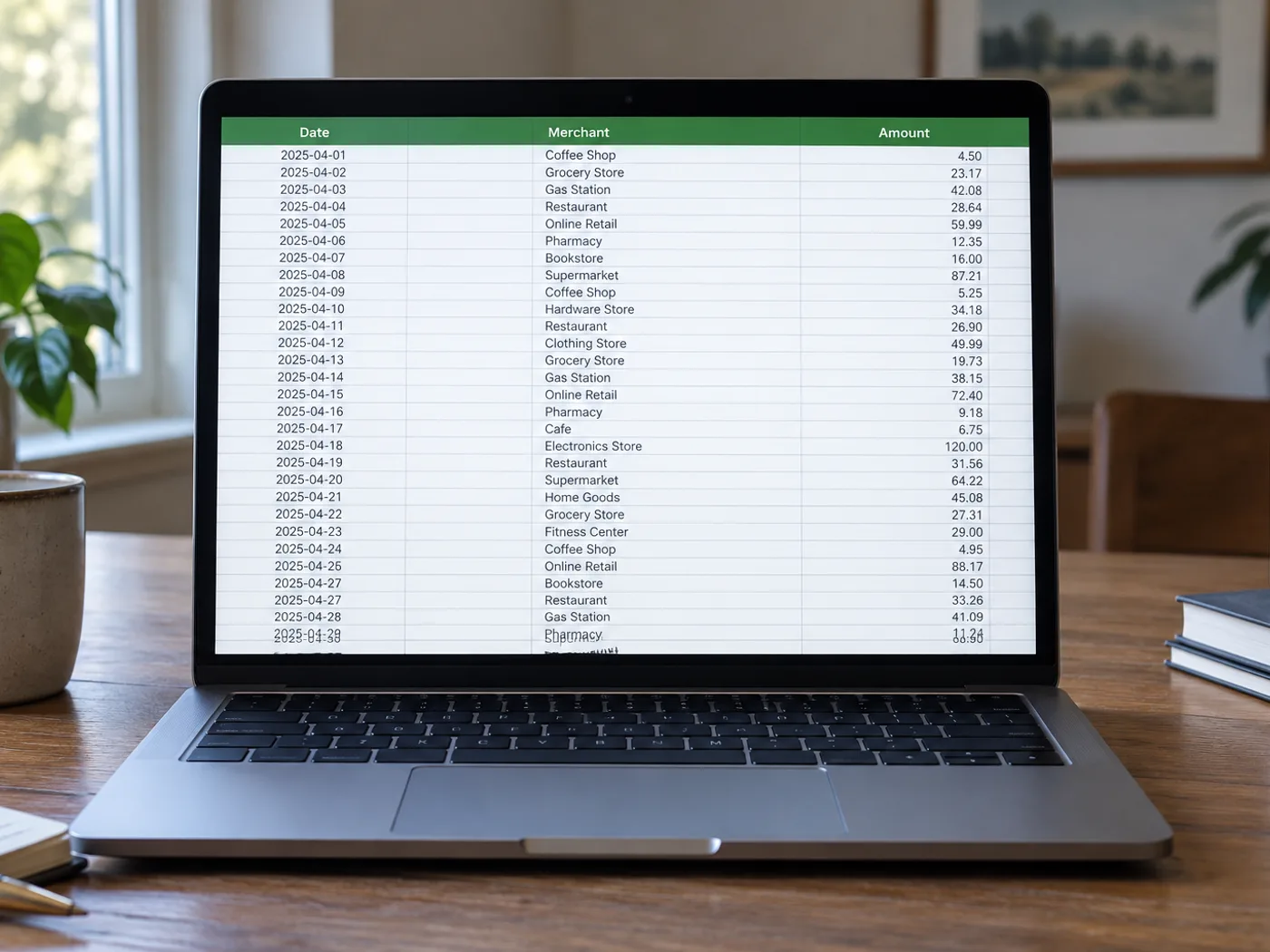
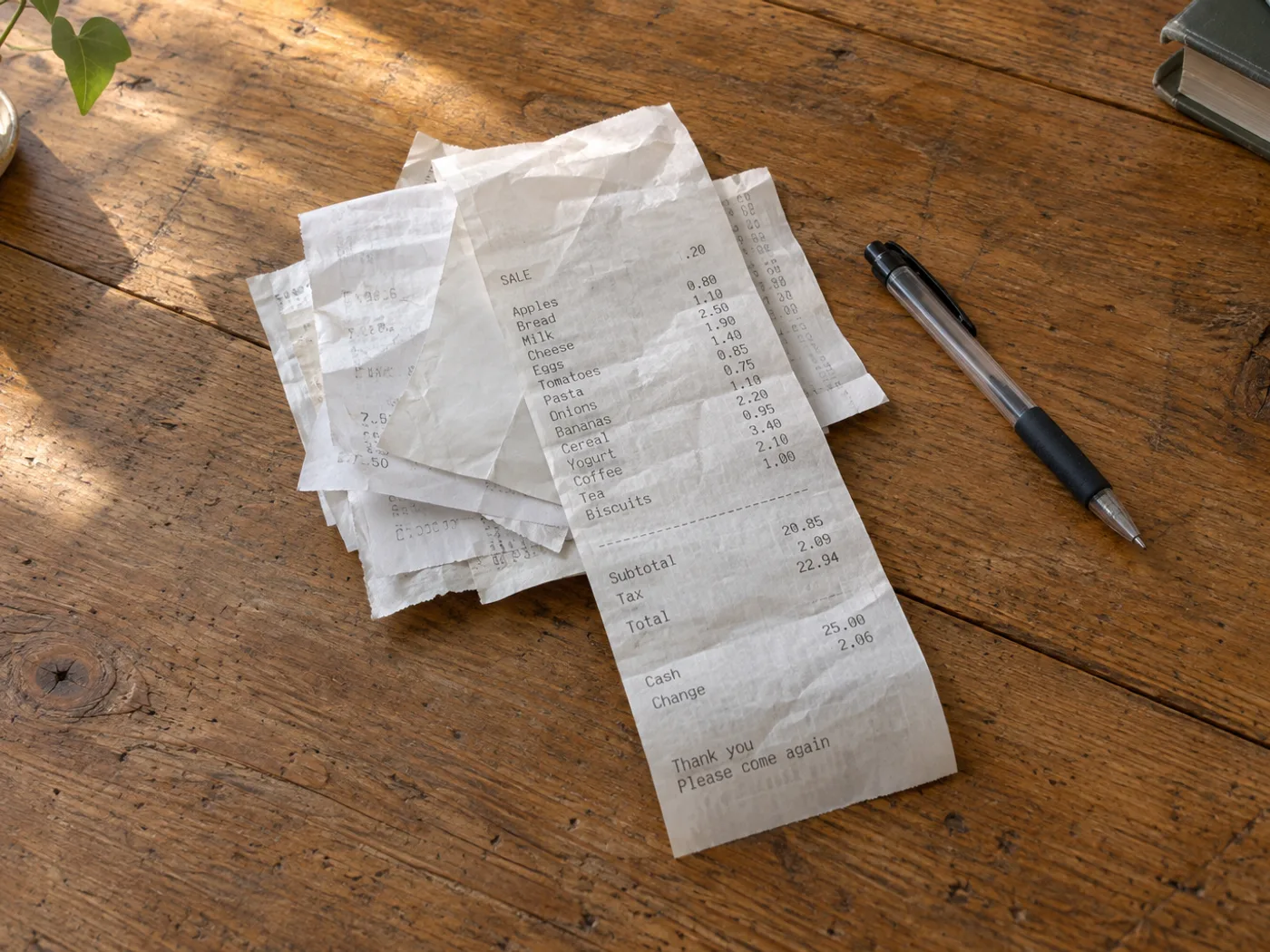
Превратите стопку чеков с перечнями покупок в таблицу для проверки
Преобразуйте список покупок на фотографии чека в строки электронной таблицы для проверки расходов. Термопечать, скидки и переносы названий товаров могут мешать распознаванию, поэтому сверяйте каждую важную сумму с исходным чеком.
Проверка командировочных расходов по отдельным статьям
Отделите купленные товары от строк с налогами и оплатой, прежде чем присваивать собственные категории расходов в электронной таблице.
Сравнение повторных покупок
Собирайте позиции из чеков за определённый период, а затем вручную приведите названия товаров к единому виду перед сравнением цен за единицу в Excel.
Проверьте позиции в чеке, прежде чем распределять расходы по категориям
- Расправьте чек и сфотографируйте его при равномерном освещении, чтобы даже выцветшие цифры оставались различимыми.
- Извлеките и проверьте перенесённые на новые строки описания, отрицательные скидки и пары «количество — цена».
- Строки промежуточных итогов и налогов должны заметно отличаться от товарных позиций. После проверки экспортируйте книгу.
Выцветшие чеки, скидки и итоги, похожие на отдельные позиции
- Будет ли преобразование чека в Excel автоматически распределять расходы по категориям?
- Он извлекает данные из видимой таблицы. После проверки книги назначьте бухгалтерские категории и решите, какие покупки следует включить в отчёт о расходах.
- Можно ли преобразовать выцветший чек на термобумаге?
- Надёжно распознаются только разборчивые символы. Попробуйте сделать крупный снимок при лучшем освещении и исправьте сомнительные суммы: утраченный текст нельзя восстановить с уверенностью.
- Почему итоговая сумма чека распознаётся как ещё одна позиция?
- В чеках итоговые суммы часто отделены отступами, а не чёткими столбцами. Перед анализом проверьте таблицу и разделите строки промежуточного итога, налога, чаевых и оплаты.
- Может ли извлечённая книга Excel заменить чек?
- Сохраняйте оригинал чека как подтверждающий документ. Книга содержит данные, перенесённые для проверки, и в них возможны ошибки распознавания.


























