
В панели без кнопки экспорта не должно быть необходимости вводить данные вручную
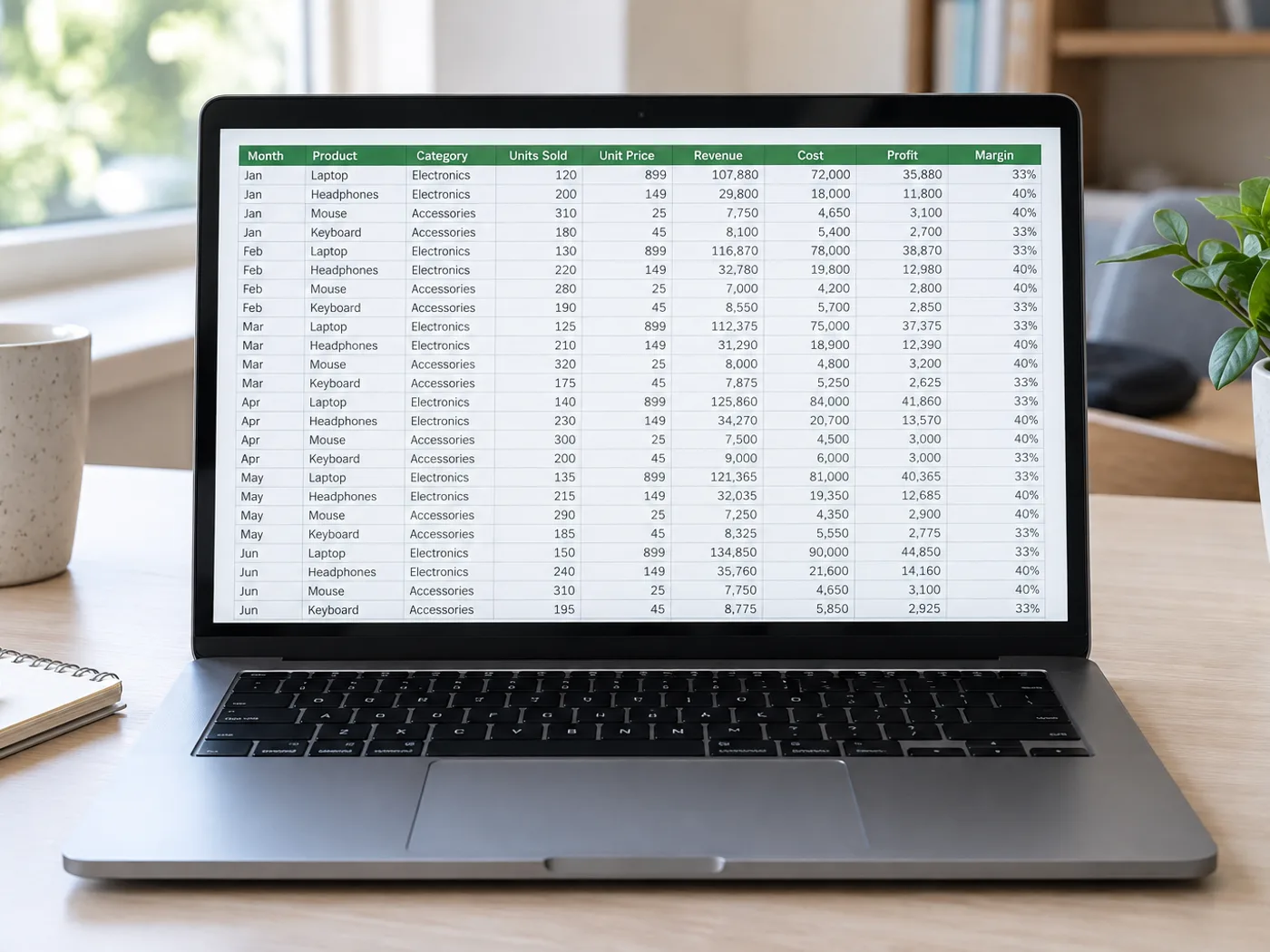
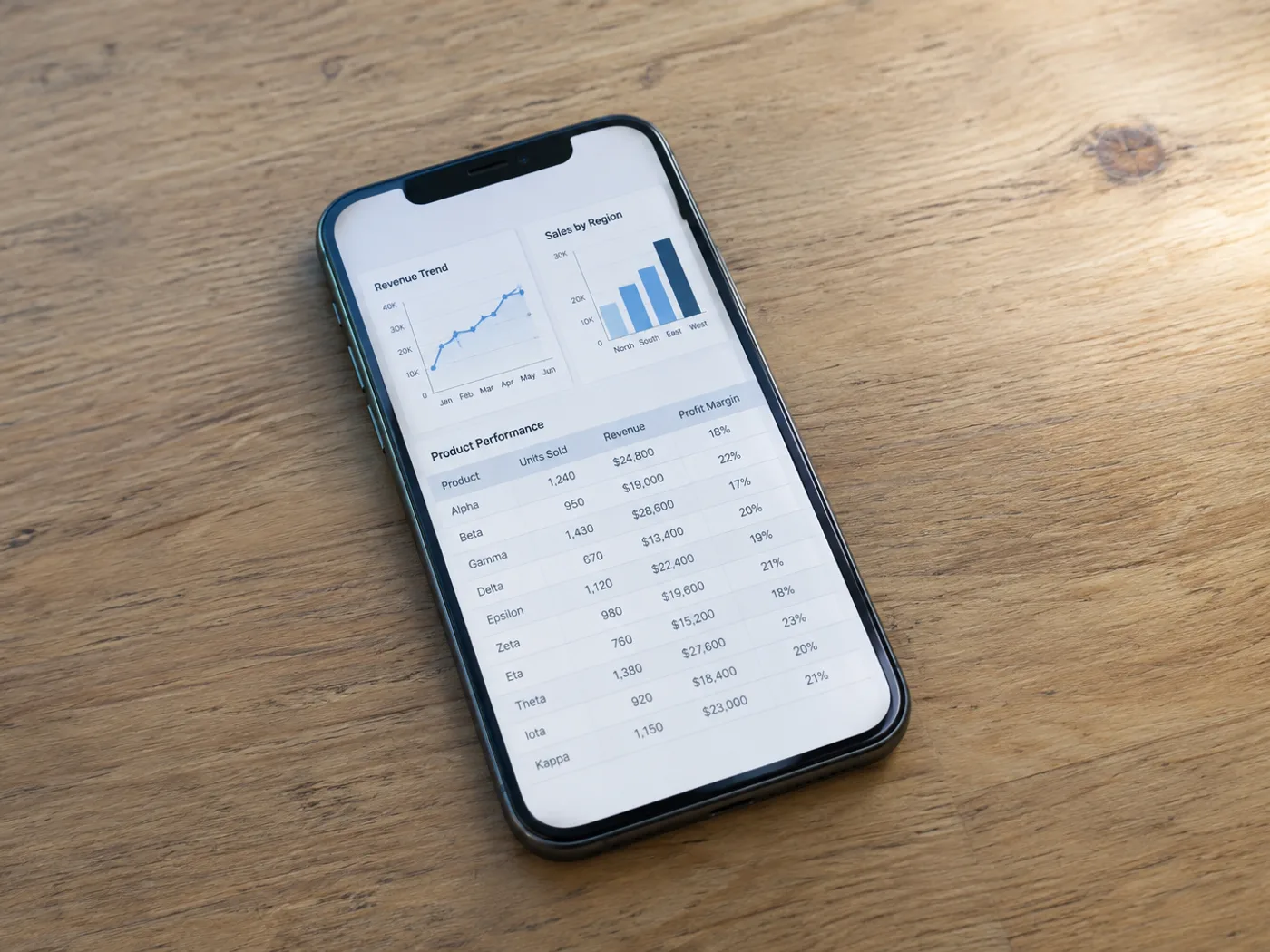
Если на панели управления есть таблица, но нет экспорта в электронные таблицы, сделайте снимок видимых строк и извлеките их в Excel. Сохраните заголовки на скриншоте, чтобы определить столбцы и проверить полученную таблицу.
Показатели панели для еженедельного отчёта
Извлеките видимую таблицу показателей из интерфейса отчётности и проверьте период, прежде чем добавлять числа в собственную таблицу.
Сравнительные таблицы в презентациях
Перенесите таблицу со скриншота слайда в редактируемые ячейки без ручного ввода каждого варианта или цены.
Сначала снимите экран целиком с полными строками, а затем создавайте ячейки Excel
- Снимите таблицу при читаемом масштабе браузера, включая заголовки и последнюю полную строку.
- Извлеките данные со снимка экрана и удалите из таблицы проверки подписи интерфейса и лишние строки.
- Сверьтесь с отображаемым отчётом, затем экспортируйте исправленную книгу Excel.
Обрезанные строки, перекрывающиеся снимки и доступ к панели управления
- Может ли инструмент преобразования снимка экрана в Excel восстановить строки ниже видимой области?
- Нет. OCR читает только пиксели загруженного скриншота. Снимите дополнительные участки отдельно или воспользуйтесь встроенным экспортом приложения, если он доступен.
- Как избежать дублирования строк на перекрывающихся скриншотах?
- Указывайте понятный идентификатор строки и проверяйте пересечения при объединении полученных листов. Эта страница не сопоставляет отдельные снимки автоматически.
- Нужно ли оставлять меню панели управления на скриншоте?
- Обрежьте ненужные элементы навигации, сохранив заголовки таблицы. Дополнительный текст интерфейса можно принять за содержимое таблицы, поэтому при проверке его может потребоваться удалить.
- Подключится ли извлечение данных из скриншота к моей учётной записи в аналитической панели?
- Нет. Исходными данными служит предоставленное Вами изображение. Конвертер не входит в панель управления и не получает данные из учётной записи.


























