
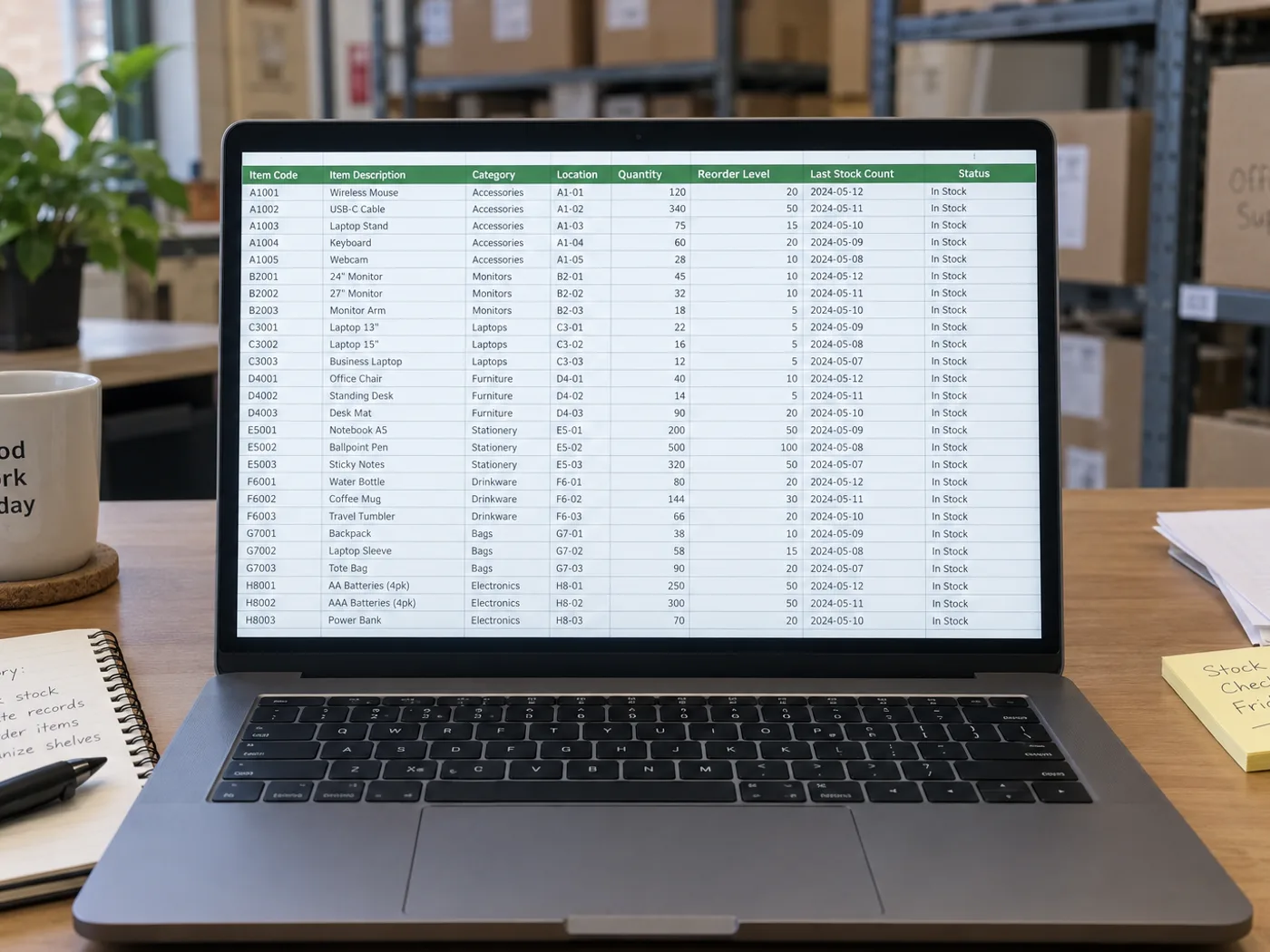

Make written stock counts usable in your inventory workbook
无需逐项重新输入,即可将拍下来的盘点表导入 Excel。将提取的行合并到库存工作簿前,请检查 SKU 拼写、计数单位和手写修改。
Warehouse count-sheet preparation
每次转换一张已完成的盘点表,然后检查货位标识和数量,再将实物盘点结果与系统库存进行对比。
厨房与零售库存评测
Recover recorded counts for a workbook, keeping cases, individual units and weights distinct when planning replenishment.
比较库存前检查编码和计数单位
- Photograph the flat count sheet and include the SKU, location and quantity headers.
- Review ambiguous handwriting and check whether each count means pieces, cases or another unit.
- 下载 XLSX,并将已勾选的行与现有库存记录核对。
手写数量、重复 SKU 和库存更新
- 库存表转 Excel 能统计照片中的物体数量吗?
- No. It reads a sheet that already contains recorded counts. Use an object-counting tool when the photograph shows products rather than written inventory rows.
- Can handwritten stock quantities be extracted?
- 清晰的手写内容可能可以识别,但划掉或重叠的数字需要人工核对。请根据原始表格确认最终数量。
- Will extracting a sheet update my inventory system?
- No. You receive a workbook to review. Importing or updating stock remains a separate action in your inventory system.
- How should repeated SKUs in different bins be treated?
- Keep the location column with each row. Do not combine repeated item codes until you have decided whether the bins should be summed or tracked separately.
























