
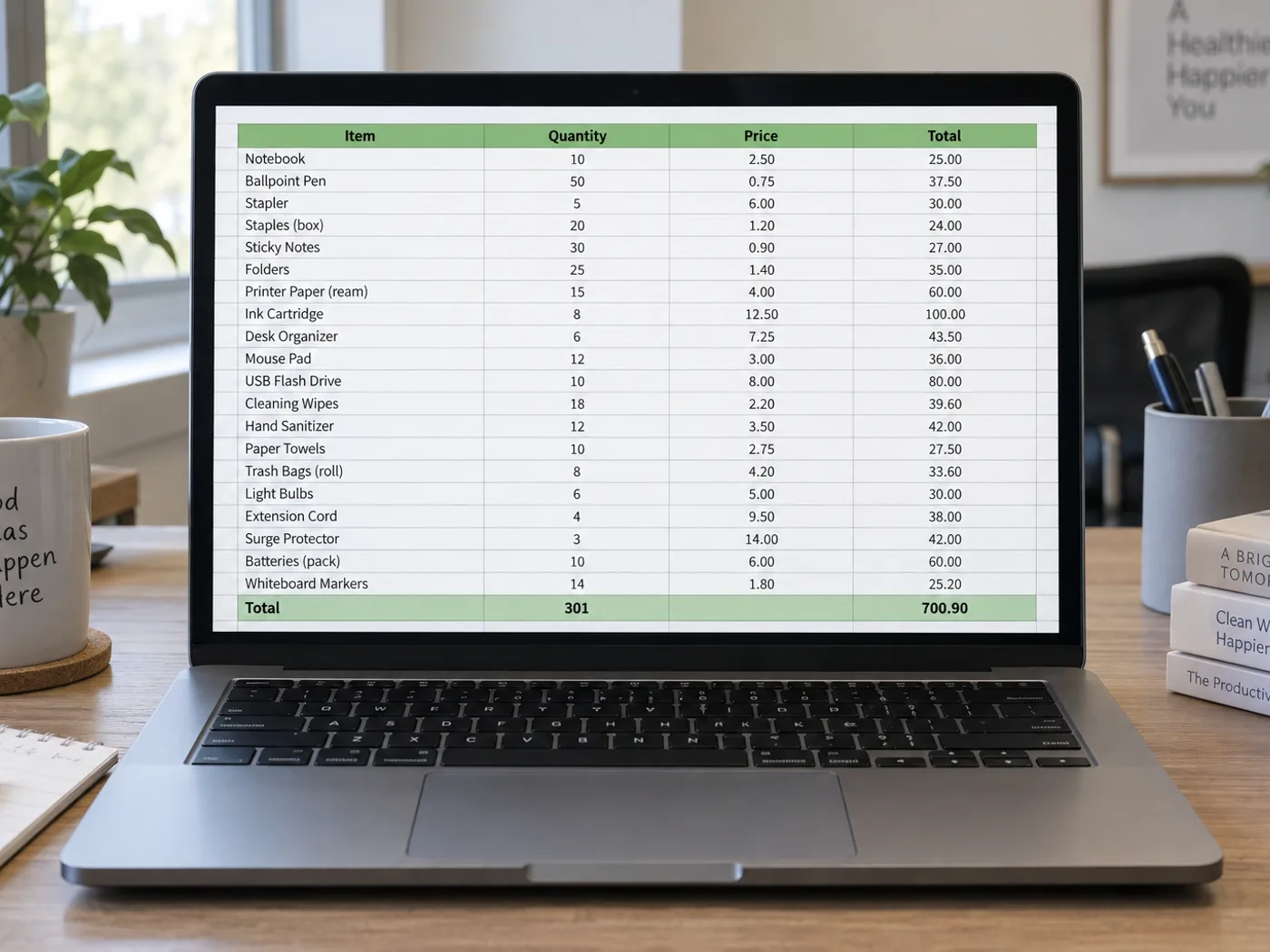
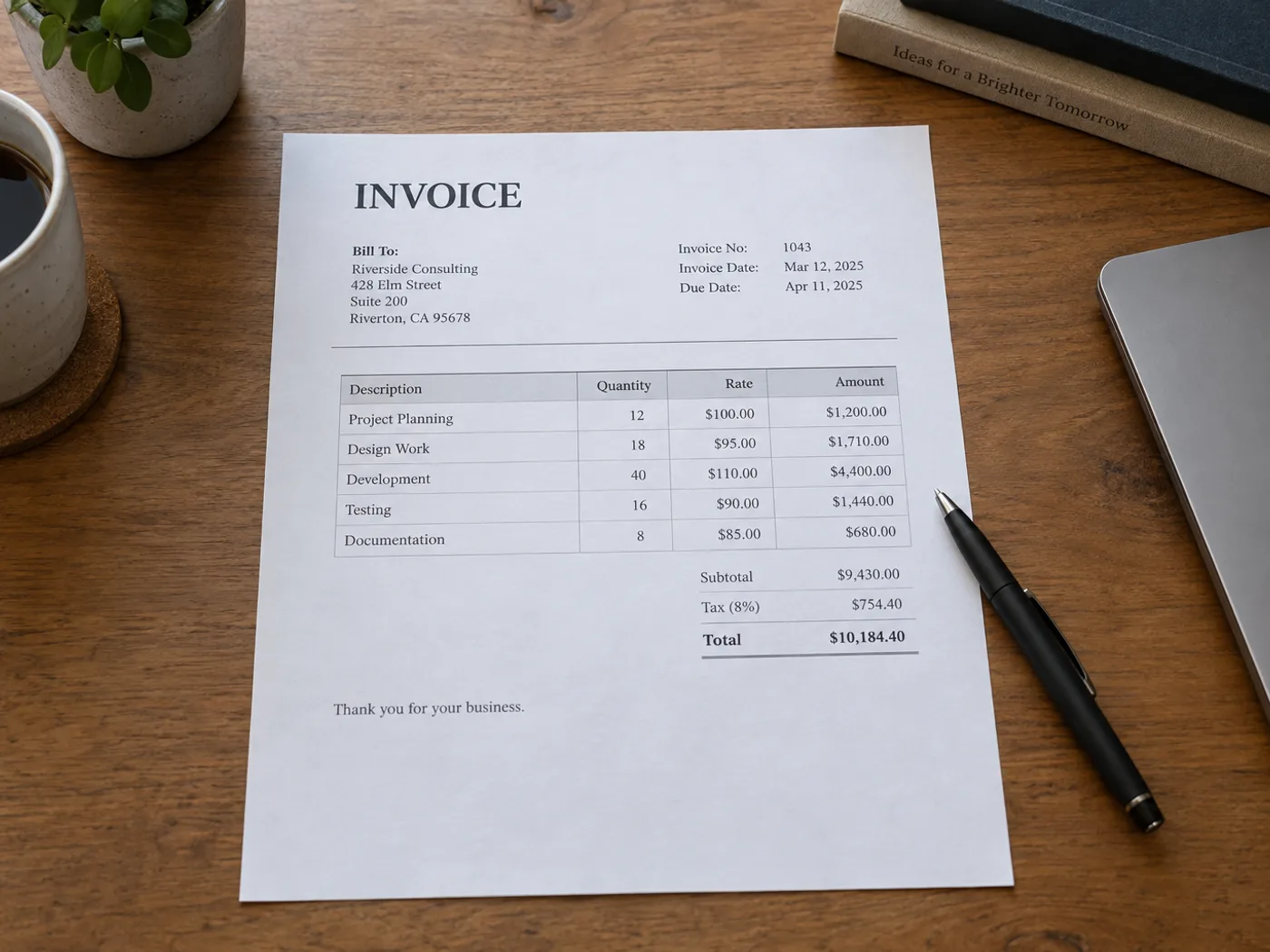
无需重新输入发票表格即可核对收费项目
从发票照片或扫描图片中提取明细表,用于与订单核对。分别检查数量、单价和金额列;周围的地址信息块和付款说明不属于发票明细行。
Purchase-order comparison
Move supplier quantities and prices into a worksheet and compare them with your own order records after confirming the transcription.
Project cost allocation
Prepare a reviewed list of billed items before adding project codes or splitting costs across your existing budget workbook.
Prepare invoice rows for your own reconciliation
- Select a readable invoice image and keep all item-column headings visible.
- Review extracted item codes, quantities, unit prices and line totals against the source.
- Remove non-item text from the grid and export XLSX for your own reconciliation.
发票 PDF、税费公式与采购订单匹配
- 发票转 Excel 支持已有的 PDF 发票吗?
- This page accepts images. Use PDF to Excel for a PDF file, or upload a screenshot of the specific invoice table you need.
- 发票税额计算会还原为公式吗?
- The converter reads displayed values. Check the invoice's calculation method and add any required Excel formulas yourself.
- 可以在这里将提取的发票与采购订单匹配吗?
- The result provides table data for review. Matching against purchase orders or an accounting system takes place in your own workflow.
- How should invoices with several item tables be handled?
- 一次提取并检查一个边界清晰的表格。不要假设分开的税费汇总或续接部分会被正确合并。
























