How to Turn Supplier Price List Photos into Excel for Comparing Costs
Turn supplier price list photos into editable Excel tables with Pixoate. Compare unit costs, pack sizes and dates without retyping every line.
Comparing supplier prices should begin with comparable numbers. In practice, one supplier sends a photograph, another emails a PDF and a third writes a price beside a product code. The cheapest-looking line can also describe the smallest pack.
Use Pixoate Image to Excel for supplier price-list photos to turn recognised tables into editable worksheets. Then organise the values around the purchasing decision rather than simply reproducing the appearance of the paper.
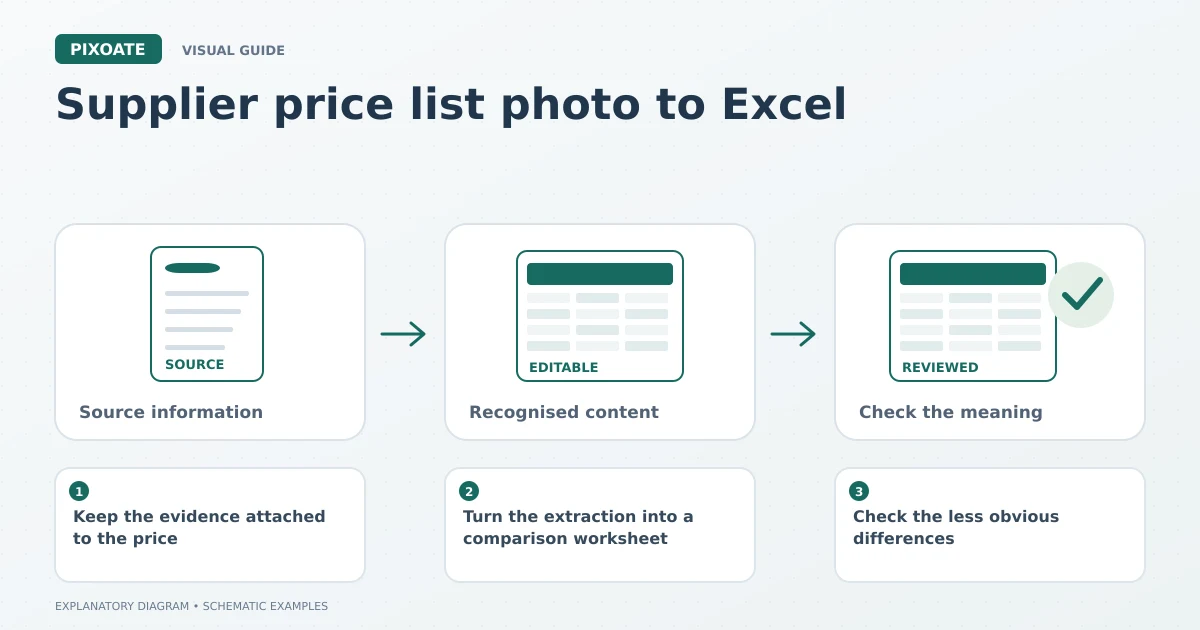
Original explanatory graphic. The scenes and sample records are schematic illustrations, not screenshots or measured tool results.
Keep the evidence attached to the price
Before extraction, save the original file with the supplier name and the date received. Include any page explaining quantities, delivery conditions or the period for which the quote applies. Do not infer missing terms from last month's order.
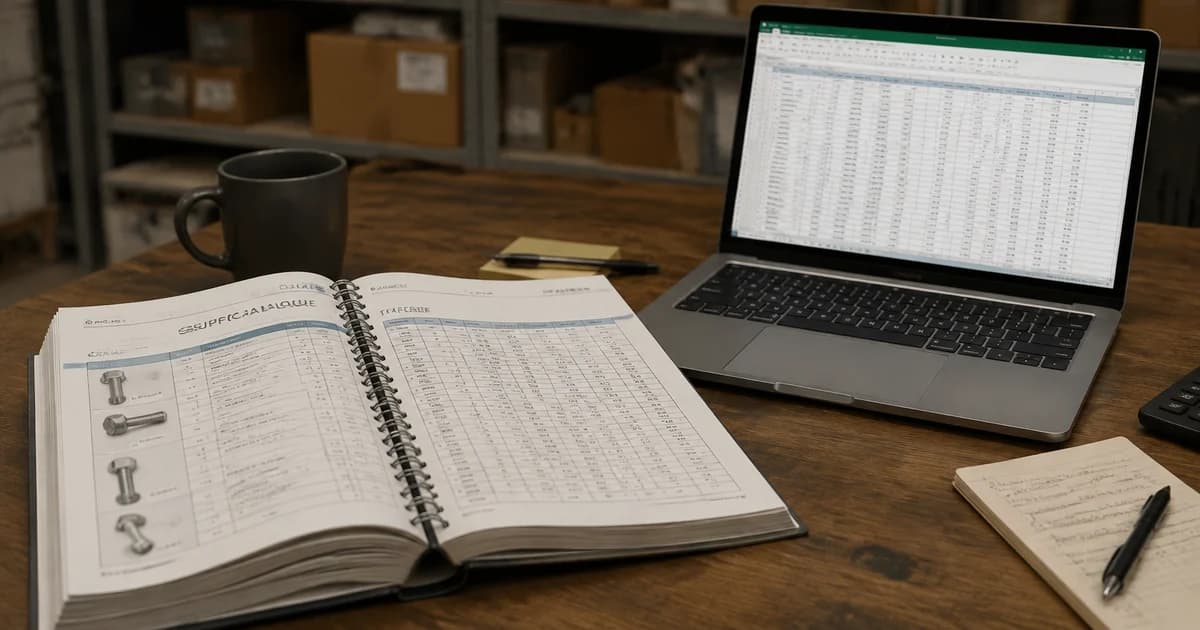
Photograph a paper list squarely and close enough to read the small print. Crop irrelevant surroundings if necessary, but preserve headings such as “per case,” “minimum order” and “excluding delivery.” Those words may matter more than the largest printed price.
If the source is already a PDF, extract its price table with PDF to Excel. There is usually little benefit in creating a lower-quality screenshot merely to use an image-input tool.
Turn the extraction into a comparison worksheet
Upload the image, choose the document language and generate the XLSX file. Review the product codes, quantity columns, decimal values and any footnotes before calculating anything.
In your spreadsheet application, create a consistent set of comparison fields: supplier, product specification, units per pack, quoted pack price, quote date and source reference. Add delivery or other relevant costs only when the supplier has provided them.
Here is a deliberately simplified example:
| Supplier | Units per case | Case price | Price per unit before other costs |
|---|---|---|---|
| Supplier A | 12 | 24.00 | 2.00 |
| Supplier B | 10 | 21.00 | 2.10 |
The lower case price is not the lower unit price. The calculation is case price divided by units per case. This example uses invented figures and excludes other purchasing considerations; it demonstrates why the extracted units need review.
Check the less obvious differences
Similar names do not prove that two products are equivalent. Check dimensions, material, grade, colour, concentration or any specification relevant to your business. A packaging change can also alter how many saleable units arrive in a case.
Keep currencies explicit. A dollar amount and a pound amount are not directly comparable, and conversion rates or purchasing terms should be supplied by your business process rather than guessed from the image.
For repeat imports, convert a price-list image to CSV when the receiving system asks for that format. Match its template and inspect identifiers before making operational updates.
A repeatable review saves more work than a rushed extraction
Choose one person to confirm ambiguous figures with the supplier. Mark unverified cells clearly. Store the reviewed workbook separately from the first extraction so another colleague can see what was corrected.
When a new list arrives, compare the same specification and pack size. A change in package quantity may otherwise appear to be a price reduction or increase when the underlying unit cost tells a different story.
Can OCR tell me which supplier is best?
No. It helps move visible information into a usable format. The purchasing decision may also involve availability, quality, lead time and terms that are absent from the photograph.
What if the price is handwritten or crossed out?
Treat it as uncertain until verified. Keep the original visible and request clarification rather than letting a confident-looking extracted number become an order assumption.
Start with one supplier price table in Pixoate. Once the values are reviewed and the comparison columns make sense, repeat the process for the other sources.