
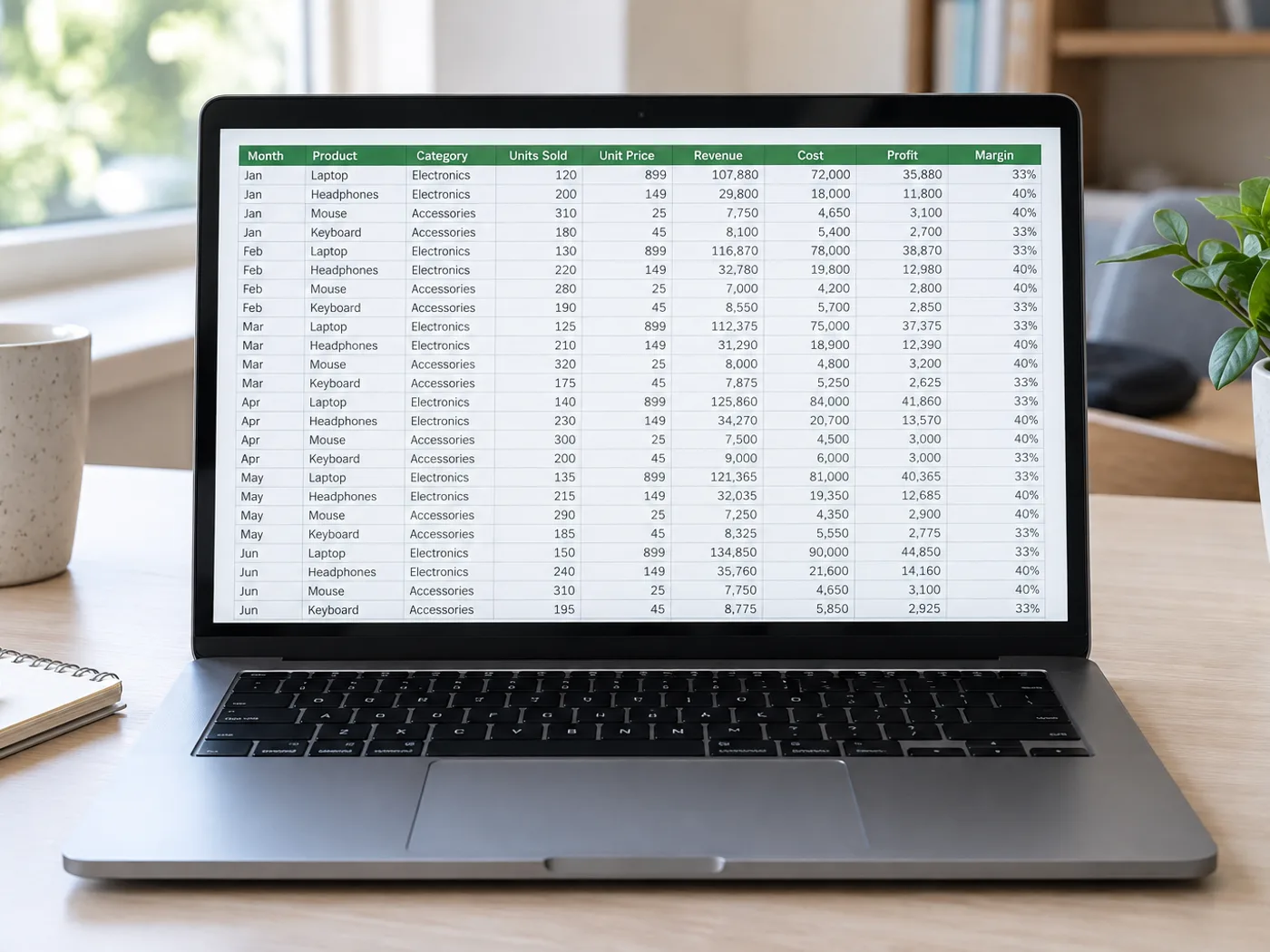
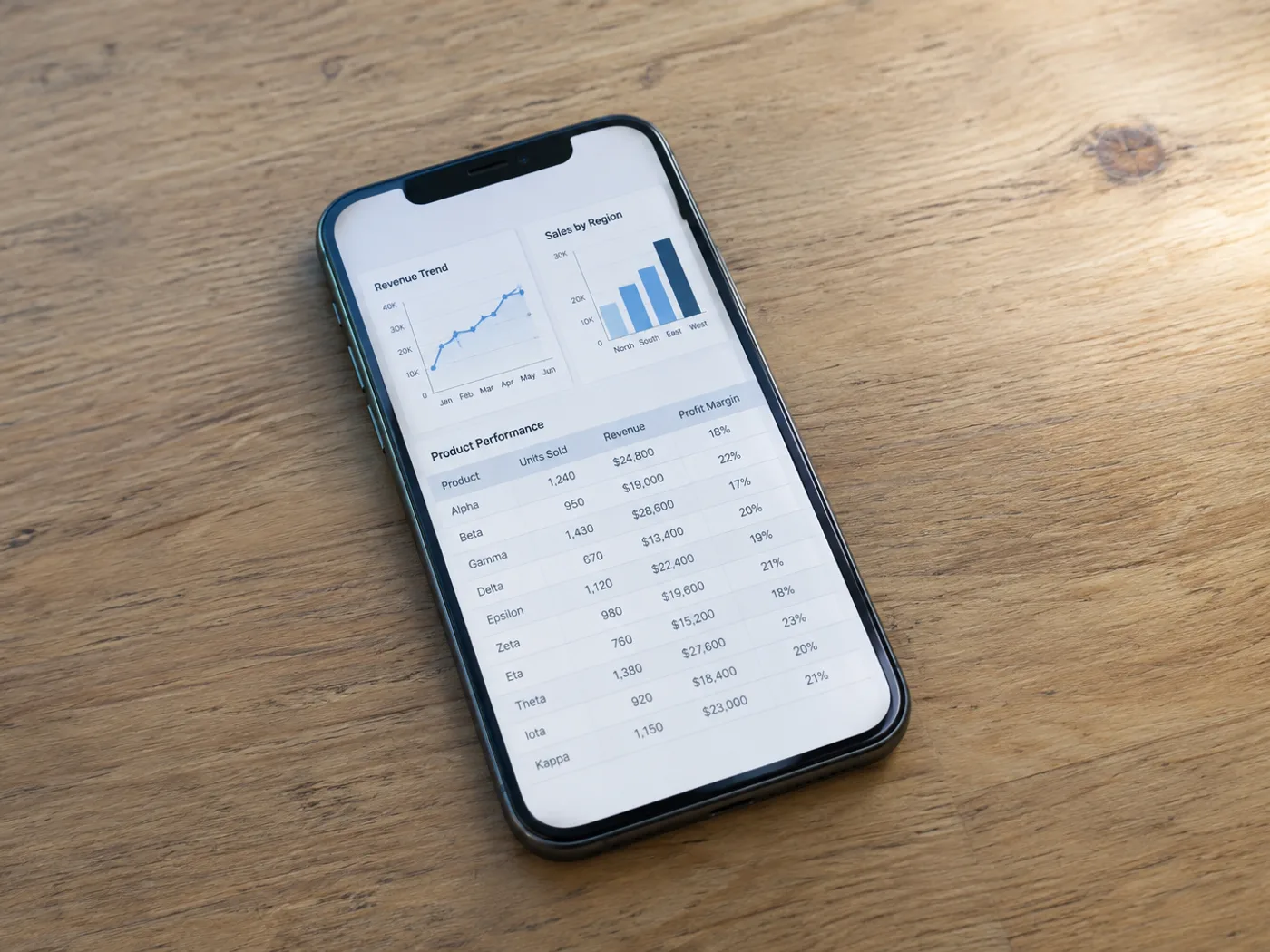
展示贴近实际使用的源文档,以及“图片转 Excel”处理后的实际文档状态或输出文件。
之后
之前
图片转 Excel

Screenshot to Excel — Recover Screen Table Data

选择包含表头和完整行内容的截图

Turn a screenshot of a dashboard or report table into Excel cells. Review clipped rows, wrapped headers and recognized numbers before exporting XLSX.

  • 周报用仪表盘数据
  • 演示文稿中的对比表

上传您的表格图像

选择包含表头和完整行内容的截图

All image formats (JPG, PNG, WEBP, HEIC, TIFF…)

仪表板没有导出按钮,不代表只能手动录入

When a dashboard shows a table but offers no spreadsheet export, capture the visible rows and extract them into Excel. Keep the headers in the screenshot so you can identify the columns and check the resulting grid.

周报用仪表盘数据

Recover a visible metrics table from a reporting interface and check its date range before combining the numbers with your own worksheet.

演示文稿中的对比表

Move a table from a slide screenshot into editable cells without retyping every displayed option or price.

创建 Excel 单元格前,先完整截取屏幕中的各行

  1. 以清晰可读的浏览器缩放比例截取表格,包括表头和最后一行完整内容。
  2. 提取屏幕截图,并从检查网格中移除界面标签或多余行。
  3. 对照显示的报告检查,然后导出修正后的 Excel 工作簿。

被截断的行、重叠的截图与仪表盘访问权限

截图转 Excel 能恢复屏幕下方的行吗?
No. OCR can only read pixels in the uploaded screenshot. Capture additional sections separately or use the application's own export if available.
如何避免重叠截图之间出现重复行?
请加入清晰可辨的行标识,并在合并生成的工作表时检查是否重叠。本页面不会自动整合分开捕获的内容。
Should dashboard menus stay in the screenshot?
裁掉不必要的导航,同时保留表头。多余的界面文字可能被误认为表格内容,审核时可能需要移除。
Will extracting a screenshot connect to my dashboard account?
No. The input is the image you provide. The converter does not log into the dashboard or fetch underlying account data.
免费使用 · 无需注册 · 无水印上传过程全程加密传输已根据我们的数据保留政策移除

观看每一个转变土地

每张照片都原封不动地穿过斜线,并在另一边完成。






















