
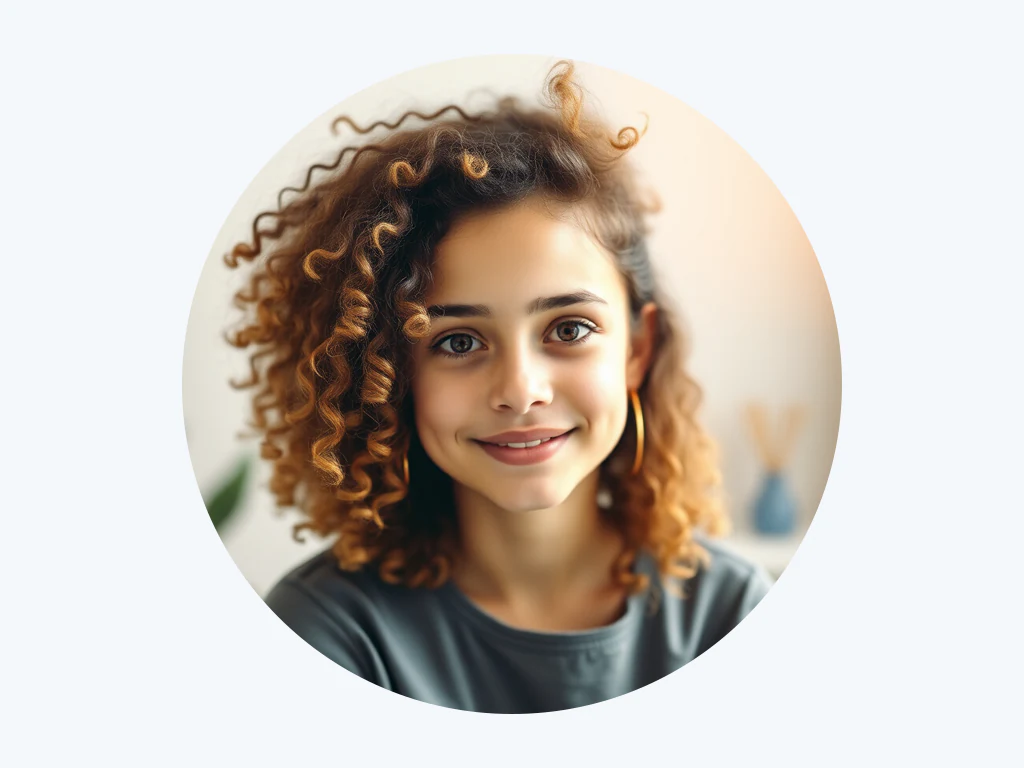
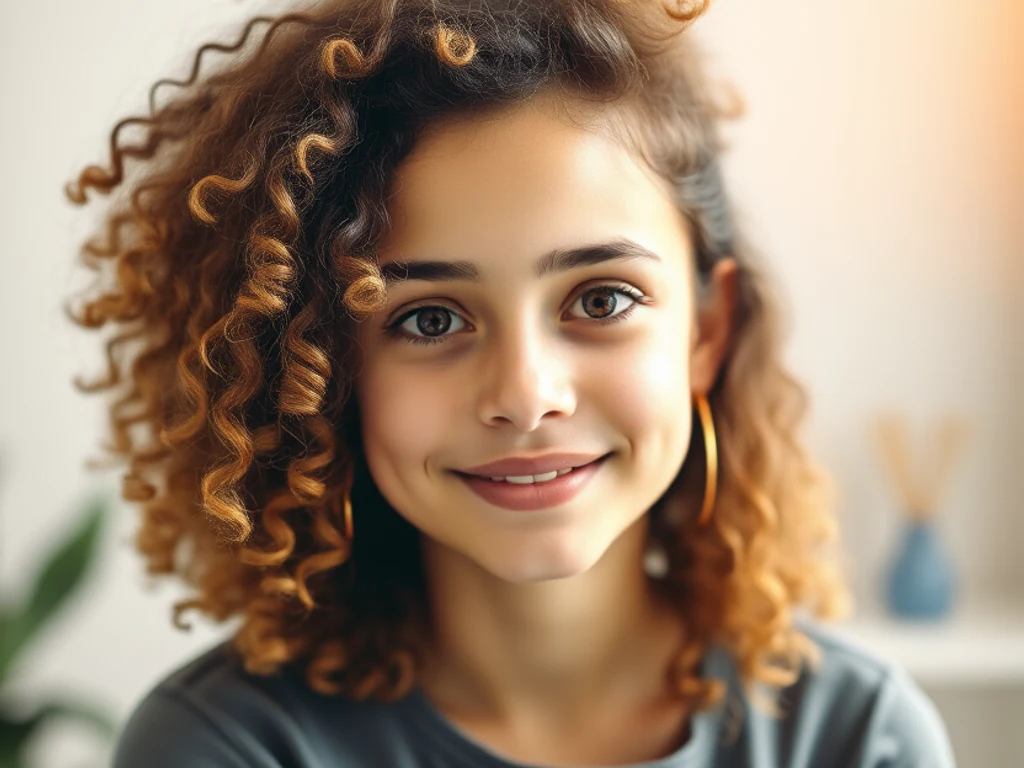
プロフィール画像メーカー — あらゆる写真を作成できる無料の PFP メーカー
JPG、PNG、WEBP などに対応
セルフィーからプロ仕様のプロフィール写真または PFP を作成します。 LinkedIn、Instagram、Discord、その他のソーシャル プロフィールの背景をぼかしたり置き換えたりします。
- 髪の毛や細部までピクセル単位の精密なエッジ
- 透明なPNGを取得し、どんなデザインにもそのまま使えます
- 手動でマスキングする必要がなく、後からハローをクリーンアップする必要もありません
自撮り写真をドロップ - 洗練されたプロフィール写真を取り戻す
アップロードする前に設定を選べます
ファイルを追加する前に設定を選んでください。設定は処理の開始時に適用されます。
エンジン
背景除去のコツ
• シャープで明るい写真では、最も鮮明なエッジが得られます
• 背景が混雑していても問題ありません - 被写体と背景の間のコントラストが低いと問題が発生します
• ダウンロード後ではなく、ダウンロード前に髪と細いエッジをズームインします。
• PNG として保存 - JPG は透明度を保持できず、白で塗りつぶされます。
AI背景削除について
白いハローや噛み砕かれた髪の毛のある切り欠きは、切り欠きがないよりも悪く、使用する前に誰かが手で修正する必要があります。これは髪と細かいエッジを保持し、製品リスト、プロフィール写真、マーケティング グラフィックスに使用できる透明な PNG をエクスポートします。
使い方
1.切り抜きが必要な写真をアップロードします
2. エッジを確認します。最初に髪の毛と細い部分を確認します。
3. 必要に応じて、色、写真、またはぼかした背景を追加します
4.透過PNGをダウンロードする
こんな用途に最適
• 市場が拒否し続ける製品写真
• 後ろの部屋が気になるポートレート
• 一貫した背景が必要な電子商取引のリスティング
• 任意の色に配置する必要があるソーシャル メディア コンテンツ
• 主題を新しいレイアウトにドロップするデザイン作業
プロフィール画像メーカー でできること
始める前に、主な機能を確認してください。
- 集合写真をトリミングせずにプロフィール写真を取得する
- 柔らかくぼかした背景を追加して、焦点を合わせ続けます
- 洗練された LinkedIn の顔写真を作成する
- ソーシャルプロフィール用のアバターをデザインする
- 背後の邪魔な背景を除去する
プロフィール画像メーカー の関連ツール
プロフィール画像メーカー の後の一般的な次のステップのためのツール。

背景スタジオ
背景を削除
Remove a photo background and download a transparent PNG. Review hair and edges before use.
今すぐ試す
背景スタジオ
画像の背景をぼかす
Blur the background while keeping the detected subject sharp.
今すぐ試す
背景スタジオ
背景チェンジャー
Replace a background with a photo, color, gradient or library design. Choose from 21,000+ backgrounds.
今すぐ試すよくある質問
プロフィール画像メーカーでできること
ビジネス、クリエイター、日常業務など、実際の問題を毎日解決します。自分に合ったユースケースを見つけて始めましょう。
LinkedIn とチームページの顔写真
シンプルな自撮り写真を、LinkedIn、履歴書、講演者の略歴、会社チームのページ全体でプロフェッショナルとして読み取れる、きれいで柔らかくぼかした背景を備えた洗練された顔写真に変えます。
ソーシャル全体で一貫したアバター
Instagram、X、Discord、WhatsApp、ゲーム ハンドルに対応するプロフィール写真を作成して、あなたの個人ブランドがどこでも同じように見えるようにします。
このツールのガイド
- How to Create Consistent Staff Headshots for a Company WebsiteCreate consistent staff headshots for a company website with Pixoate. Coordinate framing and backgrounds while keeping each person's likeness clear.
- A Better Team Page Starts with Headshots That Belong TogetherA coherent team page starts with portraits that belong together. Explore Pixoate framing and background choices that preserve individual likenesses.
変換結果を一つずつ確認
すべての写真はスラッシュをそのまま通過し、反対側が完成して出てきます。























