A Better Team Page Starts with Headshots That Belong Together
A coherent team page starts with portraits that belong together. Explore Pixoate framing and background choices that preserve individual likenesses.
A team page brings separate portraits into one shared frame. Differences that seemed unimportant individually become obvious together: one face is tiny, another crop cuts into the hair and several backgrounds compete for attention.
A coherent headshot style can make the page easier to read while preserving the individuality of the people shown.
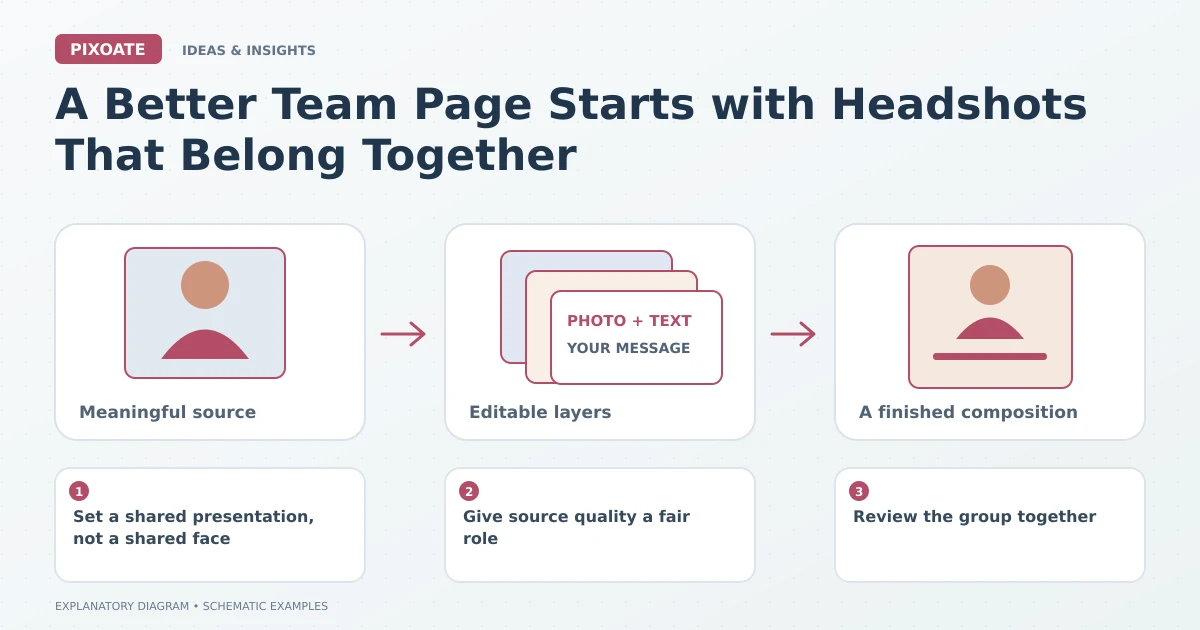
Original explanatory graphic. The scenes and sample records are schematic illustrations, not screenshots or measured tool results.
Set a shared presentation, not a shared face
Choose a framing convention, background direction and output shape. Keep enough flexibility for different hairstyles, glasses, clothing and personal appearance.
Use Pixoate LinkedIn Headshot Generator with suitable source photographs. Review any generated or retouched result with the person it represents rather than accepting the most polished option automatically.
Give source quality a fair role
A clear, evenly lit portrait provides a better basis than a distant crop from a group image. Ask for a new source when essential facial detail is missing.
Inspect eyes, glasses, hair edges and clothing. A recognisable, approved portrait is more useful to a real team page than an impressive image that subtly changes the person.
Review the group together
Profile Picture Maker offers another focused route for suitable portrait backgrounds and framing. Compare the resulting set for visual scale and positioning without forcing every face into identical coordinates.
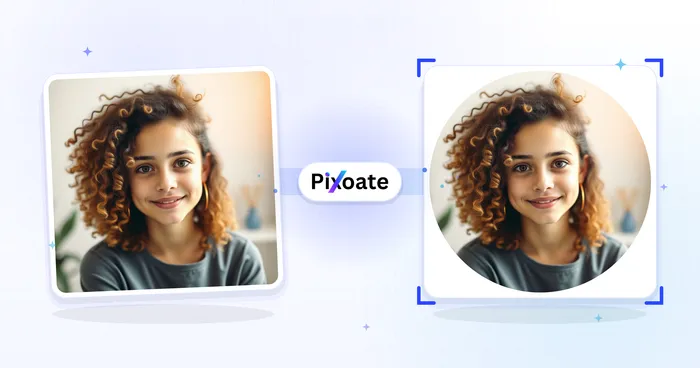
Check the website's actual crop, including circular displays if used. A portrait that works in a rectangle may lose useful space around the head in a circle.
Keep the page accurate as the team changes
Match each image to the correct name and role. Retain approved source files and the presentation brief so future additions can follow the same general direction.
Review whether someone has approved the image for this public use through your normal process. Consistent presentation should make the actual team clearer, not create a misleading impression of who works there.
Use Pixoate's headshot workflow to prepare a reviewed portrait set. The page succeeds when visitors can recognise the people, understand their roles and move through the team without visual confusion.