
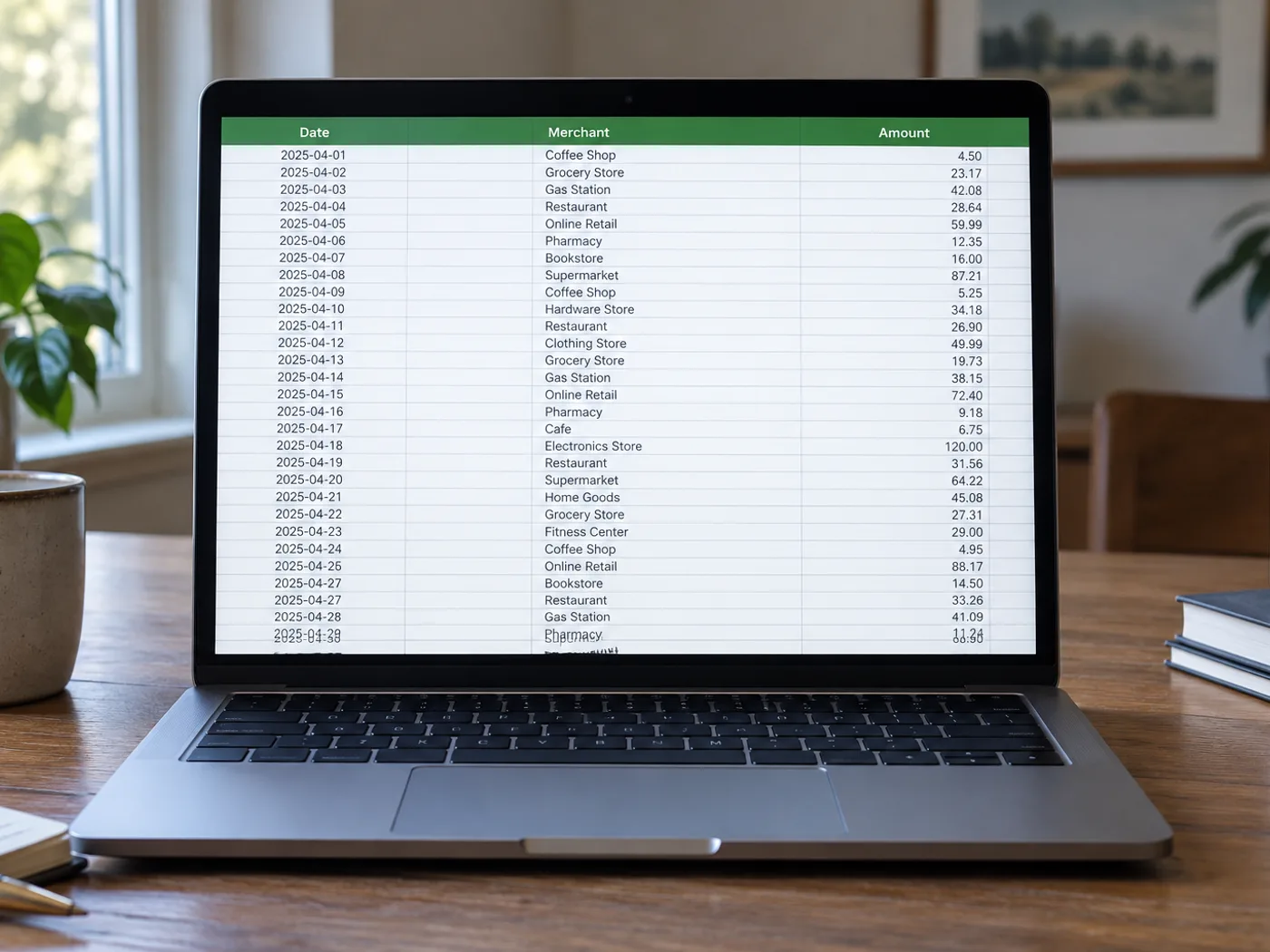
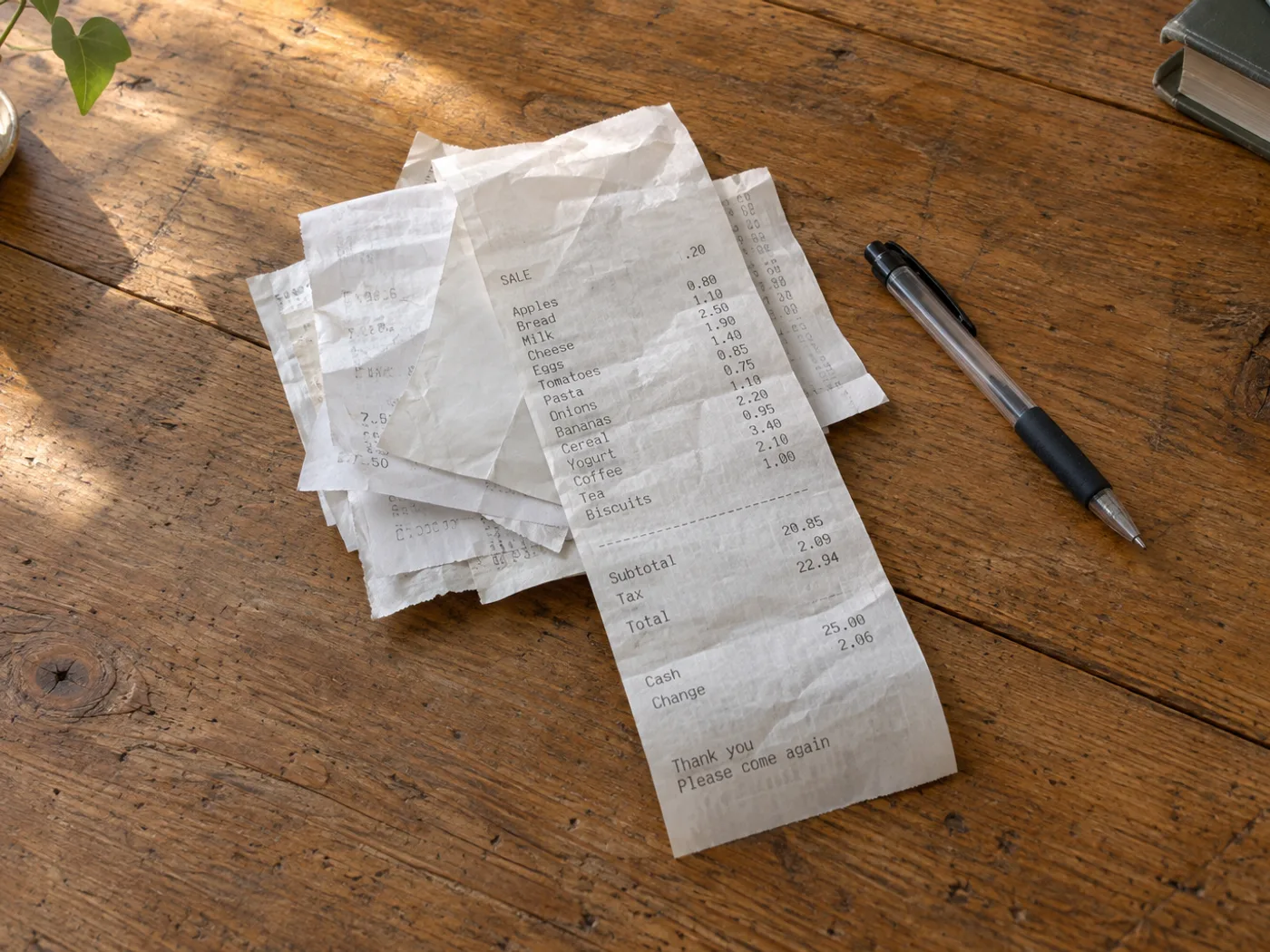
Zamień stos szczegółowych zestawień zakupów w arkusz do sprawdzenia
Przekształć część zdjęcia paragonu z listą pozycji w wiersze arkusza do kontroli wydatków. Druk termiczny, rabaty i nazwy produktów zawinięte do kilku linii mogą utrudniać rozpoznawanie, więc porównaj każdą istotną kwotę z oryginalnym paragonem.
Przegląd szczegółowych kosztów podróży
Oddziel zakupione pozycje od wierszy podatków i płatności, zanim przypiszesz własne kategorie wydatków w skoroszycie.
Porównanie powtarzających się zakupów
Zbieraj pozycje z paragonów w czasie, a następnie ręcznie ujednolicaj nazwy produktów przed porównaniem cen jednostkowych w Excelu.
Sprawdź pozycje na paragonie przed dodaniem kategorii wydatków
- Rozprostuj paragon i sfotografuj go w równomiernym świetle, aby wyblakłe cyfry pozostały widoczne.
- Wyodrębnij i sprawdź zawijane opisy, rabaty ujemne oraz pary ilość–cena.
- Zadbaj o to, by wiersze sum częściowych i podatku wyraźnie różniły się od pozycji, a następnie wyeksportuj sprawdzony skoroszyt.
Wyblakłe paragony, rabaty i sumy wyglądające jak pozycje
- Czy konwersja paragonu do Excela automatycznie sklasyfikuje wydatki?
- Wyodrębnia widoczne dane z tabeli. Po przejrzeniu skoroszytu przypisz kategorie księgowe i zdecyduj, które zakupy można ująć w rozliczeniu wydatków.
- Czy wyblakły paragon z kasy termicznej nadal można przekonwertować?
- Wiarygodnie rozpoznać można tylko czytelne znaki. Spróbuj lepiej oświetlonego zbliżenia i popraw niepewne kwoty; brakującego druku nie da się odtworzyć z pewnością.
- Dlaczego suma z paragonu pojawia się jako kolejna pozycja?
- Na paragonach kwoty podsumowań są często oddzielone odstępami zamiast wyraźnymi kolumnami. Przed analizą sprawdź siatkę i rozróżnij sumę częściową, podatek, napiwki oraz wiersze płatności.
- Czy wyodrębniony skoroszyt zastępuje paragon?
- Zachowaj oryginalny paragon jako dokument potwierdzający. Skoroszyt to przepisane dane wymagające sprawdzenia i może zawierać błędy rozpoznawania.


























