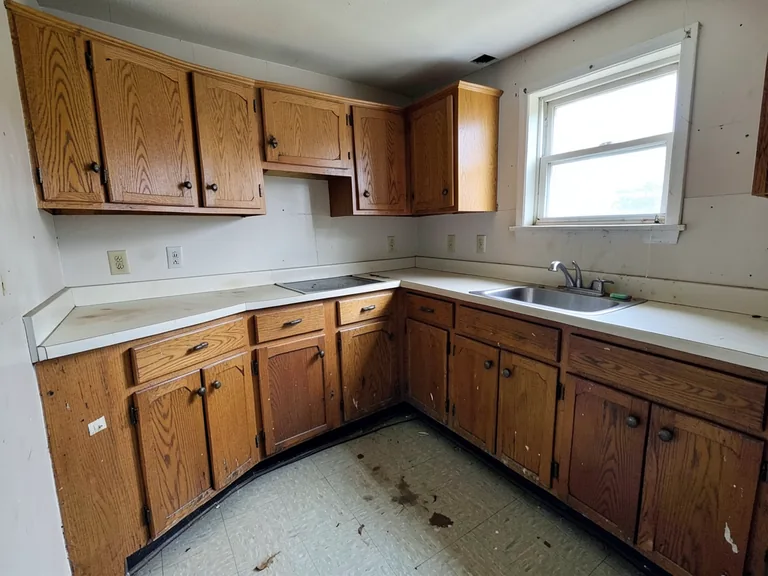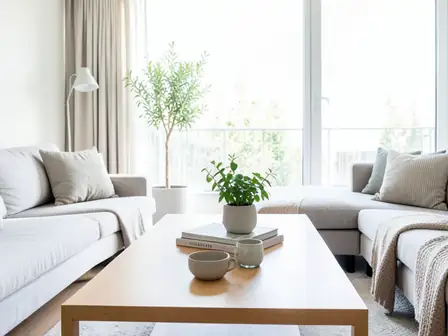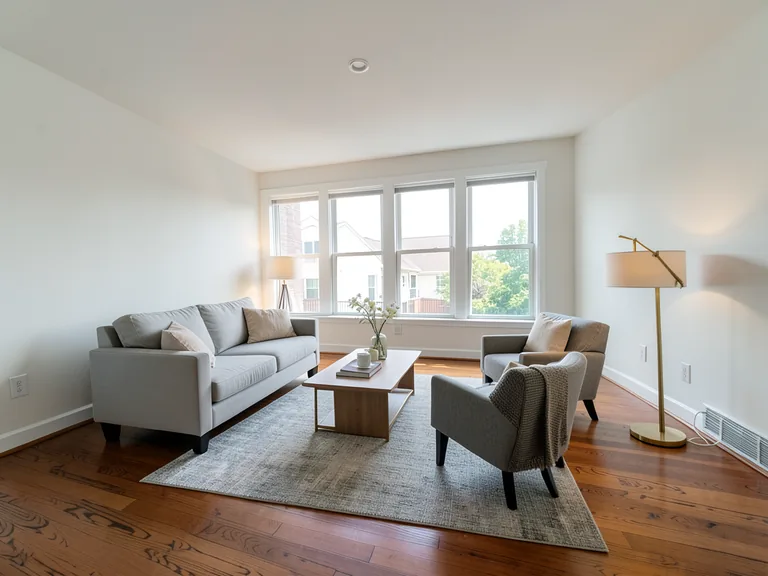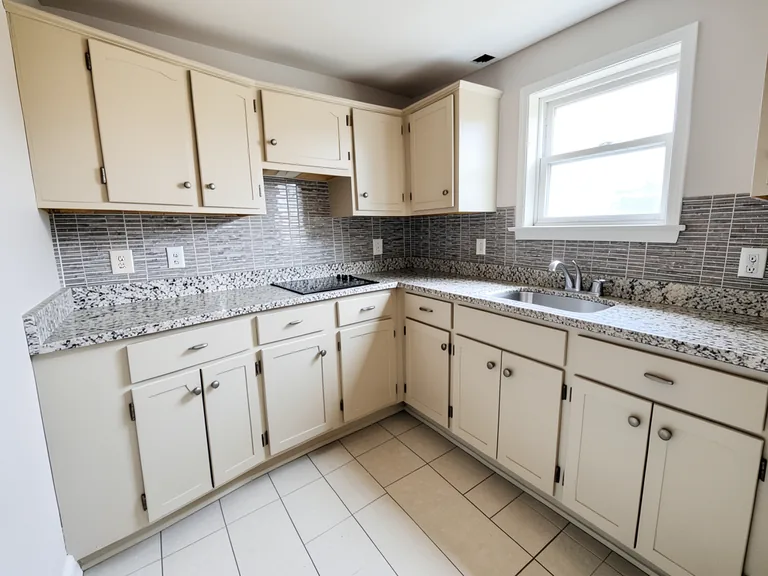
Interior Paint Visualizer workflow
室内墙面试色
生成结果可能有所不同;发布前请完整检查结果。
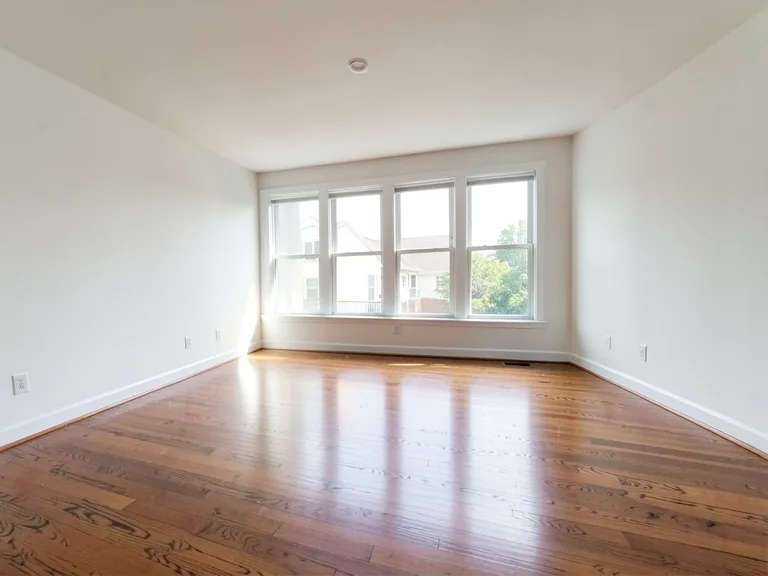
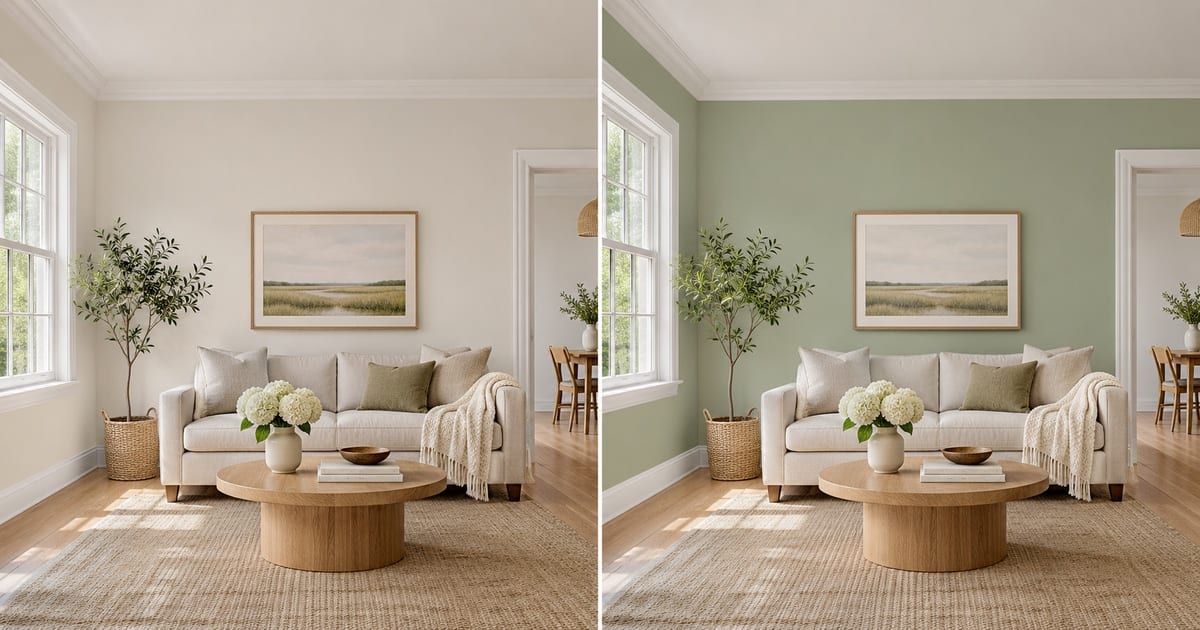
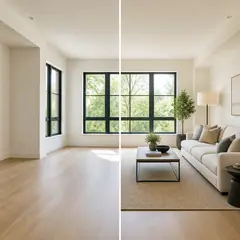
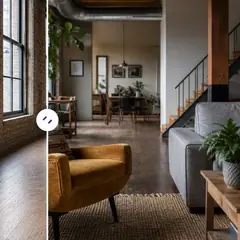
A swatch the size of a postcard tells you very little. It looks different at noon and at night, and a color that felt calm on a screen can turn heavy once it covers four walls. This visualizer repaints a photo of your own room, so you judge the color against your floor, your furniture and your window light, and keep the trim, ceiling and doors exactly as they are. Pick a color, add an accent wall or white trim with one tap, and compare versions before you open a single tin.
- Prepared Interior Paint Visualizer direction
- 可编辑提示词
- 必须查看完整结果
Choose a source image for Interior Paint Visualizer
支持 JPG、PNG、WebP、HEIC 及其他格式。此工具的上传上限为:Free 套餐 20 MB,Premium 及以上套餐 50 MB。
虚拟家居布置与房产设计自动加载预设
已根据 室内墙面试色 页面用途完成预设配置
准备好的设置
- 起点
- 上传一张原始图片
- 页面会直接进入对应的编辑流程,只需上传文件即可开始。
- 准备好的工作流程
- Prepared Interior Paint Visualizer workflow
- Interior Paint Visualizer opens with the Interior Paint Visualizer direction preselected, so there is no need to find the operation manually.
- 输出格式
- 与上传图片一致
- 结果会保留上传图片的长宽比例。
- 审核规则
- 使用前检查完整的生成结果
- 生成的图片效果可能有所不同;下载前,最终结果始终由用户审核确认。
最适合的用途
- Compare three wall colors on one photo before buying paint
- Show a landlord, partner or client the repainted room
- Try an accent wall or two-tone finish without committing
常见问题
- Will the color in the picture match the paint in the tin?
- Not exactly, and no visualizer can promise that. Photos and screens shift color, and your light changes it again. The picture shows how a hue sits with your floor, furniture and daylight, which is what settles most decisions. Confirm the final choice with a sample on the wall at morning, noon and evening.
- Does it repaint only the walls?
- The instruction asks for the walls only, keeping the ceiling, trim, doors, windows and furniture as they are. Look along the edges where a wall meets a curtain, a picture frame or a shelf, and if anything bled, run it again with a short note about that spot.
- Can I try an accent wall, white trim or a two-tone wall?
- Yes. Under "Add to your result" you can tap an accent wall, crisp white trim, a painted ceiling or a two-tone finish, and it is combined with the color you chose and anything you type in the custom instructions box.
- Which photo gives the most believable result?
- A daylight photo with the walls fully in the frame, taken straight on, with no strong color cast from curtains or a bright window. Turn off warm lamps if you can, so the AI sees the true wall color to start from.
使用 人工智能房地产照片编辑器 可以做什么
在开始之前查看主要功能。
- 自动舞台完整房间以公开概念
- 精确添加选定的电视、墙壁颜色或景观
- 清除所述电缆、垃圾箱、标志和分散注意力的杂物
- 替换天空并创建逼真的暮光外观
- 需要时手动优化自动编辑区域
设置参考
5 个设置
人工智能房地产照片编辑器 的可用控件。
任务
- 编辑类型下拉框
- 选择要执行的编辑,提示词、选区工具和输出控件会随编辑类型调整。选项: 基于文本的编辑生成填充魔术橡皮擦天空更换房间布置
- 一键预设预设
- 一键选择现成的方向;生成自动使用选定的预设。选项: 添加家具添加电视将墙壁漆成暖白色黄昏的天空替换天空消除杂乱刷新景观
- 定制说明(可选)文字输入
- 描述所请求的更改、相关材料、照明、视角和必须保持不变的细节。
选择
- 选择画笔大小滑块范围: 4–160px · 默认: 32px
- 设置画笔宽度,用于标记生成前所需的精确添加、填充或替换区域。
输出
- 要求人工智能保留受试者身份和产品详细信息开/关
- 添加明确的说明以保留主要主题、形状、品牌、标签和可读文本,除非请求更改它们。
免费使用 · 无需注册 · 无水印上传过程全程加密传输已根据我们的数据保留政策移除

本工具指南
- How to Prepare Real Estate Listing Photos in Bulk for an AgencyOrganize bulk real estate photo editing with Pixoate. Keep properties, room sequences and concept images clear across an agency's listing workflow.
- How to Remove Temporary Clutter from Real Estate Photos with AIRemove temporary clutter from real estate photos with Pixoate. Review cables and stray objects while preserving the property's actual condition.