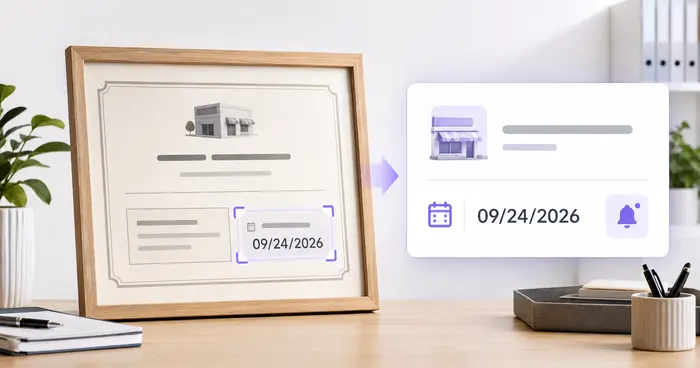
Physical tags stay isolated
A service date attached to one extinguisher is invisible to the office and difficult to compare across locations.
Administrative tracker only. It does not perform, certify, replace, or document a required inspection or maintenance procedure.
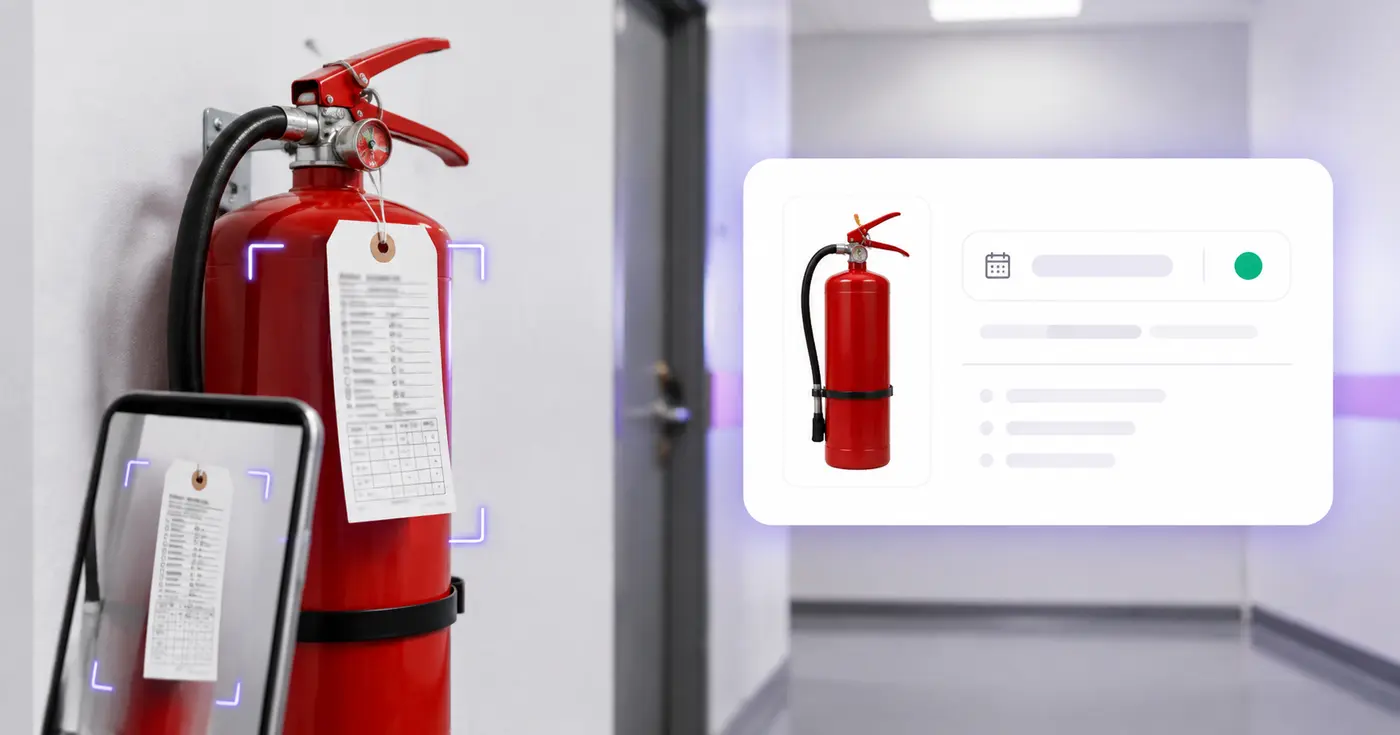
Inspection tags hang in hallways, kitchens, shops, and vehicles—while the follow-up date lives in nobody's calendar. Photograph each tag, verify the record, and create one service watchlist.
The real problem
The evidence is distributed across physical units. Without a simple register, teams discover a missing or outdated tag during an inspection, insurance request, or emergency-preparedness review.
A service date attached to one extinguisher is invisible to the office and difficult to compare across locations.
Workplace rules, fire codes, equipment type, local authorities, and service procedures can impose different duties.
Software cannot check access, pressure, damage, tampering, placement, or any other physical condition.
How Pixoate helps
Pixoate extracts common tag and label fields, keeps every value editable, and lets a signed-in owner schedule reminders against a date they verified. The app never marks an extinguisher compliant or inspected.
Capture the service marks, unit identifier, type or class, and enough context to identify the location.
Confirm the last inspection date, next service date, extinguisher details, and service company against your records.
Export CSV or save the row and select reminders from 90 days to 1 day before the verified date.
Maintain a location-based administrative list across offices, shops, warehouses, and common areas.
Collect service-tag details across front-of-house, kitchens, stockrooms, and leased units.
Track the extinguishers carried in trucks, trailers, equipment, and temporary work areas.
No. It only transcribes and tracks user-verified information. Required visual inspections and maintenance must be performed and documented by the appropriate qualified people.
For covered US workplaces, OSHA requires monthly visual inspections and annual maintenance checks, while other service intervals and local requirements can also apply. Confirm your exact obligations.
No. The app does not inspect physical condition, placement, accessibility, pressure, seals, agent, maintenance work, documentation, or local code compliance.
Use the next service date that your qualified provider or governing program has established and that you have verified. Do not let OCR infer a compliance deadline.
The register includes location, extinguisher ID, serial number, type or class, size or capacity, last inspection, next service, service company, and notes.
Yes. Add up to 25 images, ideally one unit or tag per image. Review every row because punched, handwritten, faded, or reflective tags can be difficult for OCR.
Tools für allgemeine nächste Schritte nach Feuerlöscher-Prüfungen verwalten.
OCR und Datenextraktion
Lesen Sie Produktdaten und Chargencodes aus Etikettenfotos aus, erstellen Sie eine bearbeitbare Überwachungsliste und richten Sie bei Bedarf Erinnerungen ein.
Jetzt ausprobierenOCR und Datenextraktion
Erfassen Sie Lizenz- und Genehmigungsdaten aus Dokumenten, prüfen Sie Zuständigkeiten und Termine und planen Sie Erinnerungen zur Verlängerung.
Jetzt ausprobierenOCR und Datenextraktion
Erfassen Sie Seriennummern, Modelle, Hersteller und Tags aus Fotos von Geräteetiketten in einer bearbeitbaren Inventarliste mit CSV-Export.
Jetzt ausprobierenJedes Foto überquert den Schrägstrich unbearbeitet und kommt auf der anderen Seite fertig heraus.