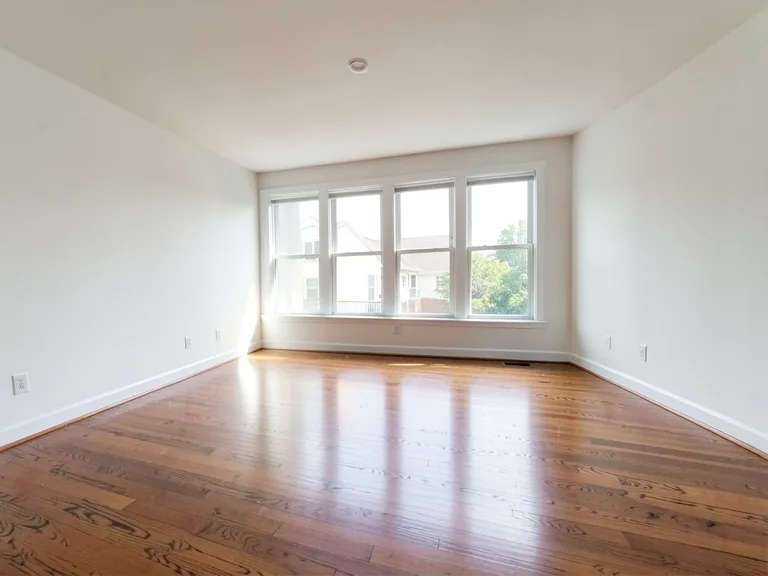
空き部屋を音楽スタジオにアレンジ
生成結果にはばらつきがあります。公開前に全体を確認してください。
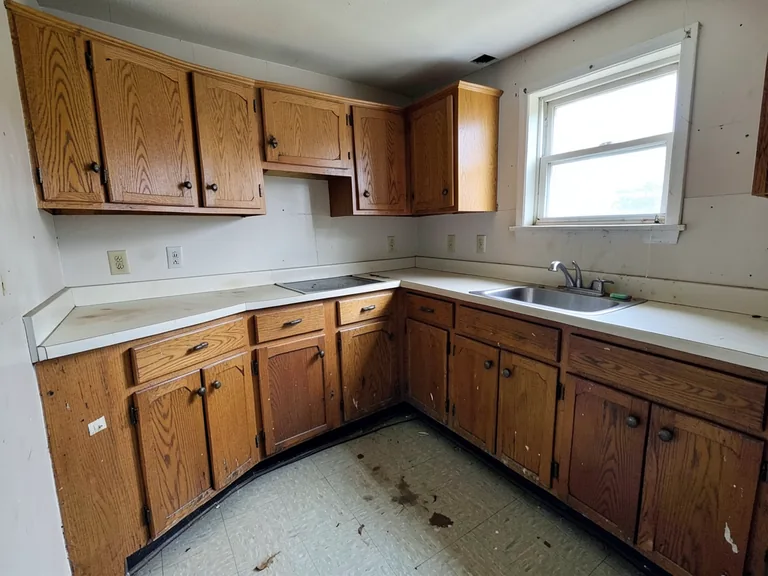
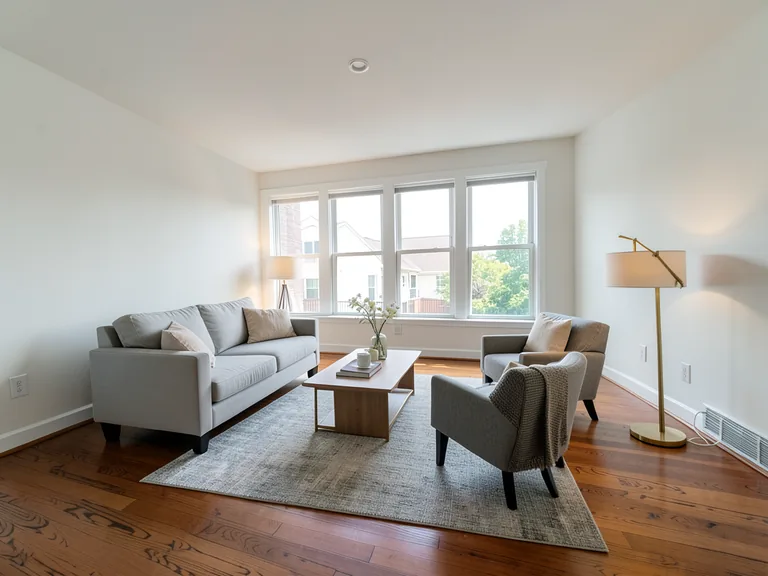
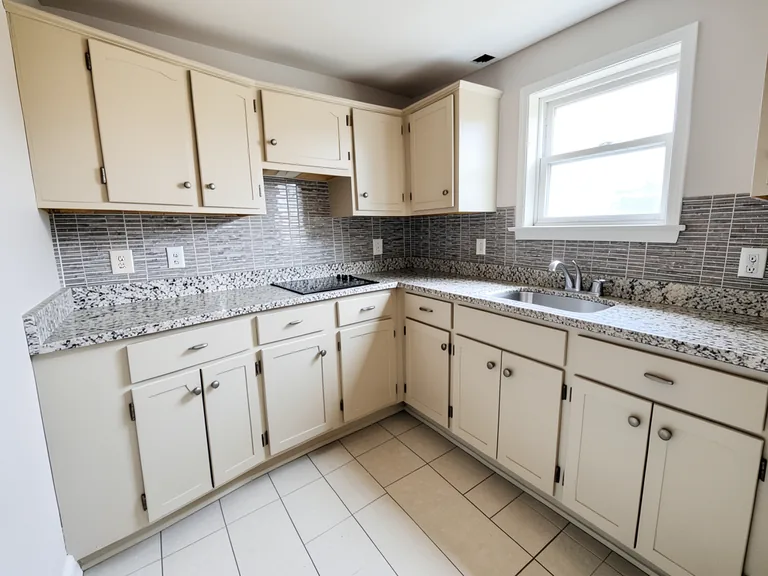
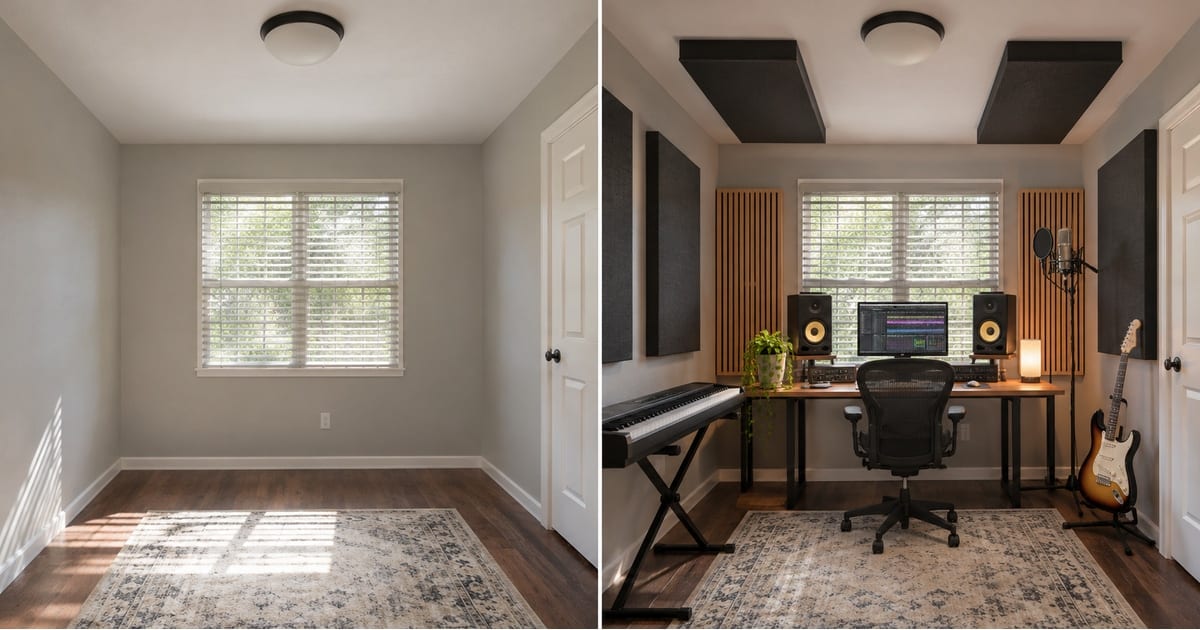
A music room is part instrument store and part acoustic space, and the layout decides how it sounds and how you work: the desk away from the corner, the panels where the sound bounces, the guitar within reach. Upload a photo of the empty room and this page converts it into a music studio, so you can plan the setup before you buy gear or build panels.
- Prepared Music Studio direction
- 編集できるプロンプト
- 生成結果全体の確認が必要
Choose a source image for Music Studio
JPG、PNG、WebP、HEICなどの対応形式を利用できます。このツールのアップロード上限はFreeで20 MB、Premium以上で50 MBです。
空き部屋を音楽スタジオにアレンジ のセットアップ
用意された設定
- 出発点
- 元画像を1枚アップロード
- このページは適切な編集ワークフローを選んだ状態で開きます。必要な準備はアップロードだけです。
- 準備されたワークフロー
- Prepared Music Studio staging direction
- Empty Room to Music Studio Converter opens with the Music Studio direction preselected, so there is no need to find the operation manually.
- 出力形式
- アップロードした画像と同じ
- 生成画像の縦横比は、アップロードした画像と同じになります。
- レビュールール
- 使用前に生成結果全体を確認
- 生成画像にはばらつきがあります。ダウンロード前に最終結果を利用者自身で承認してください。
最適な用途
- Plan a desk, monitors and instrument layout
- See where acoustic panels would go
- Show a partner or landlord the studio concept
よくある質問
- Will the preview tell me how the room will sound?
- No. It shows the look and layout, not the acoustics. Treat the picture as the plan for where things go, and test the room with a recording and a specialist or measurement before spending on panels.
- Can I show instruments and gear?
- Yes, in general terms. Describe the instruments in the custom instructions, such as a keyboard and a guitar stand, and add a screen or plants with the add-on buttons. It does not draw specific brands.
- What should I review in a Music Studio result?
- 顔、手、物体の形状、細部、遠近感、読める印、場面が暗示する主張を点検してください。不正確な点があれば、再生成するか変更要求を減らします。
- What rights checks apply to a Music Studio client project?
- 使用権のある元素材と参照資料だけを使い、掲載先プラットフォームの規則へ従い、必要な人物・物件の許可を得てください。生成結果にも、人による正確性と権利の確認が必要です。
AIルームステージング でできること
始める前に、主な機能を確認してください。
- Plan complete-部屋家具 placement automatically
- リビング、寝室、オフィス、ダイニングのスタイルを変更します
- 固定アーキテクチャとカメラの視点を維持する
- Premium バッチ モードでプロパティ セットを処理する
設定リファレンス
5 設定
AIルームステージング で使用可能なコントロール。
ワークフロー
- 単一画像または画像の一括処理プリセット
- 1 つの画像を処理するか、Premium バッチ画像を使用して同じ自動レシピをセットに適用し、1 つの ZIP をダウンロードします。オプション: 1枚の画像Batch 画像
スタイル
- ワンタッププリセットプリセット
- ワンタップで既製の方向を選択します。生成では、選択したプリセットが自動的に使用されます。オプション: モダンなリビング北欧風高級感のあるインテリアホームオフィス寝室ダイニング用途に応じた実用的なガイドと高品質なビジュアル用途に応じた実用的なガイドと高品質なビジュアルミッドセンチュリーモダン用途に応じた実用的なガイドと高品質なビジュアル用途に応じた実用的なガイドと高品質なビジュアル子ども部屋
- カスタム指示(任意)テキスト入力
- 要求された変更、関連するマテリアル、照明、視点、および変更しない必要がある詳細について説明します。
選択範囲
- 選択ブラシのサイズスライダーレンジ: 4–160px · デフォルト: 32px
- 自動選択がデフォルトです。画像の編集境界をより厳密にする必要がある場合にのみ、手動で調整領域を開き、このブラシ幅を設定します。
出力
- AI に被験者の身元と製品の詳細を保存するよう依頼するオン/オフ
- リクエストによって変更されない限り、主要な件名、形状、ブランド、ラベル、および読み取り可能なテキストを保持するための明示的な指示を追加します。
空き部屋を音楽スタジオにアレンジ の関連ツール
空き部屋を音楽スタジオにアレンジ の後の一般的な次のステップのためのツール。
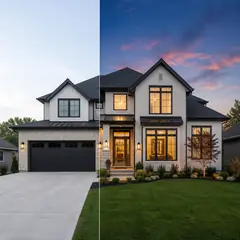
バーチャルステージング & Property
AI不動産写真編集
AI を使用して不動産の写真を編集します。家具やテレビを追加し、壁をペイントし、散らかったものを取り除き、空を置き換え、景観を改善し、夕暮れの外観を作成します。
今すぐ試す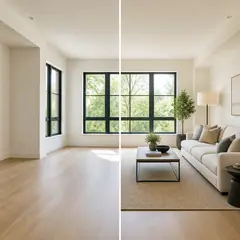
バーチャルステージング & Property
AIバーチャルステージング
AI 家具を備えた空き部屋を仮想的に演出し、不動産物件を掲載します。リビングルーム、ベッドルーム、オフィス、ダイニング、そして豪華なコンセプトを作成します。
今すぐ試す
写真補正
AI 写真高画質化
1 つの補正ワークフローでノイズ、シャープネス、カラー、スケールを調整し、結果をオリジナルと比較します。
今すぐ試すこのツールのガイド
- How to Create Furnishing Proposals for Interior Design Clients with AICreate AI furnishing proposals for interior design clients with Pixoate. Compare room concepts and assemble clear presentation PDFs for discussion.
- Beautifully Staged, Believably Sized: Why Virtual Furniture Must Fit the RoomVirtual furniture needs believable proportions. Explore room-scale reviews and Pixoate comparisons that keep attractive staging concepts grounded in reality.
変換結果を一つずつ確認
すべての写真はスラッシュをそのまま通過し、反対側が完成して出てきます。