Small digits create large disputes
Glare, dirty covers, leading zeros, and analog dial direction can turn a quick transcription into a costly mistake.
This is an administrative reading aid, not a utility bill, certified reading, leak diagnosis, or usage forecast.
A meter photo is good evidence but a poor spreadsheet. Convert routine electric, gas, or water meter photos into rows your property or operations team can compare without opening every image again.
The real problem
Property teams often inherit dozens of timestamped meter pictures. Matching each number to a unit and typing it into a workbook costs more time than taking the readings.
Glare, dirty covers, leading zeros, and analog dial direction can turn a quick transcription into a costly mistake.
A reading without the property, unit, account, or meter number cannot be trusted in a multi-site portfolio.
A single photograph cannot establish usage unless it is matched with the correct prior reading and meter configuration.
How Pixoate helps
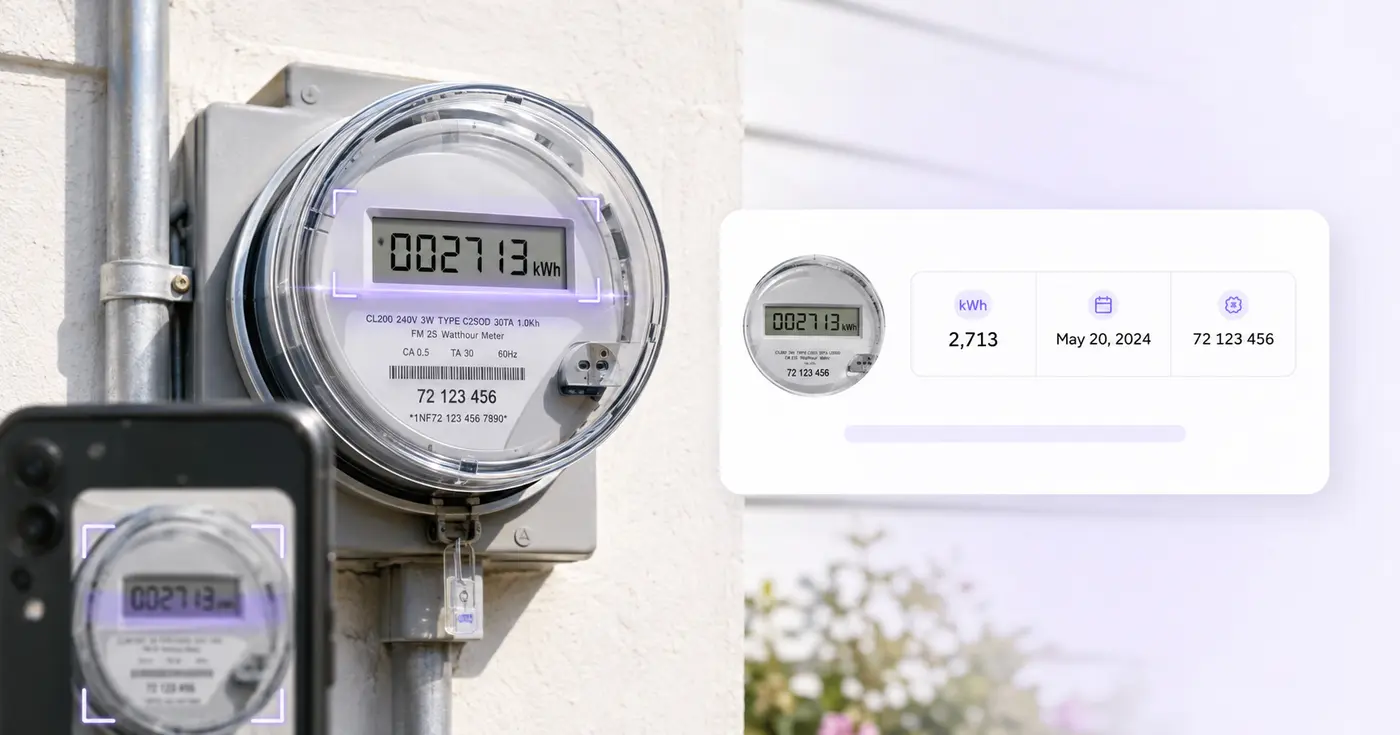
Pixoate requests the visible reading and identity fields, flags uncertain OCR, and keeps all cells editable. The result is a simple record your team can save or export—not a claim about billing accuracy.
Include the entire display and, when possible, the meter number or nearby unit label in a clear image.
Confirm electric, gas, or water; preserve leading zeros; and manually resolve analog dials or obscured values.
Use the CSV in your property, submetering, audit, or maintenance workflow, or retain the records in Pixoate.
Collect move-in, move-out, common-area, and tenant submeter readings in a consistent format.
Create periodic electric, gas, or water snapshots across several buildings.
Turn site-visit evidence into a verified starting table for later professional analysis.
It can attempt visible numeric displays and printed identifiers on those meters. Meter designs vary, and analog dials often need careful human interpretation.
No. The tool stores the current reading. Consumption requires the correct prior reading, multiplier, rollover rules, units, time period, and tariff information.
The exported log can help organize your observations, but Pixoate does not certify the meter, authenticate the photo, or determine what a utility should bill.
Take a straight-on image that shows every dial clearly and avoids parallax. Because adjacent dials can rotate in opposite directions, manually verify the final value.
Yes. Readings are stored as editable text so leading zeros can be preserved. Compare the row with the display before exporting it.
The schema includes property or account, meter number, meter type, reading, unit, reading date, and location as separate fields.
Hulpmiddelen voor algemene volgende stappen na Stroom-, gas- en watermeters uitlezen.
OCR en gegevensextractie
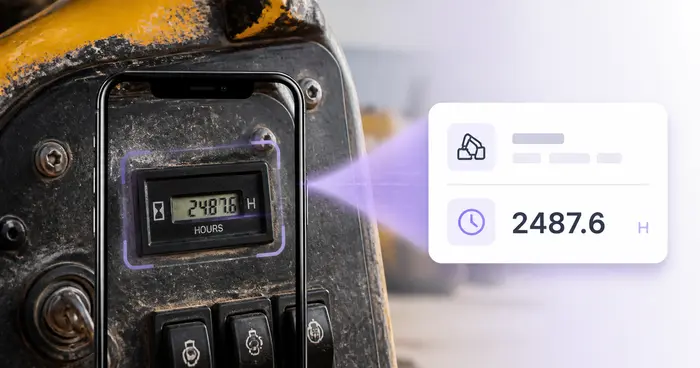
Lees urentellers uit machinefoto’s, controleer cijfers en decimalen en maak een bewerkbaar logboek van het apparatuurgebruik.
Probeer het nuOCR en gegevensextractie
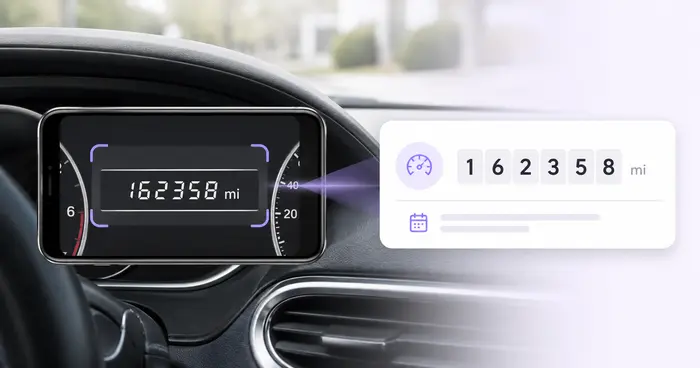
Lees de kilometerstand uit dashboardfoto’s, controleer het getal, voeg voertuig- en ritgegevens toe en bewaar of exporteer een bewerkbaar logboek.
Probeer het nuOCR en gegevensextractie
Extraheer een tabel uit een foto of screenshot en download een bewerkbaar .xlsx-bestand waarin de rijen en kolommen behouden blijven.
Probeer het nuEvery foto crosses the slash untouched and comes out the other side finished.