How to Record Rental Property Meter Readings from Move-In and Move-Out Photos
Record rental property meter readings from move-in and move-out photos with Pixoate. Keep readings tied to the right meter, property and date.
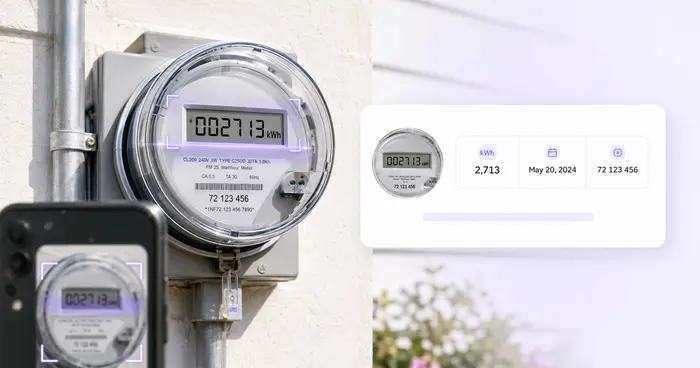
A meter photograph records visible digits, but a property handover needs more context. Which property was it? Which meter or register? What unit was displayed, and when was the reading taken?
Pixoate Utility Meter Reader turns supported electric, gas or water meter photos into editable readings. Add and verify the context so the result becomes a useful record rather than an isolated number.
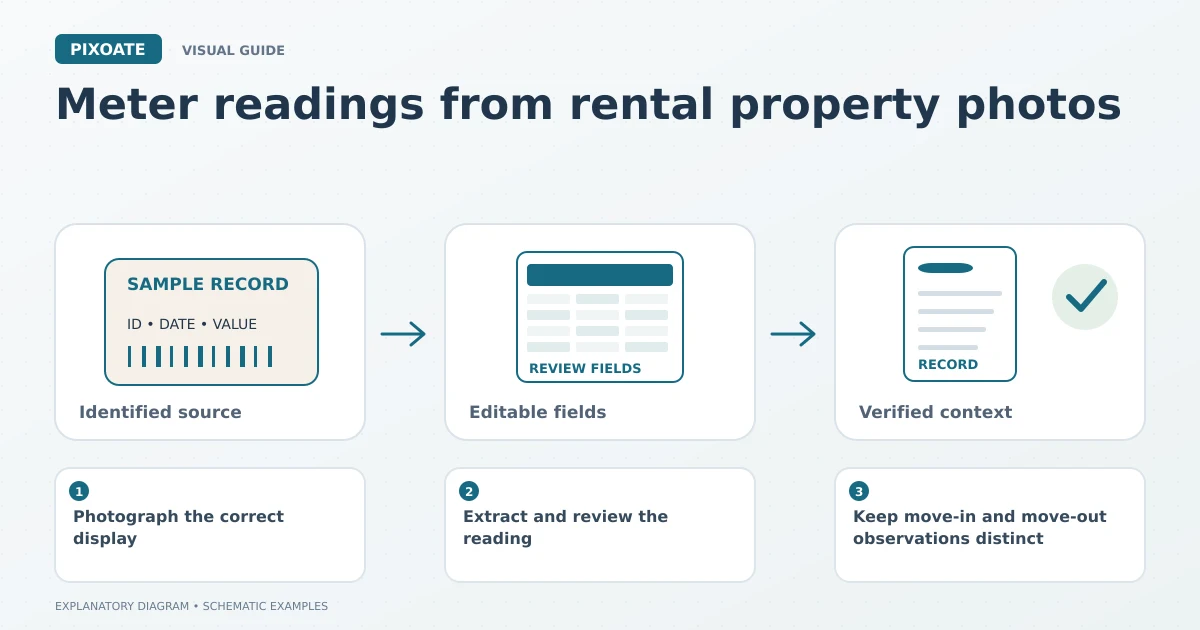
Original explanatory graphic. The scenes and sample records are schematic illustrations, not screenshots or measured tool results.
Photograph the correct display
Capture a clear, straight-on view without glare. Where a meter cycles through several screens, identify which register your process requires. Do not assume every number shown is the cumulative reading.
Keep a source reference connecting the photograph to the property and meter. Record the observation date separately rather than guessing it from a forwarded image's file timestamp.
Extract and review the reading
Upload the supported meter image and compare the recognised digits with the source. Confirm decimal placement, units and meter identity. A reading without its unit may be incomplete, especially when records are combined across properties.
Add the location and other available record details. If the display is partly obscured or ambiguous, obtain another photograph before treating the value as verified.
Keep move-in and move-out observations distinct
| Record detail | Example purpose |
|---|---|
| Property and meter identity | Prevents readings from different meters being combined. |
| Observation date | Establishes when the visible value was recorded. |
| Register and unit | Explains which value the number represents. |
| Source photograph | Allows another person to review the reading. |
| Handover stage | Distinguishes opening and closing observations. |
The tool reads supplied images. It does not connect to a utility account, validate a bill or determine how charges should be allocated.
Include the photos in a handover packet
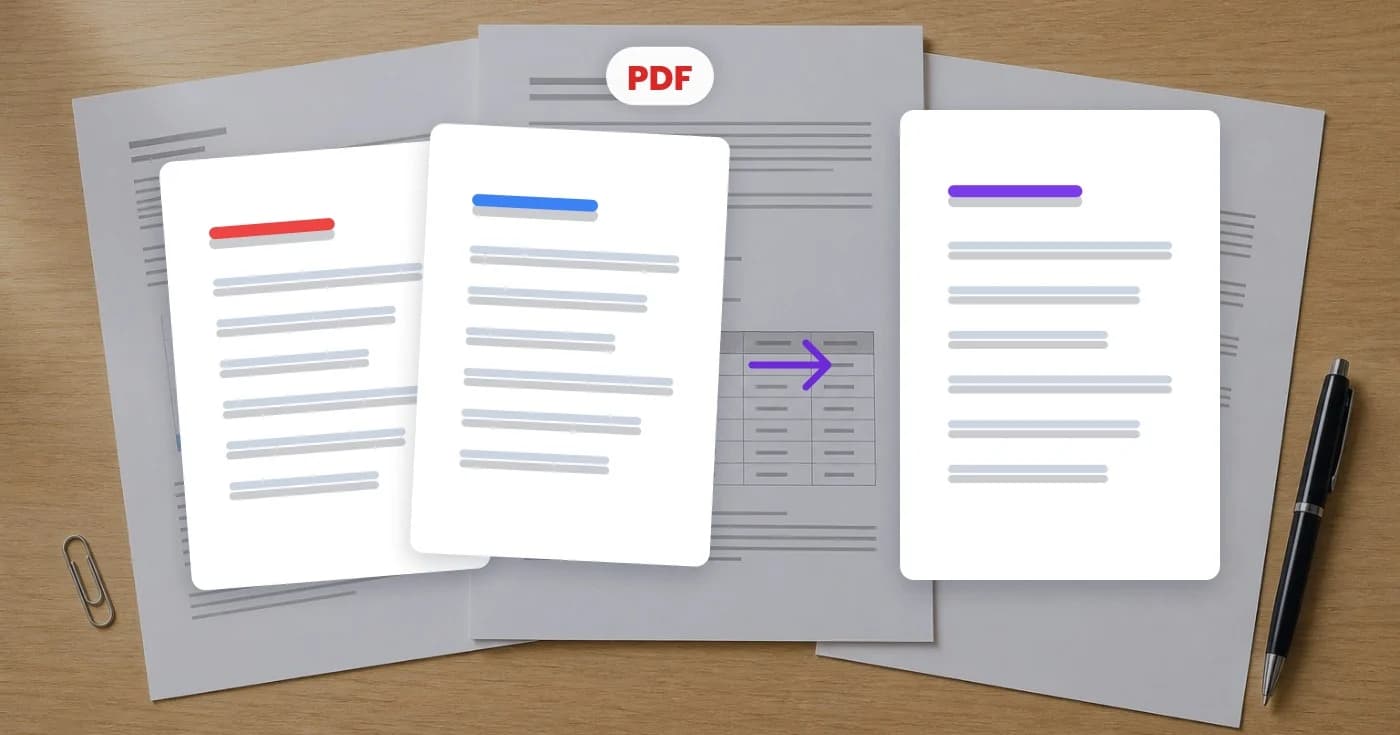
Use Job Photo Report Builder to arrange relevant photographs with captions and property details. If you simply need several images together, Image to PDF provides a document assembly route.
Review the final packet to confirm that meter photos match their captions. Similar-looking meters make this a particularly easy administrative mistake.
Can a photo prove the exact consumption between two dates?
Any calculation depends on matching the correct meter and register, verified readings, units and relevant circumstances. A photo alone does not resolve every billing question.
Start with Pixoate Utility Meter Reader, then preserve the context that makes the number meaningful to the next person handling the property record.