
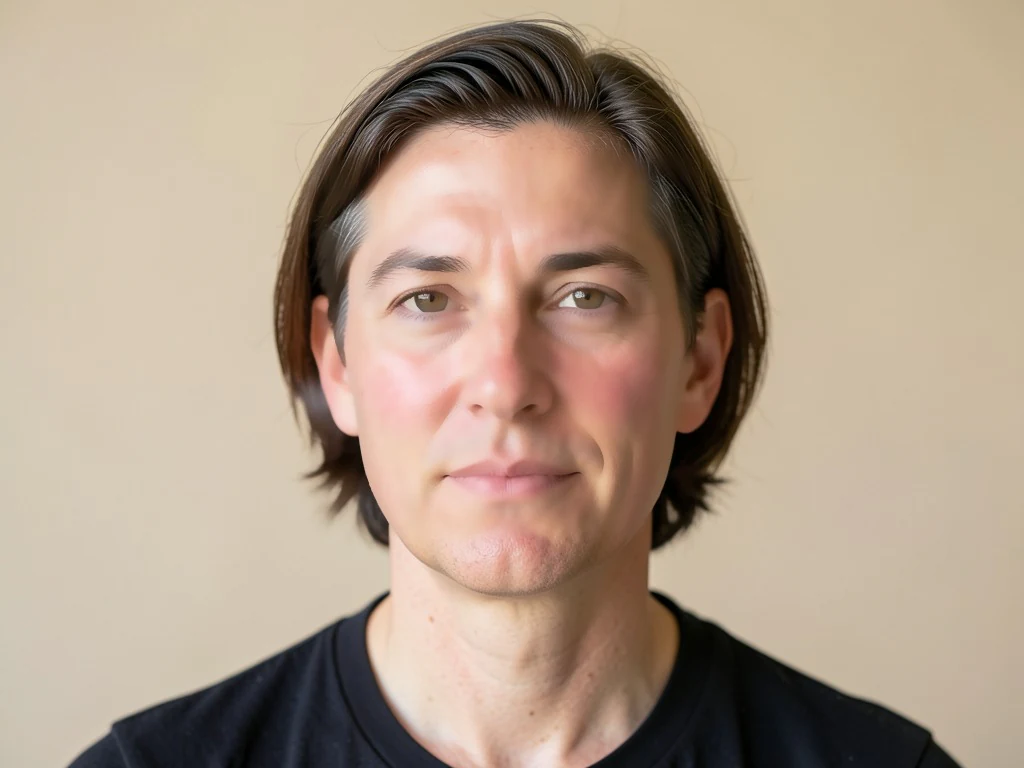

Gesicht online verschönern – Haut glätten und Fotos retuschieren
Funktioniert mit JPG, PNG, WEBP
Das grelle Licht erfasste jede unebene Stelle auf Ihrer Haut. Gleicht Ton und Textur aus, ohne den verschwommenen, plastischen Look, den ein Filter hinterlässt.
- Kantenerhaltende Hautglättung – Augen und Haare bleiben scharf
- Gleicht den Hautton aus und mildert Rötungen und Unebenheiten
- Sehen Sie aus wie Sie an einem guten Tag, nicht wie ein Filter
Selfie oder Porträt ablegen – Sie erhalten eine natürlich retuschierte Version zurück
Tipps für das beste Ergebnis
• Halte den Wert niedrig für den realistischsten Look
• Entferne zuerst Makel mit dem Makel-Entferner
• Verwende eine niedrige Stärke für professionelle Fotos oder Ausweisbilder
Über die Gesichtsverschönerung
Der Gesichts-Verschönerer erkennt die Hautpartien des Gesichts und wendet eine kantenerhaltende Glättung nur dort an, gleicht Textur und Hautton aus, während Augen, Augenbrauen, Lippen, Haare und die Silhouette scharf bleiben. Dieser selektive Ansatz sorgt für ein gepflegtes, natürliches Finish — nicht den verschwommenen, plastischen Look flächendeckender Filter.
So funktioniert's
1. Lade ein Selfie oder Porträt hoch
2. Die AI erkennt die Gesichtshaut
3. Die Haut wird geglättet, Konturen bleiben scharf
4. Stärke anpassen und herunterladen
Perfekt für
• Selfies und Porträtfotos
• Profil- und Social-Media-Fotos
• Professionelle Porträtaufnahmen
• Event- und Gruppenporträts
Das können Sie mit Gesichtsverschönerung machen
Überprüfen Sie die Hauptfunktionen, bevor Sie beginnen.
- Haut auf Selfies und Porträts glätten
- Ungleichmäßigen Hautton mit einem Tippen ausgleichen
- Gesichter sanft retuschieren für einen natürlichen Look
- Augen, Haare und Konturen bleiben scharf
- Einstellen, wie stark geglättet wird
Referenz zu den Einstellungen
2 Einstellungen
Verfügbare Steuerelemente für Gesichtsverschönerung.
- VerarbeitungsmodusVoreinstellungen
- Verarbeiten Sie eine einzelne Eingabe oder wechseln Sie zur Premium-Stapelverarbeitung, um mehrere Eingaben mit denselben Einstellungen zu bearbeiten. Welche Eingabearten unterstützt werden, hängt vom Werkzeug ab.Optionen: Einzelnes BildStapel
Anpassen
- GlättungsstärkeSchiebereglerBereich: 0–1 · Standard: 0.7
- Steuert, wie stark die Haut geglättet wird, von Natürlich bis Glamour — halte den Wert niedrig für glaubwürdige, professionelle Porträts, drehe ihn höher für ein poliertes Social-Media-Finish.
Verwandte Tools für Gesichtsverschönerung
Tools für allgemeine nächste Schritte nach Gesichtsverschönerung.
Porträt- & Headshot-Studio
Unreinheitenentferner
Reduzieren Sie sichtbare Hautunreinheiten, Flecken und dunkle Flecken und prüfen Sie gleichzeitig die Wirkung auf die umgebende Hautstruktur.
Jetzt ausprobieren
Fotoverbesserung
AI-Fotoverbesserung
Passen Sie Rauschen, Schärfe, Farbe und Skalierung in einem einzigen Optimierungsworkflow an und vergleichen Sie dann das Ergebnis mit dem Original.
Jetzt ausprobieren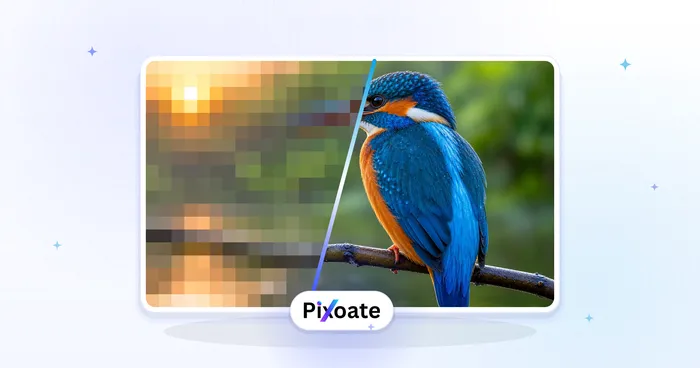
Fotoverbesserung
KI-Bild-Upscaler
Skalieren Sie ein Bild um das 2-fache, 3-fache oder 4-fache und überprüfen Sie das verbesserte Ergebnis vor dem Herunterladen.
Jetzt ausprobierenHäufig gestellte Fragen
Wie Gesichtsverschönerung dir hilft, es zu erledigen
Es löst jeden Tag echte Probleme – für Unternehmen, Kreative und alltägliche Aufgaben. Finden Sie den für Sie passenden Anwendungsfall und starten Sie.
Dating-Profilfotos, die immer noch wie Sie aussehen
Halten Sie den Regler für die Glättungsstärke nahe Natürlich, um müde Haut und Rötungen für Tinder-, Hinge- oder Bumble-Fotos zu mildern, ohne den überglätteten Look, der dazu führt, dass ein Profil als Fake markiert wird.
Retuschen für Influencer- und UGC-Inhalte
Glätten Sie die Haut auf Sponsored Posts oder Produktfotos vor der Veröffentlichung, damit Markeninhalte gepflegt aussehen — ohne einen vollständigen Studio-Retusche-Workflow.
Angebots-Porträts für Makler & Agenten
Bearbeiten Sie das Porträtfoto eines Immobilienmaklers mit einem leichten Durchgang in natürlicher Stärke für MLS-Inserate, Visitenkarten und Verkaufsschild-Fotos, um den gepflegten, aber glaubwürdigen Look zu bewahren, den Maklerbüros erwarten — ohne die künstliche Überglättung, die ein Maklerfoto unecht wirken lässt.
Einheitliche Unternehmensporträts fürs Team-Verzeichnis
Bearbeiten Sie jedes Mitarbeiterporträt einzeln mit derselben niedrigen Einstellung in Natürlich-Stärke, damit das Firmenverzeichnis oder die LinkedIn-Seite durchgängig gepflegt wirkt, ohne dass ein flächendeckender Weichzeichnungsfilter auf einem einzelnen Foto die echte Hauttextur einebnet.
Retusche von Hochzeits- und Porträt-Proofs vor der Kundenlieferung
Glätten Sie Hautton und -textur bei jedem gestellten Porträt eines Shootings mit einem leichten Durchgang in natürlicher Stärke, bevor Sie einem Paar oder Kunden Vorschaubilder senden, und reduzieren Sie so die manuelle Retusche pro Foto, die ein Fotograf sonst von Hand machen würde.
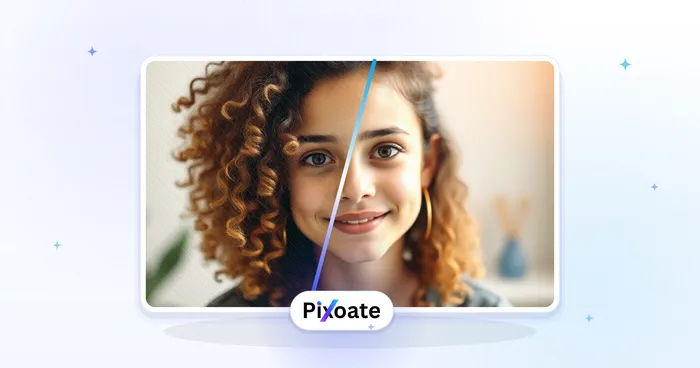
Sehen Sie, wie jede Verwandlung gelingt
Jedes Foto überquert den Schrägstrich unbearbeitet und kommt auf der anderen Seite fertig heraus.























