
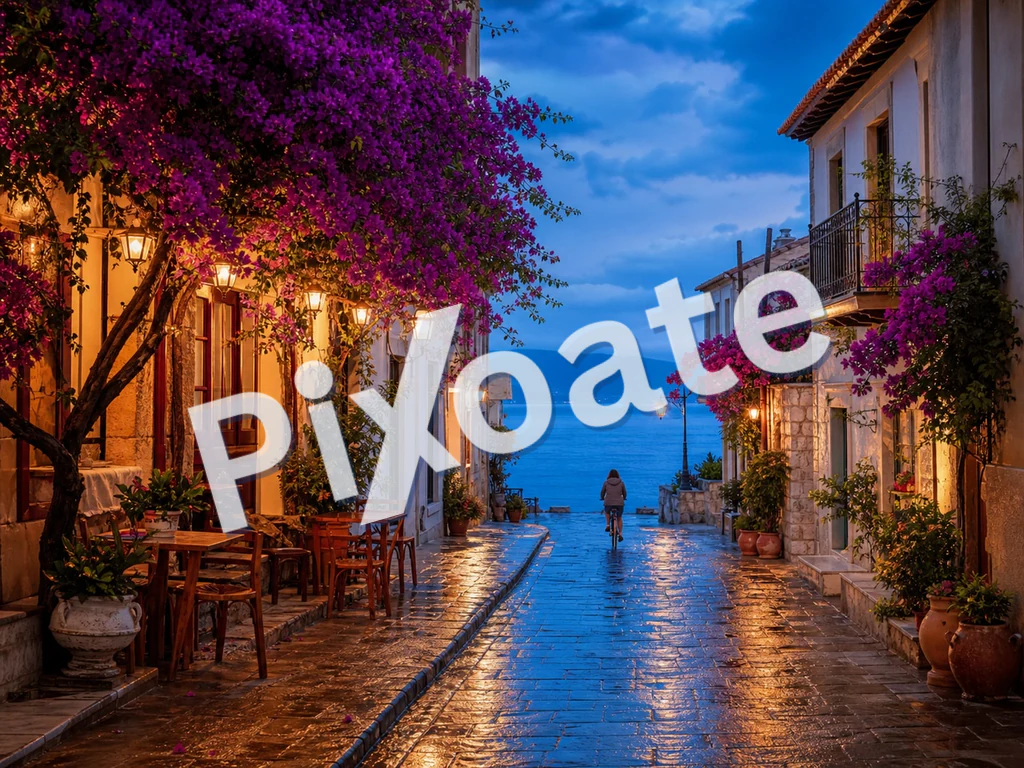
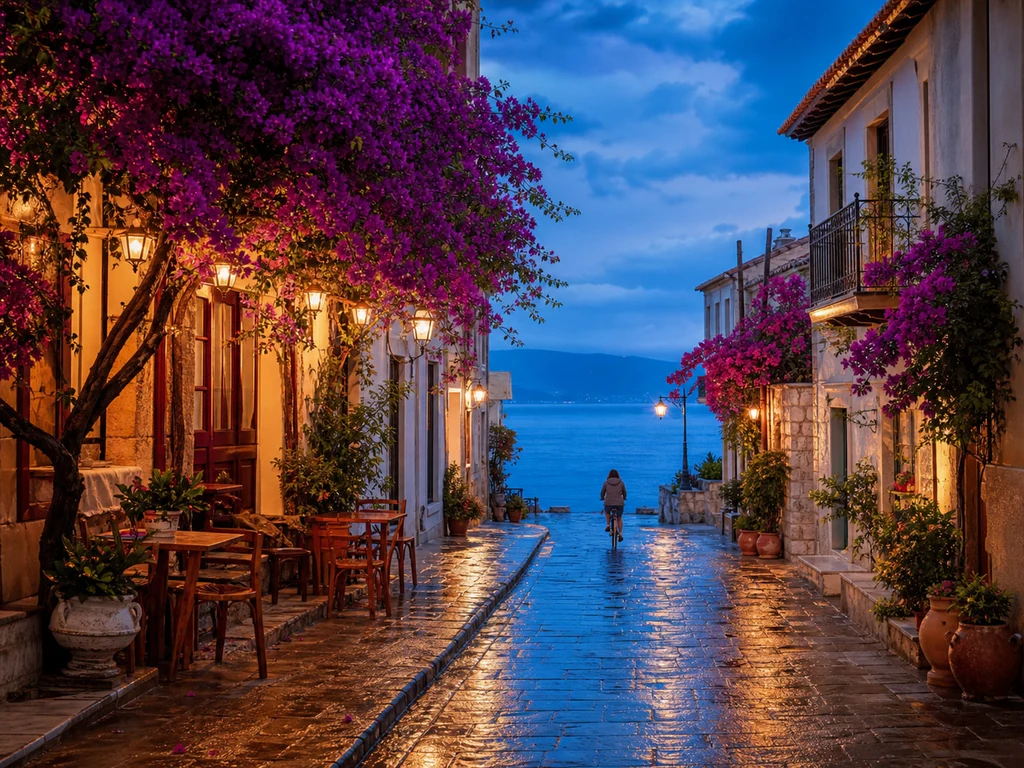
Image de filigrane en ligne — Ajoutez un filigrane de texte ou de logo gratuitement
JPG, PNG, WEBP et plus
Vous envoyez des épreuves et elles reviennent republiées sans votre nom dessus. Filigranez chaque image avec votre texte ou votre logo avant qu'elle ne quitte vos mains.
- Tamponnez votre nom ou votre logo sur les épreuves avant de les envoyer
- Filigranes de texte ou de logo, disposés en mosaïque sur l'image ou placés une seule fois
- Ajustez l'opacité, la taille et la position pour protéger sans gâcher la photo.
Déposez votre photo — positionnez votre texte ou votre logo et téléchargez la copie filigranée
Ce que vous pouvez faire avec Filigraner une image
Passez en revue les principales fonctionnalités avant de commencer.
- Ajoutez un filigrane texte à vos photos
- Apposez votre logo sur vos photos de produits
- Empêchez la réutilisation de vos photos sans mention d'auteur
- Positionnez, faites pivoter et redimensionnez le filigrane
- Réglez l'opacité du filigrane pour une surimpression discrète
- Ajoutez un filigrane à de nombreuses images d'un coup et téléchargez un ZIP
Référence des paramètres
11 paramètres
Contrôles disponibles pour Filigraner une image.
Filigrane
- FiligranePréréglages
- Bascule le filigrane entre un texte saisi et un logo importé ; les réglages ci-dessous s'adaptent au type choisi.Possibilités: TexteLogo
- Texte rapidePréréglages
- Formules prédéfinies en un clic — mention de copyright, CONFIDENTIEL ou BROUILLON — qui remplissent instantanément le champ de texte du filigrane tout en restant modifiables.Possibilités: © 2026© PixoateCONFIDENTIELBROUILLONSPÉCIMENNE PAS COPIERAPERÇU
- Texte du filigraneSaisie de texte
- Le texte exact apposé sur chaque image ; saisissez votre propre phrase ou partez d'un texte prédéfini et modifiez-le.
- PoliceListe déroulante
- Police utilisée pour le filigrane texte, du sans empattement épuré à l'empattement classique jusqu'aux styles de titrage bien gras ; choisissez-en une qui reste lisible en petite taille.Possibilités: system-uiArialGeorgiaCourier NewImpactTimes New Roman
- GrasActivé / Désactivé
- Épaissit le texte du filigrane pour qu'il reste lisible même à faible opacité ou en petite taille.
- CouleurSélecteur de couleur
- Définit la couleur du filigrane texte à l'aide d'un sélecteur complet ou de nuances prédéfinies accessibles en un clic ; choisissez une teinte qui contraste avec vos photos.Possibilités: #ffffff#000000#dc2626#16a34a#1e40af#4387f4#eab308
- Importer le logo (un PNG à fond transparent fonctionne le mieux)Champ de fichier
- Image secondaire utilisée comme filigrane lorsque l'onglet Logo est sélectionné ; un PNG transparent se fond le plus proprement sur vos photos.
Fonction
- FonctionPréréglages
- Place le filigrane à l'un des neuf emplacements de l'image, ou le répète en mosaïque sur toute la surface pour une protection anticopie renforcée.Possibilités: En haut à gaucheHautEn haut à droiteGaucheCentreDroiteEn bas à gaucheBasEn bas à droiteMosaïque
- RotationCurseurPlage: -90–90° · Par défaut: 0°
- Incline le filigrane jusqu'à 90 degrés dans un sens ou dans l'autre ; une inclinaison en diagonale reste lisible tout en étant plus difficile à recadrer.
Style
- OpacitéCurseurPlage: 5–100% · Par défaut: 50%
- Intensité du filigrane, d'un discret 5% à une opacité totale ; les valeurs basses laissent la photo bien visible en dessous.
- ÉchelleCurseurPlage: 2–40% · Par défaut: 18%
- Taille du filigrane exprimée en pourcentage de chaque image : la marque conserve ainsi les mêmes proportions sur toutes les photos d'un lot, quelles que soient leurs dimensions.
Outils associés pour Filigraner une image
Outils pour les prochaines étapes courantes après Filigraner une image.

PDF et documents
Filigraner un PDF
Ajoutez du texte tel que CONFIDENTIEL ou BROUILLON sur les pages PDF avec une police, une couleur, une opacité et un angle réglables.
Essayez maintenant
Création et design
Ajouter du texte à une image
Ajoutez du texte stylisé avec des polices, des couleurs et des contours personnalisés aux formats d'image pris en charge, puis téléchargez l'image modifiée.
Essayez maintenant
Retouche photo et utilitaires
Compresser une image en KB
Compressez les fichiers JPG, PNG ou WebP vers une taille choisie telle que 20 Ko, 50 Ko ou 100 Ko, puis examinez le résultat.
Essayez maintenantFoire aux questions
Comment Filigraner une image vous aide à mener à bien vos tâches
De vrais problèmes qu'il résout chaque jour, pour les entreprises, les créateurs et les tâches quotidiennes. Trouvez le cas d’utilisation qui vous convient et lancez-vous.
Protection du portfolio de photographe
Appliquez un discret filigrane de copyright aux aperçus de la galerie client : vos clients voient le travail, mais les versions volées et repartagées vous créditent toujours. Traitez l'intégralité de la séance en un seul envoi, téléchargez le tout en ZIP et livrez-le au client.
Image de marque des produits e-commerce
Apposez sur chaque photo de produit le logo ou l'URL de votre boutique : ainsi, lorsque les acheteurs font une capture d'écran et la partagent, votre marque voyage avec l'image. Le mode mosaïque couvre toute la surface pour une portée maximale.
Annonces immobilières
Ajoutez une image de marque cohérente de l'agence à la liste des photos avant de les publier. Un petit logo de coin maintient la propriété visible tout en identifiant la source.
Couverture de conférences et d'événements
Un photographe couvrant un événement appose le logo de celui-ci sur chaque photo de la galerie avant de la partager avec les participants et les sponsors. Cela stimule l’engagement sur les réseaux et protège contre toute exploitation commerciale non autorisée.
Préversion de photos de stock
Lorsque vous proposez vos visuels à des banques d'images ou à des plateformes de licence, un filigrane « PROOF » ou « SAMPLE » empêche toute utilisation gratuite pendant la période d'examen. Retirez le filigrane une fois les soumissions acceptées.
Publications en masse sur les réseaux sociaux
Appliquez un filigrane de marque cohérent à tout un dossier d'images destinées aux réseaux sociaux avant leur programmation. Vous évitez le passage manuel par Canva pour chaque publication.
Protection contre les captures d'écran de cours et d'e-books
Les enseignants apposent un filigrane sur les captures d'écran de leçons et les exports de diapositives avec une marque « CONFIDENTIEL » en mosaïque ou le nom du cours, afin que le contenu de cours payant ne puisse pas être librement repartagé en dehors de la plateforme.
Tamponnage des photos de dossiers judiciaires & de preuves
Apposez sur des preuves numérisées ou des photos d'inspection une référence de dossier et un filigrane « CONFIDENTIEL » pivoté grâce à la position Mosaïque, rendant évidente toute redistribution non autorisée de documents sensibles.
Mentions de crédit pour collections numériques de musées et d'archives
Apposez une mention de crédit institutionnel sur des scans haute résolution d'œuvres d'art, de manuscrits ou d'artefacts avant de les publier en ligne, afin que la collection reste consultable publiquement tandis que chaque image réutilisée conserve une attribution correcte.
Guides pour cet outil
Voyez chaque transformation prendre forme
Chaque photo franchit la séparation intacte et ressort finalisée.























