Simulasi material lantai
Hasil AI generatif dapat bervariasi; tinjau seluruh hasil sebelum dipublikasikan.
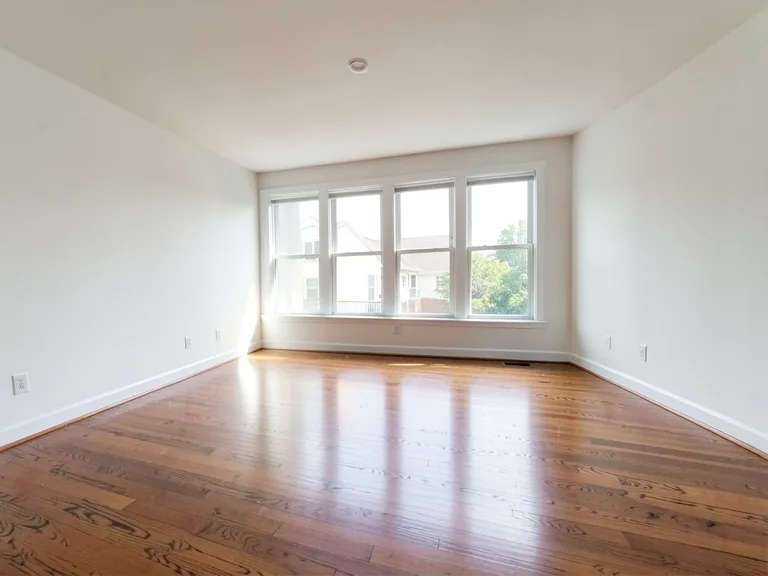
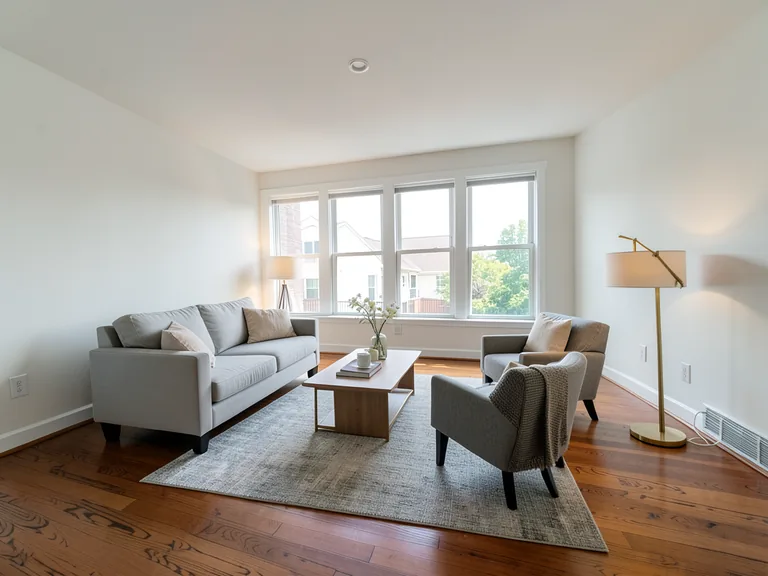
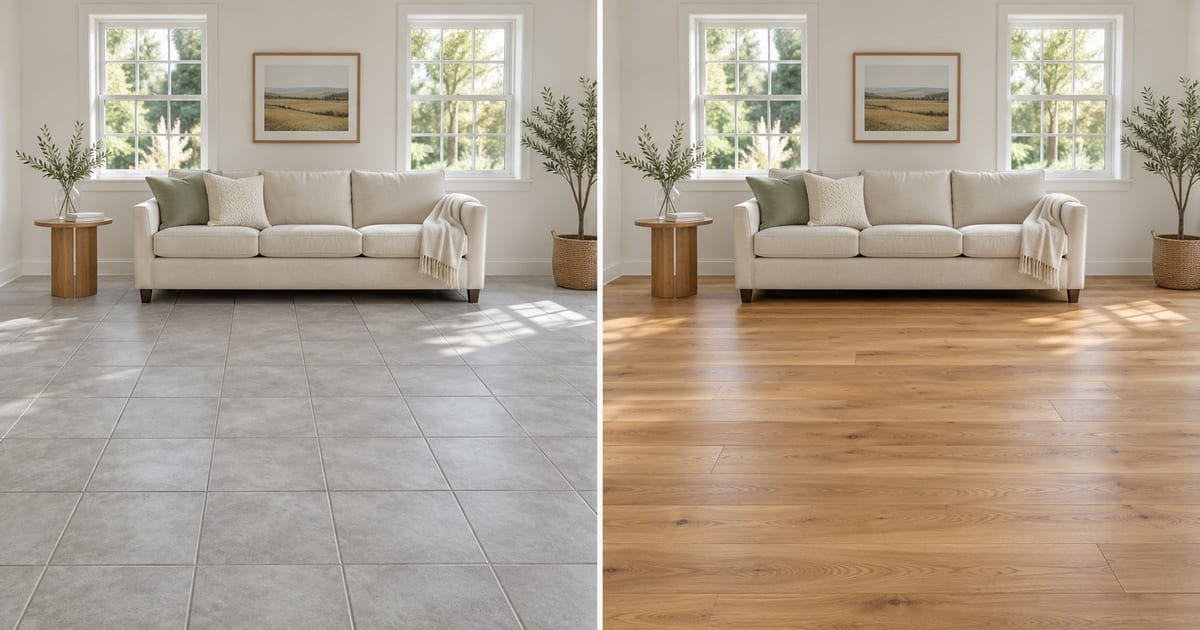
Flooring is expensive to get wrong and awkward to undo, yet most people choose it from a small sample under shop lighting. This visualizer lays a new floor across a photo of your own room while keeping the walls, furniture and fixtures in place, so you can see how oak, laminate, vinyl plank, marble, tile or carpet sits with your light and your sofa. Try several materials on the same photo, add a rug or skirting boards with one tap, and bring the one you prefer to the shop.
- Prepared Flooring Visualizer direction
- Prompt yang bisa disunting
- Peninjauan hasil lengkap wajib dilakukan
Choose a source image for Flooring Visualizer
JPG, PNG, WebP, HEIC, dan format lain yang didukung. Untuk alat ini, batas unggahan paket Free adalah 20 MB; Premium dan paket yang lebih tinggi hingga 50 MB.
Siapkan untuk Simulasi material lantai
Pengaturan yang sudah disiapkan
- Titik awal
- Unggah satu gambar sumber
- Halaman terbuka pada alur kerja penyuntingan yang tepat; Anda hanya perlu mengunggah untuk memulai.
- Alur kerja yang disiapkan
- Prepared Flooring Visualizer workflow
- Flooring Visualizer opens with the Flooring Visualizer direction preselected, so there is no need to find the operation manually.
- Format keluaran
- Sama seperti unggahan Anda
- Hasil mengikuti bentuk gambar yang Anda unggah.
- Tinjau aturan
- Periksa hasil lengkap yang dibuat sebelum digunakan
- Hasil gambar AI dapat bervariasi; hasil akhir tetap menunggu persetujuan pengguna sebelum diunduh.
Penggunaan yang paling sesuai
- Compare hardwood, vinyl and tile in the same living room
- Choose a floor that works with existing furniture and walls
- Show a flooring installer the finish you have in mind
Pertanyaan yang sering diajukan
- Does the preview show the real board width and grout lines?
- It shows a plausible plank or tile pattern, not the exact product. Board width, grout color and the real shade vary by manufacturer, so use the picture to choose a material and tone and confirm the exact product from a physical sample in your own light.
- Will my furniture and walls stay the same?
- The instruction asks for only the floor to change. Check where furniture legs meet the floor and the line along the skirting, and run the preview again with a short note about any spot that looks off.
- Can I add a rug or skirting boards to see the whole look?
- Yes. Under "Add to your result" you can tap an area rug, matching skirting boards, a doorway threshold, a herringbone layout or a contrasting border, and they are combined with your chosen material and any custom instruction.
- Which photo works best for a floor?
- A wide shot with plenty of visible floor, taken from a standing position in good daylight. Clear loose items off the floor and avoid a strong glare, because a shiny existing floor can confuse the AI about where the surface starts.
Apa yang dapat Anda lakukan dengan Editor Foto Properti dengan AI
Tinjau kemampuan utama sebelum Anda mulai.
- Panggung Lengkap rooms secara otomatis for disclosed concepts
- Tambahkan dipilih TVs, Dinding colors, or landscaping precisely
- Hapus described cables, bins, signs, and distracting clutter
- Ganti langit dan buat eksterior senja yang realistis
- Refine Otomatis Edit areas secara Manual when needed
Referensi pengaturan
5 pengaturan
Kontrol yang tersedia untuk Editor Foto Properti dengan AI.
Tugas
- Jenis edittarik-turun
- Pilih pengeditan yang ingin dilakukan; prompt, alat seleksi, dan kontrol output akan mengikuti jenis pengeditan yang dipilih.Opsi: Pengeditan berbasis teksIsian generatifPenghapus ajaibPenggantian langitPenataan ruangan
- Preset sekali ketukPreset
- Pick a ready-made Arahan with Satu tap; pembuatan uses the dipilih preset secara otomatis.Opsi: Tambahkan furniturTambahkan TVCat dinding putih hangatTwilight LangitGanti langitHapus gangguanSegarkan lanskap
- Instruksi khusus (opsional)Masukan teks
- Jelaskan perubahan yang diminta, material relevan, pencahayaan, perspektif, dan detail yang tidak boleh diubah.
Pilihan
- Pilihan ukuran kuasPenggeserJangkauan: 4–160px · Bawaan: 32px
- Atur the Kuas Lebar used to mark the exact Tambahkan, Isi, or replacement area required Sebelum pembuatan.
Keluaran
- Ask AI to Pertahankan Subjek identity and Produk DetailHidup / Mati
- Menambahkan instruksi eksplisit untuk mempertahankan subjek utama, bentuk, merek, label, dan teks yang dapat dibaca kecuali permintaan mengubahnya.
Alat terkait untuk Simulasi material lantai
Alat untuk langkah umum selanjutnya setelah Simulasi material lantai.
Penataan Virtual & Properti
Penataan Ruang Virtual dengan AI
Tata ruangan kosong secara virtual dengan furnitur AI untuk listing properti. Buat konsep ruang tamu, kamar tidur, kantor, ruang makan, dan interior mewah.
Coba sekarang
Penataan Virtual & Properti
Penataan Ruang dengan AI
Tata ruangan kosong atau lama dengan furnitur dan dekorasi AI. Buat konsep ruang tamu, kamar tidur, kantor, ruang makan, dan berbagai gaya interior.
Coba sekarang
foto Enhancement
Peningkat Kualitas Foto AI
Sesuaikan noise, ketajaman, warna, dan skala dalam satu alur kerja penyempurnaan, lalu bandingkan hasilnya dengan aslinya.
Coba sekarangPanduan untuk alat ini
- How to Prepare Real Estate Listing Photos in Bulk for an AgencyOrganize bulk real estate photo editing with Pixoate. Keep properties, room sequences and concept images clear across an agency's listing workflow.
- How to Remove Temporary Clutter from Real Estate Photos with AIRemove temporary clutter from real estate photos with Pixoate. Review cables and stray objects while preserving the property's actual condition.
Saksikan setiap transformasi selesai
Setiap foto crosses the slash untouched and comes out the other side finished.