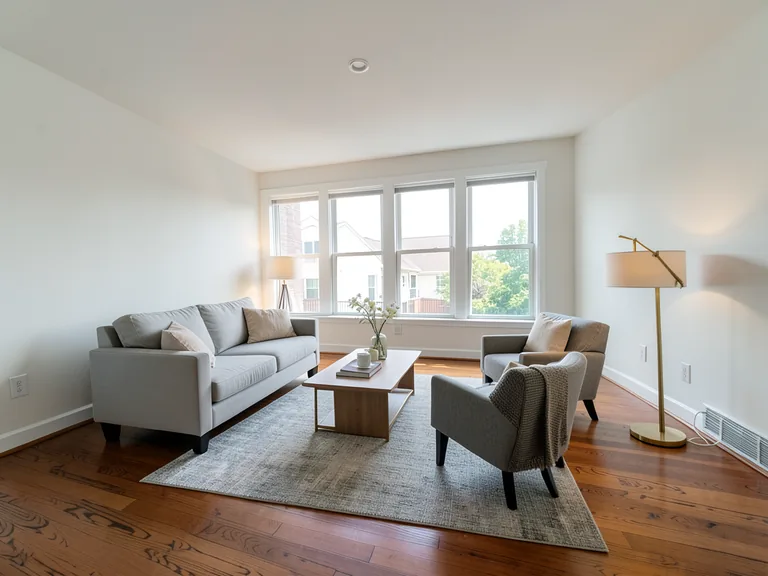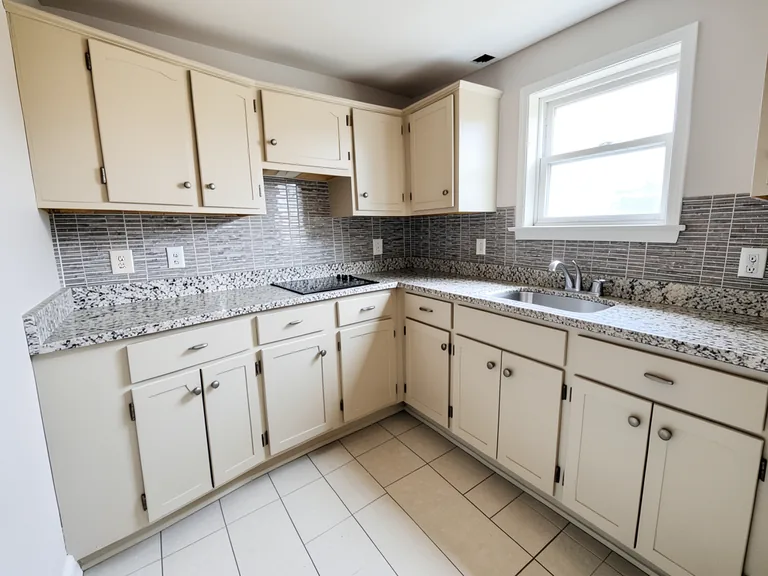
Sage Green color
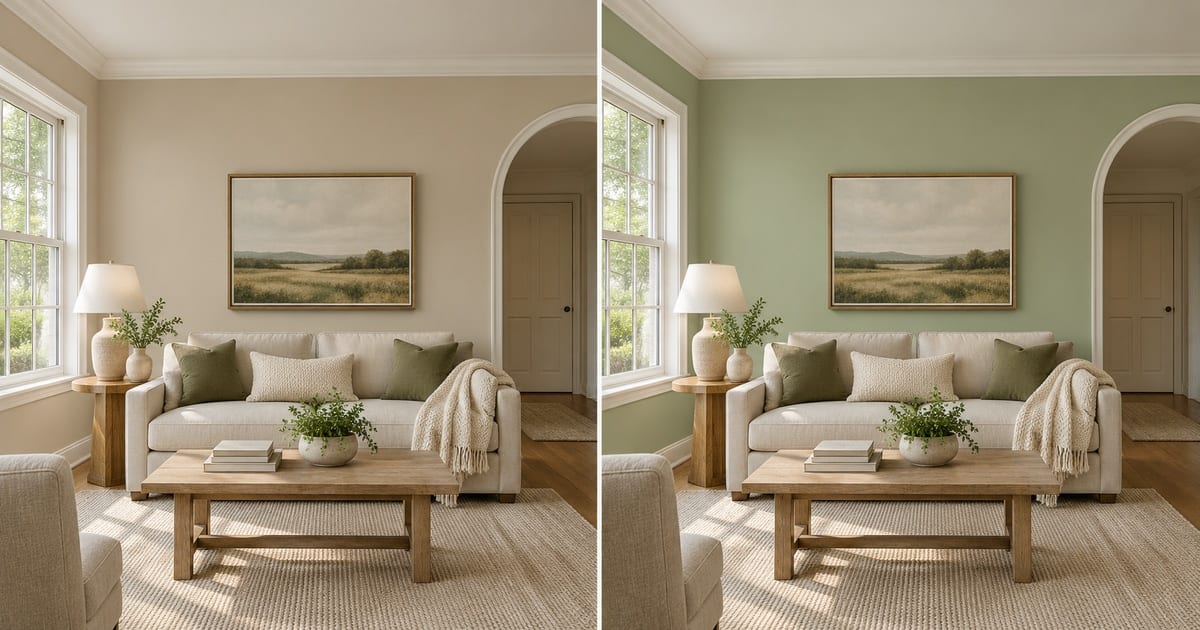
セージグリーンの壁シミュレーション
生成結果にはばらつきがあります。公開前に全体を確認してください。
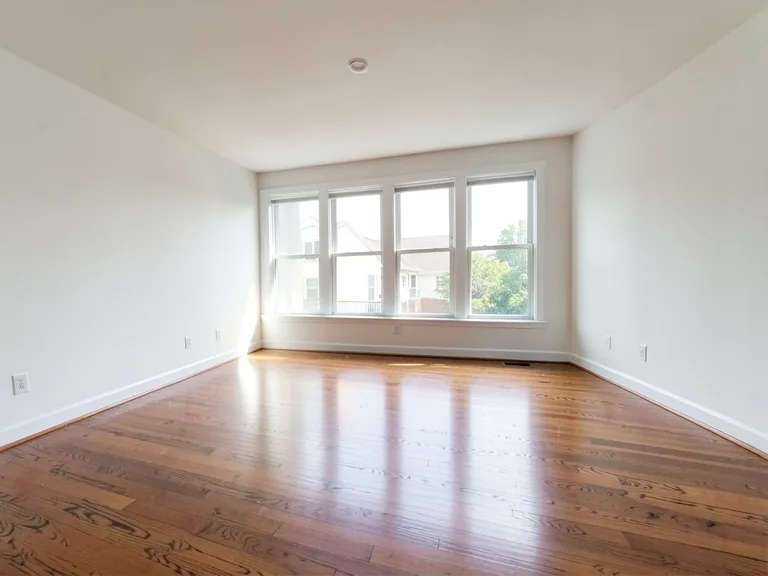
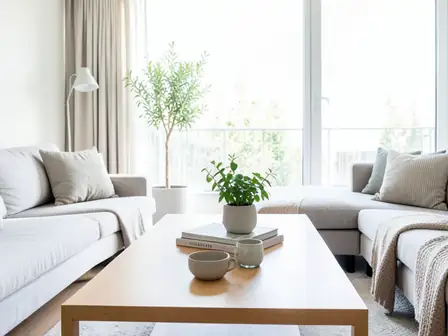
Sage green is popular because it feels calm and natural, but it changes character more than most colors depending on light: grayer in a north-facing room, fresher in a sunny one, and sometimes surprisingly cold next to a wrong white. This page paints it on a photo of your own room so you see which version of sage you would actually be living with, and whether it flatters your furniture.
- Prepared Sage Green direction
- 編集できるプロンプト
- 生成結果全体の確認が必要
Choose a source image for Sage Green
JPG、PNG、WebP、HEICなどの対応形式を利用できます。このツールのアップロード上限はFreeで20 MB、Premium以上で50 MBです。
バーチャルステージングと物件デザインプリセットが自動的にロードされる
セージグリーンの壁シミュレーション のセットアップ
用意された設定
- 出発点
- 元画像を1枚アップロード
- このページは適切な編集ワークフローを選んだ状態で開きます。必要な準備はアップロードだけです。
- 準備されたワークフロー
- Prepared Sage Green color
- Sage Green Wall Paint Visualizer opens with the Sage Green direction preselected, so there is no need to find the operation manually.
- 出力形式
- アップロードした画像と同じ
- 生成画像の縦横比は、アップロードした画像と同じになります。
- レビュールール
- 使用前に生成結果全体を確認
- 生成画像にはばらつきがあります。ダウンロード前に最終結果を利用者自身で承認してください。
最適な用途
- See how sage green reads in your own light
- Check it against wood furniture and warm floors
- Compare it with a warm white or beige alternative
よくある質問
- Does sage green go with wood furniture?
- It usually works well, because the green is muted and the wood is warm. Check it on your own photo, especially where the walls meet a wooden floor or a large wooden piece, since the undertone of the wood matters more than the species.
- Why does sage look gray in some rooms?
- It is a muted color, and rooms with cool light bring out the gray in it. A photo of your room with the walls painted shows which way it leans in your light, and a sample on the actual wall confirms it.
- What should I review in a Sage Green result?
- 顔、手、物体の形状、細部、遠近感、読める印、場面が暗示する主張を点検してください。不正確な点があれば、再生成するか変更要求を減らします。
- What rights checks apply to a Sage Green client project?
- 使用権のある元素材と参照資料だけを使い、掲載先プラットフォームの規則へ従い、必要な人物・物件の許可を得てください。生成結果にも、人による正確性と権利の確認が必要です。
AI不動産写真編集 でできること
始める前に、主な機能を確認してください。
- 開示済みのイメージ案として部屋全体を自動演出
- 選択したテレビ、壁の色、景観を正確に追加します
- 記載されているケーブル、ゴミ箱、標識、邪魔な物を取り除く
- 空を置き換えて、リアルな夕暮れの外観を作成します
- 必要に応じて自動編集領域を手動で調整する
設定リファレンス
5 設定
AI不動産写真編集 で使用可能なコントロール。
タスク
- 編集タイプドロップダウン
- 実行する編集を選びます。プロンプト、選択ツール、出力設定は、選んだ編集の種類に応じて変わります。オプション: テキストベース編集ジェネレーティブフィルマジック消しゴム空の置き換えルームステージング
- ワンタッププリセットプリセット
- ワンタップで既製の方向を選択します。生成では、選択したプリセットが自動的に使用されます。オプション: 家具を追加する追加 TVPaint walls 暖かい whiteTwilight 空置換空不要物を削除造園を整える
- カスタム指示(任意)テキスト入力
- 要求された変更、関連するマテリアル、照明、視点、および変更しない必要がある詳細について説明します。
選択範囲
- 選択ブラシのサイズスライダーレンジ: 4–160px · デフォルト: 32px
- 生成前に、追加、塗りつぶし、置き換えを行う正確な範囲を指定するブラシ幅を設定します。
出力
- AI に被験者の身元と製品の詳細を保存するよう依頼するオン/オフ
- リクエストによって変更されない限り、主要な件名、形状、ブランド、ラベル、および読み取り可能なテキストを保持するための明示的な指示を追加します。
無料で利用可能 · 登録不要 · 透かしなしアップロードは転送中に暗号化されます保持ポリシーに基づいて削除されました
セージグリーンの壁シミュレーション の関連ツール
セージグリーンの壁シミュレーション の後の一般的な次のステップのためのツール。
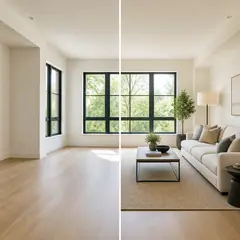
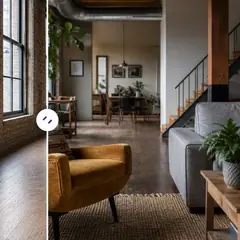

このツールのガイド
- How to Prepare Real Estate Listing Photos in Bulk for an AgencyOrganize bulk real estate photo editing with Pixoate. Keep properties, room sequences and concept images clear across an agency's listing workflow.
- How to Remove Temporary Clutter from Real Estate Photos with AIRemove temporary clutter from real estate photos with Pixoate. Review cables and stray objects while preserving the property's actual condition.
変換結果を一つずつ確認
すべての写真はスラッシュをそのまま通過し、反対側が完成して出てきます。