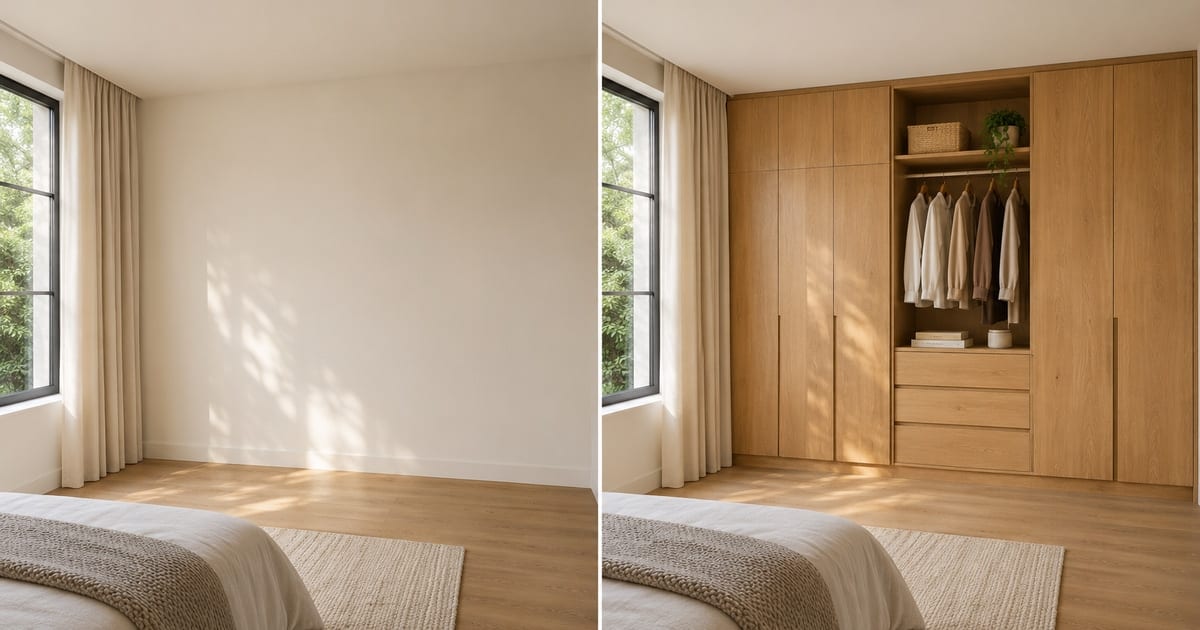
AIクローゼットデザイン
生成結果にはばらつきがあります。公開前に全体を確認してください。
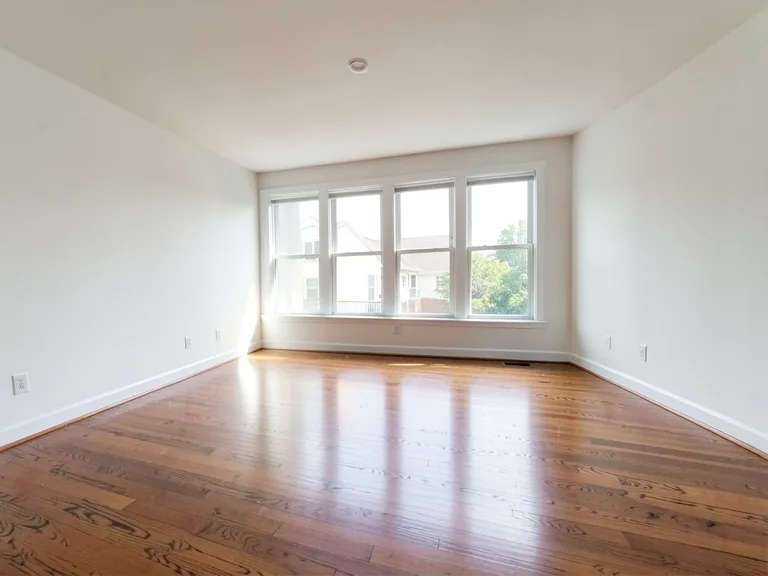
A wardrobe is usually the largest piece of storage a household ever buys, and it is usually chosen from a showroom sample or a catalog render of somebody else's bedroom. This designer places a wardrobe on a photo of your own room: floor-to-ceiling built-ins, sliding doors for a tight space, a walk-in closet, or a corner unit. Change the finish, add mirror doors, LED lighting or loft storage with one tap, and see whether the design suits the wall before a carpenter takes a measurement.
- Prepared Wardrobe Designer AI direction
- 編集できるプロンプト
- 生成結果全体の確認が必要
Choose a source image for Wardrobe Designer AI
JPG、PNG、WebP、HEICなどの対応形式を利用できます。このツールのアップロード上限はFreeで20 MB、Premium以上で50 MBです。
AIクローゼットデザイン のセットアップ
用意された設定
- 出発点
- 元画像を1枚アップロード
- このページは適切な編集ワークフローを選んだ状態で開きます。必要な準備はアップロードだけです。
- 準備されたワークフロー
- Prepared Wardrobe Designer AI staging direction
- Wardrobe Designer AI opens with the Wardrobe Designer AI direction preselected, so there is no need to find the operation manually.
- 出力形式
- アップロードした画像と同じ
- 生成画像の縦横比は、アップロードした画像と同じになります。
- レビュールール
- 使用前に生成結果全体を確認
- 生成画像にはばらつきがあります。ダウンロード前に最終結果を利用者自身で承認してください。
最適な用途
- Compare sliding-door and hinged-door wardrobes on one wall
- Show a carpenter or interior designer the look you want
- Decide between a walk-in closet and a built-in before ordering
よくある質問
- Can I use this picture to order the wardrobe?
- Use it to settle the design: the style, finish, door type and what goes inside. It is a concept at plausible scale, not a measured drawing. Hand it to your carpenter or supplier as the look you want, and let them measure the wall, check the door swing and confirm the real dimensions.
- Which wardrobe suits a small room?
- Sliding doors save the swing space a hinged door needs, and floor-to-ceiling units use height instead of floor area. Try both on the same photo and look at how much floor remains in each version, which is the number that matters in a small room.
- Can I add mirror doors, lights and a dressing table?
- Yes. The "Add to your result" buttons include mirror doors, LED strip lighting, a shoe rack, drawers, loft storage and a dressing table. Combine as many as you like and add your own wording in the custom instructions box.
- What should the photo show?
- The whole wall where the wardrobe will go, floor to ceiling, shot from a few steps back and held level. Clear the wall of boxes and hanging clothes so the AI places the design on bare wall rather than around clutter.
AIルームステージング でできること
始める前に、主な機能を確認してください。
- Plan complete-部屋家具 placement automatically
- リビング、寝室、オフィス、ダイニングのスタイルを変更します
- 固定アーキテクチャとカメラの視点を維持する
- Premium バッチ モードでプロパティ セットを処理する
設定リファレンス
5 設定
AIルームステージング で使用可能なコントロール。
ワークフロー
- 単一画像または画像の一括処理プリセット
- 1 つの画像を処理するか、Premium バッチ画像を使用して同じ自動レシピをセットに適用し、1 つの ZIP をダウンロードします。オプション: 1枚の画像Batch 画像
スタイル
- ワンタッププリセットプリセット
- ワンタップで既製の方向を選択します。生成では、選択したプリセットが自動的に使用されます。オプション: モダンなリビング北欧風高級感のあるインテリアホームオフィス寝室ダイニング用途に応じた実用的なガイドと高品質なビジュアル用途に応じた実用的なガイドと高品質なビジュアルミッドセンチュリーモダン用途に応じた実用的なガイドと高品質なビジュアル用途に応じた実用的なガイドと高品質なビジュアル子ども部屋
- カスタム指示(任意)テキスト入力
- 要求された変更、関連するマテリアル、照明、視点、および変更しない必要がある詳細について説明します。
選択範囲
- 選択ブラシのサイズスライダーレンジ: 4–160px · デフォルト: 32px
- 自動選択がデフォルトです。画像の編集境界をより厳密にする必要がある場合にのみ、手動で調整領域を開き、このブラシ幅を設定します。
出力
- AI に被験者の身元と製品の詳細を保存するよう依頼するオン/オフ
- リクエストによって変更されない限り、主要な件名、形状、ブランド、ラベル、および読み取り可能なテキストを保持するための明示的な指示を追加します。
AIクローゼットデザイン の関連ツール
AIクローゼットデザイン の後の一般的な次のステップのためのツール。
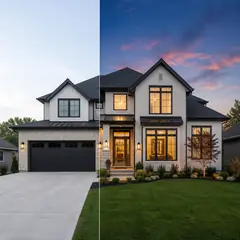
バーチャルステージング & Property
AI不動産写真編集
AI を使用して不動産の写真を編集します。家具やテレビを追加し、壁をペイントし、散らかったものを取り除き、空を置き換え、景観を改善し、夕暮れの外観を作成します。
今すぐ試す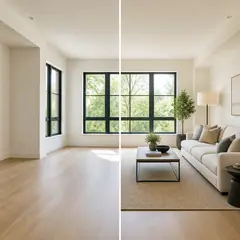
バーチャルステージング & Property
AIバーチャルステージング
AI 家具を備えた空き部屋を仮想的に演出し、不動産物件を掲載します。リビングルーム、ベッドルーム、オフィス、ダイニング、そして豪華なコンセプトを作成します。
今すぐ試す
写真補正
AI 写真高画質化
1 つの補正ワークフローでノイズ、シャープネス、カラー、スケールを調整し、結果をオリジナルと比較します。
今すぐ試すこのツールのガイド
- How to Create Furnishing Proposals for Interior Design Clients with AICreate AI furnishing proposals for interior design clients with Pixoate. Compare room concepts and assemble clear presentation PDFs for discussion.
- Beautifully Staged, Believably Sized: Why Virtual Furniture Must Fit the RoomVirtual furniture needs believable proportions. Explore room-scale reviews and Pixoate comparisons that keep attractive staging concepts grounded in reality.
変換結果を一つずつ確認
すべての写真はスラッシュをそのまま通過し、反対側が完成して出てきます。