
Maak handgeschreven voorraadtellingen bruikbaar in je voorraadwerkmap
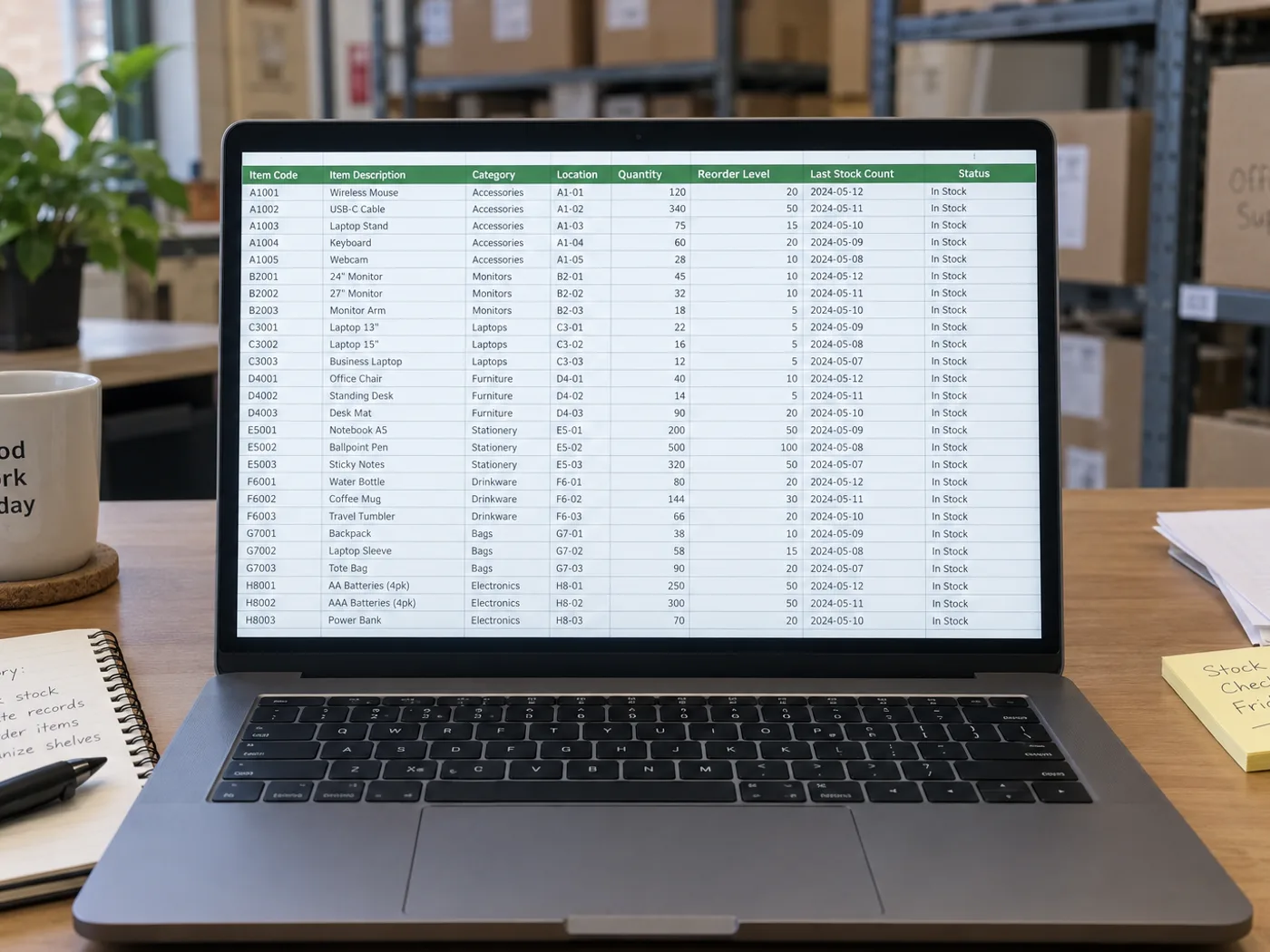
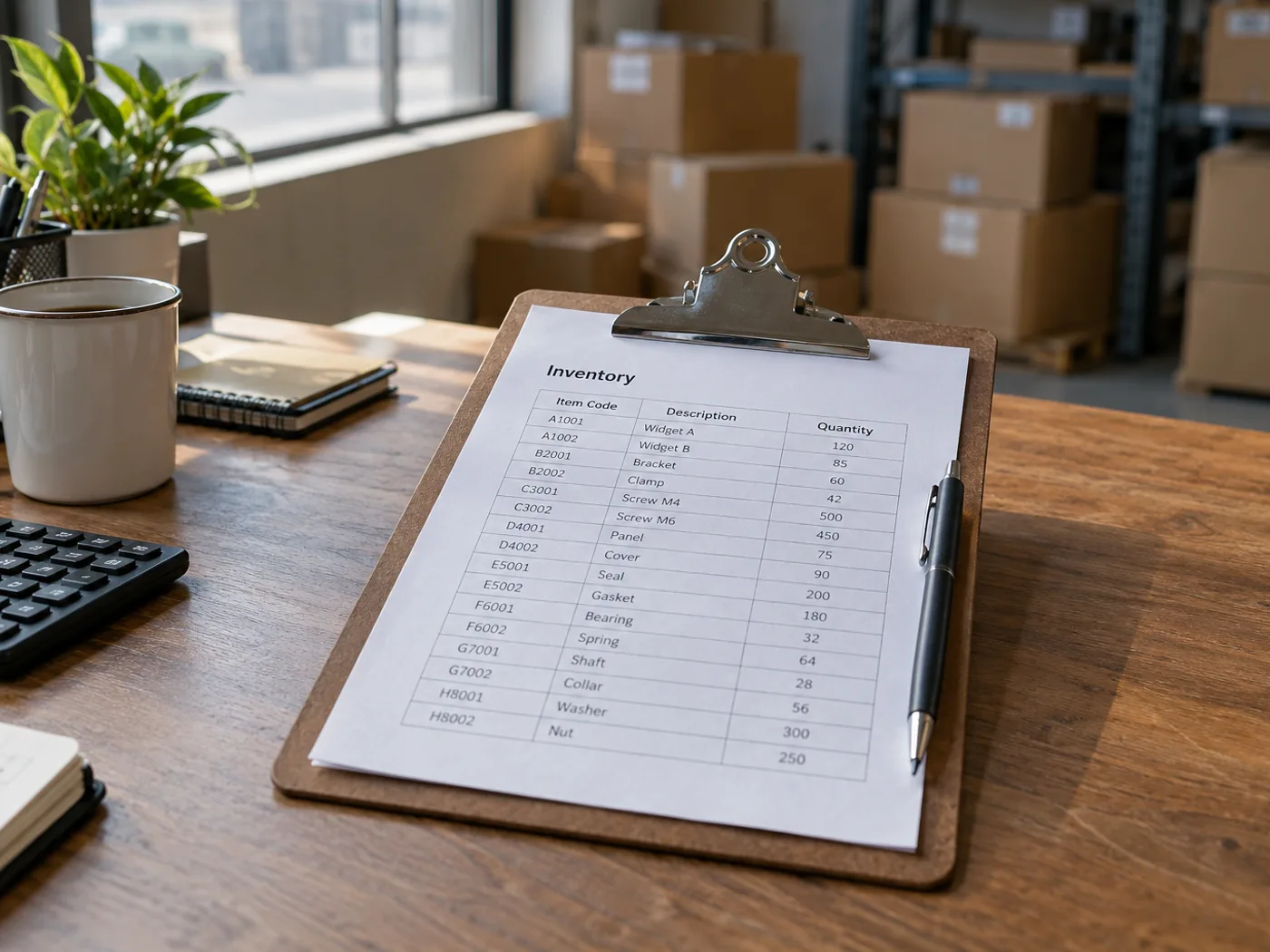
Zet een gefotografeerde voorraadlijst over naar Excel zonder elke zichtbare invoer opnieuw te typen. Controleer de spelling van SKU-codes, teleenheden en handgeschreven correcties voordat je de geëxtraheerde rijen samenvoegt met je voorraadwerkmap.
Tellijsten voor het magazijn voorbereiden
Zet telkens één ingevulde tellijst om en controleer daarna de opslaglocaties en aantallen voordat je de fysieke telling met de systeemvoorraad vergelijkt.
Voorraadcontroles voor keukens en winkels
Haal vastgelegde aantallen op voor een werkmap en houd dozen, losse stuks en gewichten uit elkaar bij het plannen van nieuwe voorraad.
Controleer codes en teleenheden voordat je voorraden vergelijkt
- Fotografeer het plat neergelegde telformulier en neem de kolomkoppen voor SKU, locatie en aantal mee.
- Controleer onduidelijk handschrift en ga na of elk aantal stuks, dozen of een andere eenheid aanduidt.
- Download het XLSX-bestand en stem de gecontroleerde rijen af op je bestaande voorraadadministratie.
Handgeschreven tellingen, herhaalde SKU’s en voorraadupdates
- Telt voorraadlijst naar Excel objecten op een foto?
- Nee. Het leest een blad waarop aantallen al zijn genoteerd. Gebruik een hulpmiddel voor objecttelling als de foto producten toont in plaats van uitgeschreven voorraadregels.
- Kunnen handgeschreven voorraadaantallen worden uitgelezen?
- Duidelijk handschrift kan leesbaar zijn, maar doorgestreepte of overlappende getallen moet je handmatig controleren. Controleer op het originele blad welk definitieve aantal bedoeld is.
- Wordt mijn voorraadsysteem bijgewerkt als ik gegevens uit een blad extraheer?
- Nee. Je ontvangt een werkmap om te controleren. Voorraad importeren of bijwerken blijft een afzonderlijke handeling in je voorraadsysteem.
- Hoe ga je om met dezelfde SKU's in verschillende opslagbakken?
- Behoud de locatiekolom bij elke rij. Voeg herhaalde artikelcodes pas samen nadat je hebt besloten of je de aantallen per opslagvak wilt optellen of afzonderlijk wilt bijhouden.


























