Digits get transposed
One mistyped digit can make a vehicle appear to travel thousands of extra miles or create an impossible service history.
A photo and extracted reading are not a complete tax record. Verify the mileage and add every record your business or tax rules require.
The reading is already on the dashboard. The tedious part is typing it later, matching it to the right vehicle, and remembering why the trip happened. Photograph the display and finish the log while the details are fresh.
The real problem
Drivers take a quick photo because it is easy. Weeks later, the office has a camera roll of anonymous numbers with no vehicle, route, date, or business purpose attached.
One mistyped digit can make a vehicle appear to travel thousands of extra miles or create an impossible service history.
A reading without the vehicle, date, destination, and purpose is hard to reconcile and may be inadequate for the record you need.
Postponed entry turns a simple daily habit into month-end detective work across photos, calendars, and receipts.
How Pixoate helps
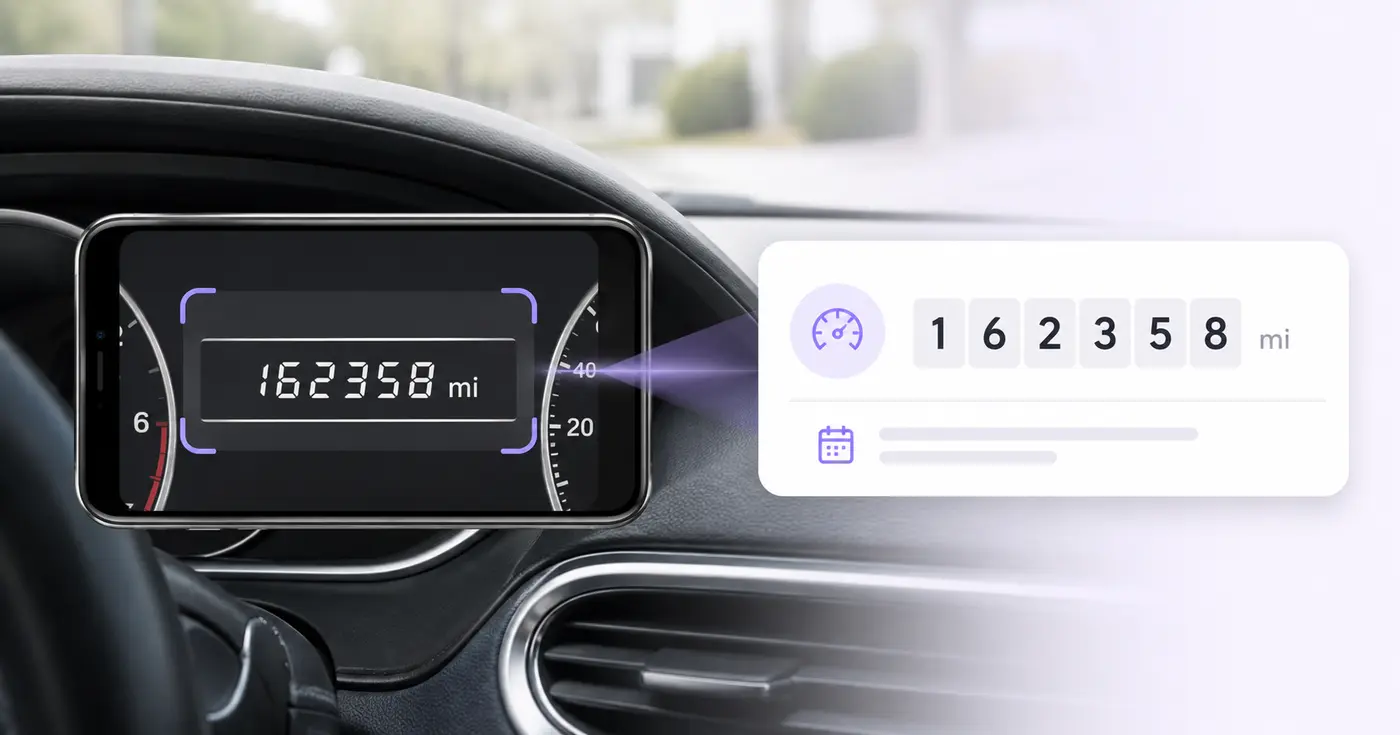
Pixoate reads the visible dashboard value into an editable row alongside vehicle, date, driver, destination, and purpose fields. You verify the source, fill the missing context, and export or save the result.
Park safely, make sure the odometer—not a trip meter—is selected, and take a sharp straight-on photo.
Check every digit, select miles or kilometers, and enter the vehicle, date, driver, destination, and business purpose.
Download CSV for your accounting or fleet workflow, or retain the editable record in Pixoate.
Reduce the friction of keeping contemporaneous vehicle readings for business travel.
Collect periodic readings from vans, trucks, and pool vehicles without retyping dashboard photos.
Record mileage when a vehicle changes drivers, locations, rentals, or service providers.
No. It creates an administrative reading log. Tax records can require dates, business mileage, destinations, purposes, annual totals, and supporting evidence; confirm the requirements that apply to you.
It requests an odometer reading, but dashboards vary and OCR cannot reliably know which display mode you selected. Confirm the dashboard label and value before saving.
Yes. Unit is a separate editable field. Check the dashboard indicator because the same digits have very different meaning when the unit is wrong.
Yes. The row includes destination and business-purpose fields, plus vehicle, VIN, driver, and reading date.
Use a sharp, glare-free, straight-on image taken while safely parked. Make the digits and the miles-or-kilometers indicator large enough to read.
No. Digital segments, reflections, warning lights, and analog dials can confuse OCR. Compare every extracted digit with the source photo and correct it before use.
Tools für allgemeine nächste Schritte nach Kilometerstand-Scanner.
OCR und Datenextraktion
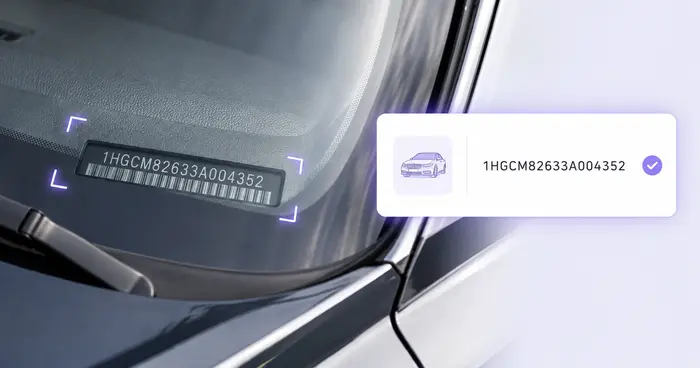
Lesen Sie die FIN aus Fahrzeugfotos, Etiketten, Dokumenten oder unterstützten Barcodes aus und prüfen Sie das heute übliche Format mit 17 Zeichen.
Jetzt ausprobierenOCR und Datenextraktion
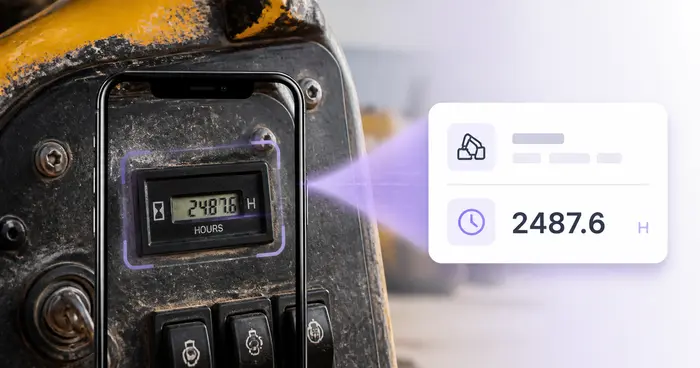
Lesen Sie Betriebsstunden aus Maschinenfotos ab, prüfen Sie Ziffern und Dezimalstellen und erstellen Sie ein bearbeitbares Nutzungsprotokoll Ihrer Geräte.
Jetzt ausprobierenOCR und Datenextraktion
Extrahieren Sie benutzerdefinierte Felder aus einem Bild, einem Scan, einer Rechnung, einer Quittung, einem Formular oder einem Ausweis in sauberes JSON für Tabellenkalkulationen, Buchhaltung und APIs.
Jetzt ausprobierenJedes Foto überquert den Schrägstrich unbearbeitet und kommt auf der anderen Seite fertig heraus.