Embossed text defeats quick typing
Curved surfaces, shallow relief, road dirt, and low contrast make letters and numbers difficult to distinguish.
Pixoate reads markings; it does not inspect tire condition, determine service life, or recommend continued use or replacement.
Embossed black-on-black sidewall text is slow to transcribe and easy to confuse. Photograph the DOT marking, verify the tire identification number, and turn the final date code into a usable row.
The real problem
Tire files often contain size and brand but omit the full identification code and manufacture date. On mounted tires, the complete code may even face inward.
Curved surfaces, shallow relief, road dirt, and low contrast make letters and numbers difficult to distinguish.
The complete tire identification number is not necessarily molded on both sidewalls, so one photo can be incomplete.
Manufacture date alone cannot establish damage, inflation history, loading, wear, recalls, storage, or suitability for continued service.
How Pixoate helps
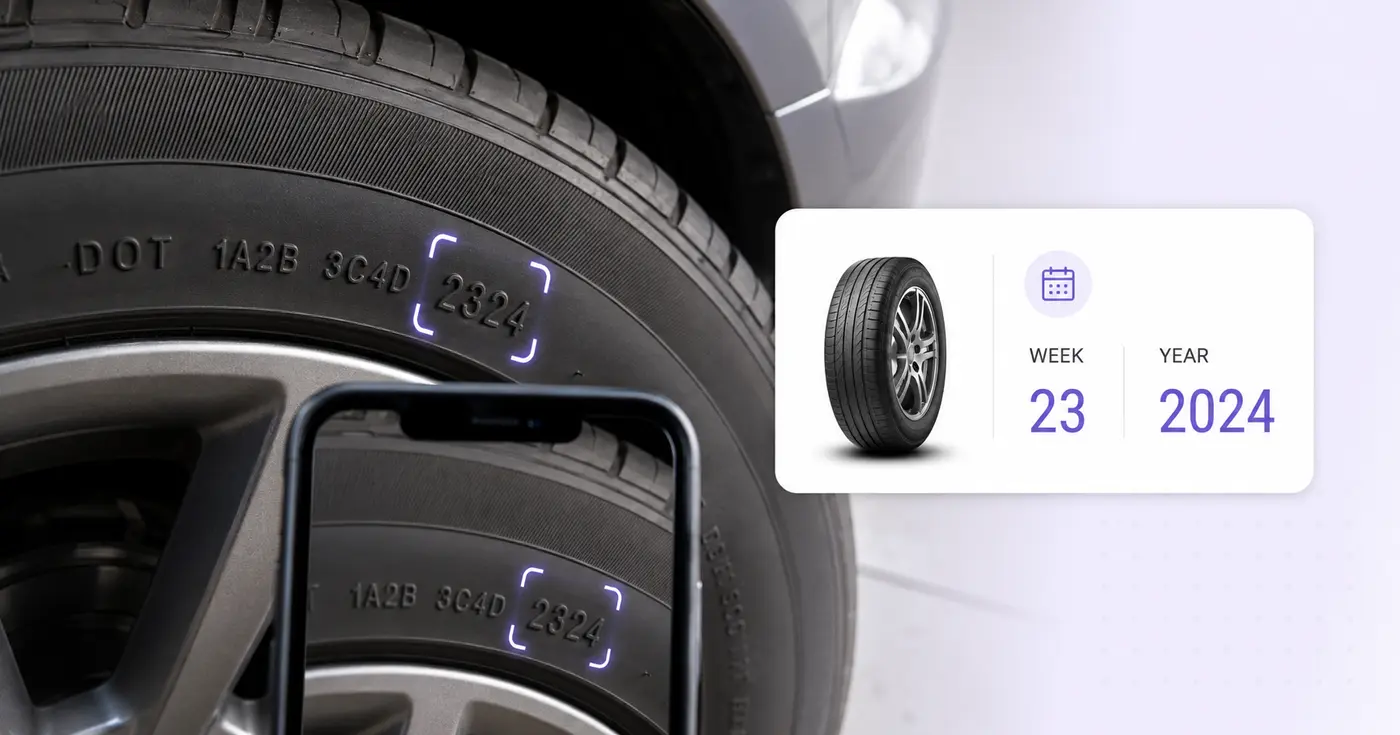
Pixoate places the sidewall information into editable fields and derives manufacture week and year only when the full TIN ends with a plausible four-digit code. The app does not convert that date into a replacement recommendation.
Look for the DOT marking and check the other sidewall if the complete code or final date digits are missing.
Use side lighting, clean the area when safe, and compare every OCR character with the sidewall.
Keep the code with brand, line, size, vehicle or position, location, and derived manufacture week and year.
Record tire identifiers and positions during installation, rotation, inspection, or seasonal changeover.
Capture intake information for customer discussions, inventory, or service documentation.
Inventory markings on infrequently used tires that otherwise receive little recordkeeping attention.
For the current four-digit date format, the first two digits are the manufacture week and the last two are the year. For example, 2324 means week 23 of 2024.
The full tire identification number may appear on only one sidewall. Check the opposite side rather than treating a partial marking as the complete TIN.
No. Replacement and safety decisions require inspection plus manufacturer, vehicle, service, regulatory, and operating guidance—not only a manufacture date.
Clean the area when safe, use light from the side to create shadows, hold the camera parallel to the sidewall, and fill the frame with the marking.
A final four-digit code whose week is outside 01 through 53 is highlighted for review, and manufacture week and year are not derived automatically.
No. Pixoate does not contact a recall database or assess tread, pressure, age-related degradation, repairs, loading, damage, or suitability for service.
Tools für allgemeine nächste Schritte nach DOT-Reifencode scannen.
OCR und Datenextraktion
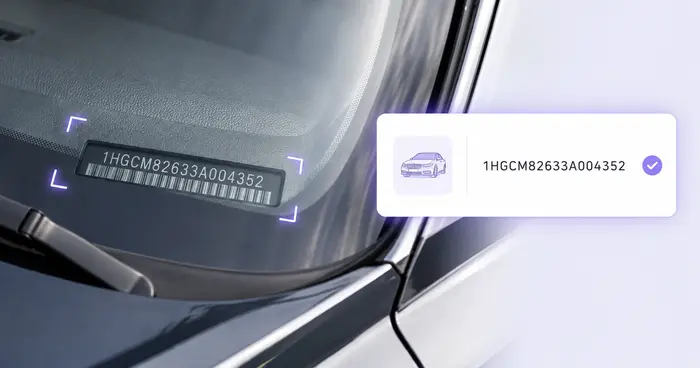
Lesen Sie die FIN aus Fahrzeugfotos, Etiketten, Dokumenten oder unterstützten Barcodes aus und prüfen Sie das heute übliche Format mit 17 Zeichen.
Jetzt ausprobierenOCR und Datenextraktion
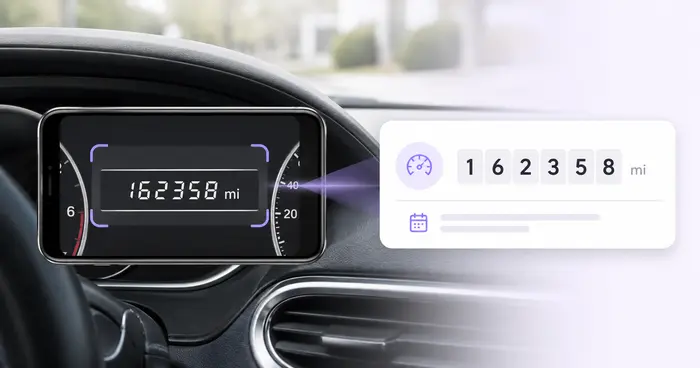
Lesen Sie Kilometerstände aus Armaturenbrettfotos aus, prüfen Sie die Werte, ergänzen Sie Fahrzeug- und Fahrtdaten und speichern oder exportieren Sie ein bearbeitbares Fahrtenprotokoll.
Jetzt ausprobierenOCR und Datenextraktion
Erfassen Sie Seriennummern, Modelle, Hersteller und Tags aus Fotos von Geräteetiketten in einer bearbeitbaren Inventarliste mit CSV-Export.
Jetzt ausprobierenJedes Foto überquert den Schrägstrich unbearbeitet und kommt auf der anderen Seite fertig heraus.