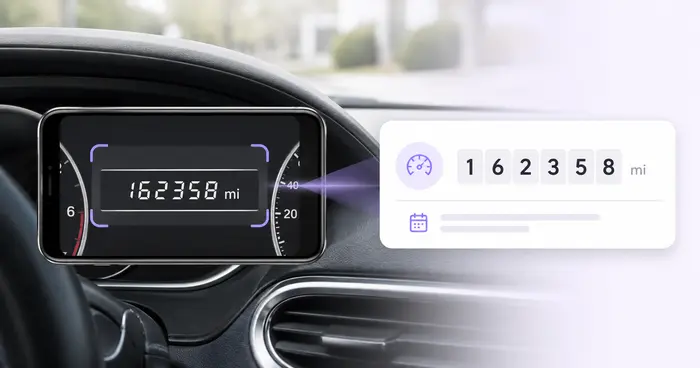
Manual typing is fragile
Long identifiers are difficult to compare by eye, especially while standing beside a vehicle or working from a phone.
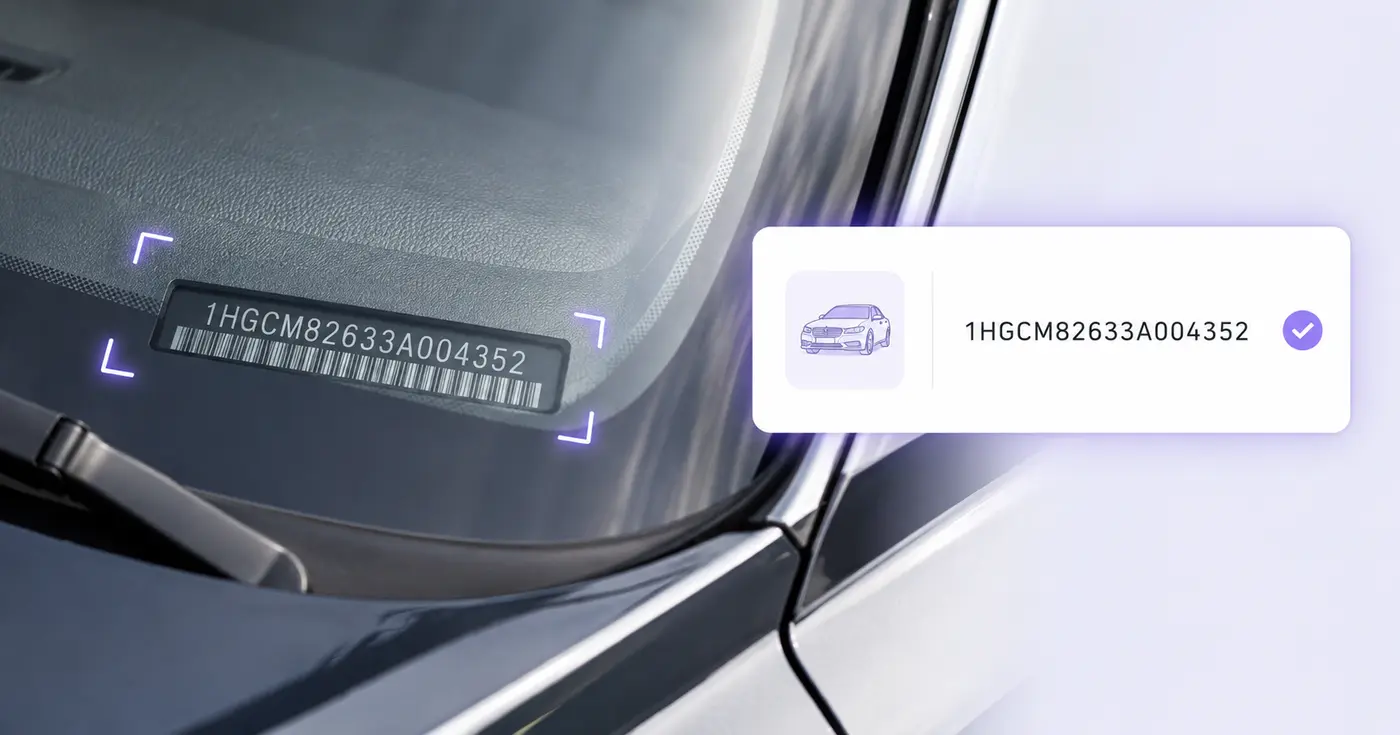
This tool transcribes identifiers. It does not verify title, ownership, history, recalls, theft status, or vehicle condition.
A VIN is only 17 characters, but one wrong character can point to the wrong vehicle. Photograph the dashboard plate, door label, or document and verify the extracted identifier before it enters your inventory.
The real problem
VINs mix letters and numbers in windshield glare, narrow labels, and paperwork. A single O-for-zero or missing character breaks lookups and contaminates inventory data.
Long identifiers are difficult to compare by eye, especially while standing beside a vehicle or working from a phone.
A document, dashboard plate, and door label may need reconciliation instead of blind acceptance of the first number found.
Seventeen well-formed characters do not prove ownership, condition, title status, or that every underlying record is correct.
How Pixoate helps
Pixoate reads the VIN as text and can use the browser barcode detector on supported devices. It normalizes common spacing, checks the modern 17-character format and check digit, and shows an actionable warning until the value is internally consistent.
Photograph the windshield plate, certification label, registration, or scannable code straight on and without glare.
Compare the extracted VIN with the source and correct length, spaces, or disallowed I, O, and Q characters.
Keep the VIN with the vehicle description, stock number, plate, location, and capture date.
Build a simple intake list for newly arrived vehicles before entering another management system.
Capture the exact vehicle identifier at check-in for parts, service, and customer records.
Record assigned vehicles during inspections, handoffs, parking audits, or insurance updates.
Modern road-vehicle VINs use 17 characters and exclude I, O, and Q. Pixoate also verifies the ninth-position check digit against the other characters.
The visible text is read first. When the browser Barcode Detector and the code format are supported, a barcode value fills the VIN field only if the text reading left it empty; either result must be checked against the vehicle.
Not in this workflow. It captures the identifier and user-visible vehicle details without sending the VIN to a third-party decoding or history service.
No. Format and check-digit validation catch transcription inconsistencies; they do not verify ownership, title, theft reports, recalls, history, odometer status, or condition.
Common sources include the driver-side windshield plate, driver-door certification label, registration, title, and service paperwork. Compare sources when accuracy matters.
The value is highlighted because O is not valid in a modern VIN. You can edit the cell and compare the character with the source image before saving.
Tools für allgemeine nächste Schritte nach Fahrzeugidentifizierungsnummer scannen.
OCR und Datenextraktion
Lesen Sie Kilometerstände aus Armaturenbrettfotos aus, prüfen Sie die Werte, ergänzen Sie Fahrzeug- und Fahrtdaten und speichern oder exportieren Sie ein bearbeitbares Fahrtenprotokoll.
Jetzt ausprobierenOCR und Datenextraktion
Erfassen Sie Seriennummern, Modelle, Hersteller und Tags aus Fotos von Geräteetiketten in einer bearbeitbaren Inventarliste mit CSV-Export.
Jetzt ausprobierenOCR und Datenextraktion
Extrahieren Sie benutzerdefinierte Felder aus einem Bild, einem Scan, einer Rechnung, einer Quittung, einem Formular oder einem Ausweis in sauberes JSON für Tabellenkalkulationen, Buchhaltung und APIs.
Jetzt ausprobierenJedes Foto überquert den Schrägstrich unbearbeitet und kommt auf der anderen Seite fertig heraus.