So funktioniert's
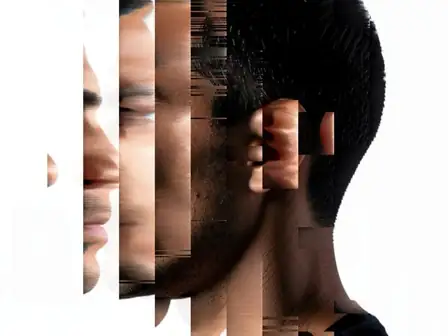
Upload a photo where someone blinked. AI draws natural open eyes on each clear face to suit the face and the light, then places only the face back onto your photo, so hair, clothing and background stay as you shot them.


Rescue the shot where someone blinked by opening their eyes with AI.
Überprüfen Sie die verfügbaren Effektmöglichkeiten, bevor Sie beginnen.
Upload a photo where someone blinked. AI draws natural open eyes on each clear face to suit the face and the light, then places only the face back onto your photo, so hair, clothing and background stay as you shot them.
Upload a photo, adjust the Open Closed Eyes intensity, compare its processed preview with the source, and download the finished result.
Use the intensity control to balance the Open Closed Eyes treatment with the detail and character of your original photo.
A reduced Open Closed Eyes preview keeps adjustments responsive. Free downloads are clean and web-size; Premium or a credit unlocks the original resolution.
Open Closed Eyes uploads are processed on secure servers and automatically removed under the normal Pixoate retention policy.
Upload a photo where someone blinked. AI draws natural open eyes on each clear face to suit the face and the light, then places only the face back onto your photo, so hair, clothing and background stay as you shot them.
Open Closed Eyes uses an AI action. Any separate allowance is shown before this effect starts processing.
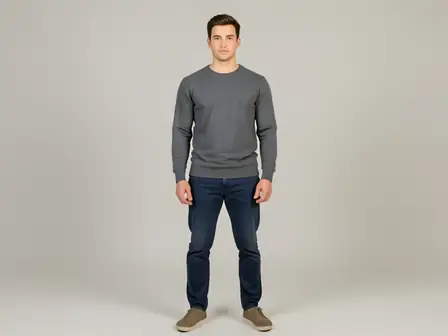
wedding portraits, family photos, team shots and solo portraits where one frame is perfect apart from a blink, with faces sharp and turned towards the camera.
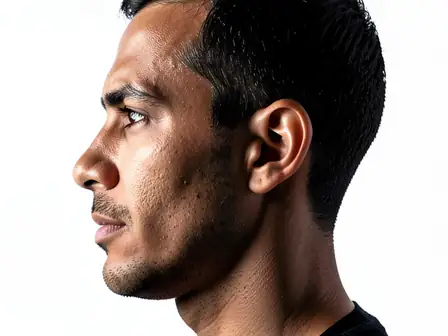
Weniger geeignet für: side profiles, faces covered by hands or sunglasses, very small faces, and large group shots, where some blinks may stay closed.
Tools für allgemeine nächste Schritte nach Fotoeffekte.
Kreativität & Design
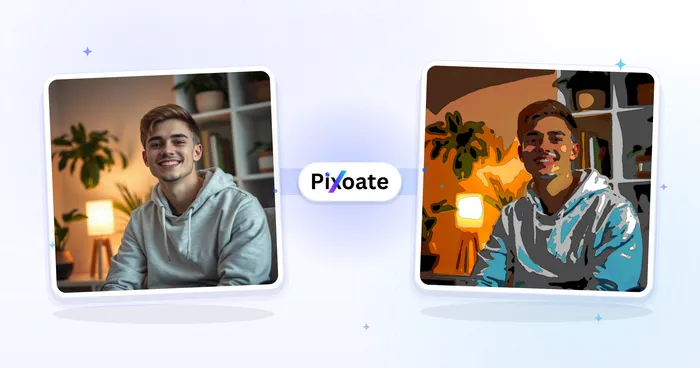
Verwandeln Sie ein Foto mit bearbeitbaren KI-Anweisungen in klassische Cartoon-, Bilderbuch-, Sticker-, Aquarell- oder eigene Cartoon-Kunst.
Jetzt ausprobierenKreativität & Design
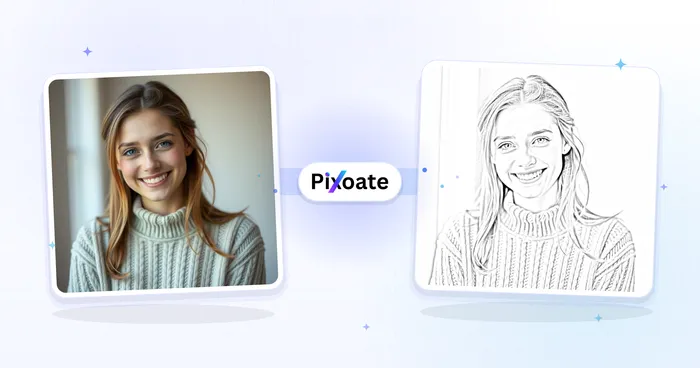
Konvertieren Sie ein Foto in ein Bild im Bleistiftskizzenstil und passen Sie die Schattentiefe vor dem Herunterladen an.
Jetzt ausprobierenFotobearbeitung & Werkzeuge
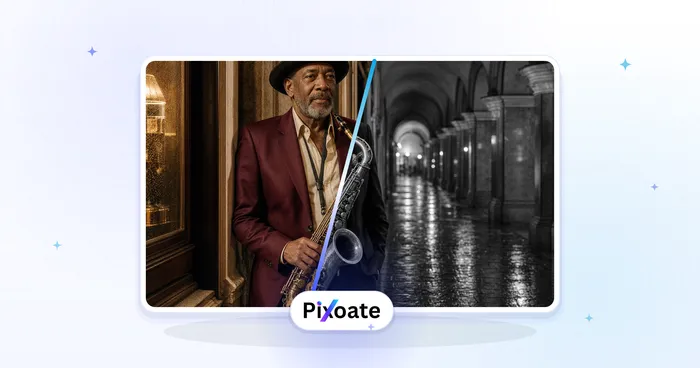
Ein Bild in Schwarzweiß konvertieren. Passen Sie die Intensität an und sehen Sie sich das Ergebnis in der Vorschau an.
Jetzt ausprobierenDie stärksten Effekte stehen in dieser Leiste vor dem restlichen Katalog.