
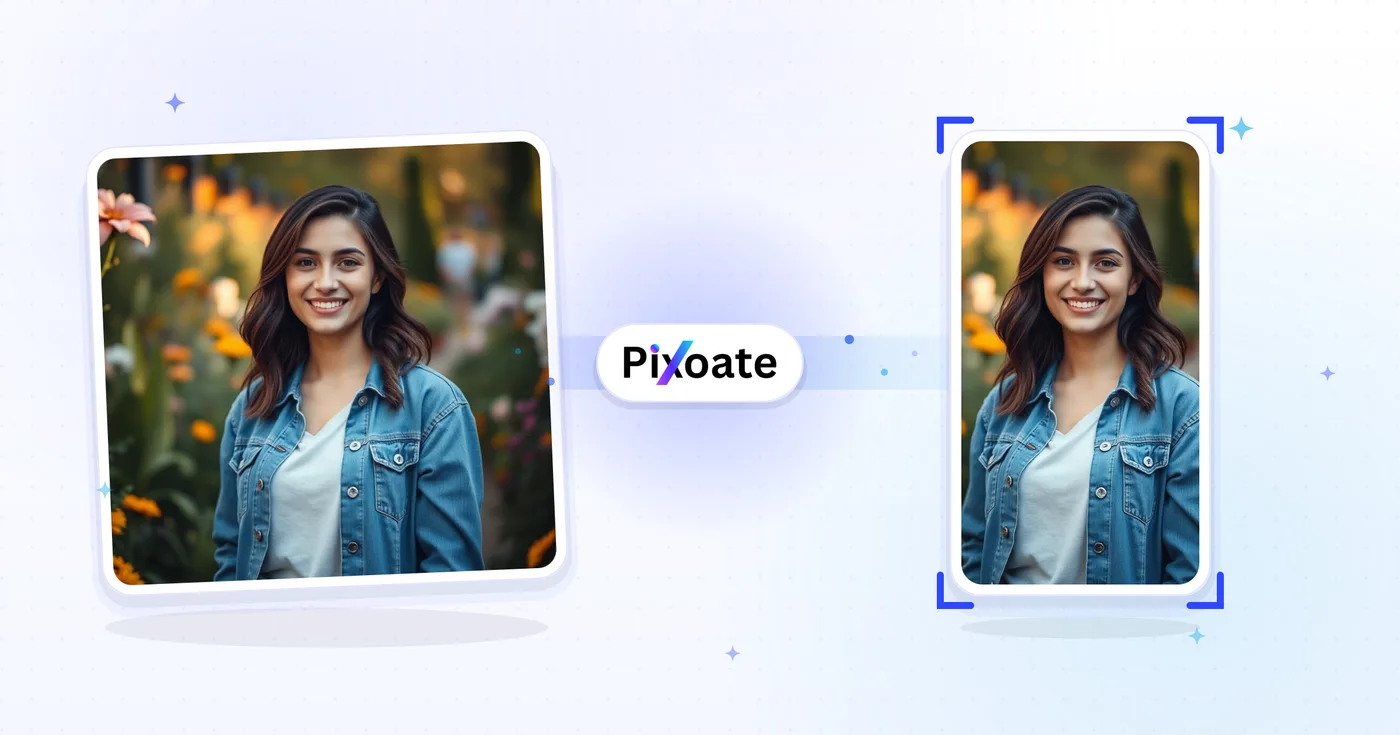
TikTok Cover Resizer – Ändern Sie die Größe eines Bildes für TikTok 1080×1920
9:16 Cover (1080×1920), Karussellfotos, Profilbilder und Miniaturansichten – exakte TikTok-Größen ohne Rätselraten.
Bild ablegen – Titelbild, Karussell oder Profil wählen
TikTok-Bildgrößen
TikTok ist rund um vertikale Inhalte im Format 9:16 aufgebaut. Video-Cover solltest du mit 1080×1920 hochladen — alles Niedrigere erhält Seitenbalken, alles Breitere wird beschnitten. Profilbilder sind quadratisch (mindestens 200×200). Foto-Karussells folgen demselben 9:16-Rahmen wie Videos. Dieses Werkzeug ändert die Größe jedes Bildes exakt auf die Pixelmaße, die der jeweilige Platz benötigt.
Das können Sie mit TikTok-Cover-Größenänderung machen
Überprüfen Sie die Hauptfunktionen, bevor Sie beginnen.
- Video-Cover auf 9:16 für TikTok bringen (1080×1920)
- Bilder für das TikTok-Fotokarussell anpassen
- Saubere Profilbilder und Thumbnails zuschneiden
- Den sicheren Bereich prüfen, damit Bildunterschriften lesbar bleiben
- Ränder mit einer Hintergrundfarbe auffüllen
- Als JPG, PNG oder WebP speichern
Referenz zu den Einstellungen
8 Einstellungen
Verfügbare Steuerelemente für TikTok-Cover-Größenänderung.
- VerarbeitungsmodusVoreinstellungen
- Verarbeiten Sie eine einzelne Eingabe oder wechseln Sie zur Premium-Stapelverarbeitung, um mehrere Eingaben mit denselben Einstellungen zu bearbeiten. Welche Eingabearten unterstützt werden, hängt vom Werkzeug ab.Optionen: Einzelnes BildStapel
Größe
- TikTok-GrößenVoreinstellungen
- Legt die exakte TikTok-Platzierung fest, für die du die Größe anpasst — vom Video-Cover mit 1080×1920 bis zum Profilbild mit 200×200 —, damit die Ausgabe exakt der Pixelgröße dieses Platzes entspricht.Optionen: Video / TitelbildFoto-KarussellProfilbildProfilvideoVorschaubildQuadratisches Vorschaubild
Ausgabe
- EinpassenVoreinstellungen
- Chooses how the image fills the frame: Cover fills and crops overflow, Contain fits the whole image with background bars. Untick Maintain aspect ratio to force exact dimensions, which may distort.Optionen: TitelbildEinpassen
- HintergrundFarbwähler
- Legt die Füllfarbe hinter den Balken fest, wenn die Anpassung Contain freie Flächen lässt (in diesem Tool standardmäßig Schwarz); ausgeblendet, wenn das Format PNG gewählt ist, da die PNG-Ausgabe diese Bereiche transparent hält.
- FormatierenRunterfallen
- Wählt den Dateityp für den Download: JPG für fotografische Cover, PNG für gestochen scharfen Text oder Transparenz, WEBP oder AVIF für kleinere moderne Dateien.Optionen: JPGPNGWEBPAVIF
- QualitätSchiebereglerBereich: 40–100% · Standard: 92%
- Steuert die Komprimierung bei der Ausgabe als JPG, WEBP und AVIF — höhere Werte wirken schärfer, erzeugen aber größere Dateien — und wird bei PNG ausgeblendet, das immer verlustfrei ist.
Vorschau
- Sicherheitsbereich anzeigenEin / Aus
- Blendet in der Vorschau eine kreisförmige Hilfslinie ein oder aus (standardmäßig an), die den von TikTok tatsächlich angezeigten Bereich markiert; sie erscheint nur bei den quadratischen Vorlagen „Profilbild“ und „Profilvideo“.
KI-Bilderweiterung
- Hintergrund mit KI erweiternEin Klick
- Setzen Sie die Szene mit KI in der gewählten Größe fort und behalten Sie dabei das vorbereitete Ausgangsfoto bei. Kostenlose Downloads haben Webgröße. Premium oder Credits schalten die volle Auflösung frei. Bei unterstützten Seitenverhältnissen muss das Seitenverhältnis beibehalten werden. Im Stapelmodus wird jedes Bild in der Warteschlange erweitert und in der gewählten Größe und im gewählten Format geliefert.
Verwandte Tools für TikTok-Cover-Größenänderung
Tools für allgemeine nächste Schritte nach TikTok-Cover-Größenänderung.

In sozialen Medien veröffentlichen
Instagram-Größenanpassung
Passen Sie ein vollständiges Foto bei Bedarf mit unscharfer oder einfarbiger Polsterung an die Instagram-Abmessungen an.
Jetzt ausprobieren
In sozialen Medien veröffentlichen
YouTube-Thumbnail-Downloader
Fügen Sie die URL oder ID eines YouTube-Videos ein, um die verfügbaren Vorschaubilder anzuzeigen und herunterzuladen.
Jetzt ausprobieren
In sozialen Medien veröffentlichen
Pinterest-Pin-Größenanpassung
Ändern Sie die Größe der Bilder für aufgelistete Pinterest-Pins, -Profile und -Abdeckungsmaße, einschließlich 2:3- und quadratischer Voreinstellungen.
Jetzt ausprobierenHäufig gestellte Fragen
Wie TikTok-Cover-Größenänderung dir hilft, es zu erledigen
Es löst jeden Tag echte Probleme – für Unternehmen, Kreative und alltägliche Aufgaben. Finden Sie den für Sie passenden Anwendungsfall und starten Sie.
Creator-Videocover-Branding
TikTok-Creator gestalten stimmige Video-Cover mit einheitlichen Schriften, Farben und Überschriften, damit ihr Profilraster wie eine kuratierte Marke wirkt statt wie zufällige Vorschaubilder
Titelbilder für Restaurant- & Food-Marken
Restaurants, Cafés und Food-Marken skalieren ihre Food-Hero-Fotografie auf die TikTok-Cover-Maße, um Follower dazu zu bewegen, sich Gerichtevideos anzusehen und den Speisekarten-Link in der Bio zu besuchen
Cover für Beauty- & Hautpflege-Tutorials
Beauty-Creator und Hautpflegemarken gestalten Vorher-Nachher-Tutorial-Cover in den passenden TikTok-Maßen, um die Klickrate aus dem „Für dich“-Feed zu maximieren
Cover für Fitness- und Workout-Videos
Fitness-Creator, Coaches und Home-Workout-Marken gestalten TikTok-Cover mit Workout-Titeln, Dauer und Schwierigkeitsgraden, damit Nutzer wissen, worauf sie sich einlassen
E-Commerce-Produktdemo-Cover
Passen Sie die Größe eines Produktcovers an die TikTok-Abmessungen an, sodass TikTok Shop und In-Feed-Anzeigen es nicht mehr beschneiden
Cover für Bildungs- und Anleitungsvideos
EdTech-Creator, Sprachlehrer und Skill-Share-Dozenten gestalten übersichtliche TikTok-Cover, auf denen der Lektionstitel und die Kernaussage sichtbar sind, noch bevor der Nutzer auf Play tippt
Cover für Musikveröffentlichungen und Podcast-Clips
Musiker und Podcaster exportieren ein Video/Cover-Bild (1080x1920), das eine neue Single oder Episode ankündigt, und nutzen dann das Foto-Karussell für Folien, die die Titelliste anteasern — alle auf denselben 9:16-Rahmen zugeschnitten.
Cover für Immobilien-Rundgang-Reels
Immobilienmakler passen Angebotsfotos an TikToks Video-/Cover-Vorgabe mit der Anpassung „Einpassen“ an, damit eine Weitwinkelaufnahme des Wohnzimmers nicht zugeschnitten wird und der ganze Raum sichtbar bleibt, bevor das Rundgangsvideo startet.
Titelbilder für SaaS-Feature-Launches
Produktmarketer verwenden die Anpassung „Einpassen“ mit einer markengerechten Hintergrundfarbe, um einen vollständigen Desktop-Screenshot in den 9:16-Rahmen einzupassen, ohne die Benutzeroberfläche zuzuschneiden — für Feature-Ankündigungs- und Demo-Clips.
Rückblick-Karussells für Konferenzen & Events
Eventveranstalter nutzen die Foto-Karussell-Vorlage, um eine Reihe von Session-Fotos in einen passenden 9:16-Slideshow-Post umzugröße, der eine Konferenz oder ein Meetup für Teilnehmer zusammenfasst, die es verpasst haben.
TikTok-Shop-Produktvideo-Cover
TikTok-Shop-Verkäufer skalieren Produktfotos in den Video/Cover-Rahmen für einkaufbare Video-Posts und nutzen das Foto-Karussell für Produktpräsentationen aus mehreren Blickwinkeln, sodass Storefront-Video-Cover nativ zum vertikalen Feed von TikTok passen, statt wie ein zugeschnittenes E-Commerce-Foto auszusehen.
Sehen Sie, wie jede Verwandlung gelingt
Jedes Foto überquert den Schrägstrich unbearbeitet und kommt auf der anderen Seite fertig heraus.























