
Pinterest Pin Resizer – Ändern Sie die Größe eines Bildes für Pinterest-Pins
Standard-2:3-Pins, lange Pins, Quadrate, Story-Pins, Profilbilder und Board-Cover – die genauen Größen, die Pinterest bevorzugt.
Bild ablegen – Pin-Format wählen
Pinterest-Pin-Größen
Pinterest bevorzugt Pins im Hochformat. Das empfohlene Seitenverhältnis ist 2:3 (1000×1500) – höhere Pins werden im Feed abgeschnitten und kürzere bekommen weniger Bildschirmfläche. Lange Pins (bis zu 2,1:1) erzielen oft das beste Engagement, wenn das Design auf vertikales Lesen ausgelegt ist. Story-Pins nutzen vertikales Video/Bild im Format 9:16. Dieses Tool passt jedes Bild auf die exakte Pixelgröße an, die jede Platzierung benötigt.
Das können Sie mit Pinterest-Pin-Größenanpassung machen
Überprüfen Sie die Hauptfunktionen, bevor Sie beginnen.
- Bilder auf den 2:3-Standard-Pin von Pinterest bringen
- Lange Pins, quadratische Pins und Story-Pins erstellen
- Grafiken für Profil- und Pinnwand-Titelbilder anpassen
- Die Sicherheitszone prüfen, damit nichts Wichtiges abgeschnitten wird
- Hintergrund ergänzen, um Bilder im falschen Seitenverhältnis aufzufüllen
- In JPG, PNG oder WebP herunterladen
Referenz zu den Einstellungen
8 Einstellungen
Verfügbare Steuerelemente für Pinterest-Pin-Größenanpassung.
- VerarbeitungsmodusVoreinstellungen
- Verarbeiten Sie eine einzelne Eingabe oder wechseln Sie zur Premium-Stapelverarbeitung, um mehrere Eingaben mit denselben Einstellungen zu bearbeiten. Welche Eingabearten unterstützt werden, hängt vom Werkzeug ab.Optionen: Einzelnes BildStapel
Größe
- Pinterest-GrößenVoreinstellungen
- Wählt die Pinterest-Platzierung, für die du die Größe anpasst; jede Vorgabe wendet exakte Pixelmaße an, z. B. Standard-Pin 1000×1500 (2:3), Story-Pin 1080×1920, Board-Cover 600×600.Optionen: Standard-PinQuadratischer PinLanger PinStory-PinVideo-Pin (quadratisch)ProfilbildProfil-TitelbildPinnwand-Titelbild
Ausgabe
- EinpassenVoreinstellungen
- Controls how your image fills the pin size: Cover crops the edges and Contain fits the whole image with padding. Untick Maintain aspect ratio to fill the size exactly, which can distort proportions.Optionen: TitelbildEinpassen
- HintergrundFarbwähler
- Legt die Füllfarbe für die Ränder fest, die im Contain-Modus um Ihr Bild ergänzt werden; Standard ist Pinterest-Rot, und bei PNG-Ausgabe ist die Einstellung ausgeblendet, da PNG die Ränder transparent hält.
- FormatierenRunterfallen
- Legt den Dateityp der Ausgabe fest: JPG für fotografische Pins, PNG für scharfen Text oder Transparenz, WEBP oder AVIF für kleinere Dateien bei ähnlicher Qualität.Optionen: JPGPNGWEBPAVIF
- QualitätSchiebereglerBereich: 40–100% · Standard: 92%
- Legt die Komprimierungsqualität für die Ausgabe als JPG, WEBP oder AVIF fest — höhere Werte wirken schärfer, erzeugen aber größere Dateien; bei PNG ausgeblendet.
Vorschau
- Sicherheitsbereich anzeigenEin / Aus
- Blendet in der Vorschau der Vorlage „Profilbild“ eine kreisförmige Zuschnitthilfe ein oder aus, damit Gesichter und Logos innerhalb des Kreises bleiben, den Pinterest tatsächlich anzeigt.
KI-Bilderweiterung
- Hintergrund mit KI erweiternEin Klick
- Setzen Sie die Szene mit KI in der gewählten Größe fort und behalten Sie dabei das vorbereitete Ausgangsfoto bei. Kostenlose Downloads haben Webgröße. Premium oder Credits schalten die volle Auflösung frei. Bei unterstützten Seitenverhältnissen muss das Seitenverhältnis beibehalten werden. Im Stapelmodus wird jedes Bild in der Warteschlange erweitert und in der gewählten Größe und im gewählten Format geliefert.
Verwandte Tools für Pinterest-Pin-Größenanpassung
Tools für allgemeine nächste Schritte nach Pinterest-Pin-Größenanpassung.

In sozialen Medien veröffentlichen
Instagram-Größenanpassung
Passen Sie ein vollständiges Foto bei Bedarf mit unscharfer oder einfarbiger Polsterung an die Instagram-Abmessungen an.
Jetzt ausprobieren
In sozialen Medien veröffentlichen
TikTok-Cover-Größenänderung
Ändern Sie die Größe der Bilder für die aufgeführten TikTok-Cover-, Karussell-, Profil- und Miniaturbildabmessungen, einschließlich 1080 x 1920.
Jetzt ausprobieren
Fotobearbeitung & Werkzeuge
Bild auf KB komprimieren
Komprimieren Sie JPG-, PNG- oder WebP-Dateien auf eine ausgewählte Größe, z. B. 20 KB, 50 KB oder 100 KB, und überprüfen Sie dann das Ergebnis.
Jetzt ausprobierenHäufig gestellte Fragen
Wie Pinterest-Pin-Größenanpassung dir hilft, es zu erledigen
Es löst jeden Tag echte Probleme – für Unternehmen, Kreative und alltägliche Aufgaben. Finden Sie den für Sie passenden Anwendungsfall und starten Sie.
Pins zur Bewerbung von Blogbeiträgen & Artikeln
Blogger, Content-Marketer und SEO-Teams skalieren Hero-Bilder und Zitat-Grafiken zu vertikalen 1000 × 1500-Pins, um Pinterest-Traffic auf ausführliche Artikel und Listicles zu lenken
Pins für Rezept- & Food-Blogger
Food-Blogger und Rezeptautoren gestalten hohe vertikale Pins (1000 × 1500) ihrer fertigen Gerichte mit Text-Overlay, um Pinterest-Speicherungen zu gewinnen und Traffic auf ihre Rezept-Website zu lenken
Inspirationsboards für Hochzeiten & Events
Hochzeitsplaner, Bräute und Eventdesigner erstellen passend skalierte Pins für Pinterest-Moodboards zu Locations, Kleidern, Deko und Farbpaletten aus echten Kundenhochzeiten
Pins für Etsy- & Handmade-Produkte
Etsy-Verkäufer und Hersteller handgemachter Produkte passen Lifestyle-Produktaufnahmen an die Pinterest-Pin-Maße an, um über die Pinterest-Suche und das Stöbern in Kategorien Traffic in ihren Shop zu lenken
Pins zu Renovierung & Innenarchitektur
Innenarchitekten, DIY-Blogger und Renovierungs-Accounts veröffentlichen hohe Vorher/Nachher-Pins zu Küchen-, Badezimmer- und Komplettsanierungen, die viele Repins gewinnen
Pins mit Mode-Outfit- und Stilinspirationen
Passen Sie die Größe vollständiger Outfit-Fotos an ausgewählte Pinterest-Pin-Größen an, um Stil und Portfolio-Inhalte zu erhalten
Gebrandete Profil- & Board-Cover-Sets
Nutze die Vorlagen „Pinnwand-Cover“ (600×600) und „Profil-Cover“ (800×450) mit dem Anpassungsmodus „Einpassen“ und einer passenden Marken-Hex-Hintergrundfarbe, um einem ganzen Pinterest-Business-Profil ein einheitliches, poliertes Aussehen zu geben.
Ausführliche Anleitungs- und Infografik-Pins
Die Voreinstellung „Langer Pin“ (bis zu 2,1:1, 1000×2100) gibt Schritt-für-Schritt-Tutorials, Rezeptkarten und mehrstufigen Infografiken den zusätzlichen vertikalen Raum, den Standard-Pins nicht bieten können, was Pinterest mit stärkerem Engagement belohnt.
Idea-Pin- und quadratische Video-Thumbnails
Skalieren Sie Video-Cover auf die Vorgabe Story-Pin (1080×1920) oder Quadratischer Video-Pin (1080×1080), damit Idea-Pins und Videoinhalte in der Pinterest-App ohne Zuschnitt oder Letterboxing angezeigt werden.
Kreissichere Profilfotos für Unternehmensseiten
Wählen Sie die Voreinstellung „Profilbild“ und lassen Sie die Sicherheitszonen-Überlagerung eingeschaltet, um sicherzustellen, dass Ihr Logo oder Porträtfoto innerhalb des runden Zuschnitts zentriert bleibt, den Pinterest auf jedes Profilfoto anwendet.
E-Commerce-Produkt-Pins für Shopify- & Etsy-Verkäufer
Skalieren Sie Produktfotos auf die Vorgabe Standard-Pin (1000×1500) oder Quadratischer Pin (1000×1000) mit der Anpassung „Einpassen“ und einem weißen oder markenfarbenen Hintergrund, damit jeder Produkt-Pin einheitlich und katalogfertig aussieht, wenn er auf ein Shopify- oder Etsy-Angebot verlinkt.
Sehen Sie, wie jede Verwandlung gelingt
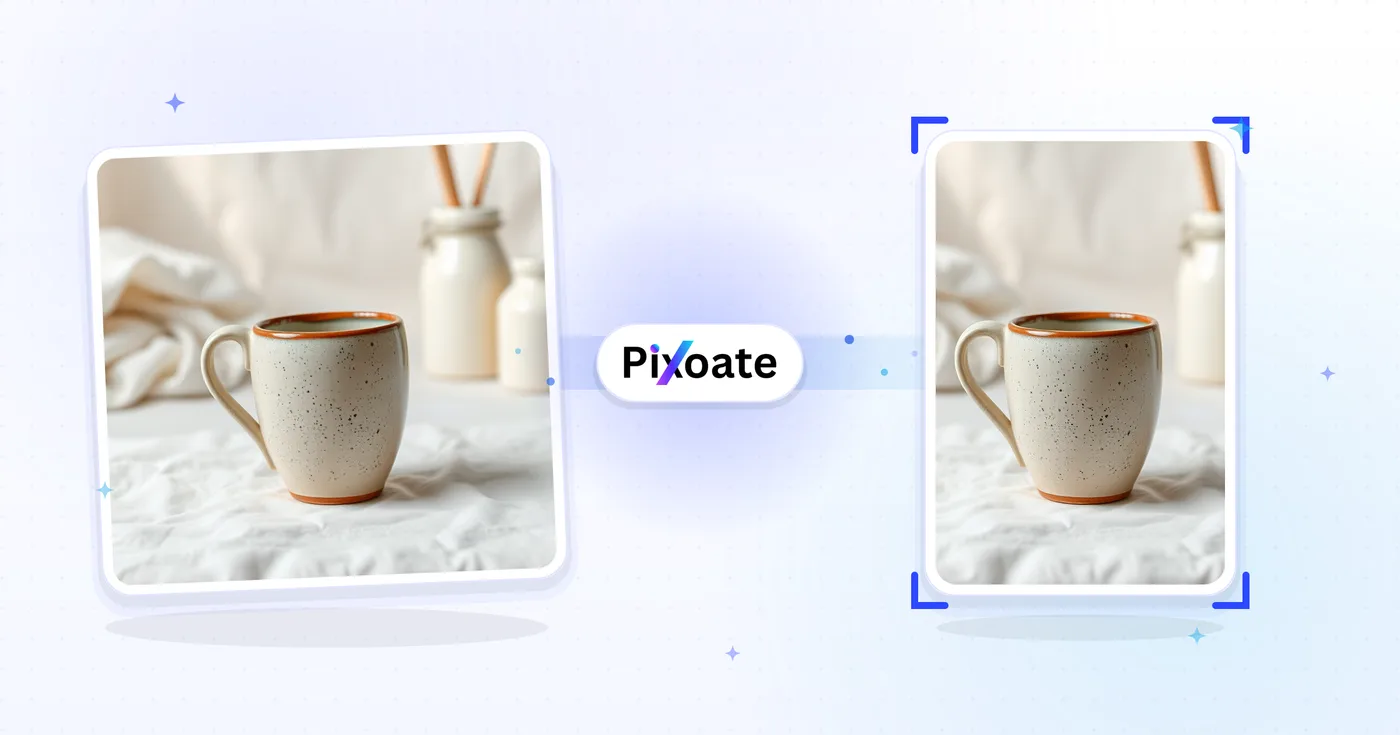
Jedes Foto überquert den Schrägstrich unbearbeitet und kommt auf der anderen Seite fertig heraus.























