
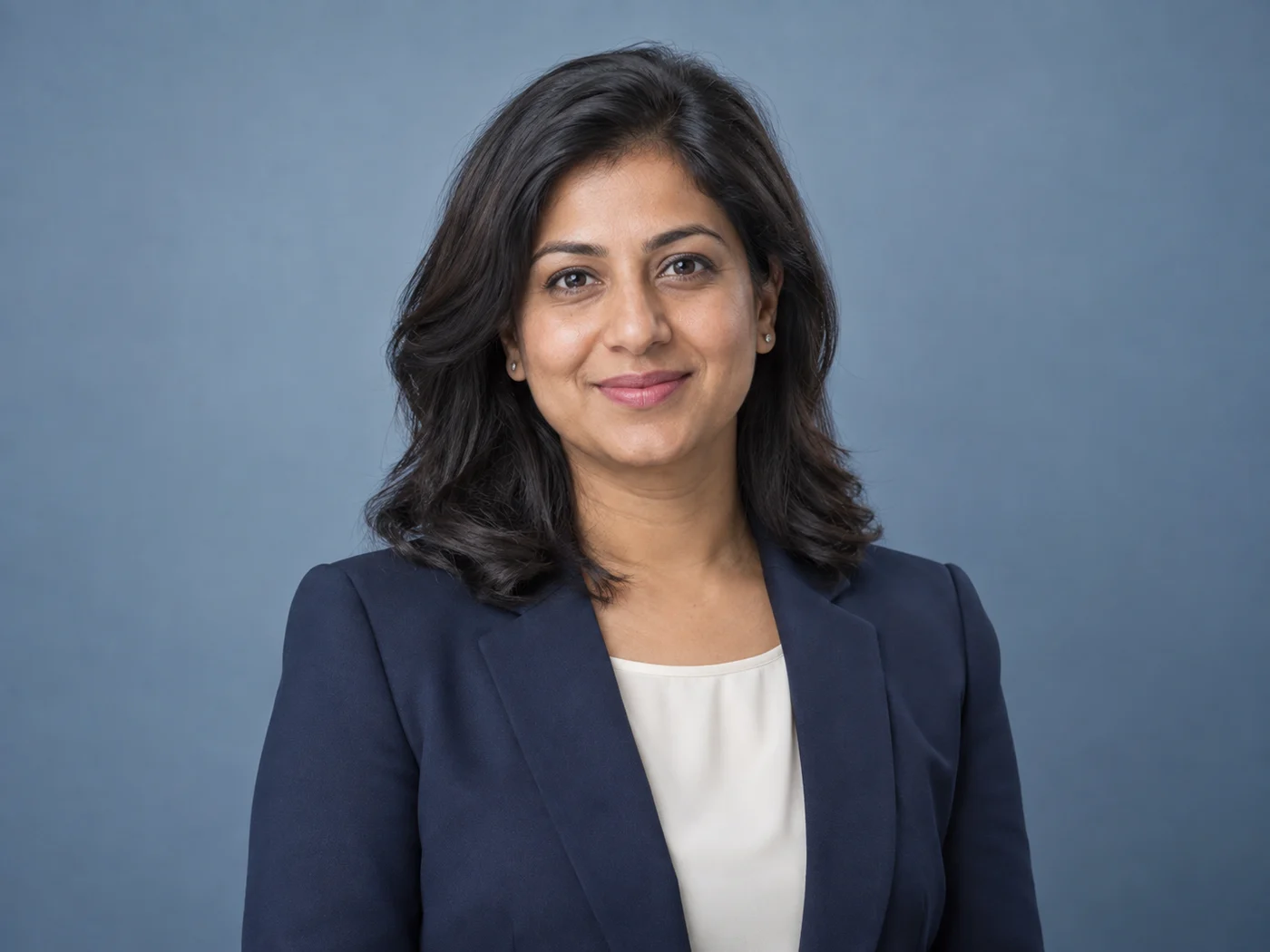
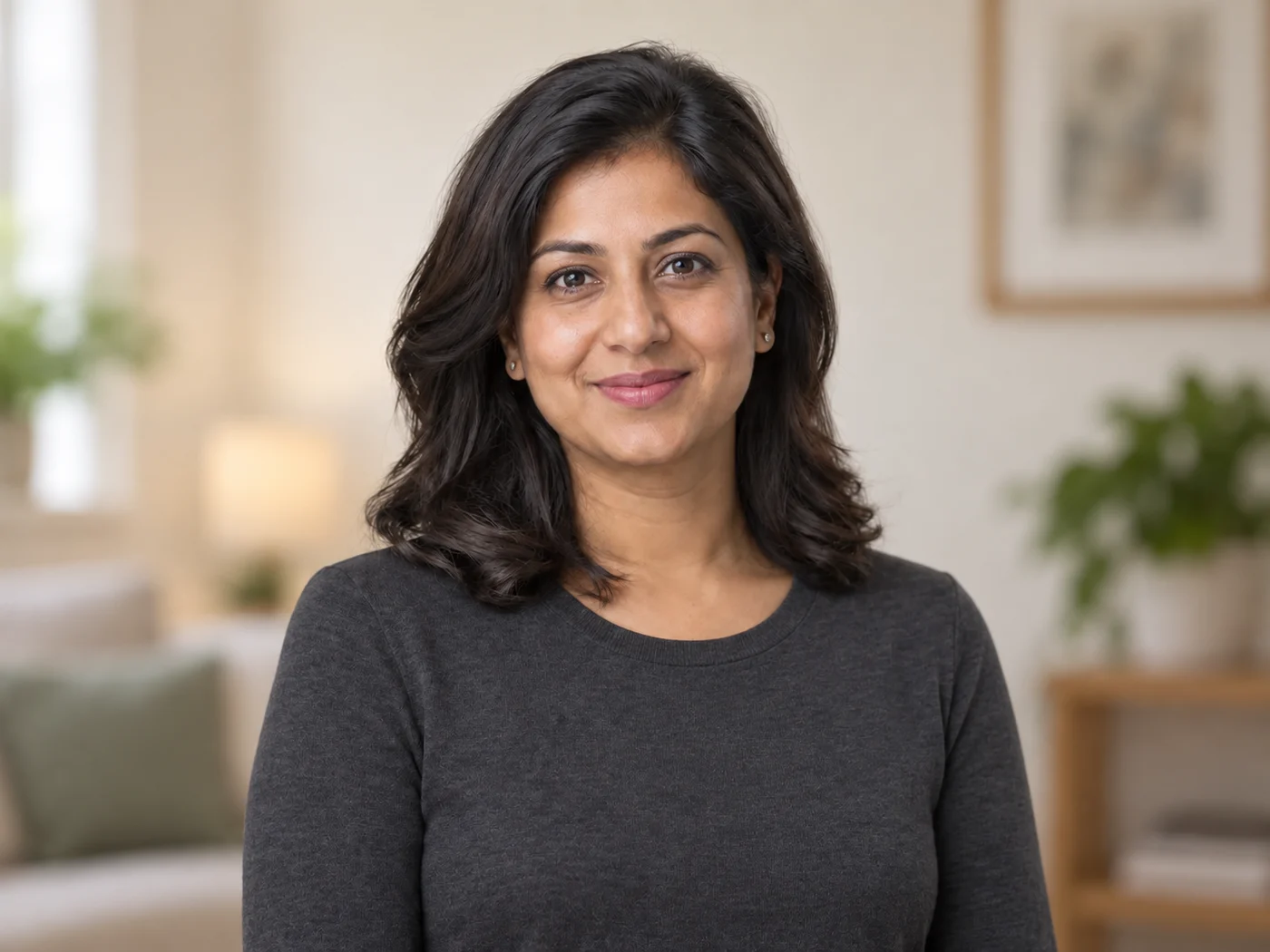
Illustrative preview
AI-portretgenerator — een professioneel portret van een selfie
Controleer de gelijkenis en identiteitsbepalende details voordat u publiceert
Create a professional headshot with directed clothing, background, and lighting. Generative results vary, so compare facial likeness and every identity-relevant detail before publishing.
- Professional look built on your own head-and-shoulders photo
- Gerichte kleding, achtergrond en belichting
- Expliciete instructie om de identiteit te behouden
Kies een duidelijk, recent portret
JPG, PNG, WebP, HEIC en andere ondersteunde formaten. Voor deze tool geldt: Free tot 20 MB, Premium en hogere abonnementen tot 50 MB.
Wat u kunt doen met LinkedIn-headshot-generator
Bekijk de belangrijkste mogelijkheden voordat u begint.
- Zet een selfie om in een professionele headshot
- Voeg een schone studioachtergrond toe
- Zorg voor een gepolijste hoofd-en-schouderomlijsting
- Egaliseer de verlichting voor een werkklare look
- Maak een headshot voor LinkedIn en cv's
- Direct clothing, background, and lighting with a style prompt
Referentie instellingen
5 instellingen
Beschikbare besturingselementen voor LinkedIn-headshot-generator.
Werkproces
- Enkele afbeelding of batchafbeeldingenVoorinstellingen
- Verwerk één afbeelding of gebruik Premium Batch-afbeeldingen om hetzelfde automatische recept op een set toe te passen en één ZIP te downloaden.Opties: Enkele afbeeldingBatch-afbeeldingen
Stijlen
- Preset met één tikVoorinstellingen
- Kies met één tik een kant-en-klare richting; generatie gebruikt automatisch de geselecteerde preset.Opties: Neutrale studioModern kantoorWarm redactioneel
- Aangepaste instructies (optioneel)Tekstinvoer
- Beschrijf the requested change, relevant materials, lighting, perspective, and details that must remain unchanged.
Uitvoer
- Beeldverhouding van het portretVoorinstellingen
- The generated headshot keeps the framing of the photo you upload whichever ratio is selected, so crop your selfie to head and shoulders first.Opties: Portret 4:5Vierkant 1:1Portret 3:4
- Vraag AI om de identiteit van het onderwerp en productdetails te behoudenTekstinvoer
- Voegt een expliciete instructie toe om het hoofdonderwerp, de vorm, de branding, de labels en de leesbare tekst te behouden, tenzij het verzoek deze wijzigt.
Populaire presets
Gerelateerde tools voor LinkedIn-headshot-generator
Hulpmiddelen voor algemene volgende stappen na LinkedIn-headshot-generator.
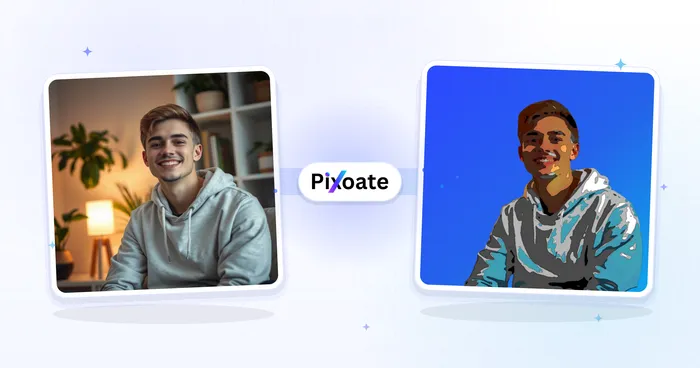
Portret- en portretstudio
Avatargenerator
Maak corporate, gaming, social, or illustrated avatars from a portrait with editable AI style directions.
Probeer het nu
Portret- en portretstudio
Gezicht verfraaien
Pas instelbare huidvereffening en tooncorrectie toe terwijl u gezichtsdetails en randen bekijkt.
Probeer het nu
Achtergrondstudio
Achtergrond verwijderen
Remove a photo background and download a transparent PNG. Review hair and edges before use.
Probeer het nuVeelgestelde vragen
Hoe LinkedIn-headshot-generator je helpt de klus te klaren
Echte problemen die het elke dag oplost – voor bedrijven, makers en alledaagse taken. Vind de use case die bij u past en begin.
LinkedIn-profielfoto's
Maak van een gewone selfie een professionele LinkedIn-headshot met een strakke studio-achtergrond
Cv's & sollicitaties
Maak een verzorgde portretfoto voor cv's en sollicitaties zonder fotostudio
Bedrijfsoverzichten en teampagina's
Standaardiseer team-headshots met consistente uitsnede en achtergronden voor over-ons- en teampagina's
Sprekersbio's & conferentieprofielen
Maak een professionele headshot voor sprekersbio's, panels en evenementprofielen
Merkkleurenteam-headshots voor startups
Gebruik de aangepaste achtergrondkleurkiezer om het exacte merkvak achter de portretfoto van elke teamgenoot te matchen, zodat de Over-pagina en de teamdirectory er samenhangend uitzien zonder dat je een echte studio hoeft te boeken.
Profielfoto's van makelaars
De achtergrondvoorinstellingen Zacht blauw en Warm beige komen benaderbaar en betrouwbaar over voor makelaarsbio's en aanbodsites — houd de retoucheersterkte laag voor een geloofwaardige, authentieke look waar kopers op vertrouwen.
Portfoliofoto's voor freelancers en consultants
Wissel naar de achtergrond Antraciet of Merkblauw voor een zelfverzekerd, premium portret dat je opnieuw kunt gebruiken op Upwork, een persoonlijke website en pitchdecks.
Foto's voor alumni- & universiteitsgidsen
Witte of lichtgrijze achtergronden geven elke ingezonden foto dezelfde neutrale achtergrond, zodat een alumnigids of docentenpagina er consistent uitziet, zelfs als iedereen een andere selfie uploadt.
Handleidingen voor dit hulpmiddel
- How to Create Consistent Staff Headshots for a Company WebsiteCreate consistent staff headshots for a company website with Pixoate. Coordinate framing and backgrounds while keeping each person's likeness clear.
- A Better Team Page Starts with Headshots That Belong TogetherA coherent team page starts with portraits that belong together. Explore Pixoate framing and background choices that preserve individual likenesses.
Bekijk each transformation land
Every foto crosses the slash untouched and comes out the other side finished.























