
LinkedIn Foto-Resizer — Profile 400×400 and Banner 1584×396
Ändern Sie die Größe eines Fotos für Ihr LinkedIn-Profilbild (400×400) oder Ihr Banner (1584×396), oder wählen Sie eine Voreinstellung für Logo, Beitrag oder Artikel, positionieren Sie das Bild und laden Sie es in den gewählten Abmessungen herunter.
Bild ablegen – Banner-, Profil- oder Beitragsgröße wählen
LinkedIn-Bildgrößen
Wählen Sie aus den aufgelisteten persönlichen Cover-, Firmen-Cover- und Beitragsvoreinstellungen und wählen Sie dann aus, wie das Bild auf die Zielleinwand passt. Plattformanforderungen können sich ändern. Bestätigen Sie daher vor der Veröffentlichung die aktuellen LinkedIn-Anleitungen.
Das können Sie mit LinkedIn-Bildgrößenanpassung machen
Überprüfen Sie die Hauptfunktionen, bevor Sie beginnen.
- Fotos auf ein LinkedIn-Banner mit 1584×396 bringen
- Bilder für Profilbilder und Unternehmenslogos anpassen
- Grafiken an LinkedIn-Beiträge und Artikel-Header anpassen
- Den sicheren Bereich vor dem Export in der Vorschau prüfen
- Leere Ränder mit einer gewählten Hintergrundfarbe füllen
- Als JPG, PNG oder WebP in Ihrer Wunschqualität exportieren
Referenz zu den Einstellungen
8 Einstellungen
Verfügbare Steuerelemente für LinkedIn-Bildgrößenanpassung.
- VerarbeitungsmodusVoreinstellungen
- Verarbeiten Sie eine einzelne Eingabe oder wechseln Sie zur Premium-Stapelverarbeitung, um mehrere Eingaben mit denselben Einstellungen zu bearbeiten. Welche Eingabearten unterstützt werden, hängt vom Werkzeug ab.Optionen: Einzelnes BildStapel
Größe
- LinkedIn-GrößenVoreinstellungen
- Wähle die LinkedIn-Platzierung, für die du hochlädst; die exakten Pixelmaße für diesen Platz (z. B. persönliches Banner mit 1584×396, Beitragsbild mit 1200×627) werden automatisch angewendet.Optionen: Persönliches BannerUnternehmensbannerProfilbildFirmenlogoQuadratisches LogoBeitragsbildArtikel-TitelbildVeranstaltungs-Titelbild
Ausgabe
- EinpassenVoreinstellungen
- Choose how the photo fills the target size: Cover crops to fill edge-to-edge, Contain keeps the whole image with padded space. To force the exact size instead, untick Maintain aspect ratio; that may distort.Optionen: TitelbildEinpassen
- HintergrundFarbwähler
- Legt die Füllfarbe für die freien Flächen um ein mit Contain angepasstes Bild fest; Standard ist LinkedIn-Blau, es lässt sich aber jede Markenfarbe treffen. Bei PNG ausgeblendet, da dort diese Fläche transparent bleibt.
- FormatierenRunterfallen
- Legt den Ausgabedateityp fest: JPG für Fotos, PNG für Transparenz, WEBP oder AVIF für kleinere Dateien, wenn du das Bild selbst hostest.Optionen: JPGPNGWEBPAVIF
- QualitätSchiebereglerBereich: 40–100% · Standard: 92%
- Steuert die Komprimierung bei der Ausgabe als JPG, WEBP und AVIF; höhere Werte halten Text und Logos schärfer, niedrigere verringern die Dateigröße. Wird bei PNG nicht angezeigt, da es immer verlustfrei ist.
Vorschau
- Sicherheitsbereich anzeigenEin / Aus
- Erscheint bei der Vorgabe „Profilbild“: blendet den runden Ausschnitt ein, den LinkedIn tatsächlich anzeigt, und dunkelt die quadratischen Ecken ab, die weggeschnitten werden — so behältst du Gesicht oder Logo im sichtbaren Bereich.
KI-Bilderweiterung
- Hintergrund mit KI erweiternEin Klick
- Setzen Sie die Szene mit KI in der gewählten Größe fort und behalten Sie dabei das vorbereitete Ausgangsfoto bei. Kostenlose Downloads haben Webgröße. Premium oder Credits schalten die volle Auflösung frei. Bei unterstützten Seitenverhältnissen muss das Seitenverhältnis beibehalten werden. Im Stapelmodus wird jedes Bild in der Warteschlange erweitert und in der gewählten Größe und im gewählten Format geliefert.
Verwandte Tools für LinkedIn-Bildgrößenanpassung
Tools für allgemeine nächste Schritte nach LinkedIn-Bildgrößenanpassung.

In sozialen Medien veröffentlichen
Facebook-Anpassung
Passen Sie die Größe der Bilder für aufgelistete Facebook-Cover, -Profile und -Beiträge mithilfe von Steuerelementen zum Anpassen und Füllen an.
Jetzt ausprobieren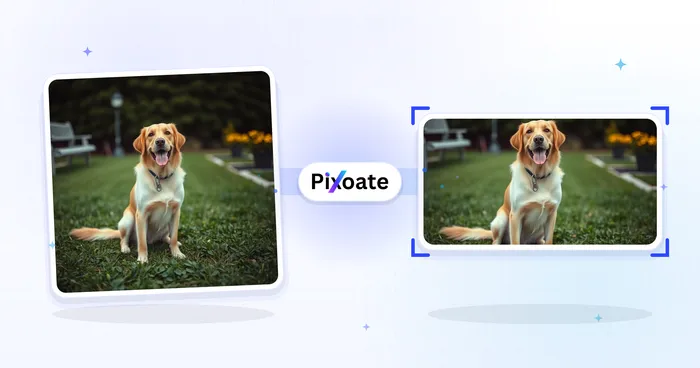
In sozialen Medien veröffentlichen
X-/Twitter-Bildgrößenänderung
Ändern Sie die Größe der Bilder für die aufgeführten X-Header-, Profil-, Beitrags-, Karten- und Anzeigenabmessungen.
Jetzt ausprobieren
Business-Generatoren
Visitenkarten-Generator
Wählen Sie ein Visitenkartenlayout, legen Sie Inhalt und Farben fest und laden Sie ein 10-fach großes A4-PDF zum Drucken herunter.
Jetzt ausprobierenHäufig gestellte Fragen
Wie LinkedIn-Bildgrößenanpassung dir hilft, es zu erledigen
Es löst jeden Tag echte Probleme – für Unternehmen, Kreative und alltägliche Aufgaben. Finden Sie den für Sie passenden Anwendungsfall und starten Sie.
Banner für Personal Branding & Jobsuche
Jobsuchende und Personal-Brand-Aufbauer gestalten LinkedIn-Banner, die ihre Überschrift, Zielbranche und aktuelle Verfügbarkeit unterstreichen – das Erste, was ein Recruiter sieht
Profilbanner für Gründer & Führungskräfte
Startup-Gründer, CEOs und Führungskräfte veröffentlichen Banner, die das Firmenlogo, den aktuellen Produkt-Launch und Investorenauszeichnungen präsentieren, um Sichtbarkeit bei Stakeholdern zu schaffen
Hero-Banner für Unternehmensseiten
Marketingteams gestalten Titelbilder für Unternehmensseiten mit dem neuesten Produkt-Screenshot, Kundenlogos und Glassdoor-Auszeichnungen, um Profilbesuche in Follower und Bewerber zu verwandeln
Banner für Konferenzredner & Autoren
Tauschen Sie einen Sprecher oder ein Podcast-Banner für die aktuelle Saison aus, ohne das Layout jedes Mal neu erstellen zu müssen
Banner für Recruiter & Personalverantwortliche
Recruiter veröffentlichen Banner, die offene Stellen, Arbeitgeber-Benefits und Teamfotos bewerben, um Profilaufrufe in Bewerbungen und eingehende Direktnachrichten von Kandidaten umzuwandeln
Banner für Vertrieb und Geschäftsentwicklung
BDRs, Account Executives und Vertriebsleiter nutzen das Banner, um das Nutzenversprechen ihres Produkts, Kundenlogos aus Fallstudien und einen klaren Call-to-Action für Interessenten hervorzuheben
Beschnittsichere LinkedIn-Profilbilder
Wählen Sie die Voreinstellung „Profilbild“ und schalten Sie die Sicherheitszonen-Überlagerung ein, um genau zu sehen, welche Ecken der runde Zuschnitt von LinkedIn abschneidet, sodass Gesichter und Logos nach dem Veröffentlichen nie beschnitten werden.
Titelbilder für Webinare und Meetups
Nutze die Vorlage „Event-Cover“ (1776×444) mit dem Anpassungsmodus „Einpassen“ und einem markenfarbenen Hintergrund, damit Webinar-Datum, Sprechername und Logo vollständig sichtbar bleiben, statt vom Event-Zuschnitt von LinkedIn beschnitten zu werden.
Ein Logo, jede LinkedIn-Platzierung
Exportieren Sie das gleiche Markenzeichen über die Voreinstellungen „Firmenlogo“ (300 x 300) und „Quadratisches Logo“ (60 x 60) mit einer passenden Hintergrundfarbe und überprüfen Sie dann jede Größe in LinkedIn.
Schnell ladende LinkedIn-Grafiken
Exportiere Post-Bild- und Artikel-Cover-Größen als WebP oder AVIF mit 85 %+ Qualität, wenn du die Grafik selbst hostest, um die Ladezeiten schnell zu halten, ohne Schärfe bei Text oder Logos zu verlieren.
Sehen Sie, wie jede Verwandlung gelingt
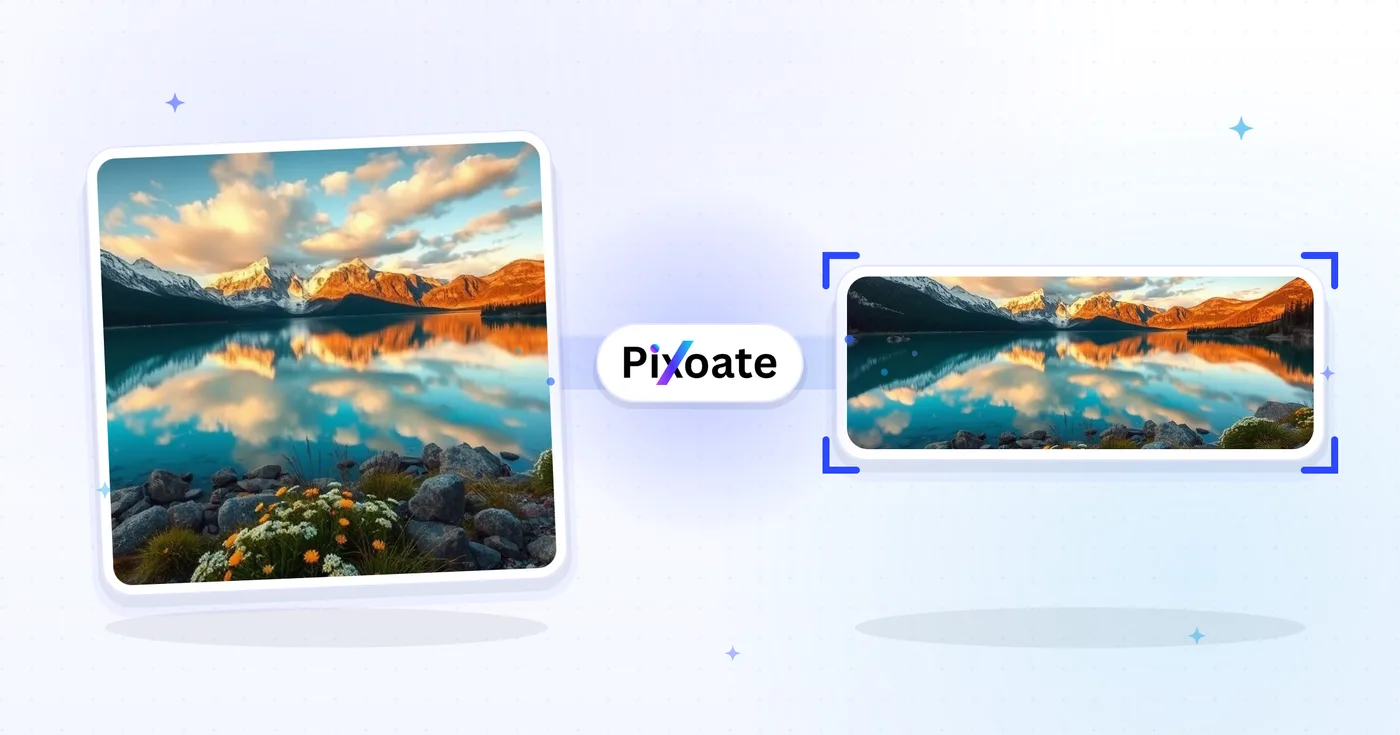
Jedes Foto überquert den Schrägstrich unbearbeitet und kommt auf der anderen Seite fertig heraus.























