
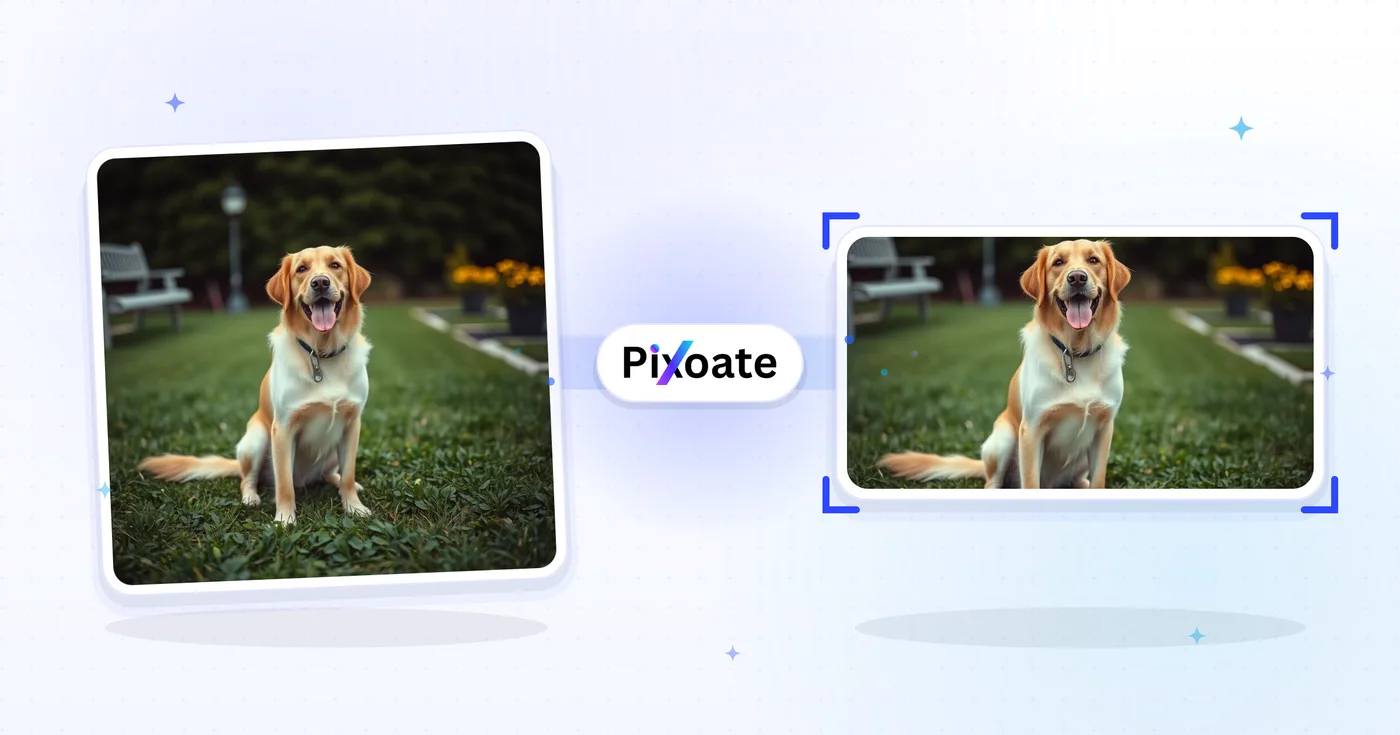
Twitter Bild-Resizer — Resize a Foto for Twitter and X Posts
1500×500 Header, Profilfotos, 16:9-Beiträge, Übersichtskarten und Anzeigengrößen – laden Sie die genauen Abmessungen herunter, die X heute verwendet.
Bild ablegen – Header-, Beitrags- oder Profilgröße wählen
X (Twitter) – Bildgrößen
X verwendet ein Header-Banner im Format 3:1 (1500×500), ein quadratisches Profilbild (400×400) und skaliert hochgeladene Bilder in der Timeline aggressiv herunter. Beiträge mit einem einzelnen Bild wirken im Format 16:9 (1600×900) am besten, während das Hochformat 4:5 (1080×1350) auf Mobilgeräten mehr vertikalen Bildschirmplatz einnimmt. Summary-Cards mit großen Bildern nutzen 1200×628 – dasselbe OG-Card-Verhältnis wie bei LinkedIn und Facebook. Dieses Tool skaliert jedes Bild auf genau die Pixelgröße, die jede Platzierung benötigt.
Das können Sie mit X-/Twitter-Bildgrößenänderung machen
Überprüfen Sie die Hauptfunktionen, bevor Sie beginnen.
- Ihren X-/Twitter-Header auf 1500×500 bringen
- Profilbilder und 16:9-Beitragsbilder anpassen
- Hochformat-Posts, Übersichtskarten und Werbebilder erstellen
- Den sicheren Bereich prüfen, um wichtige Inhalte zu schützen
- Hintergrund ergänzen, um jedes Seitenverhältnis zu füllen
- Als JPG, PNG oder WebP herunterladen
Referenz zu den Einstellungen
8 Einstellungen
Verfügbare Steuerelemente für X-/Twitter-Bildgrößenänderung.
- VerarbeitungsmodusVoreinstellungen
- Verarbeiten Sie eine einzelne Eingabe oder wechseln Sie zur Premium-Stapelverarbeitung, um mehrere Eingaben mit denselben Einstellungen zu bearbeiten. Welche Eingabearten unterstützt werden, hängt vom Werkzeug ab.Optionen: Einzelnes BildStapel
Größe
- X-/Twitter-GrößenVoreinstellungen
- Legt die exakte X-Platzierung (Twitter) fest, für die du die Größe anpasst — Header-Banner (1500×500), Profilbild (400×400), Beitragsbilder, Link-Karten oder Anzeigen — und wendet die Pixelmaße dieser Platzierung automatisch an.Optionen: Kopfbereich / BannerProfilbildEinzelnes BeitragsbildQuadratisches BeitragsbildVertikales BeitragsbildKartenbild (groß)Kartenbild (klein)Anzeigenbild
Ausgabe
- EinpassenVoreinstellungen
- Controls how your image fills the chosen size: Cover fills the frame and crops overflow, Contain fits the whole image and pads gaps. Untick Maintain aspect ratio to force exact dimensions, which may distort proportions.Optionen: TitelbildEinpassen
- HintergrundFarbwähler
- Legt die Füllfarbe hinter den Letterbox-Flächen fest, wenn die Anpassung Contain Lücken um Ihr Bild lässt; Standard ist Schwarz, und bei PNG-Ausgabe ist die Einstellung ausgeblendet, da PNG diese Bereiche transparent hält.
- FormatierenRunterfallen
- Legt den Dateityp der Ausgabe fest: JPG für Fotos, PNG für verlustfreie Ergebnisse mit transparenten Randbalken, WEBP oder AVIF für kleinere, moderne Dateien.Optionen: JPGPNGWEBPAVIF
- QualitätSchiebereglerBereich: 40–100% · Standard: 92%
- Steuert die Komprimierung der Ausgabe als JPG, WEBP und AVIF; niedrigere Werte ergeben kleinere Dateien, höhere Werte erhalten mehr Details. Bei PNG ausgeblendet, weil PNG immer verlustfrei ist.
Vorschau
- Sicherheitsbereich anzeigenEin / Aus
- Blendet bei der Vorgabe „Profilbild“ den runden Avatar-Ausschnitt von X über die Vorschau, damit du prüfen kannst, dass Gesichter oder Logos nicht abgeschnitten werden; schalte die Option aus, um das schlichte quadratische Bild zu sehen.
KI-Bilderweiterung
- Hintergrund mit KI erweiternEin Klick
- Setzen Sie die Szene mit KI in der gewählten Größe fort und behalten Sie dabei das vorbereitete Ausgangsfoto bei. Kostenlose Downloads haben Webgröße. Premium oder Credits schalten die volle Auflösung frei. Bei unterstützten Seitenverhältnissen muss das Seitenverhältnis beibehalten werden. Im Stapelmodus wird jedes Bild in der Warteschlange erweitert und in der gewählten Größe und im gewählten Format geliefert.
Verwandte Tools für X-/Twitter-Bildgrößenänderung
Tools für allgemeine nächste Schritte nach X-/Twitter-Bildgrößenänderung.

In sozialen Medien veröffentlichen
Facebook-Anpassung
Passen Sie die Größe der Bilder für aufgelistete Facebook-Cover, -Profile und -Beiträge mithilfe von Steuerelementen zum Anpassen und Füllen an.
Jetzt ausprobieren
In sozialen Medien veröffentlichen
LinkedIn-Bildgrößenanpassung
Ändern Sie die Größe von Bildern für LinkedIn-Banner, -Profile, -Beiträge oder Artikelkopfzeilen anhand der angegebenen Maße.
Jetzt ausprobieren
In sozialen Medien veröffentlichen
Instagram-Größenanpassung
Passen Sie ein vollständiges Foto bei Bedarf mit unscharfer oder einfarbiger Polsterung an die Instagram-Abmessungen an.
Jetzt ausprobierenHäufig gestellte Fragen
Wie X-/Twitter-Bildgrößenänderung dir hilft, es zu erledigen
Es löst jeden Tag echte Probleme – für Unternehmen, Kreative und alltägliche Aufgaben. Finden Sie den für Sie passenden Anwendungsfall und starten Sie.
In-Feed-Bildbeiträge, die nicht beschnitten werden
Skaliere Fotos auf die X-Feed-Maße (1600 × 900), damit der Vorschauausschnitt das zentrale Motiv zeigt und mehr Klicks, Likes und Quote-Tweets erzielt als falsch zugeschnittene Beiträge
Header-Auffrischung für Markenkonten
Marketingteams aktualisieren X-Headerbilder (1500 × 500) saisonal, um Produkt-Launches, Kampagnen-Hashtags und Konferenzteilnahmen hervorzuheben und das Profil-Branding zu stärken
Vorschaubilder für Link-Karten
Skaliere Hero-Bilder für Blogbeiträge und Landingpages auf das X-Link-Card-Format (1200 × 628), damit geteilte Links eine große Vorschaukarte statt eines winzigen Thumbnails anzeigen
Visuals für Produkteinführungen und Ankündigungen
Startup-Gründer und Produktmarketer passen Launch-Grafiken, GIF-Screenshots und Infografiken für X-Beiträge an, die die Trendthemen und das Product-Hunt-Publikum treffen
Grafiken für Live-Berichterstattung aus Nachrichten und Sport
Nachrichtenportale, Sport-Accounts und Live-Event-Teams passen die Größe von Eilmeldungs-Grafiken, Spielergebnis-Karten und Live-Anzeigetafel-Updates an, damit sie im X-Feed gestochen scharf erscheinen
Zitat-Tweets und Thread-Titelbilder
Erstelle Hero-Bilder für ausführliche Thread-Einstiege und Quote-Tweet-Antworten, die im X-Algorithmus mehr Retweets erzielen als reine Textbeiträge
Kreissichere Profilbild-Avatare
Nutze die Vorlage „Profilbild“ (400×400) mit der integrierten Sicherheitszonen-Kreisüberlagerung, um zu bestätigen, dass ein Gesicht oder Logo den kreisförmigen Avatar-Zuschnitt von X übersteht, bevor du herunterlädst, statt zu raten und erneut hochzuladen.
Vertikale Hochformat-Posts für mobile Nutzer
Exportiere die Vorlage für vertikale Post-Bilder (1080×1350, 4:5), um mehr des Bildschirms in mobilen Timelines zu füllen – ideal für Zitatkarten, Porträtfotografie und vertikale Thumbnails, die beim Scrollen auffallen sollen.
Beworbenes Anzeigenmotiv, bereit für den Ads Manager
Skalieren Sie Kampagnenmotive auf die dedizierte Anzeigenbild-Vorgabe (1600×900) mit der Anpassung „Einpassen“ und einer markengerechten Hintergrundfarbe, damit bezahlte beworbene Posts die Vorgaben ohne Verzerrung oder unerwünschte Zuschnitte erfüllen.
Sehen Sie, wie jede Verwandlung gelingt
Jedes Foto überquert den Schrägstrich unbearbeitet und kommt auf der anderen Seite fertig heraus.























